Ming Dynasty Social Media Post

Ming Dynasty Social Media Post

원본 문서

GPT Image 2 · zh

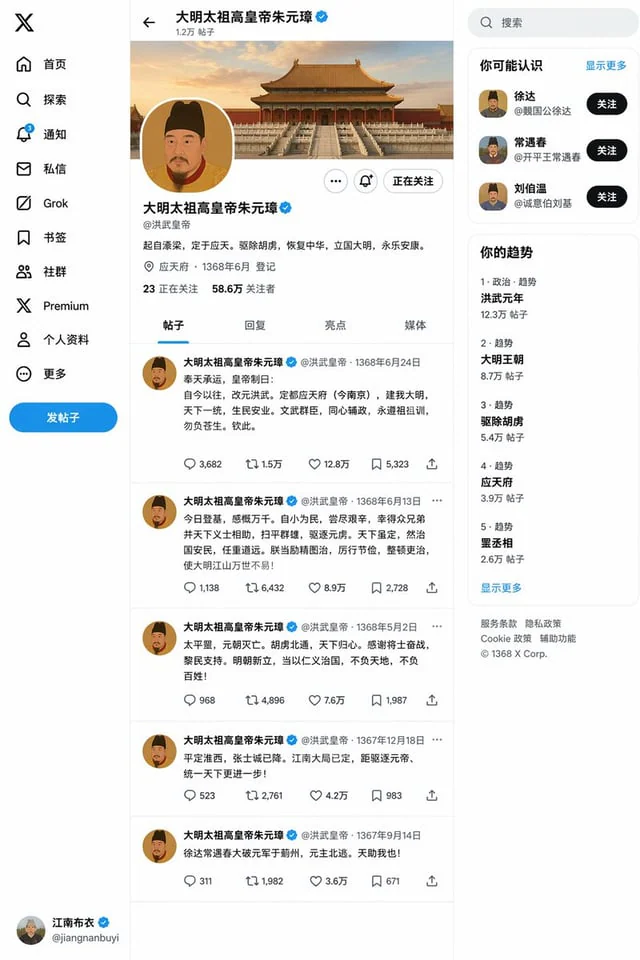
创建一个{argument name="朝代人物" default="明朝朱元璋"}{argument name="事件" default="登基"}之后的X帖子页面

사용 방법

  1. 매개변수를 포함한 전체 원본 프롬프트를 복사하세요.
  2. 주제, 문구, 구도를 자신의 요구에 맞게 바꾸세요.
  3. 호환되는 외부 도구에서 사용하고 이용 조건과 결과를 확인하세요.

시작 전 확인

  • 참조 이미지가 필요한지 확인하세요. 호환 표시는 해당 모델로 이 예시를 생성했다는 뜻이 아닙니다.
  • 이름, 수치, 이미지 속 문구를 확인하세요. 모델 버전에 따라 결과가 다를 수 있습니다.
비슷한 예시

Ming Dynasty Social Media Post
GPT Image 2en

for{argument name="dynasty and figure" default="Zhu Yuanzhang of the Ming Dynasty"} exist{argument name="event" default="Ascension to the throne"} Then create an X post page.

Historical Rabbit King Social Media Page
GPT Image 2en

Create a story about a rabbit (reference){argument name="profile" default="This user's profile and some tweets at https://t.co/4v2r0vI6Iz"} Travel back to the Ming Dynasty. After it ascends the throne, create its X social media page based on its business style/personality.

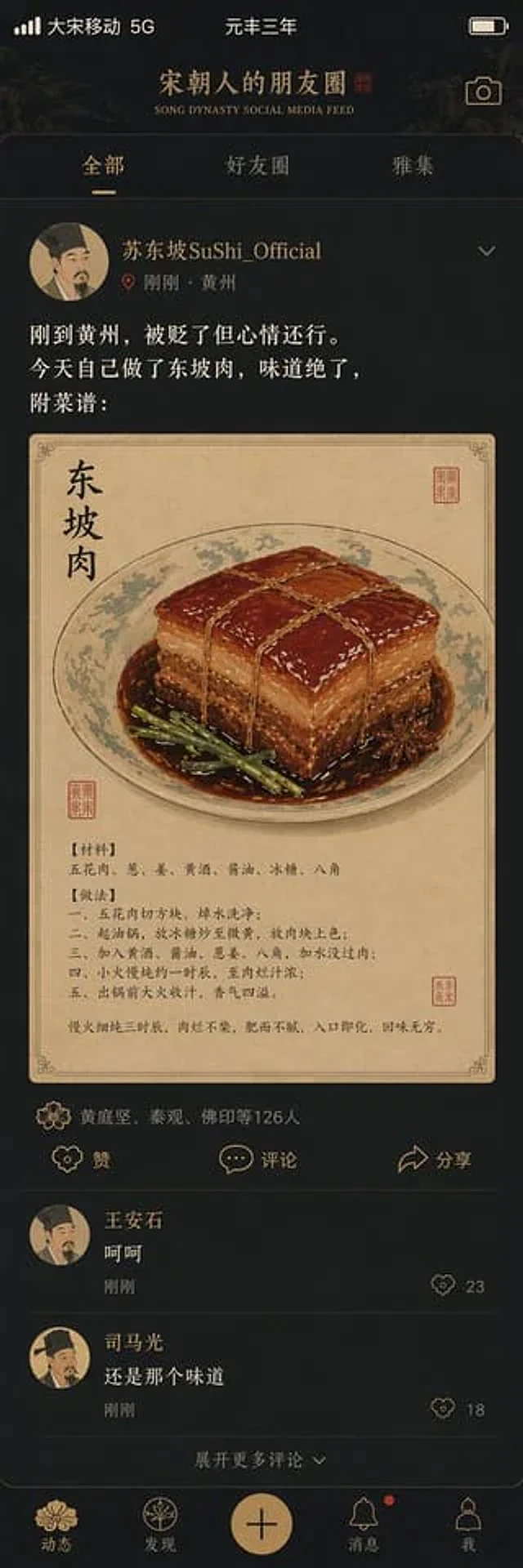
Song Dynasty Social Media Feed
GPT Image 2en

"{argument name="title" default="Song Dynasty social media activity"} A humorous fusion of ancient and modern interface design styles. The image simulates a mobile social media interface, but the content is entirely set in the Song Dynasty. The profile picture is a portrait of a

Historical Figure Social Media UI Mockup
GPT Image 2en

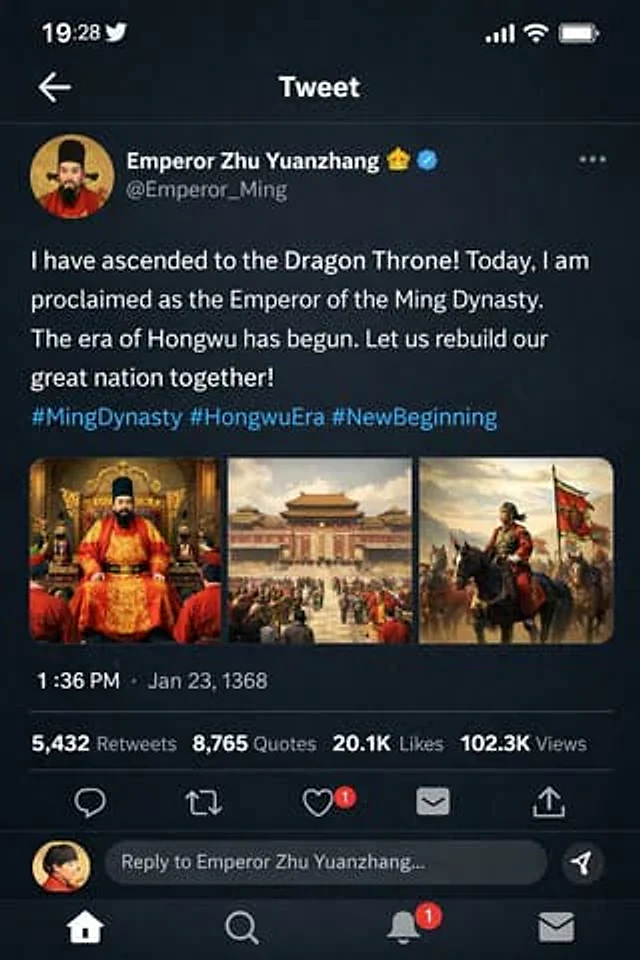
{ "type": "Mobile social media app interface model", "theme": "Dark mode, Chinese Ming Dynasty historical theme", "header": { "banner_image": "Traditional Chinese palace complex at sunset", "avatar": "Portrait of a Chinese emperor wearing a yellow robe", "profil

Historical Figure Social Media Mockup
GPT Image 2en

{ "type": "Mobile social media application UI simulation diagram", "platform": "Twitter/X Dark Mode", "header": { "status_bar": "Time 19:28, bird icon, signal, WiFi, battery", "navigation": "Back arrow, 'Tweet' title" }, "post": { "author": { "avatar":