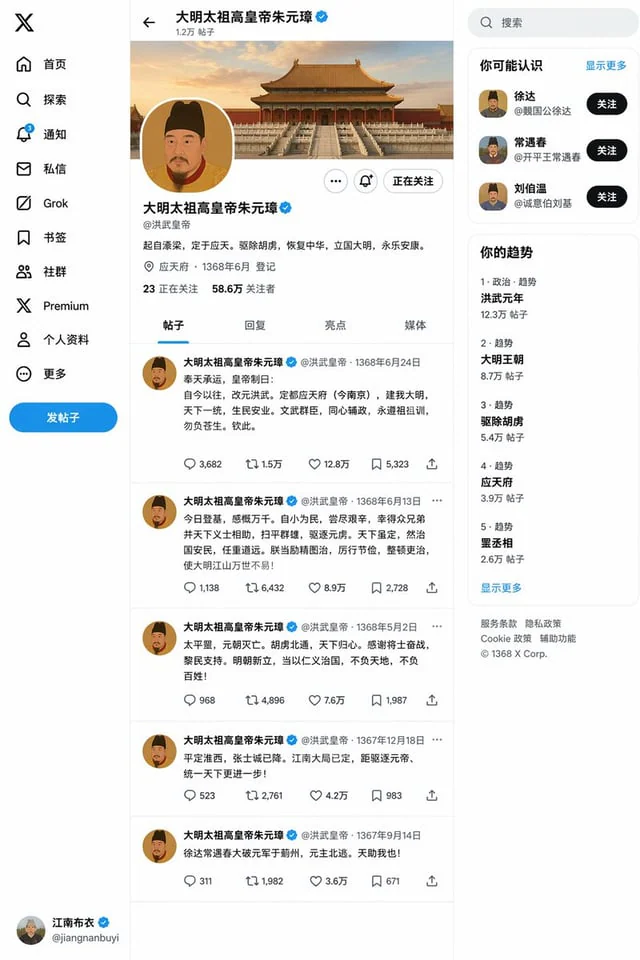
Ming Dynasty Social Media Post

Ming Dynasty Social Media Post

Oryginalny dokument

GPT Image 2 · zh

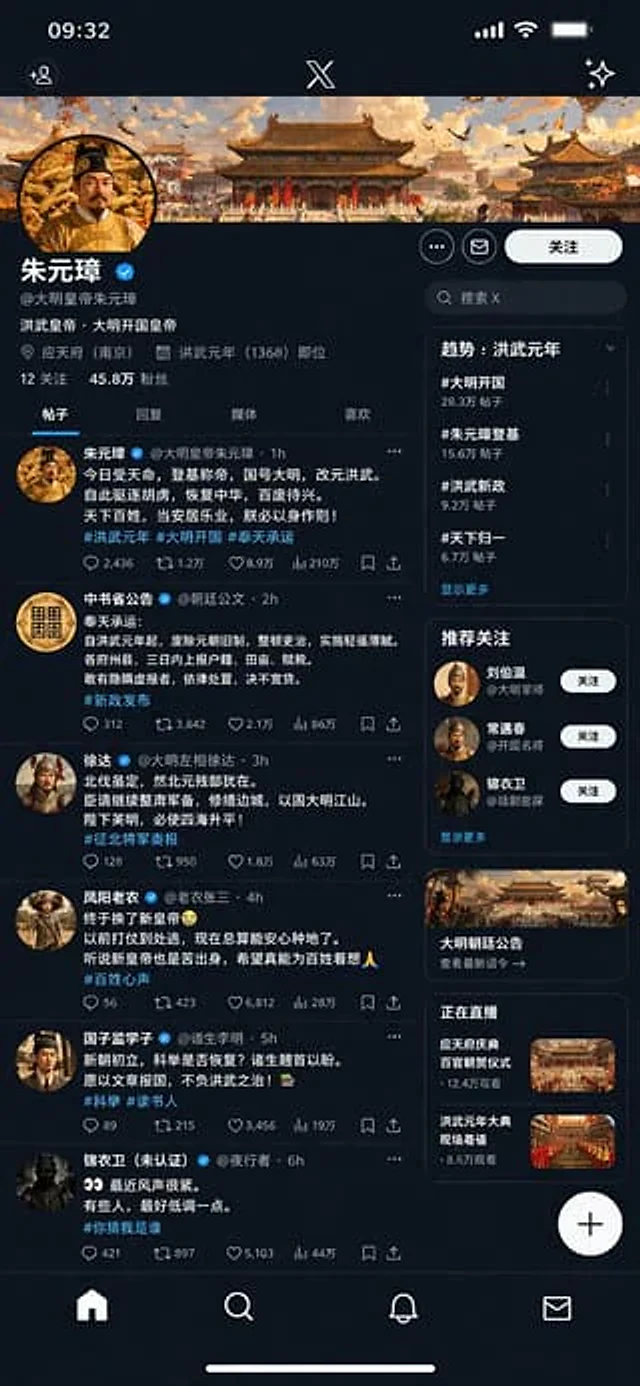
创建一个{argument name="朝代人物" default="明朝朱元璋"}{argument name="事件" default="登基"}之后的X帖子页面

Jak używać

  1. Skopiuj cały oryginalny prompt wraz z parametrami.
  2. Dostosuj temat, tekst i kompozycję do swoich potrzeb.
  3. Użyj zgodnego narzędzia zewnętrznego; sprawdź warunki dostępu i wynik.

Przed rozpoczęciem

  • Sprawdź, czy potrzebny jest obraz referencyjny. Zgodność nie potwierdza modelu użytego do przykładu.
  • Sprawdź nazwy, liczby i napisy; wyniki zależą od wersji modelu.
Podobne przykłady

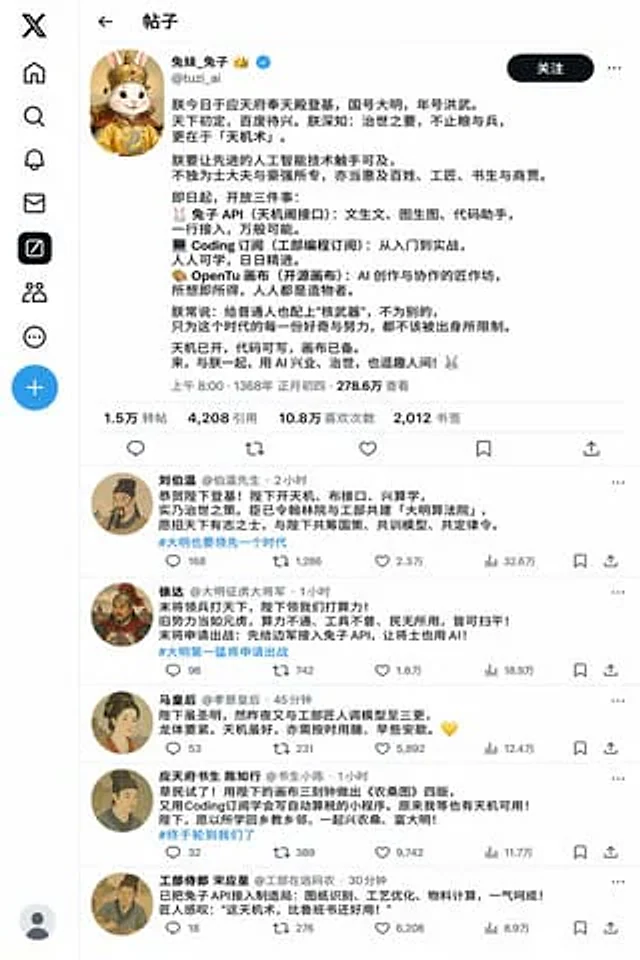
Historical Rabbit King Social Media Page
GPT Image 2en

Create a story about a rabbit (reference){argument name="profile" default="This user's profile and some tweets at https://t.co/4v2r0vI6Iz"} Travel back to the Ming Dynasty. After it ascends the throne, create its X social media page based on its business style/personality.

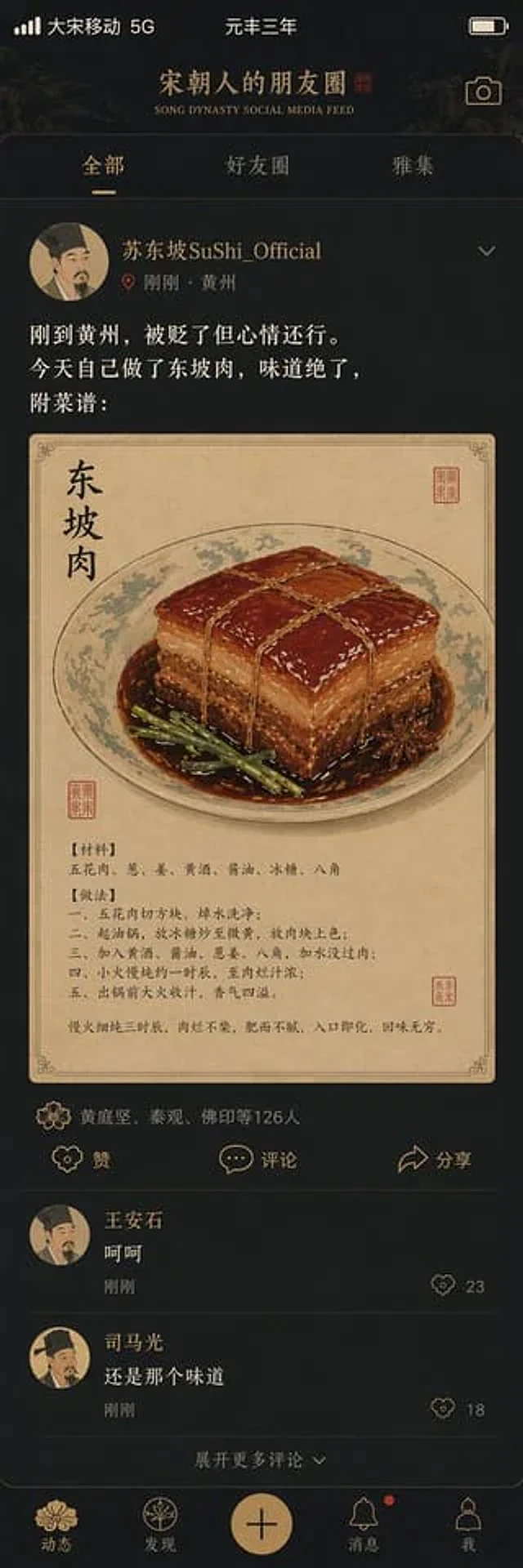
Song Dynasty Social Media Feed
GPT Image 2en

"{argument name="title" default="Song Dynasty social media activity"} A humorous fusion of ancient and modern interface design styles. The image simulates a mobile social media interface, but the content is entirely set in the Song Dynasty. The profile picture is a portrait of a

Historical Figure Social Media UI Mockup
GPT Image 2en

{ "type": "Mobile social media app interface model", "theme": "Dark mode, Chinese Ming Dynasty historical theme", "header": { "banner_image": "Traditional Chinese palace complex at sunset", "avatar": "Portrait of a Chinese emperor wearing a yellow robe", "profil

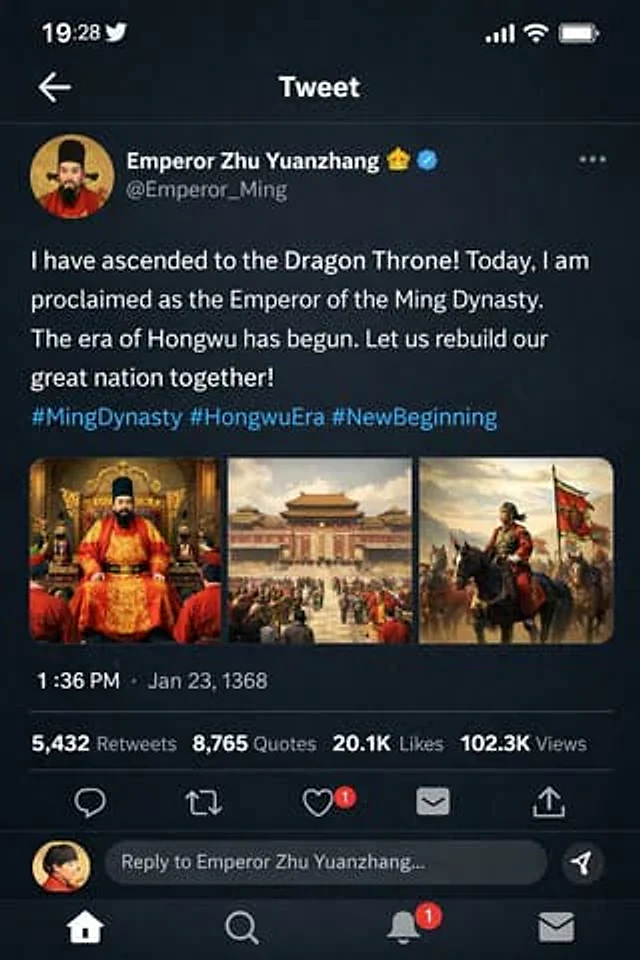
Historical Figure Social Media Mockup
GPT Image 2en

{ "type": "Mobile social media application UI simulation diagram", "platform": "Twitter/X Dark Mode", "header": { "status_bar": "Time 19:28, bird icon, signal, WiFi, battery", "navigation": "Back arrow, 'Tweet' title" }, "post": { "author": { "avatar":