Oryginalny dokument
GPT Image 2 · en
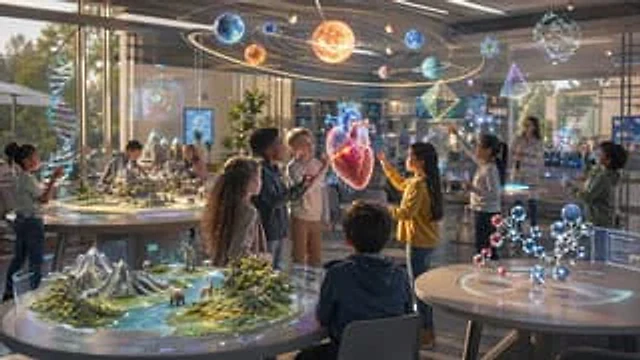
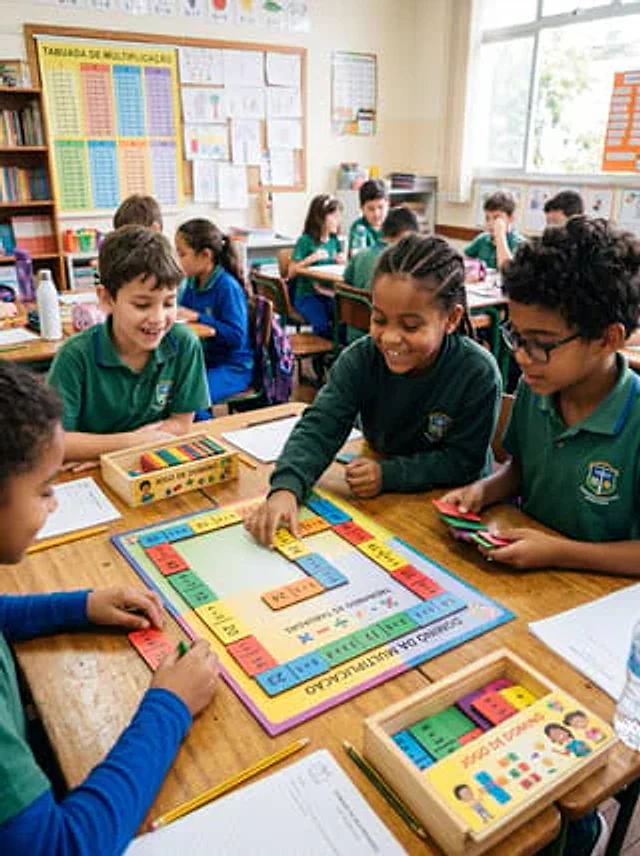
A realistic, documentary-style photograph captures a scene of a math activity in an elementary school classroom. About ten children in blue-green school uniforms sit around a makeshift wooden table, actively playing a brightly colored multiplication domino game. The camera is positioned at the children's eye level, tilted slightly downwards, pointing at the main table in the foreground. At the center of the scene is a square educational project labeled in Portuguese, with the title "DOMINÓ DA MULTIPLICAÇÃO" printed on the bottom edge and "TREINANDO AS TABUADAS" in the center, surrounded by brightly colored domino-shaped multiplication blocks. Four children are intently focused on this main project: one is placing a yellow domino into the project, another holds a stack of colored dominoes, one watches from the left, and another, wearing blue sleeves, organizes the dominoes at the bottom edge. Two light-colored wooden boxes labeled "JOGO DE DOMINÓ" are also present, one in the center left and the other in the lower right corner, containing colorful rectangular dominoes. School supplies are casually scattered on the desks: three pencils, two sheets of worksheets, a water bottle, a pencil case, a notebook, and extra play cards. In the background, the rest of the classroom is softly out of focus, showing other students sitting at desks, bookshelves, a corkboard covered with children's drawings, and a large multiplication table poster on the left wall that reads "TABUADA DE MULTIPLICAÇÃO". Bright natural light streams in from the high window on the right, creating a warm, lively, and authentic school atmosphere. Educational items and cards should use vibrant classroom colors such as yellow, blue, pink, green, and orange. Faces should be blurred or softened, emphasizing hands-on learning, collaboration, and the multiplication domino activity. A vertical composition, a highly realistic photograph, capturing a genuine classroom moment with clear foreground details and a soft depth of field in the background.Jak używać
- Skopiuj cały oryginalny prompt wraz z parametrami.
- Dostosuj temat, tekst i kompozycję do swoich potrzeb.
- Użyj zgodnego narzędzia zewnętrznego; sprawdź warunki dostępu i wynik.
Przed rozpoczęciem
- Sprawdź, czy potrzebny jest obraz referencyjny. Zgodność nie potwierdza modelu użytego do przykładu.
- Sprawdź nazwy, liczby i napisy; wyniki zależą od wersji modelu.