原始文档
GPT Image 2 · en
Scene:
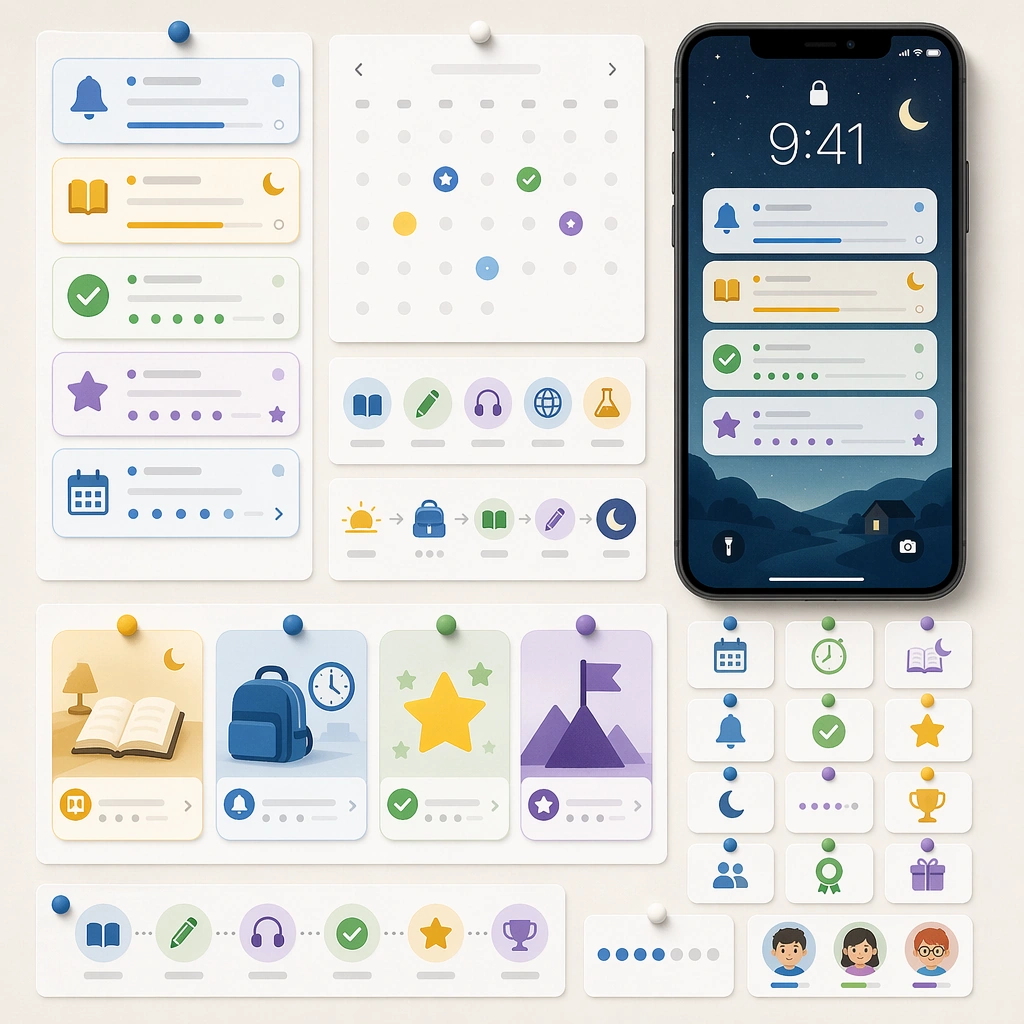
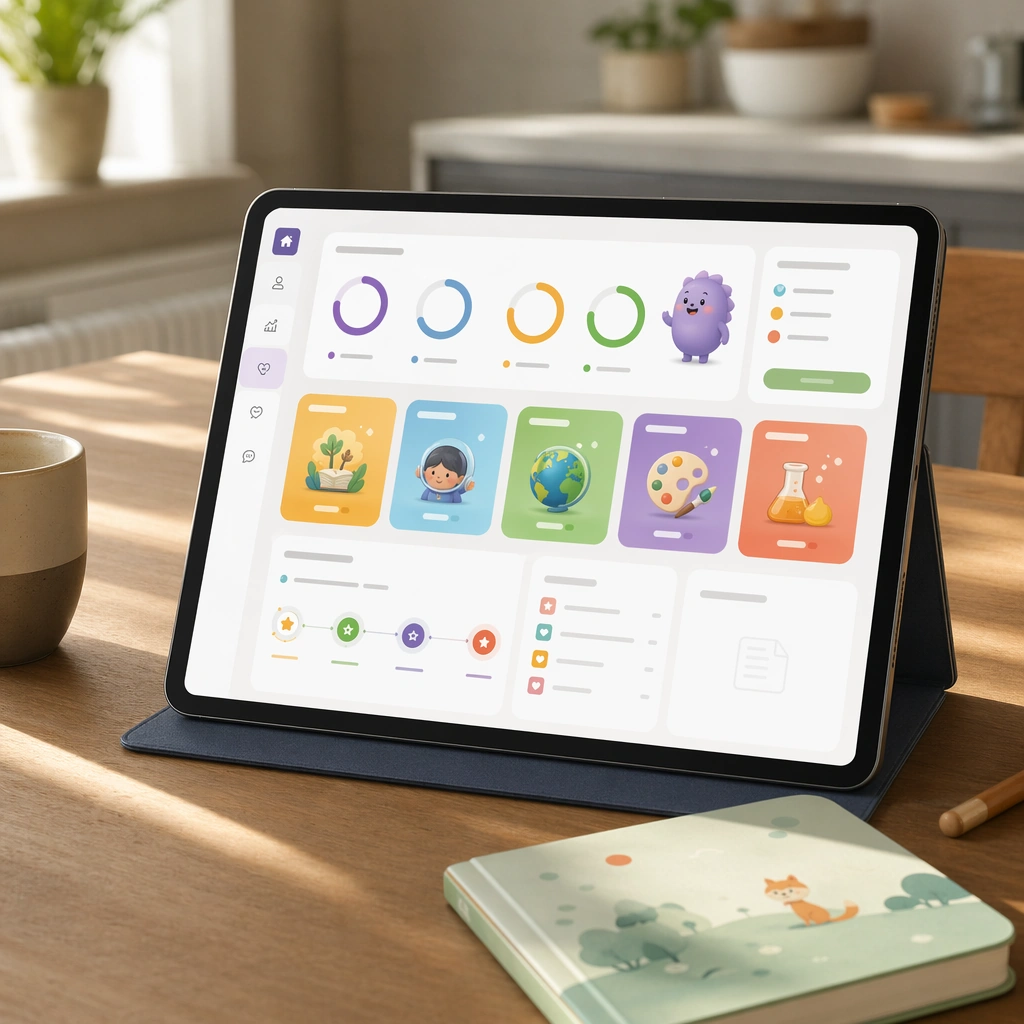
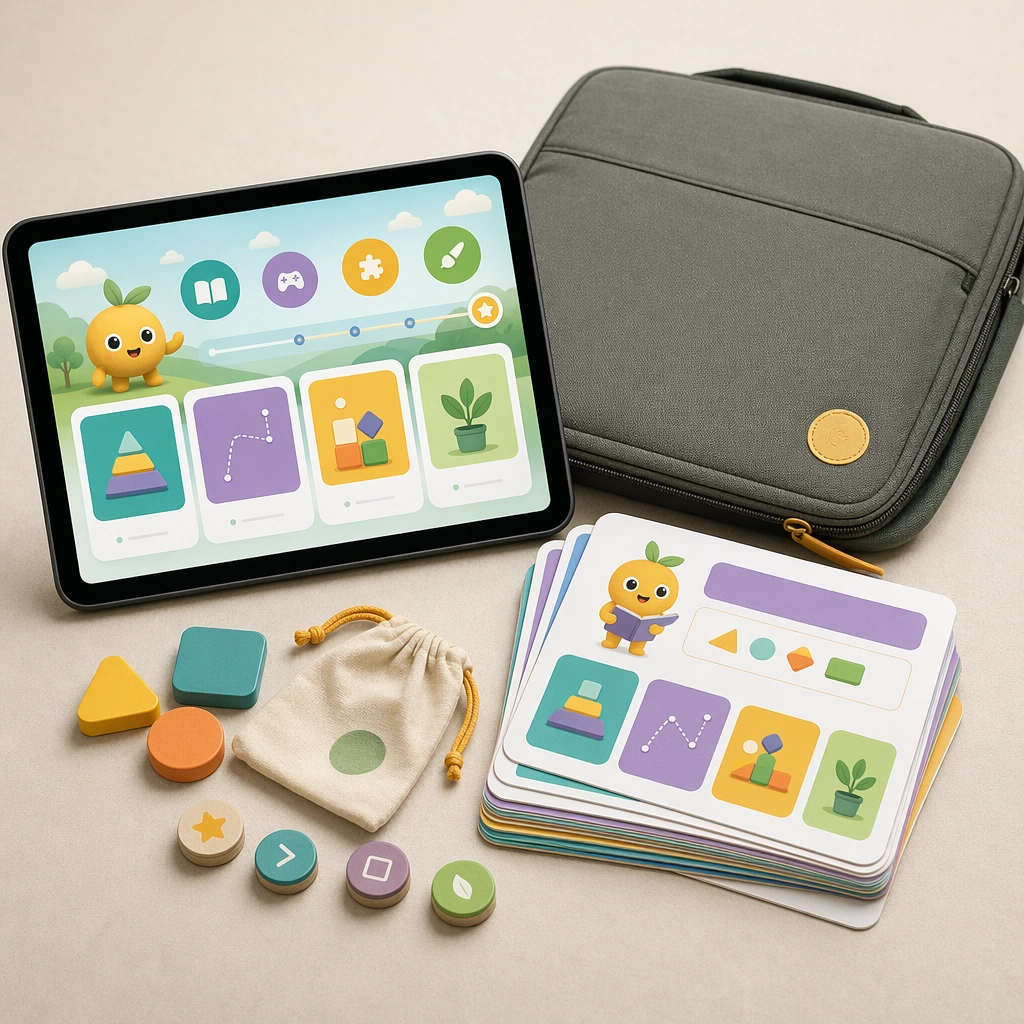
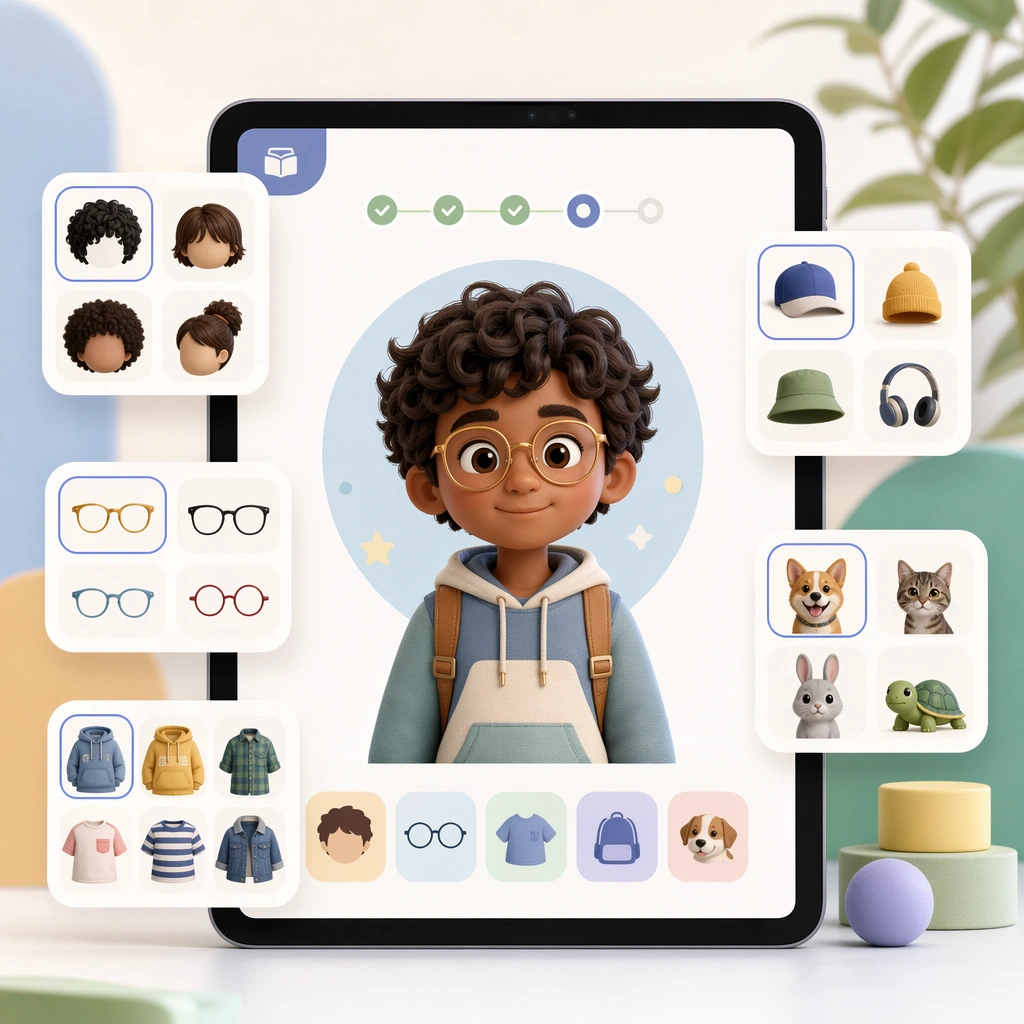
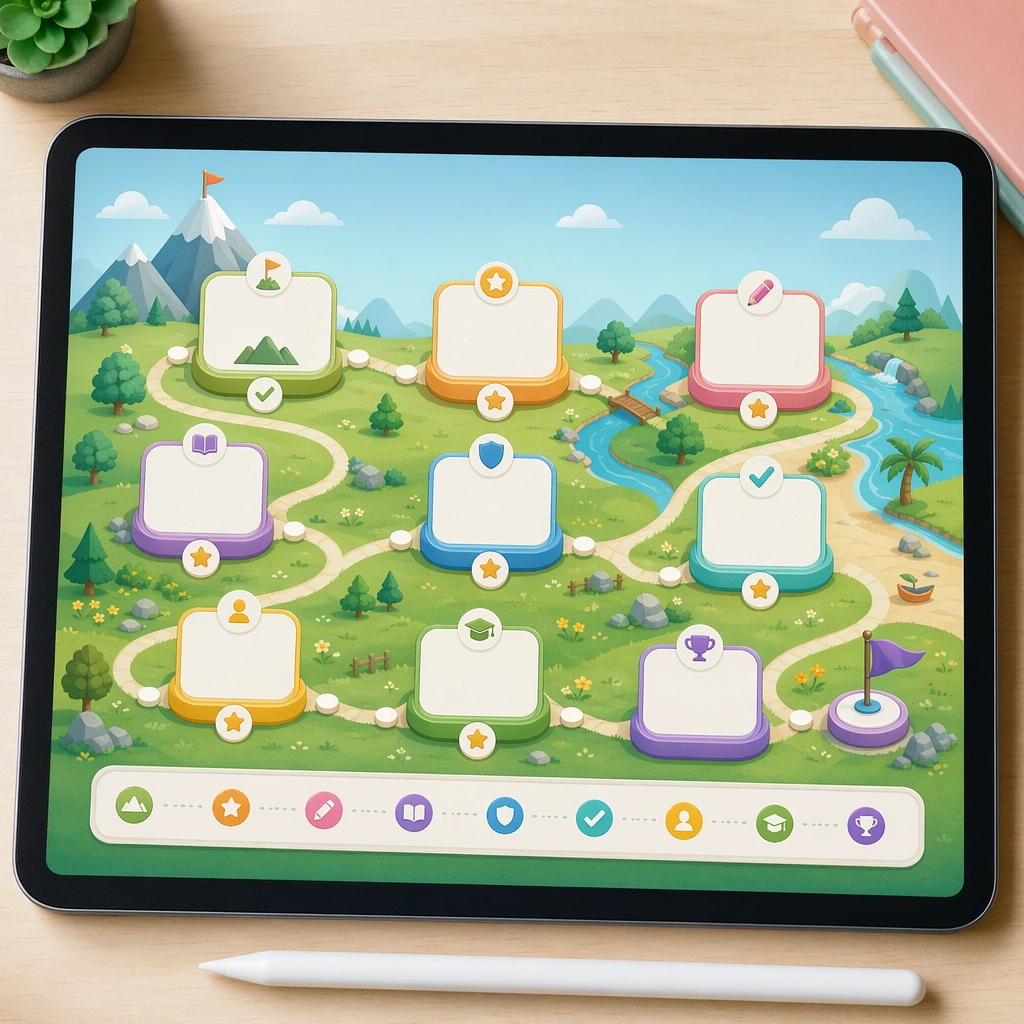
Show a square overview board displayed on a tablet screen or lightweight poster, with a clear path-like composition and crisp educational lighting. The image should feel like a curriculum presentation asset that could live in product marketing, teacher training, or app design decks. Keep the square frame balanced, calm, and production-ready so the asset can serve gallery review, research comparison, and real educational delivery at the same time.

Subject:
Turn modules into islands, stepping stones, or gentle landmarks connected by a child-friendly path, with blank module cards and pictorial achievement markers. The layout should make progression obvious while remaining structured and plausible for a real education product. The subject arrangement should feel complete and self-contained, able to stand alone as a real supporting deliverable inside the same education business line.

Important details:
Keep the hierarchy extremely clear and the style modular. The asset should bridge pedagogy and delight, translating curriculum logic into a form children can emotionally understand. Keep the visual hierarchy modular, commercially believable, and clearly tied to a real educational use case rather than a generic mood board.

Use case:
Learning App Onboarding and Lesson UI single study 2/5, course map board.

Constraints:
No readable text, no watermark, no logos, preserve exact 1:1 aspect ratio, no readable UI copy, no logos, no generic game loot clutter, no brand watermarks, no impossible screen perspective, no app-store badges.
使用方法
- 复制完整原始提示词,并保留其中的参数。
- 按需求替换主体、文字和构图要求。
- 在兼容的外部工具中使用,核对当前使用条件并检查结果。
开始前需了解
- 先确认是否需要参考图。标注兼容模型,不代表该示例由这个模型生成。
- 核对名称、数字与画面文字;不同模型版本的结果可能不同。