
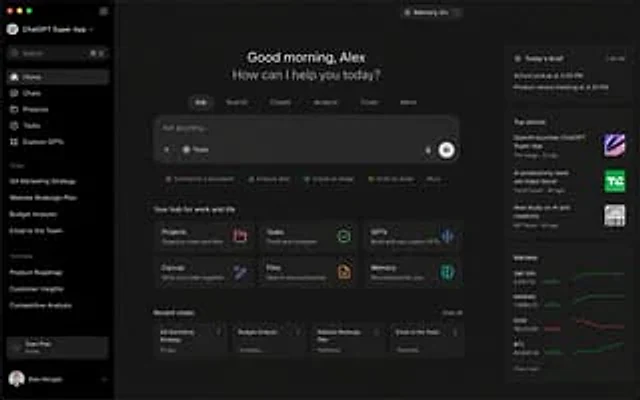
原始文档
GPT Image 2 · en
{argument name="application" default="ChatGPT Super App"} Computer screenshot使用方法
- 复制完整原始提示词,并保留其中的参数。
- 按需求替换主体、文字和构图要求。
- 在兼容的外部工具中使用,核对当前使用条件并检查结果。
开始前需了解
- 先确认是否需要参考图。标注兼容模型,不代表该示例由这个模型生成。
- 核对名称、数字与画面文字;不同模型版本的结果可能不同。
GPT Image 2 · en
{argument name="application" default="ChatGPT Super App"} Computer screenshot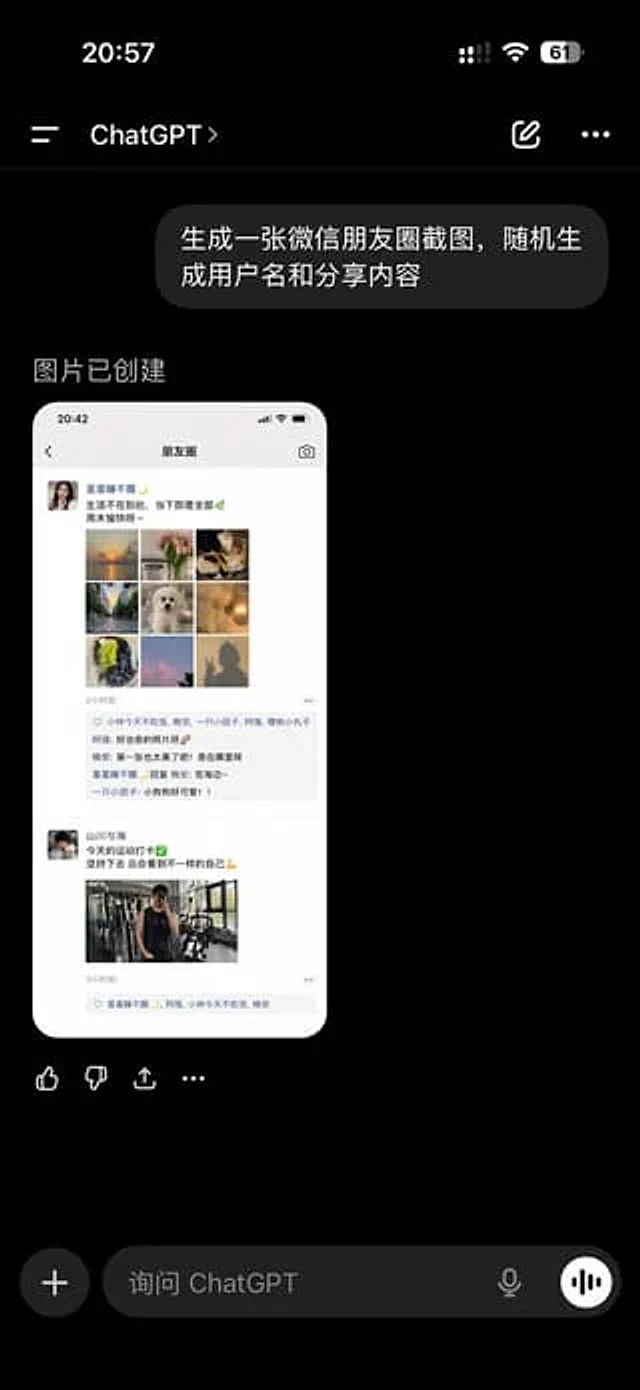
A realistic screenshot of the ChatGPT mobile app in dark mode, displayed full-screen against a black background with an iPhone-style status bar. The top left side of the status bar shows the time 20:57, while the right side displays small cellular signal, Wi-Fi, and battery icons
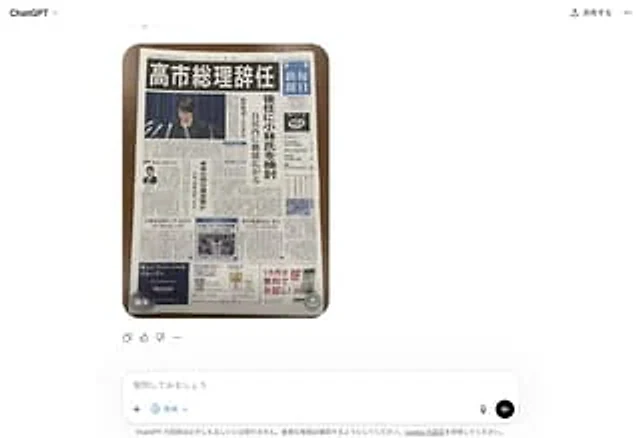
A realistic screenshot of the ChatGPT Japanese web version on a smartphone, against a clean white background. In the center of the chat interface is a generated image: a photo taken from directly above showing a Japanese newspaper neatly arranged on a dark wooden table, its round
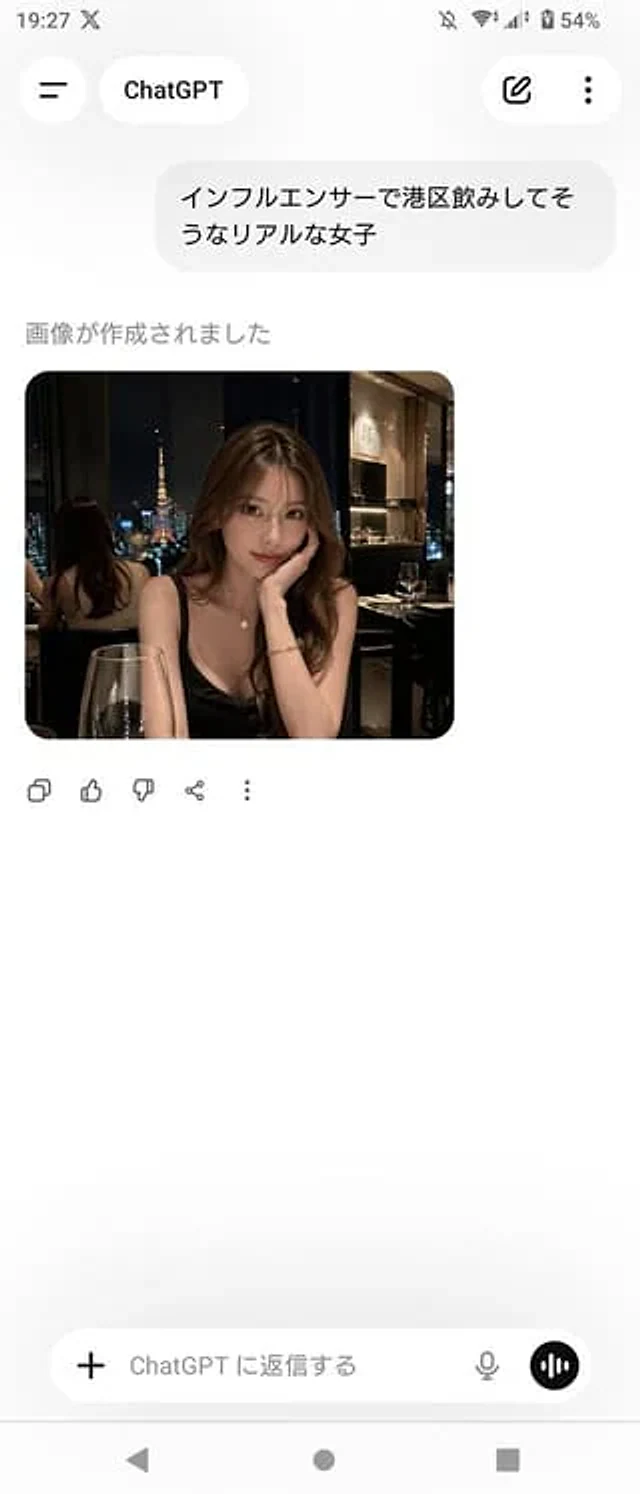
A realistic screenshot of the ChatGPT mobile app (Japanese version) on an Android device, displayed in portrait full-screen mode with a clean, light-colored theme. The top status bar shows the time 19:27, network and battery icons, and the battery level at 54%. The header has a b