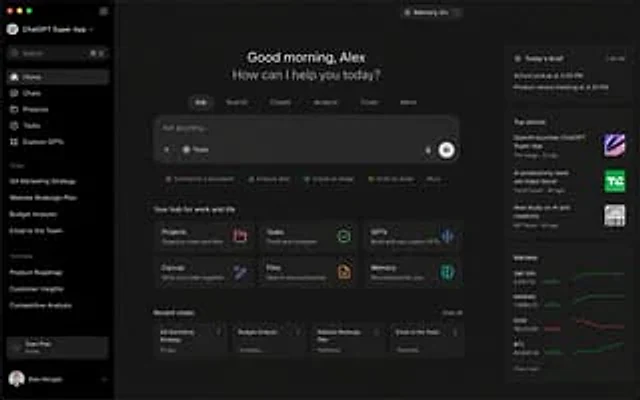
ChatGPT Super App Concept

ChatGPT Super App Concept

Original document

GPT Image 2 · en

{argument name="application" default="ChatGPT Super App"} Computer screenshot

How to use

  1. Copy the complete original prompt, including any parameters.
  2. Replace the subject, text and composition with your own requirements.
  3. Use a compatible external tool; check its current access conditions and review the result.

Before you start

  • Check whether a reference image is required. A compatible model label does not mean this example was generated with that model.
  • Keep names, figures and visible text accurate; results can vary between model versions.
More like this

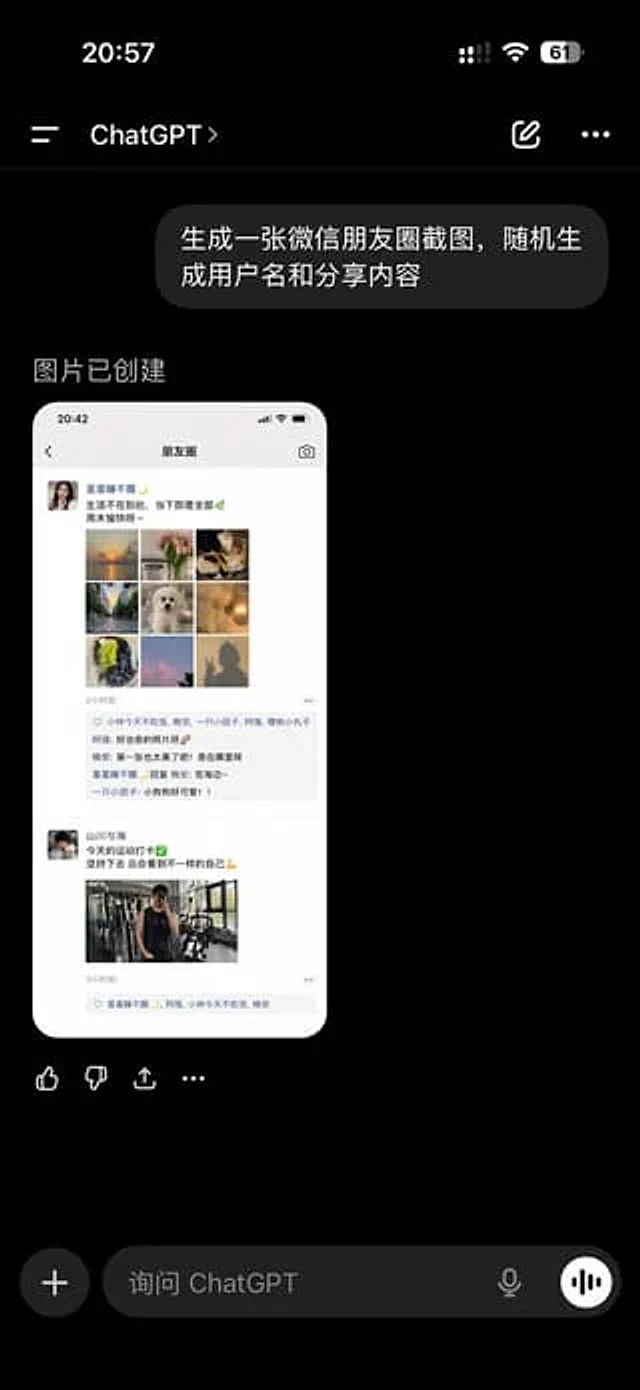
ChatGPT App Showing WeChat Moments Screenshot
GPT Image 2en

A realistic screenshot of the ChatGPT mobile app in dark mode, displayed full-screen against a black background with an iPhone-style status bar. The top left side of the status bar shows the time 20:57, while the right side displays small cellular signal, Wi-Fi, and battery icons

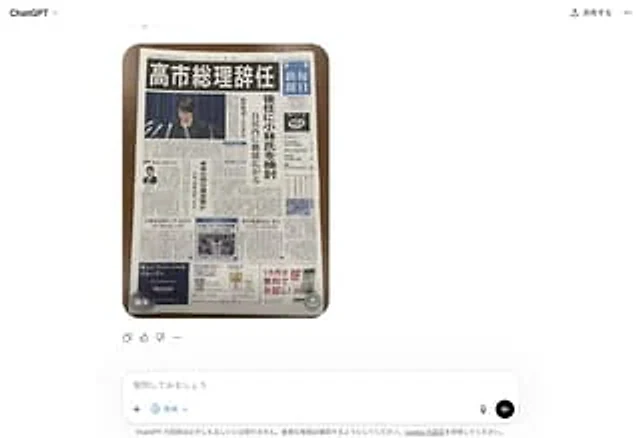
Fake Japanese Newspaper in ChatGPT UI
GPT Image 2zh

A realistic screenshot of the ChatGPT Japanese web version on a smartphone, against a clean white background. In the center of the chat interface is a generated image: a photo taken from directly above showing a Japanese newspaper neatly arranged on a dark wooden table, its round

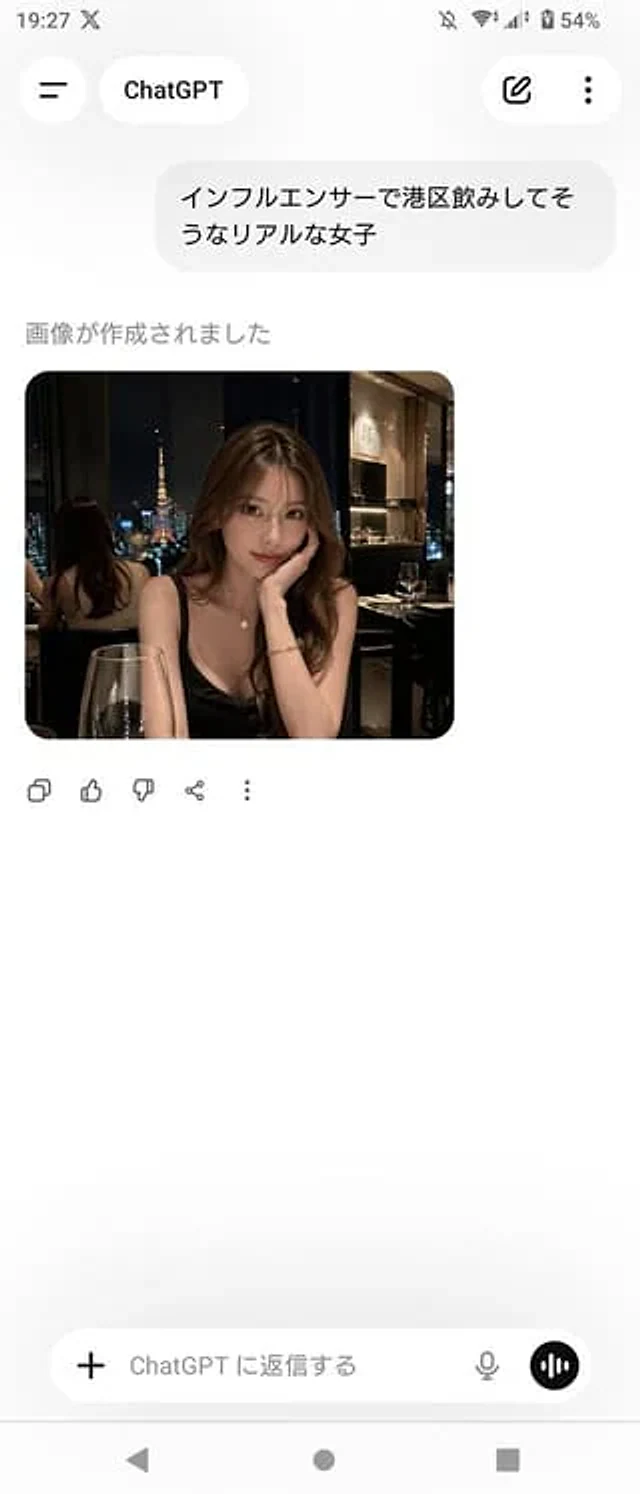
ChatGPT App Screenshot With Generated Portrait
GPT Image 2zh

A realistic screenshot of the ChatGPT mobile app (Japanese version) on an Android device, displayed in portrait full-screen mode with a clean, light-colored theme. The top status bar shows the time 19:27, network and battery icons, and the battery level at 54%. The header has a b