原始文档
GPT Image 2 · en
Scene:
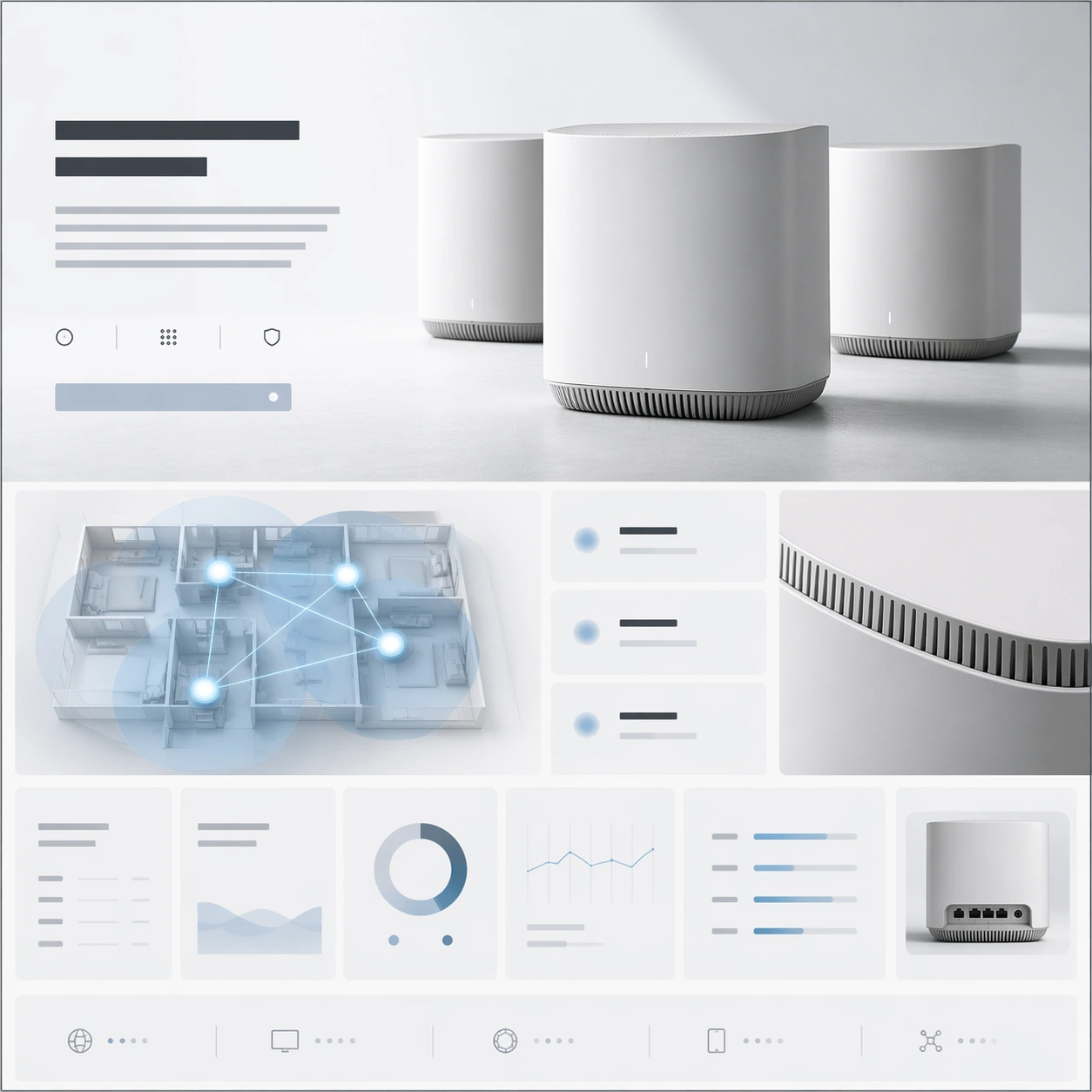
A square premium landing-page still for a mesh-router system, arranged like a high-end networking product website. The page uses a restrained palette of matte white, soft gray, pale blue, and graphite, with a bright minimal background and precise grid discipline. The composition should imply a hero section at the top, then a network-coverage story, then a performance-and-specification row below, all integrated into one square frame with elegant whitespace.

Subject:
Feature a set of sculptural mesh-router units with rounded edges, vent detailing, and a refined industrial form, arranged as a hero trio with one main unit forward and two supporting nodes behind it. Surround them with a landing-page layout built from abstract headline blocks, network-diagram panels, signal-zone cards, and a precise specification grid made of clean rectangular modules without readable words. Add one simplified top-down coverage visualization using glowing nodes and lines, and one close crop revealing vent texture and material finish. The hardware objects should remain the primary focal point.

Important details:
This should feel like premium infrastructure branding, not commodity electronics marketing. The routers must look believable, sculpted, and desirable, with careful seams, venting, and premium matte material treatment. The webpage layout should communicate trust, coverage, and system elegance through hierarchy, spacing, and well-controlled module rhythm. Keep the image minimal, confident, and visually intelligent, with no unnecessary clutter or generic smart-home clichés.

Use case:
Premium Product Landing Page single study 9/9, testing a mesh-network launch page with product grouping, coverage storytelling, and a clean premium spec grid.

Constraints:
No readable text, no watermark, no logos, preserve exact 1:1 aspect ratio, no browser chrome, no server-rack environment, no cartoon wifi icons, no smart-home family photo, no excessive blue glow, no cheap plastic feel, no distorted router geometry.
使用方法
- 复制完整原始提示词,并保留其中的参数。
- 按需求替换主体、文字和构图要求。
- 在兼容的外部工具中使用,核对当前使用条件并检查结果。
开始前需了解
- 先确认是否需要参考图。标注兼容模型,不代表该示例由这个模型生成。
- 核对名称、数字与画面文字;不同模型版本的结果可能不同。