原始文档
GPT Image 2 · en
Scene:
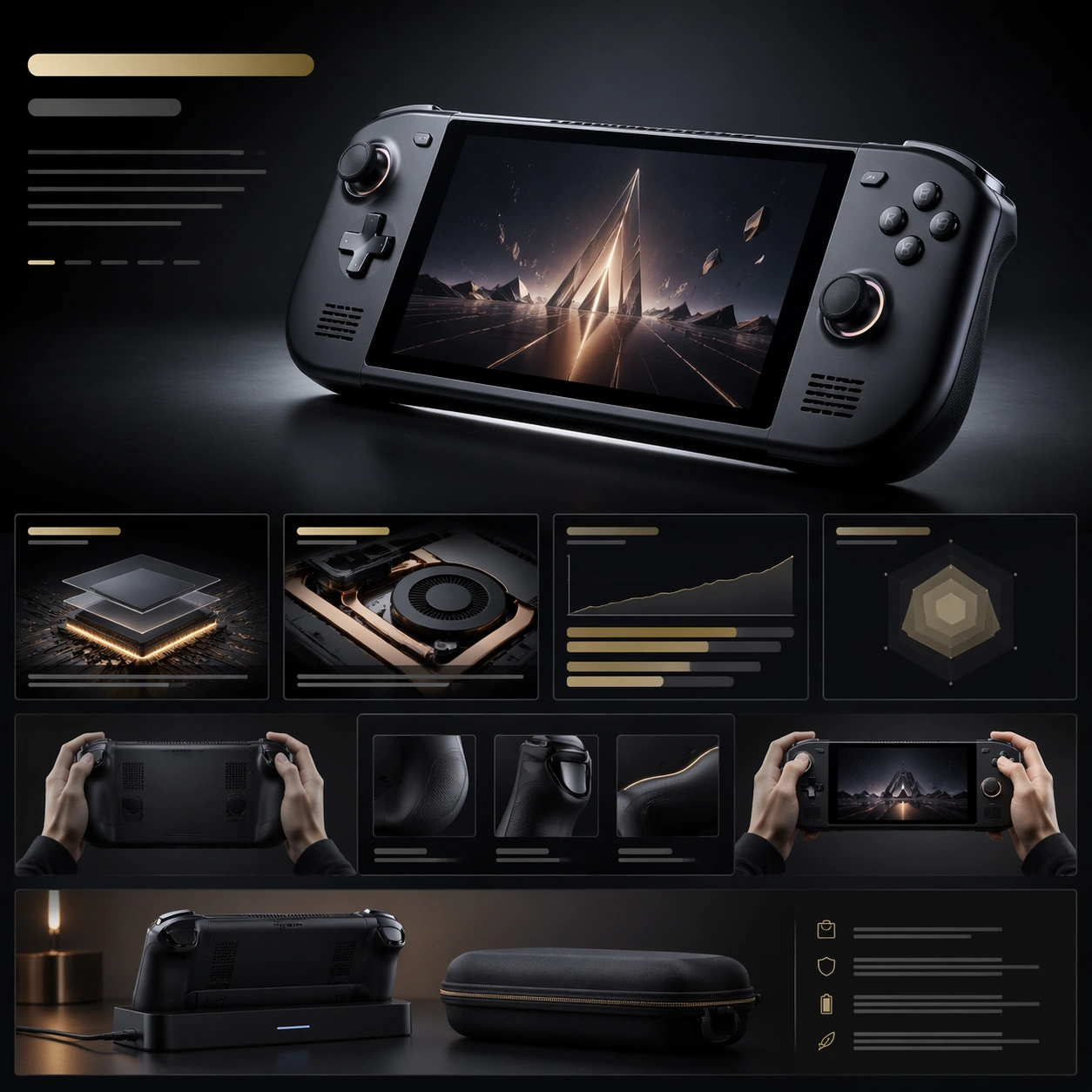
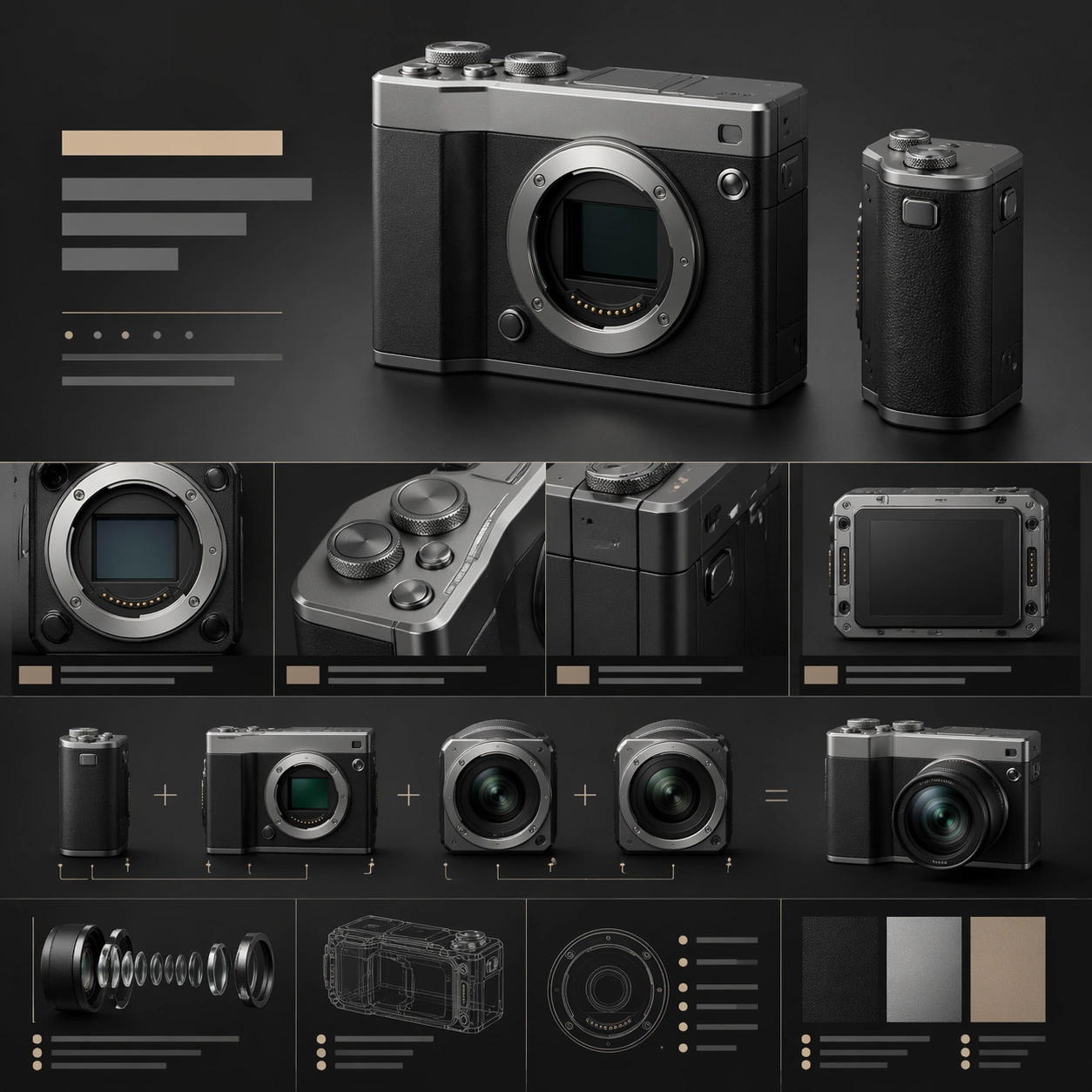
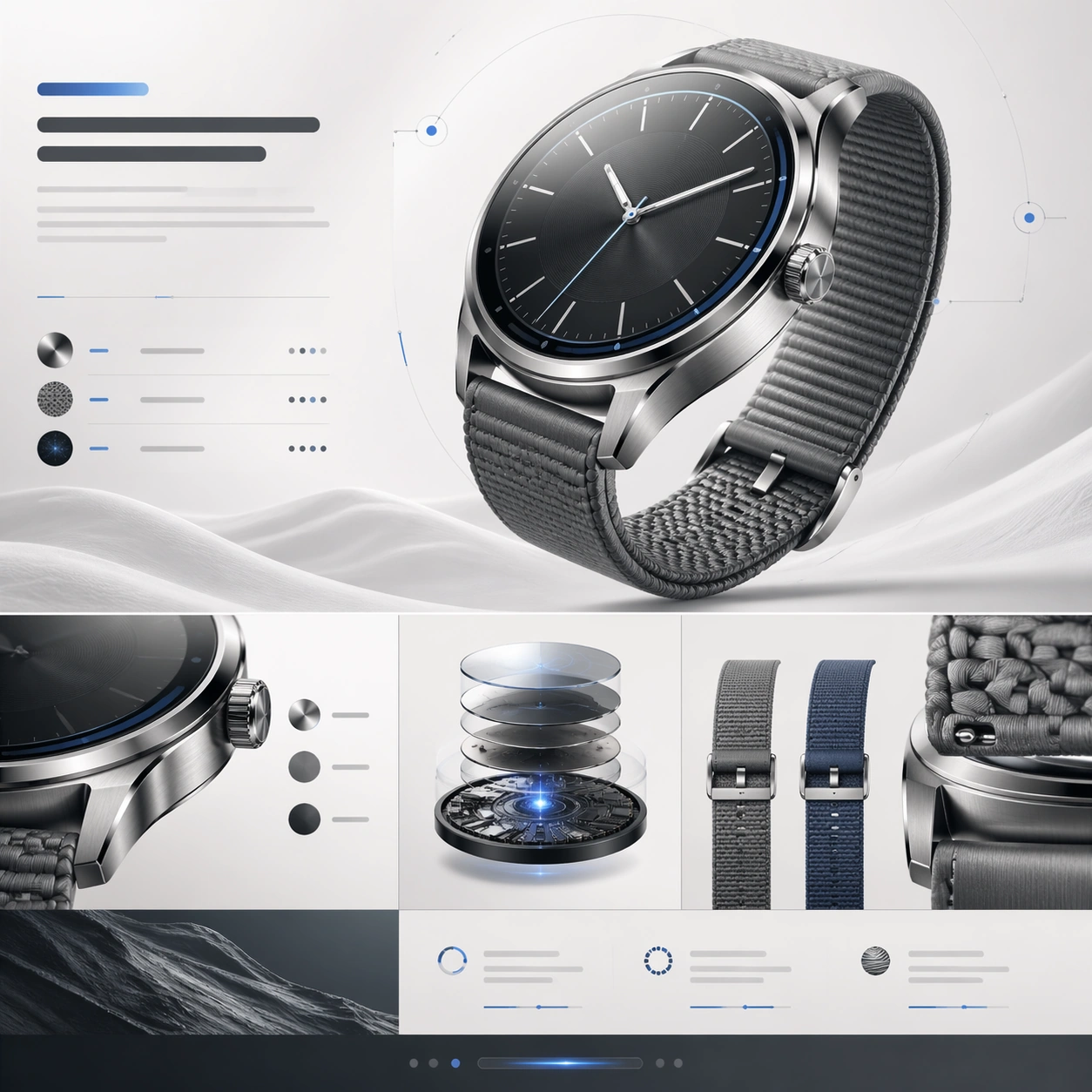
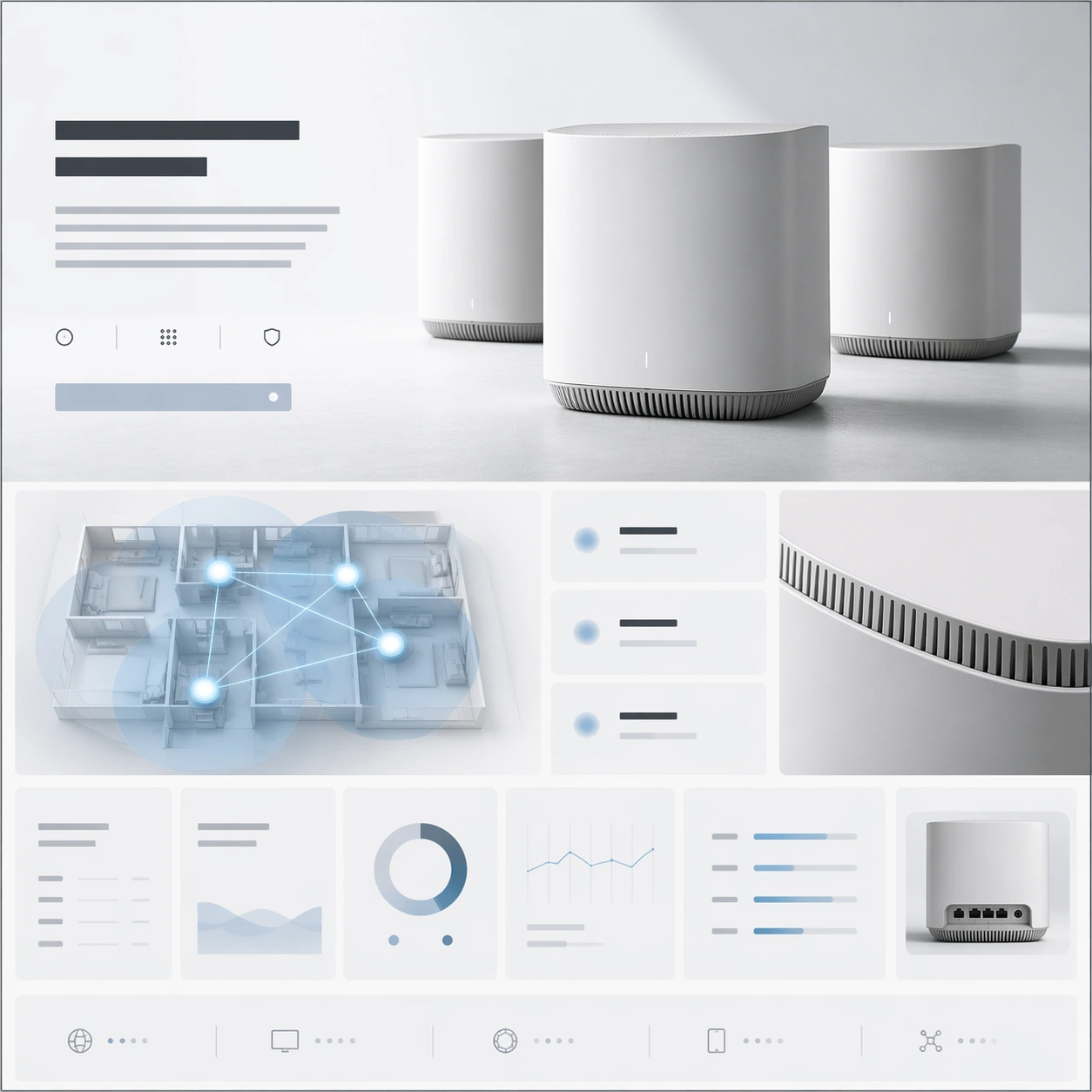
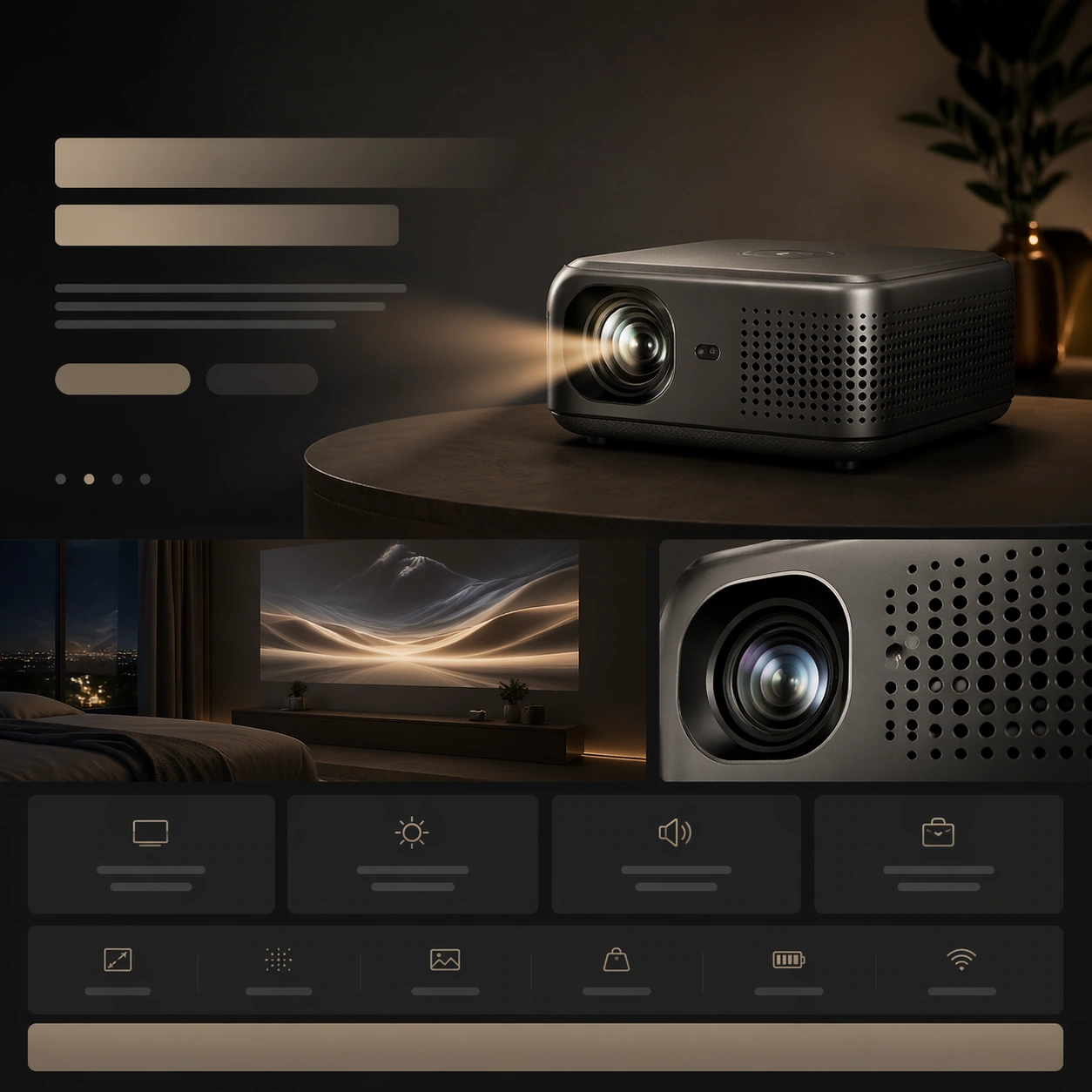
A square premium landing-page still for a portable projector, designed as a cinematic product website frame. The page should blend low-light atmosphere with clean web hierarchy: a dark slate background, soft warm projection glow, and crisp layout bands that imply hero, use-case story, and compact specifications. The composition remains front-on and square, but it should feel immersive and brand-polished rather than flat.

Subject:
Place a small premium projector on a low surface, angled so its lens, perforated vents, and sculpted housing are clearly visible. A subtle beam of light can suggest projection without overpowering the page. Build the surrounding landing-page system from abstract headline bars, lifestyle-image placeholders, benefit cards, and spec strips. Include one supporting module showing a minimal night-room scene with a projected abstract image on a wall, plus one close crop of the lens assembly or vent pattern. The projector remains the central hardware hero, with the layout reinforcing portability and cinematic experience.

Important details:
The challenge is balancing ambience and clarity. The projector should feel beautifully manufactured, with real materials, vent geometry, and lens detail, while the webpage still reads cleanly. The layout needs clear section rhythm from hero to use-case story to technical detail to CTA. Keep the visual language premium and restrained, avoiding gadget-store clutter or exaggerated sci-fi glow. The page must feel like something a refined consumer-tech brand would present to investors or clients.

Use case:
Premium Product Landing Page single study 8/9, testing a portable projector launch page with atmospheric lifestyle context and disciplined module hierarchy.

Constraints:
No readable text, no watermark, no logos, preserve exact 1:1 aspect ratio, no browser chrome, no crowded living room, no movie characters on the wall, no laser-beam exaggeration, no toy projector styling, no chaotic app UI overlays, no distorted lens housing.
使用方法
- 复制完整原始提示词,并保留其中的参数。
- 按需求替换主体、文字和构图要求。
- 在兼容的外部工具中使用,核对当前使用条件并检查结果。
开始前需了解
- 先确认是否需要参考图。标注兼容模型,不代表该示例由这个模型生成。
- 核对名称、数字与画面文字;不同模型版本的结果可能不同。