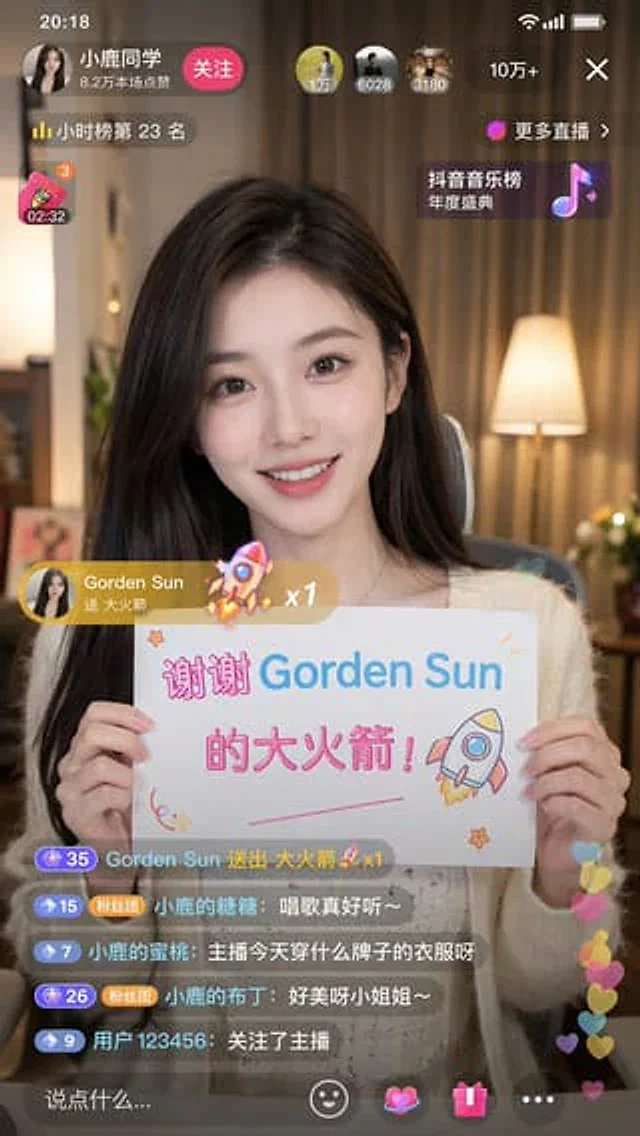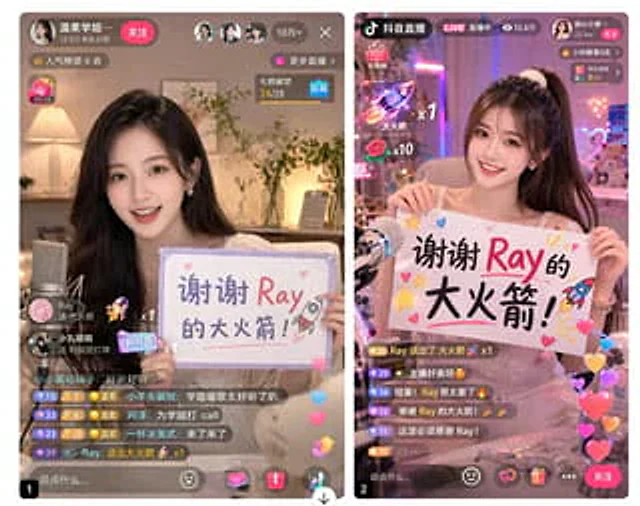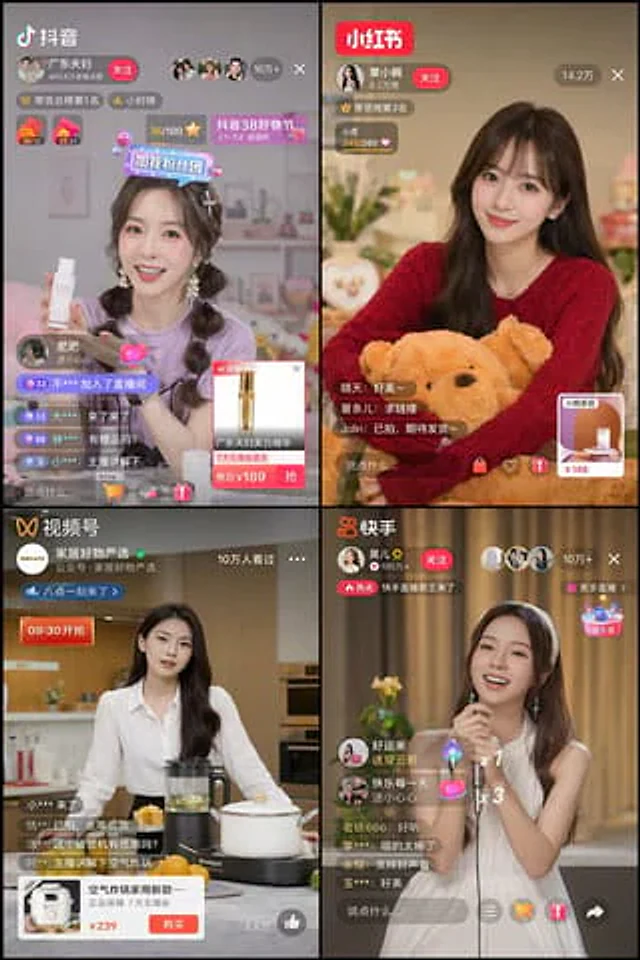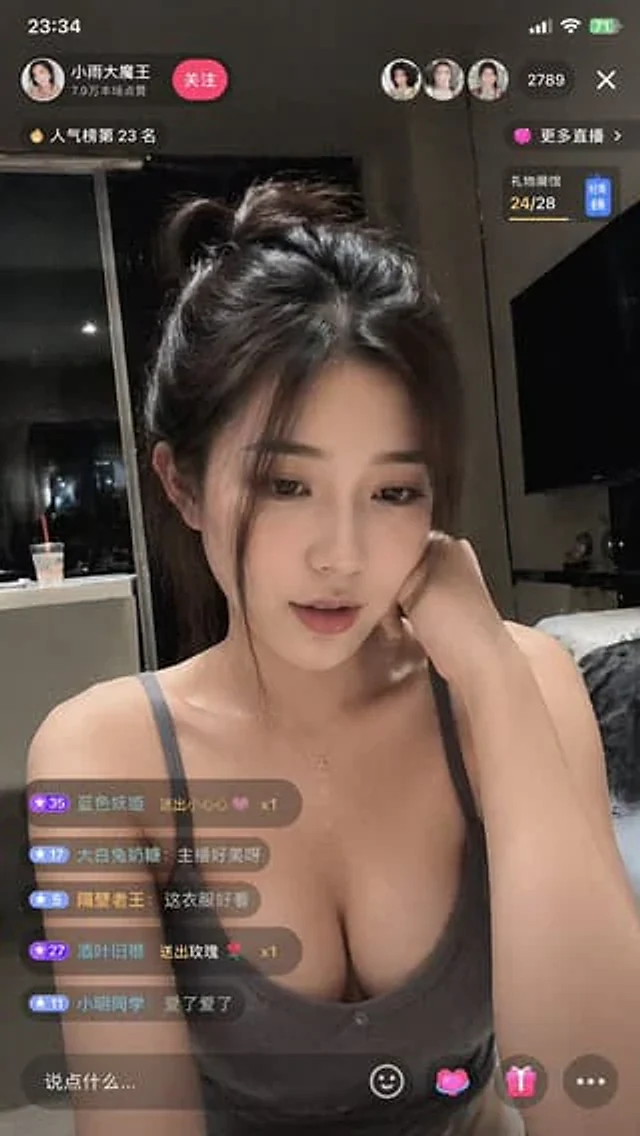
Douyin Live Stream Interface

Douyin Live Stream Interface

原始文档

GPT Image 2 · en

Generate a{argument name="platform" default="Tik Tok"} The live stream interface displays a{argument name="subject" default="Beauty"} Live streaming is in progress.

使用方法

  1. 复制完整原始提示词,并保留其中的参数。
  2. 按需求替换主体、文字和构图要求。
  3. 在兼容的外部工具中使用,核对当前使用条件并检查结果。

开始前需了解

  • 先确认是否需要参考图。标注兼容模型,不代表该示例由这个模型生成。
  • 核对名称、数字与画面文字;不同模型版本的结果可能不同。

相似案例

Douyin Live Stream Screenshot
GPT Image 2en

A 9:16 aspect ratio image is used to generate {argument name="platform" default="Tik Tok"} Screenshot from the live stream. There is one person in the picture.{argument name="subject" default="Beautiful anchor"} He was live-streaming and holding a sign that read "{argument name="

Douyin Live Stream UI Prompt
GPT Image 2en

Generate a Douyin live stream interface to display a {argument name="subject" default="Beauty"} In progress{argument name="activity" default="live streaming"}

Live Stream App UI Mockup
GPT Image 2en

{ "type": "Side-by-side mobile UI models", "theme": "{argument name=\"app style\" default=\"China Mobile Live Streaming App\"}", "panels": [ { "position": "Left side", "subject": "{argument name=\"streamer appearance\" default=\"Young Asian woman, beautiful,

Fake Douyin Lao Gan Ma Livestream Screenshot
GPT Image 2en

A realistic mobile screenshot model of a Chinese short video live-streaming e-commerce interface in dark mode, with a charcoal black background. In the upper right corner of the canvas, a rounded dark chat bubble containing Chinese text is placed.{argument name="request text" def

4-Panel Live Streaming App UI Mockup
GPT Image 2en

{ "type": "2x2 grid mobile live streaming app interface", "theme": "{argument name=\"stream theme\" default=\"E-commerce and entertainment live streaming\"}", "layout": { "grid": "2x2", "panels": [ { "position": "Top left", "app_name": "{argume