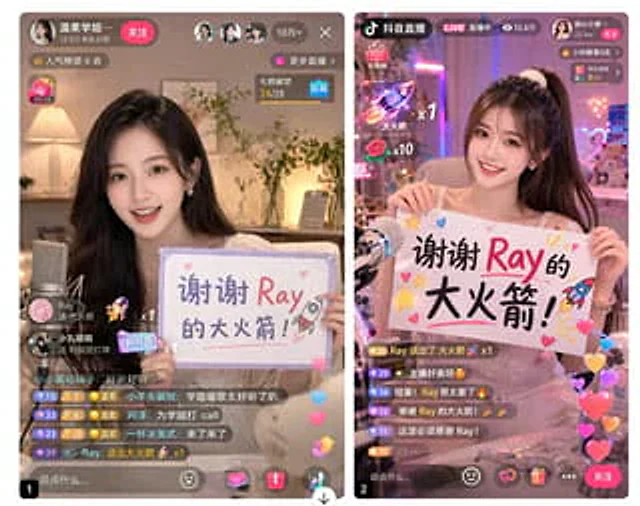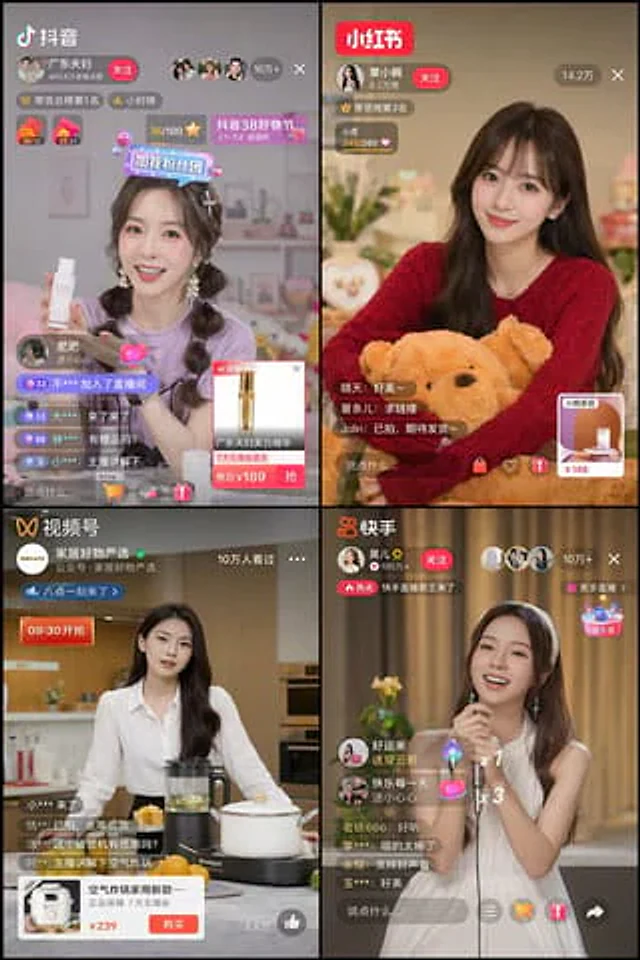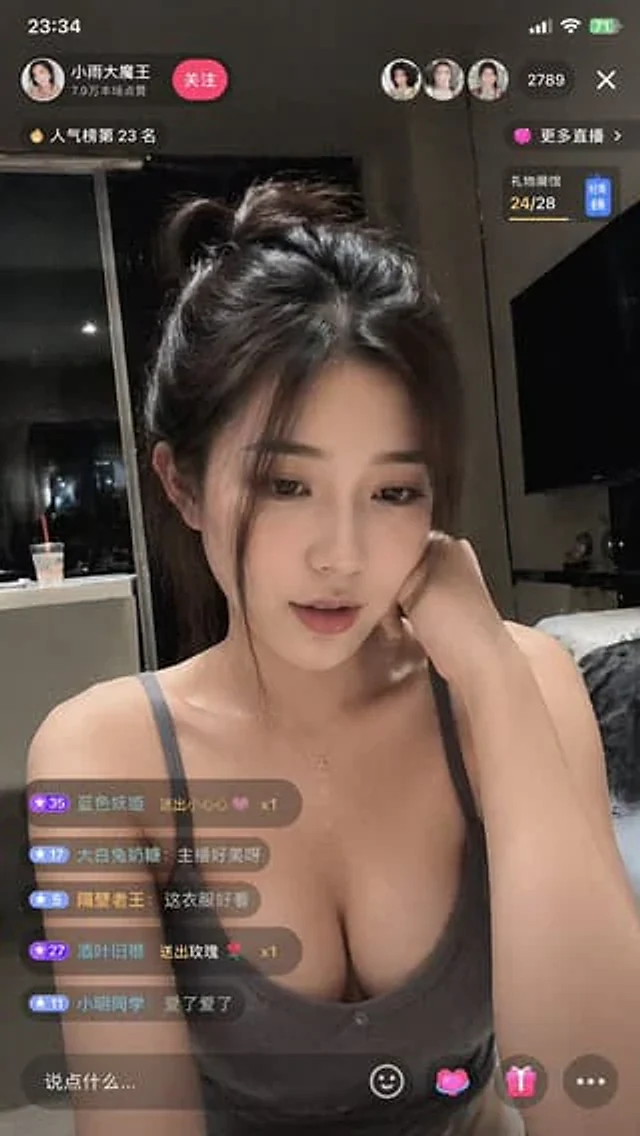
Douyin Live Stream Interface

Douyin Live Stream Interface

Original document

GPT Image 2 · en

Generate a{argument name="platform" default="Tik Tok"} The live stream interface displays a{argument name="subject" default="Beauty"} Live streaming is in progress.

How to use

  1. Copy the complete original prompt, including any parameters.
  2. Replace the subject, text and composition with your own requirements.
  3. Use a compatible external tool; check its current access conditions and review the result.

Before you start

  • Check whether a reference image is required. A compatible model label does not mean this example was generated with that model.
  • Keep names, figures and visible text accurate; results can vary between model versions.
More like this

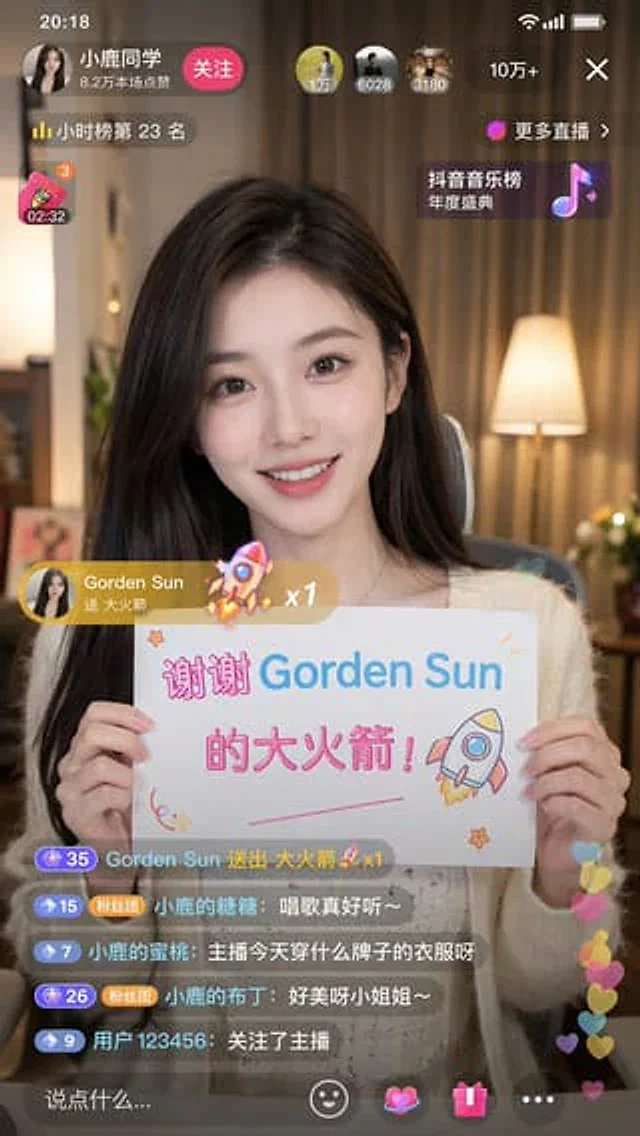
Douyin Live Stream Screenshot
GPT Image 2en

A 9:16 aspect ratio image is used to generate {argument name="platform" default="Tik Tok"} Screenshot from the live stream. There is one person in the picture.{argument name="subject" default="Beautiful anchor"} He was live-streaming and holding a sign that read "{argument name="

Douyin Live Stream UI Prompt
GPT Image 2en

Generate a Douyin live stream interface to display a {argument name="subject" default="Beauty"} In progress{argument name="activity" default="live streaming"}

Live Stream App UI Mockup
GPT Image 2en

{ "type": "Side-by-side mobile UI models", "theme": "{argument name=\"app style\" default=\"China Mobile Live Streaming App\"}", "panels": [ { "position": "Left side", "subject": "{argument name=\"streamer appearance\" default=\"Young Asian woman, beautiful,

Fake Douyin Lao Gan Ma Livestream Screenshot
GPT Image 2en

A realistic mobile screenshot model of a Chinese short video live-streaming e-commerce interface in dark mode, with a charcoal black background. In the upper right corner of the canvas, a rounded dark chat bubble containing Chinese text is placed.{argument name="request text" def

4-Panel Live Streaming App UI Mockup
GPT Image 2en

{ "type": "2x2 grid mobile live streaming app interface", "theme": "{argument name=\"stream theme\" default=\"E-commerce and entertainment live streaming\"}", "layout": { "grid": "2x2", "panels": [ { "position": "Top left", "app_name": "{argume