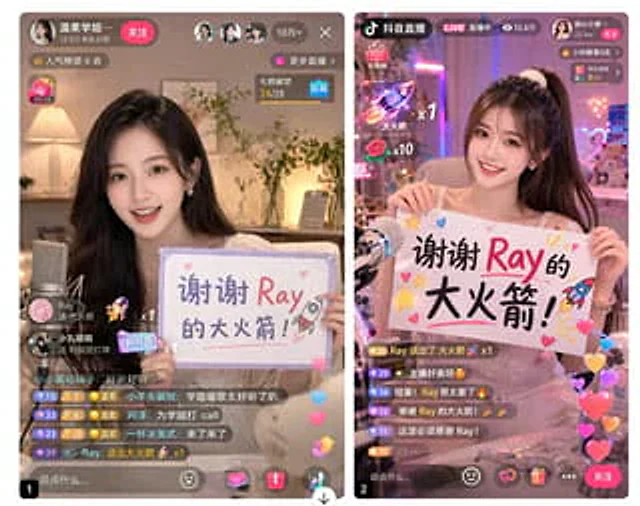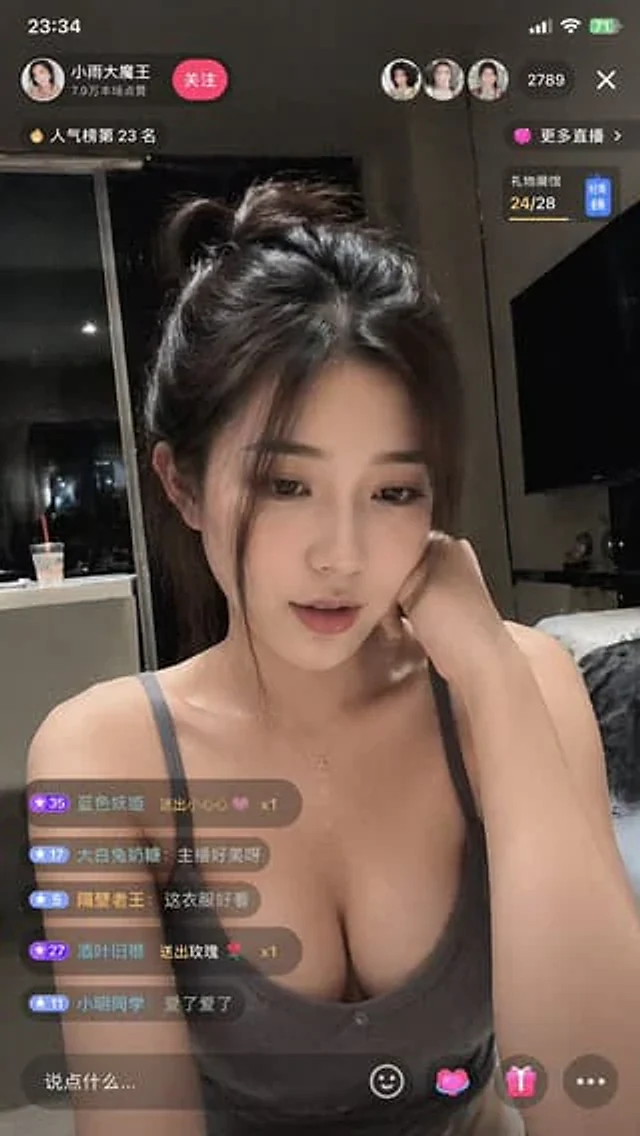
Douyin Live Stream Interface

Douyin Live Stream Interface

원본 문서

GPT Image 2 · en

Generate a{argument name="platform" default="Tik Tok"} The live stream interface displays a{argument name="subject" default="Beauty"} Live streaming is in progress.

사용 방법

  1. 매개변수를 포함한 전체 원본 프롬프트를 복사하세요.
  2. 주제, 문구, 구도를 자신의 요구에 맞게 바꾸세요.
  3. 호환되는 외부 도구에서 사용하고 이용 조건과 결과를 확인하세요.

시작 전 확인

  • 참조 이미지가 필요한지 확인하세요. 호환 표시는 해당 모델로 이 예시를 생성했다는 뜻이 아닙니다.
  • 이름, 수치, 이미지 속 문구를 확인하세요. 모델 버전에 따라 결과가 다를 수 있습니다.
비슷한 예시

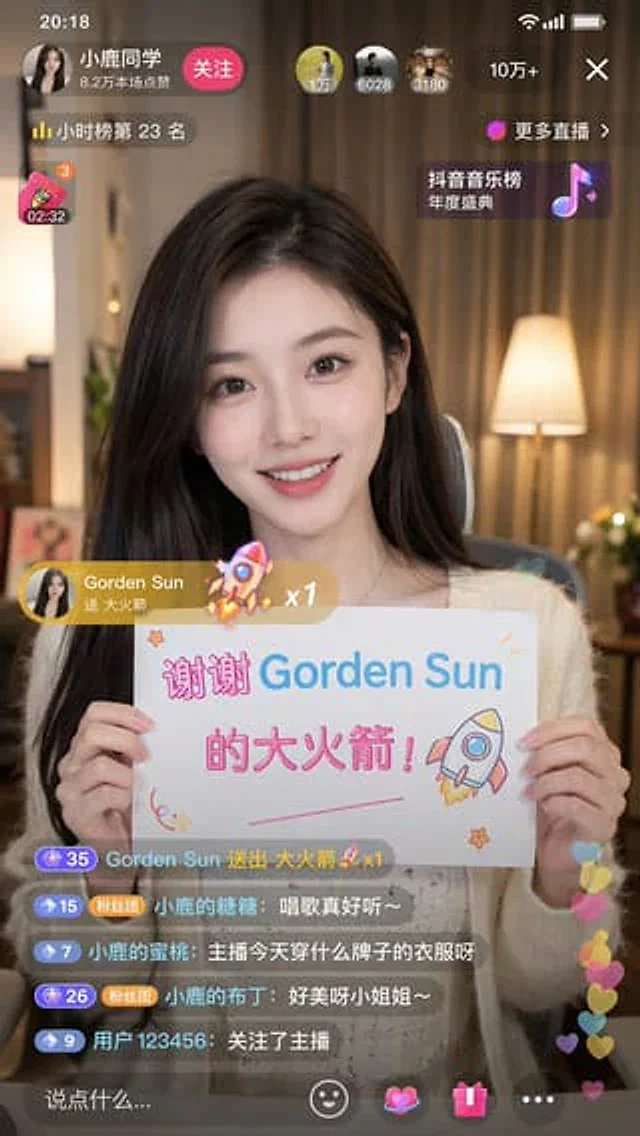
Douyin Live Stream Screenshot
GPT Image 2en

A 9:16 aspect ratio image is used to generate {argument name="platform" default="Tik Tok"} Screenshot from the live stream. There is one person in the picture.{argument name="subject" default="Beautiful anchor"} He was live-streaming and holding a sign that read "{argument name="

Live Stream App UI Mockup
GPT Image 2en

{ "type": "Side-by-side mobile UI models", "theme": "{argument name=\"app style\" default=\"China Mobile Live Streaming App\"}", "panels": [ { "position": "Left side", "subject": "{argument name=\"streamer appearance\" default=\"Young Asian woman, beautiful,

Fake Douyin Lao Gan Ma Livestream Screenshot
GPT Image 2en

A realistic mobile screenshot model of a Chinese short video live-streaming e-commerce interface in dark mode, with a charcoal black background. In the upper right corner of the canvas, a rounded dark chat bubble containing Chinese text is placed.{argument name="request text" def

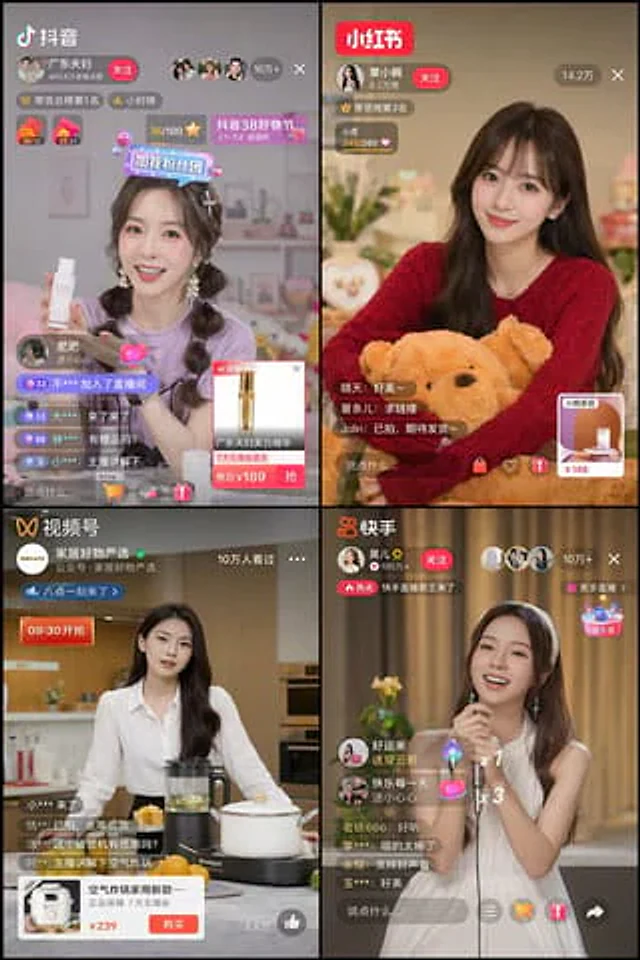
4-Panel Live Streaming App UI Mockup
GPT Image 2en

{ "type": "2x2 grid mobile live streaming app interface", "theme": "{argument name=\"stream theme\" default=\"E-commerce and entertainment live streaming\"}", "layout": { "grid": "2x2", "panels": [ { "position": "Top left", "app_name": "{argume