
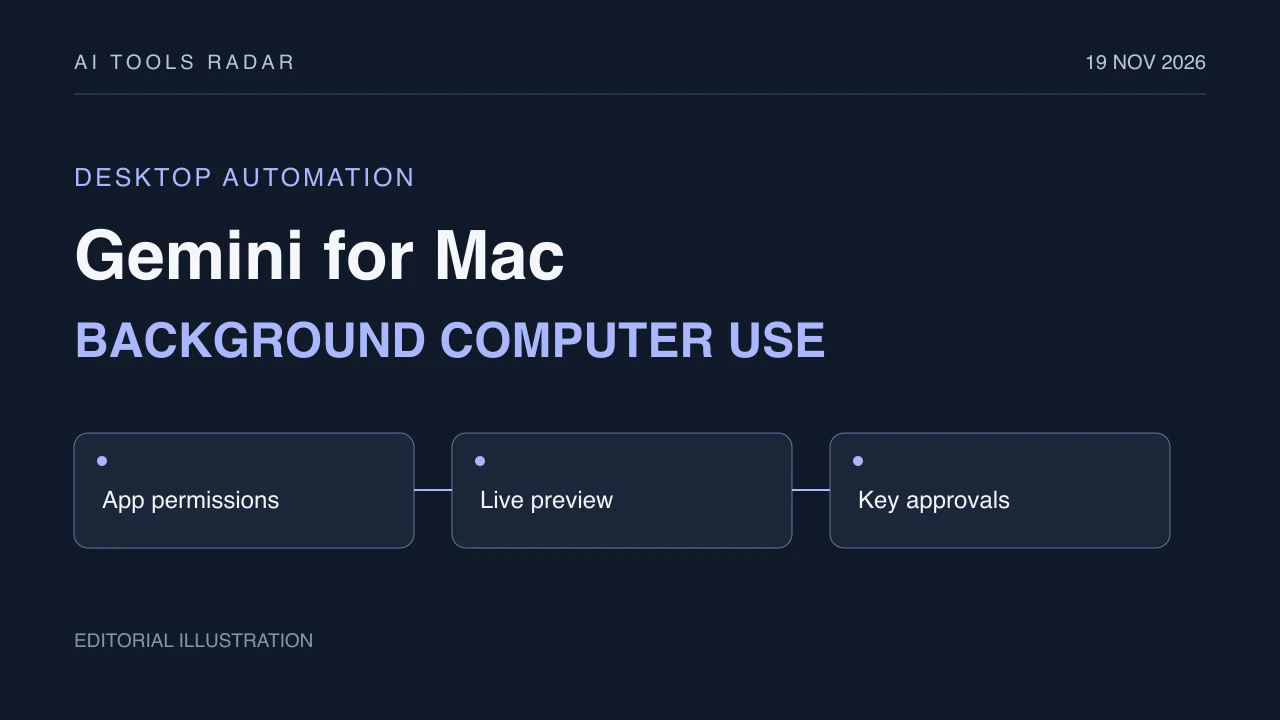
Google began rolling out computer use in Gemini for Mac on November 19. It can handle tasks across files, desktop applications and websites while the main screen remains available.
The change moves Gemini beyond preparing instructions for a person to carry out. Google says the app can perform the clicking, typing, menu navigation and form entry itself. That makes permissions and the approval boundary part of the product's practical value.
A separate window keeps the main workspace available
According to Google's announcement, Gemini operates in an isolated background window. A live preview appears in the conversation, while the user's main screen and cursor stay free for other work.
Users choose which applications Gemini may access, can watch its progress and can pause it. Google also says key actions require approval. This should not be expanded into a promise that every click receives a separate confirmation, or that isolation eliminates every risk.
For a multi-step task, the distinction is useful: the person can keep working while observing the agent's separate activity. The announcement does not establish completion rates or how reliably the agent recovers from unexpected application states.
The examples connect local information to work in other apps
Google describes creative tasks such as batch color grading and setting up complex 3D scenes. Another example extracts weights, dimensions and addresses from local PDFs to populate shipping-quote forms.
For reporting, Gemini can gather dashboard metrics and screenshots across regions and assemble a Google Slides presentation. For resale, it can inspect clothing photos, research prices, record details and stage listings.
These examples show the intended range across local files, applications and the web. They are Google's use cases, rather than independent measurements of accuracy or time saved. Staging a listing also should not be read as a promise of an automatically completed sale.
Availability is narrower than a general Mac launch
The rollout starts in English in the United States. Google's footnote requires an Apple Silicon Mac running macOS Sequoia 15.0 or later, a personal Google account belonging to someone aged 18 or over, and a Google AI Plus, Pro or Ultra subscription.
Those conditions matter before planning a workflow around the feature. The announcement does not establish access for Intel Macs, every country or every account type.
The immediate change is delegated desktop work with visible controls. Broader availability and reliable handling of real application failures remain separate questions from the examples Google has shown.