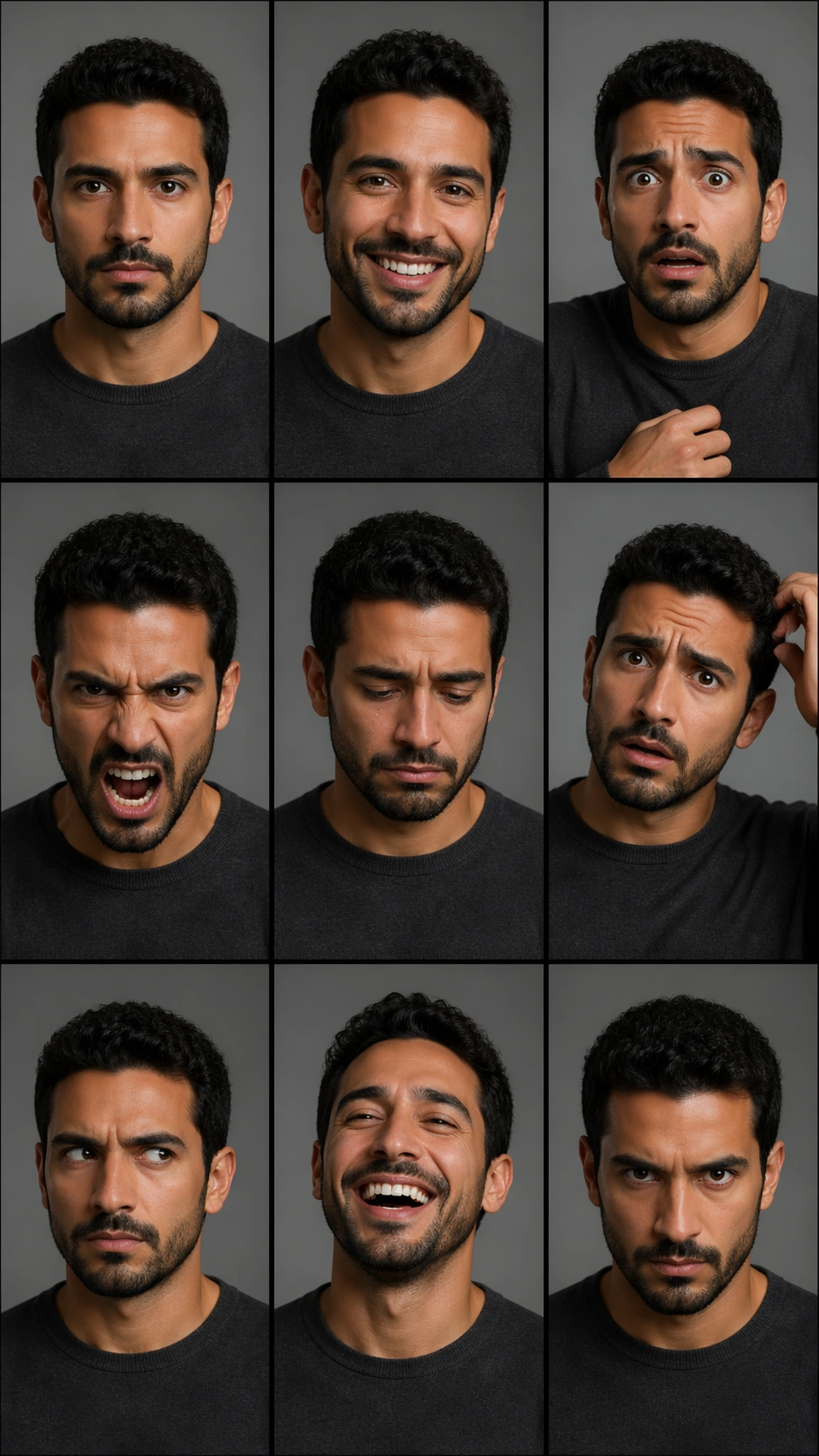
Original document
GPT Image 2 · en
Scene:
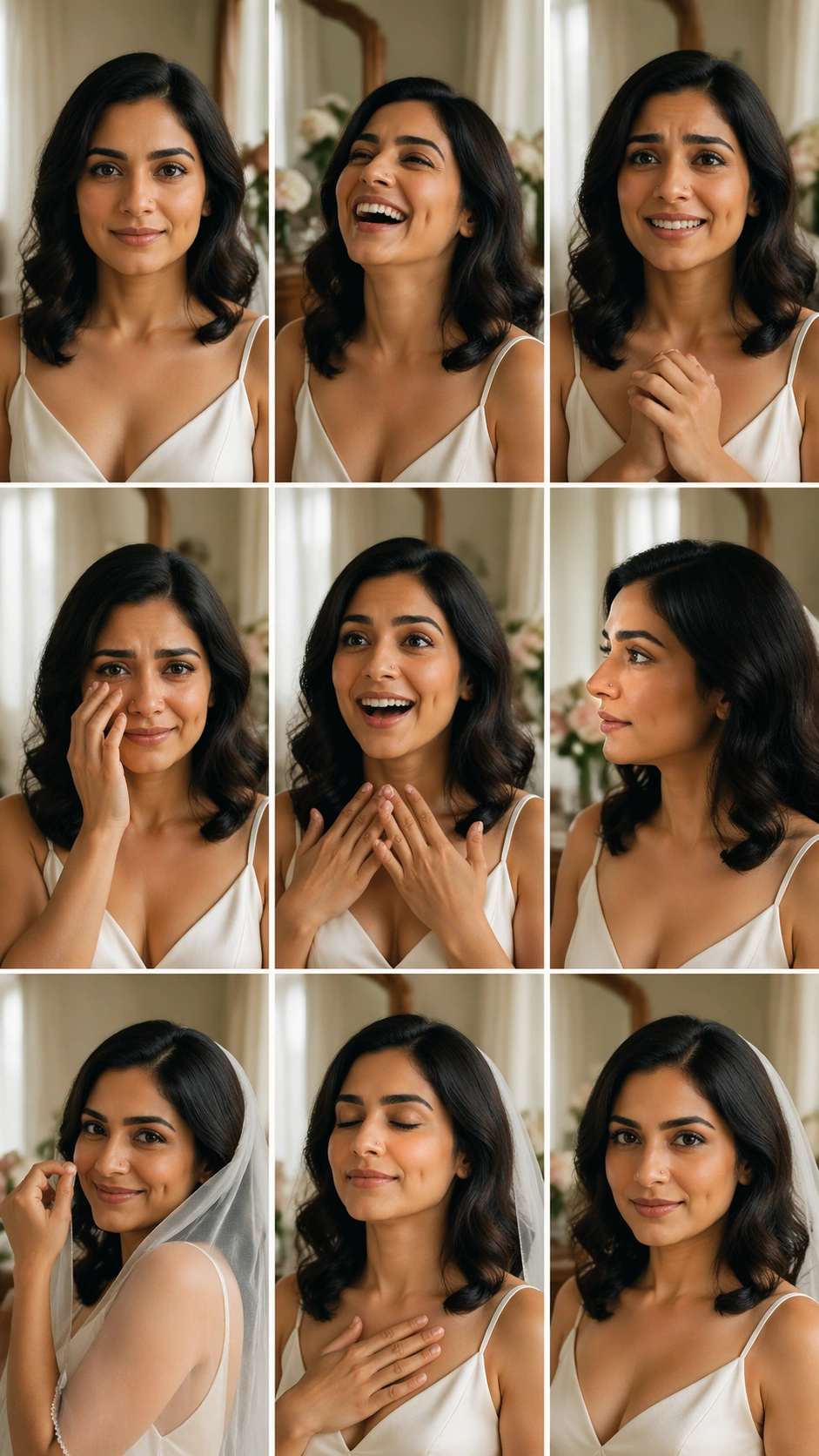
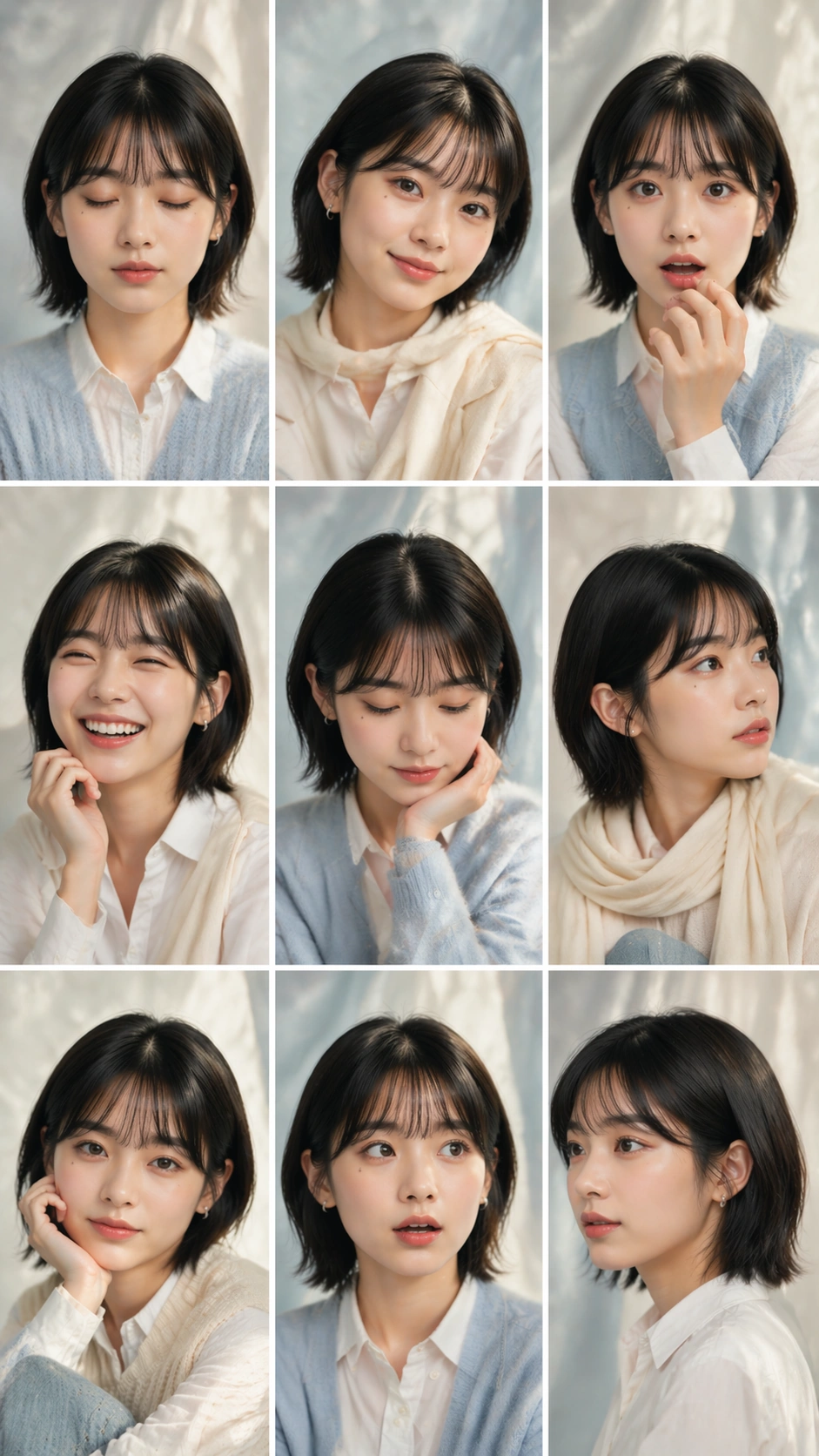
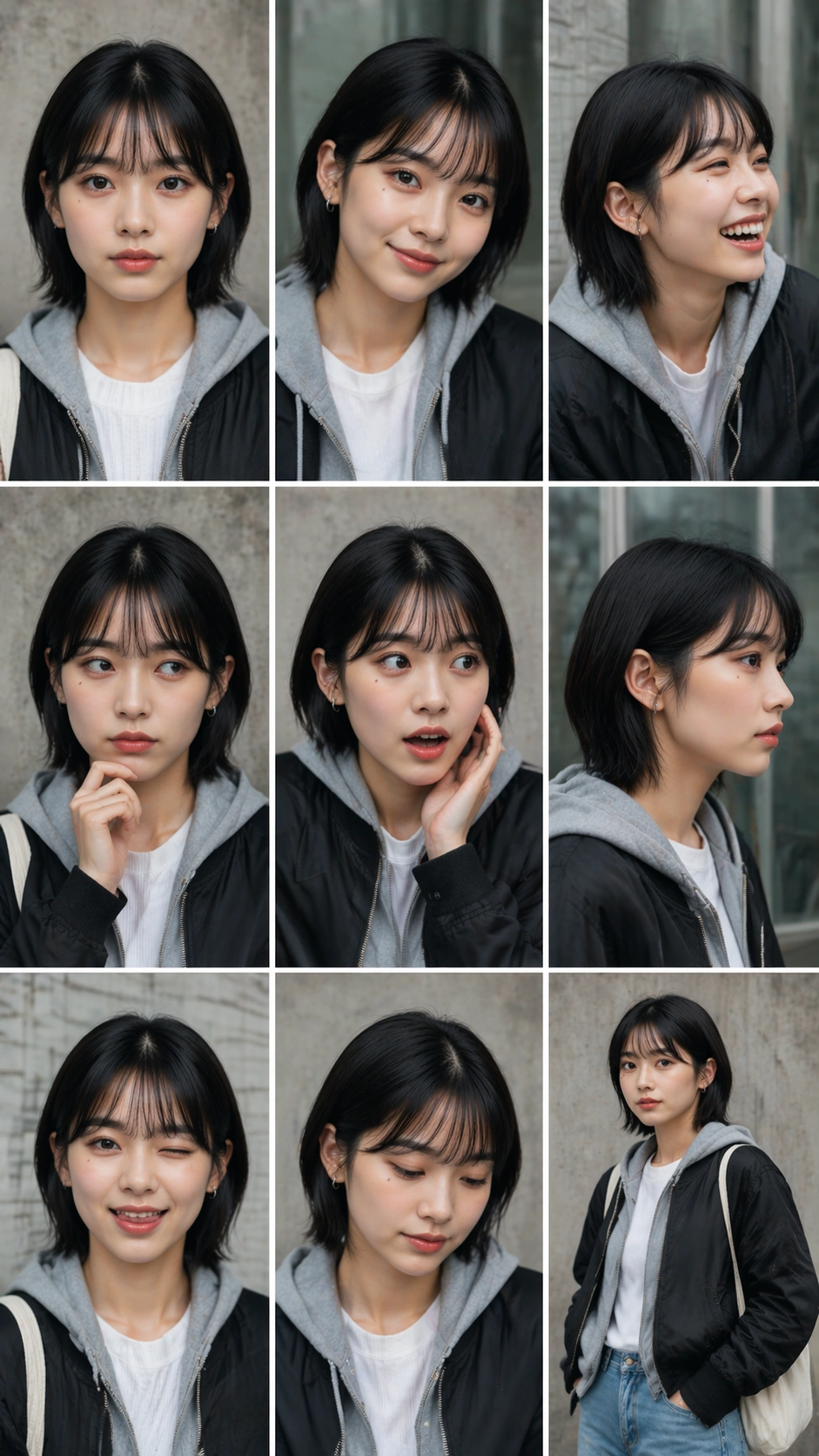
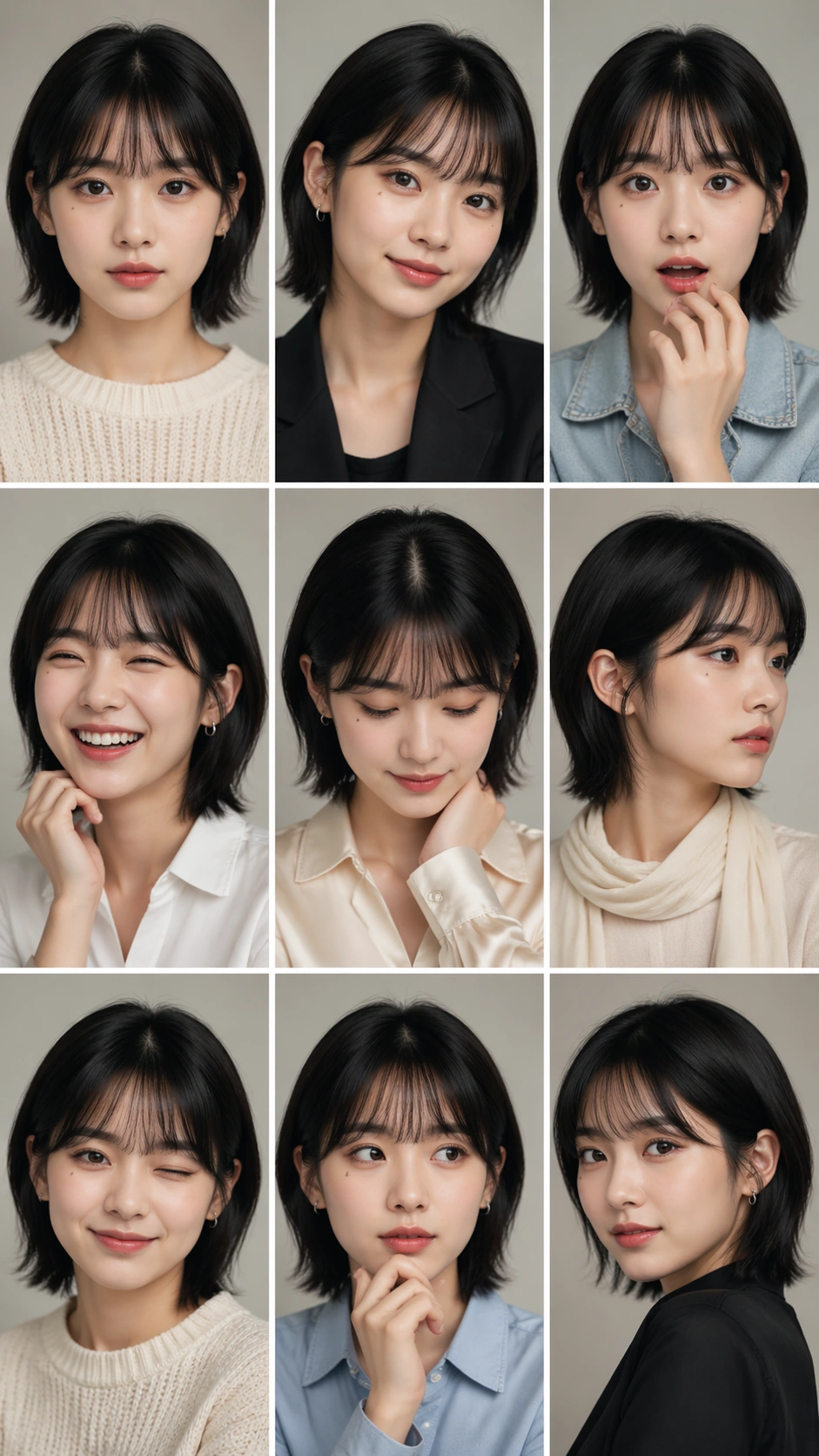
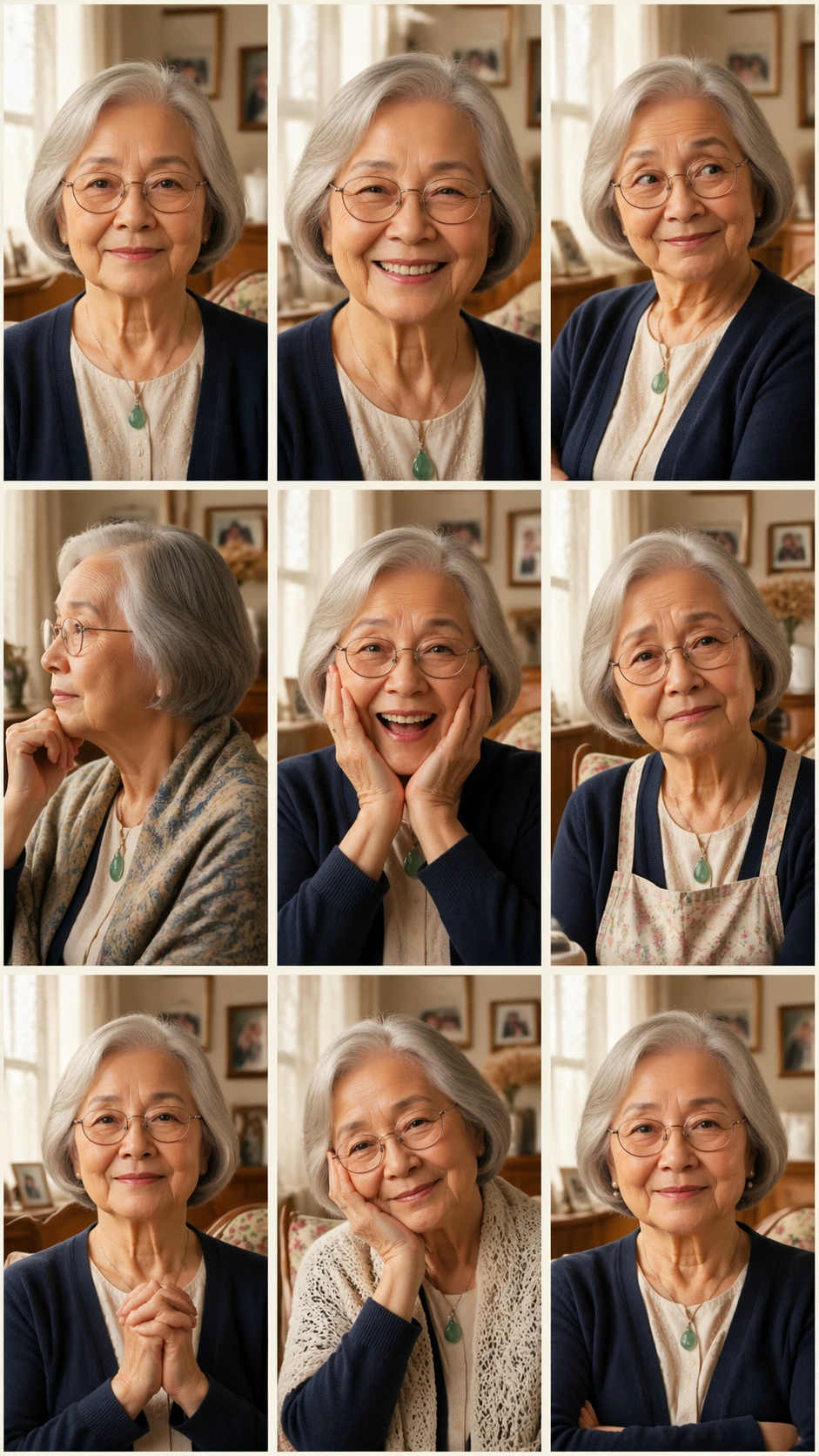
A vertical 9:16 family-album portrait sheet arranged as an exact 3 by 3 grid with nine equal cells, thin cream gutters, and warm domestic daylight. The cells share a tasteful living-room setting with linen curtains, framed family photographs rendered too soft to read, a wooden chair, and muted floral textiles. The overall image should feel like a carefully designed family archive page, but without any readable dates, captions, names, or labels.

Subject:
One elderly woman appears in all nine cells as the same person: silver bob haircut, warm brown eyes, fine smile lines, oval glasses, small jade pendant, and a navy cardigan over a pale blouse. The poses and expressions vary while identity remains stable: calm front portrait, broad grandmotherly smile, playful side-eye, thoughtful profile, surprised laugh, gentle sadness, hands folded with pride, cheek resting on hand, and confident direct gaze. Some cells show subtle wardrobe additions such as shawl, apron, or pearl-like earring, but the face and age remain unchanged.

Important details:
This is an independent same-subject consistency study. Every cell must show the same matriarch, not nine relatives. Keep glasses shape, hair length, skin tone, facial structure, and pendant consistent. The family-album mood should support the portrait grid without introducing extra people. Maintain exact grid geometry, equal cell sizes, clean gutters, and coherent warm light. The expressions should be emotionally distinct and easy to compare at a glance.

Use case:
Nine-Expression Portrait Grid single study 5/8, testing family-album identity consistency in a 3x3 portrait sheet.

Constraints:
No readable text, no watermark, no logos, preserve exact 9:16 vertical aspect ratio, no brand marks, no extra family members, no changed age, no broken grid gutters, no mismatched glasses, no duplicated background faces.
How to use
- Copy the complete original prompt, including any parameters.
- Replace the subject, text and composition with your own requirements.
- Use a compatible external tool; check its current access conditions and review the result.
Before you start
- Check whether a reference image is required. A compatible model label does not mean this example was generated with that model.
- Keep names, figures and visible text accurate; results can vary between model versions.