Original document
GPT Image 2 · en
Scene:
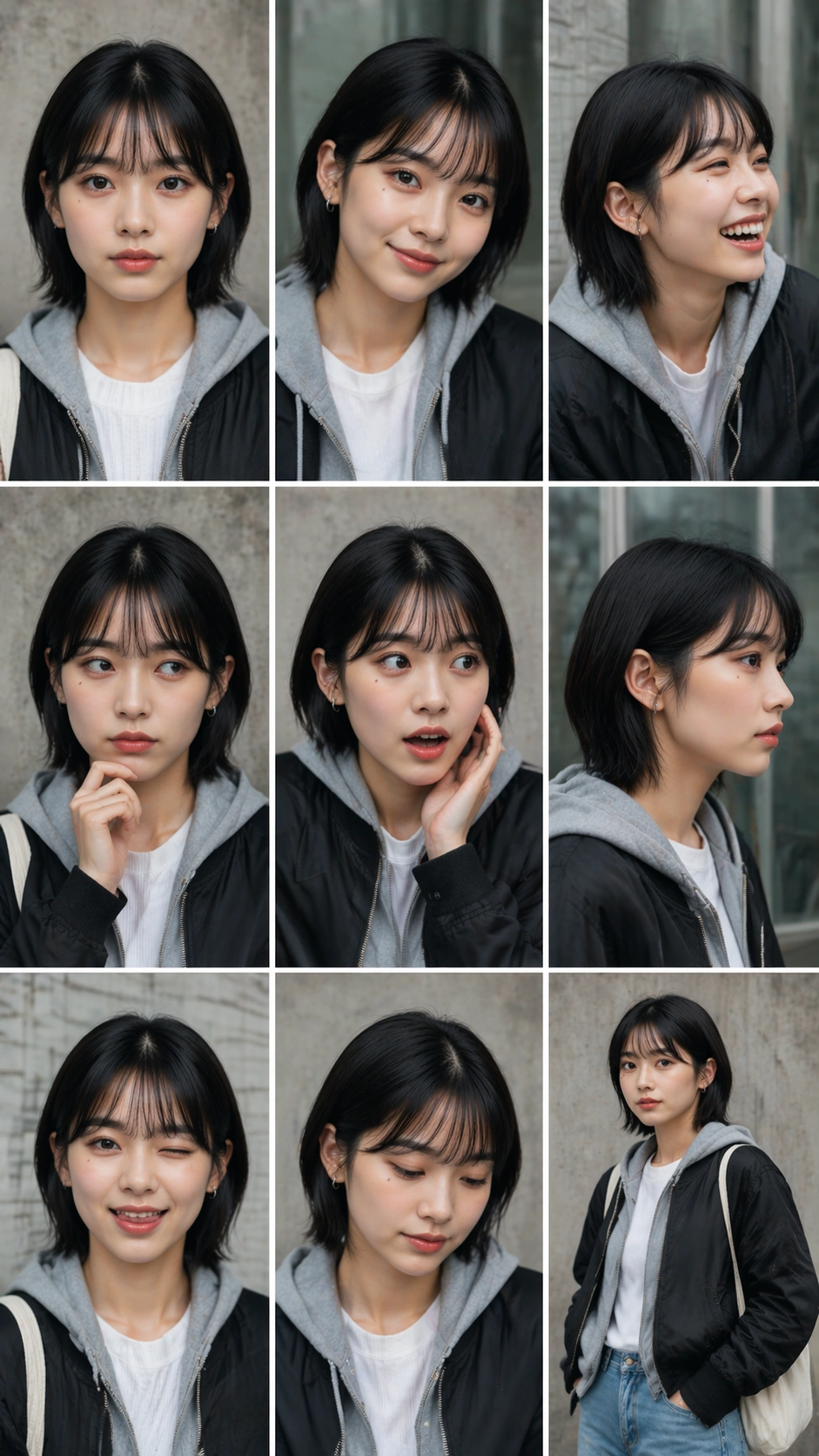
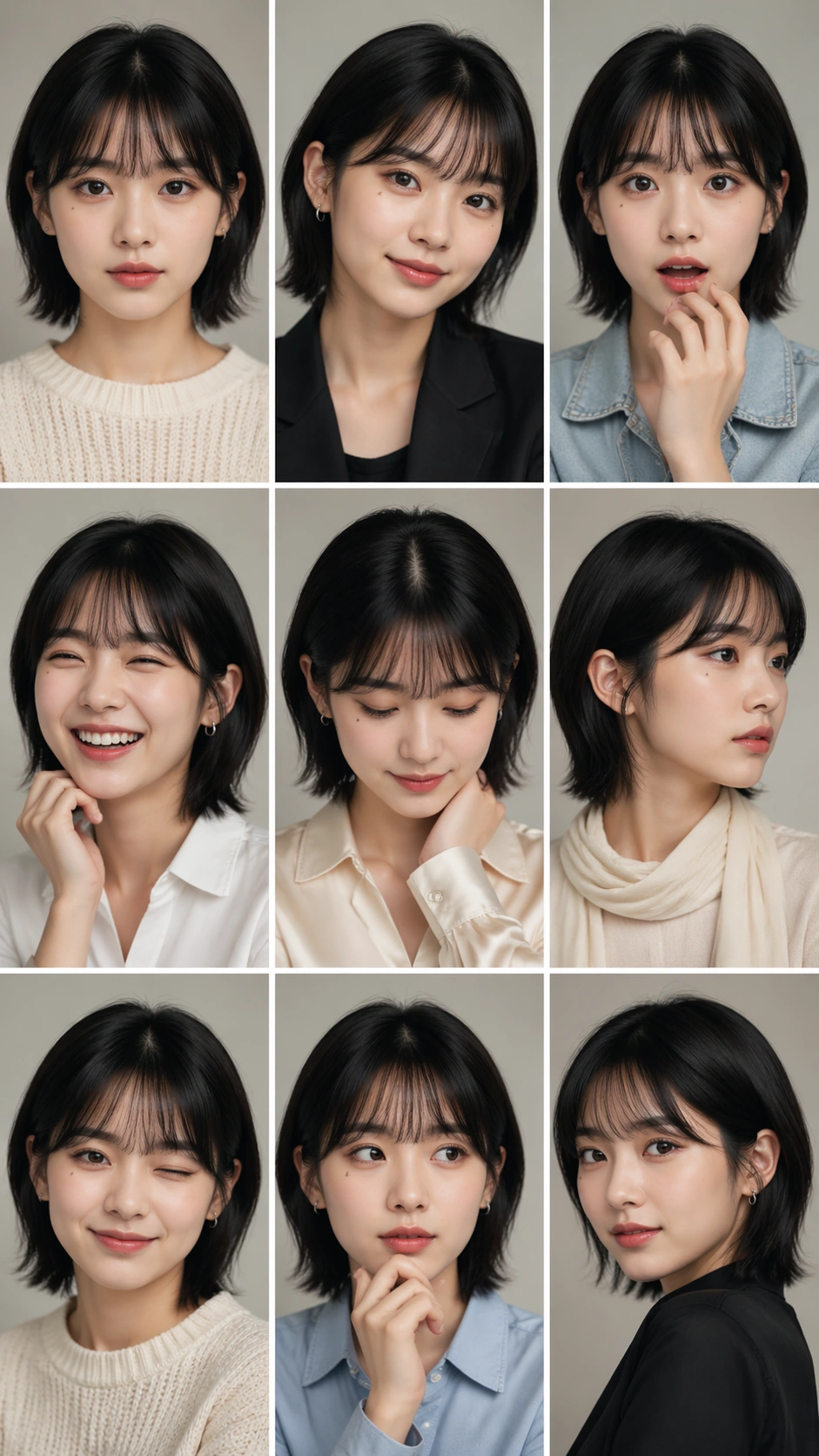
A vertical 9:16 portrait sheet arranged as an exact 3 by 3 grid with nine equal cells, thin white gutters, and a clean studio-photobook look. The background is soft warm gray in every cell, with consistent beauty lighting, shallow depth of field, and polished Korean idol portrait styling. The sheet has no readable captions, labels, numbers, or interface elements; the structure must be carried by the grid alone.

Subject:
One young adult performer appears in all nine cells as the same person: same oval face, clear skin texture, dark almond eyes, straight black chin-length hair with a soft fringe, small beauty mark below the left eye, and natural lip shape. The wardrobe is coordinated but varies subtly by cell: cream knit, black blazer, pale denim jacket, white shirt, satin collar, soft scarf, simple earrings, and no logos. Each cell shows a different expression and pose: calm front gaze, small smile, surprise, laughter, shy downward glance, serious profile, wink, thoughtful hand near chin, and confident three-quarter pose.

Important details:
This is the reference image for the series. The face must remain recognizably identical across all nine panels while expressions, head angles, hands, and outfit details change. Keep cell borders straight, cell sizes equal, and lighting direction coherent. Avoid turning the nine portraits into nine different people. The grid should read like an idol photobook contact sheet or social teaser, with precise static consistency rather than narrative action.

Use case:
Nine-Expression Portrait Grid series study 1/8, establishing the face identity and 3x3 layout reference.

Constraints:
No readable text, no watermark, no logos, preserve exact 9:16 vertical aspect ratio, no brand marks, no duplicate cropped heads outside cells, no mismatched eye color, no distorted hands, no broken gutters, no extra subjects.
How to use
- Copy the complete original prompt, including any parameters.
- Replace the subject, text and composition with your own requirements.
- Use a compatible external tool; check its current access conditions and review the result.
Before you start
- Check whether a reference image is required. A compatible model label does not mean this example was generated with that model.
- Keep names, figures and visible text accurate; results can vary between model versions.