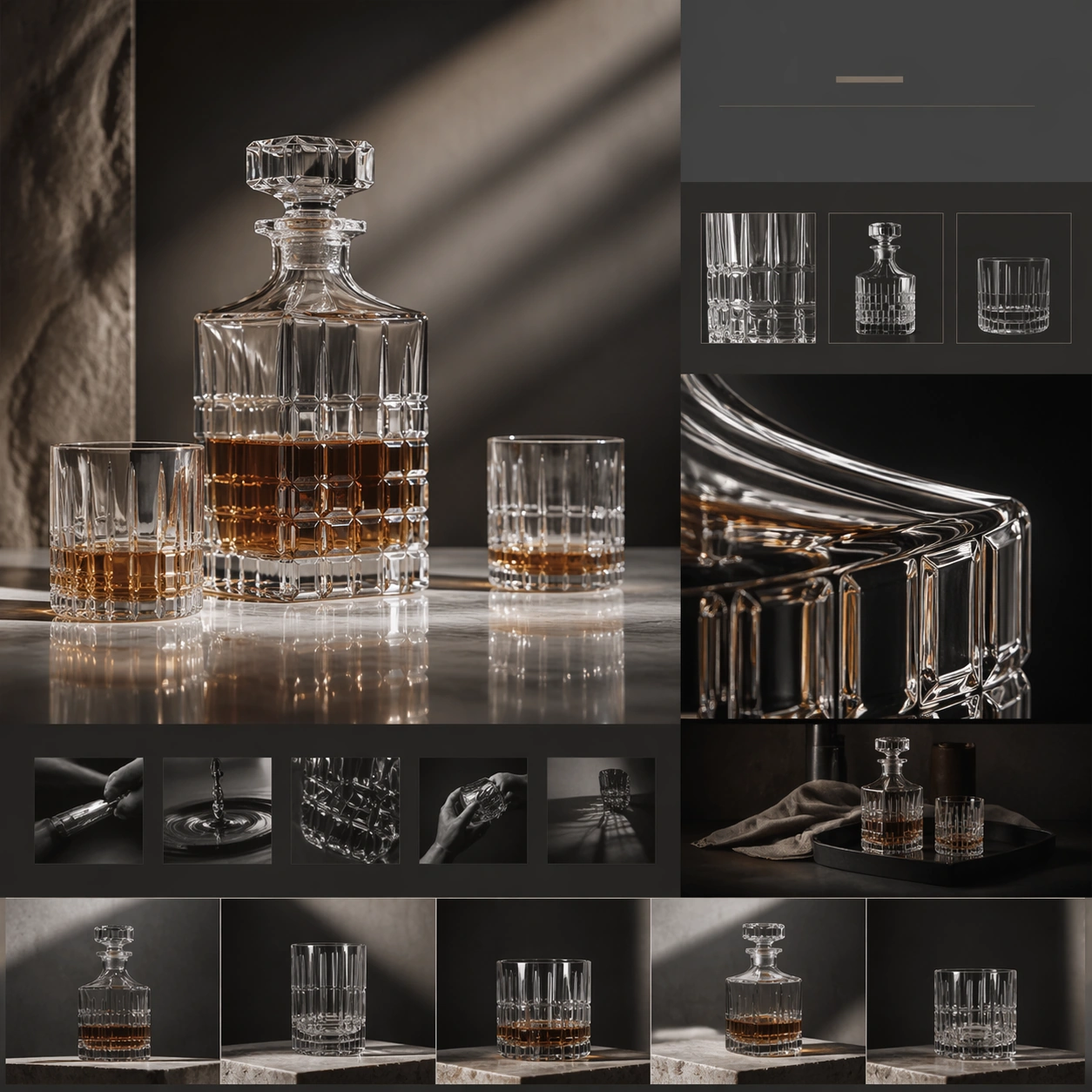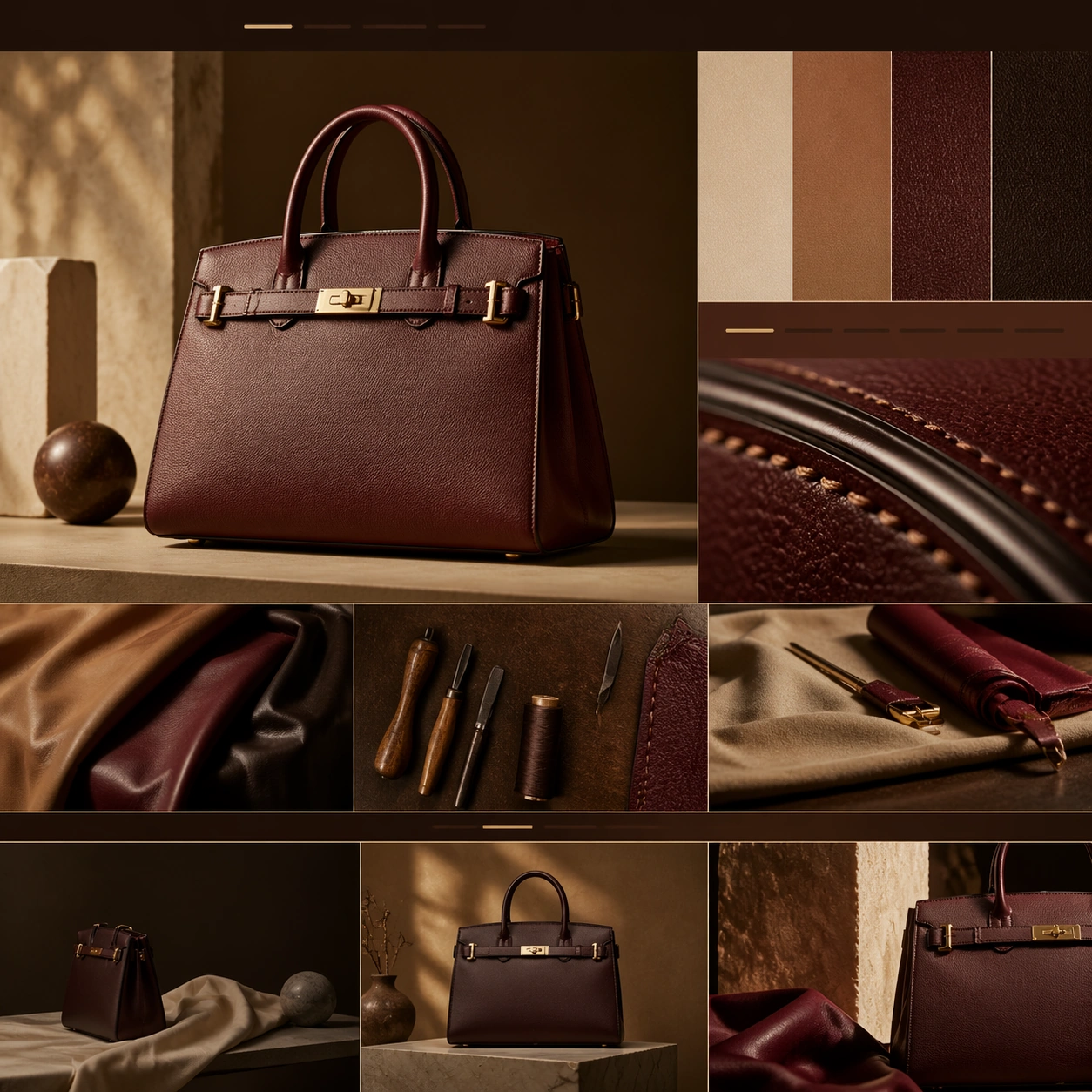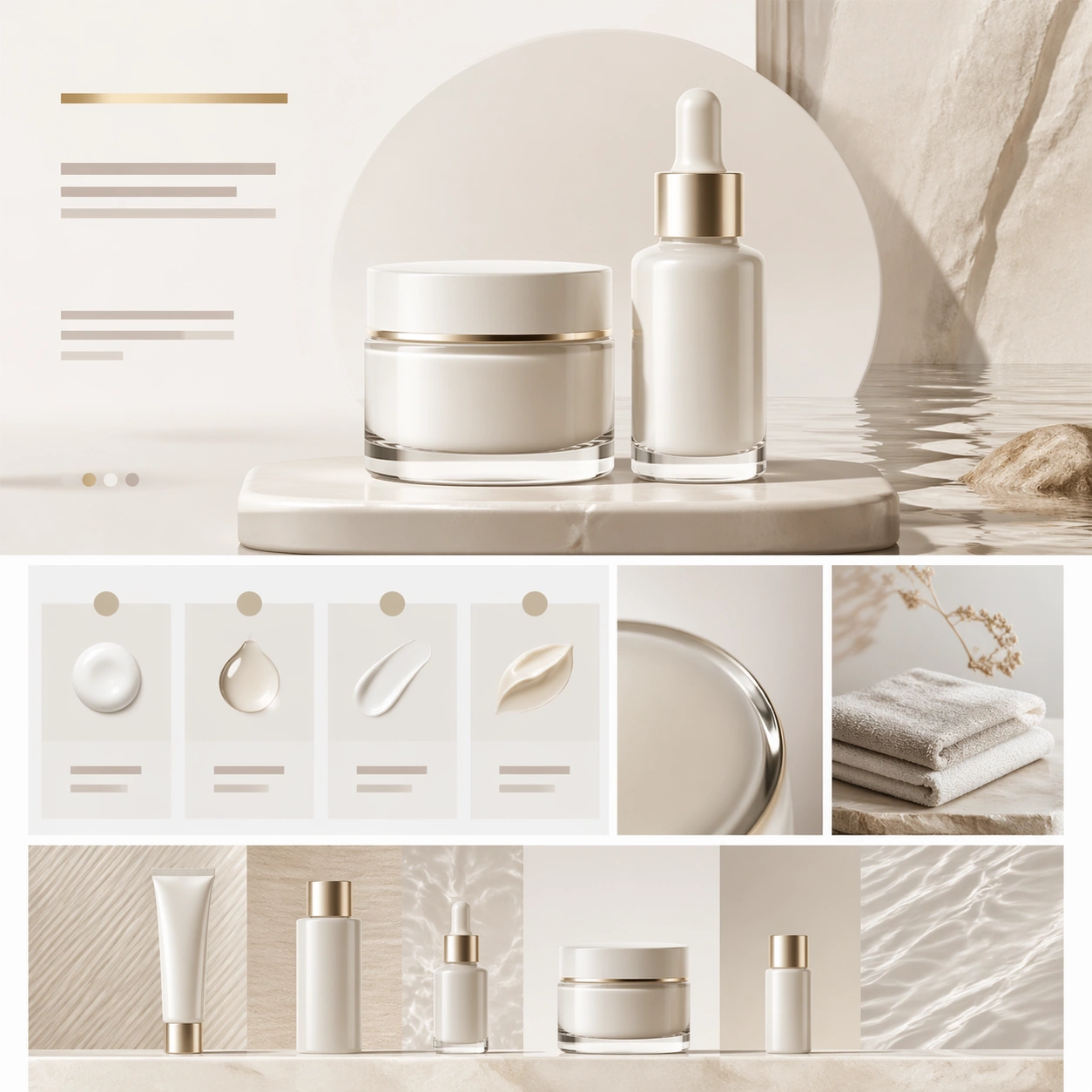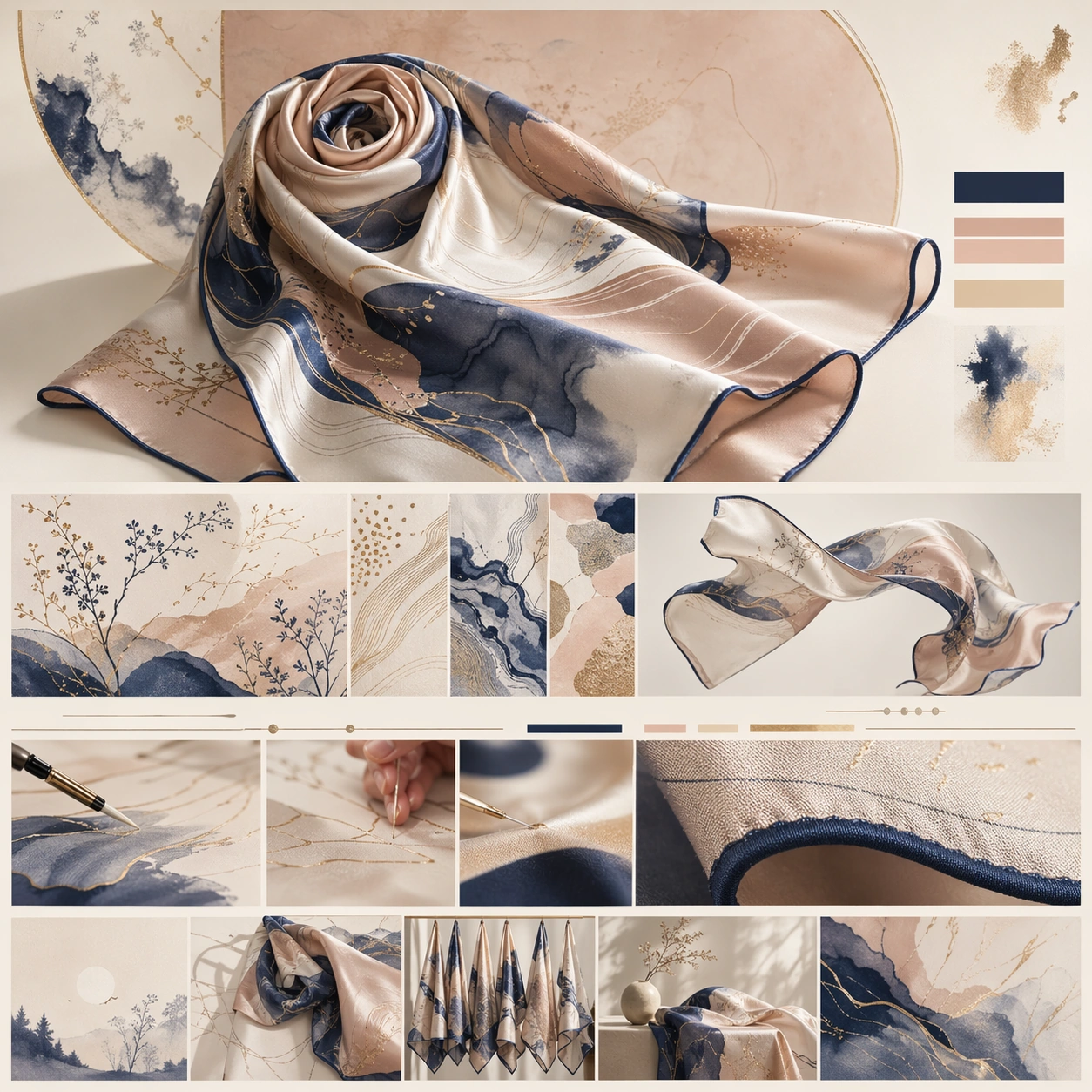
Original document
GPT Image 2 · en
Scene:
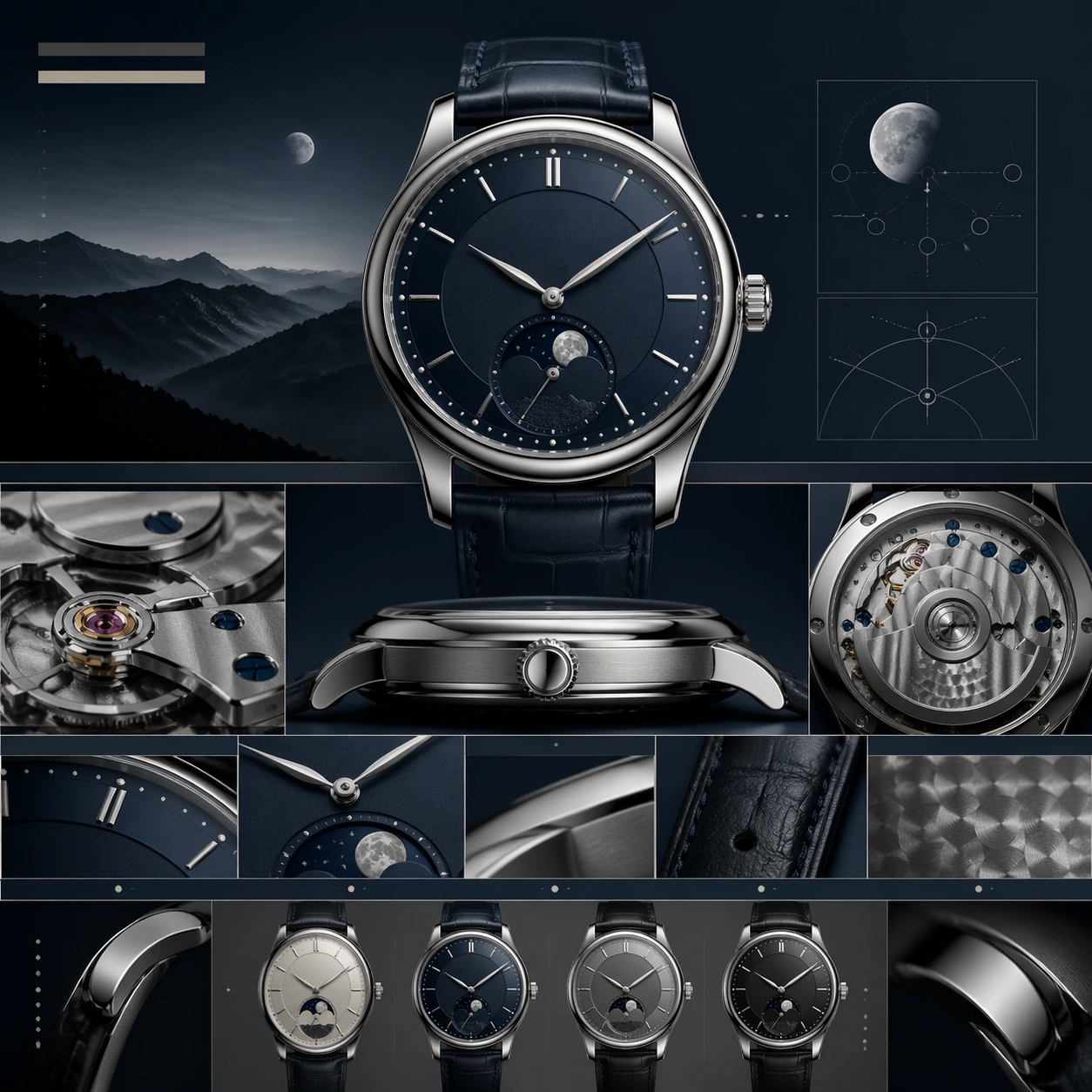
A square luxury watch brand-story page still, composed like a chapter from an haute horlogerie website. The color language is steel gray, deep navy, soft cream, and restrained silver highlights. The page should feel precise and serene, with a hero chapter at the top, movement and finishing chapters beneath, and a collection-summary band toward the lower edge. Lighting is clean and directional, revealing polished bevels and brushed metal with controlled reflections.

Subject:
Place a moonphase wristwatch front and center with a carefully proportioned case, elegant dial layers, slender hands, and a refined leather strap. Surround it with a chaptered luxury web composition made from abstract title bars, slim modular rows, macro movement-detail crops, and subtle diagram-like panels showing finishing, complications, and strap craftsmanship without readable words. Include one side-view macro of the crown and case flank, and one supporting module implying the back movement or finishing texture.

Important details:
The image must feel like watchmaking storytelling rather than direct retail sales. The watch should look plausible in scale, thickness, lugs, and dial construction, with crisp moonphase detailing and premium finishing. The page hierarchy should progress from emotional hero to technical intimacy to collection framing, all through elegant spacing and chapter rhythm. Keep the visual tone restrained, intelligent, and truly luxury.

Use case:
Luxury Brand Story Page single study 3/9, testing haute-horlogerie storytelling with movement detail, material finish, and chaptered web composition.

Constraints:
No readable text, no watermark, no logos, preserve exact 1:1 aspect ratio, no browser chrome, no wrist on a model, no cheap chronograph clutter, no oversized lens flare, no sports-watch aggression, no distorted hands or case geometry.
How to use
- Copy the complete original prompt, including any parameters.
- Replace the subject, text and composition with your own requirements.
- Use a compatible external tool; check its current access conditions and review the result.
Before you start
- Check whether a reference image is required. A compatible model label does not mean this example was generated with that model.
- Keep names, figures and visible text accurate; results can vary between model versions.