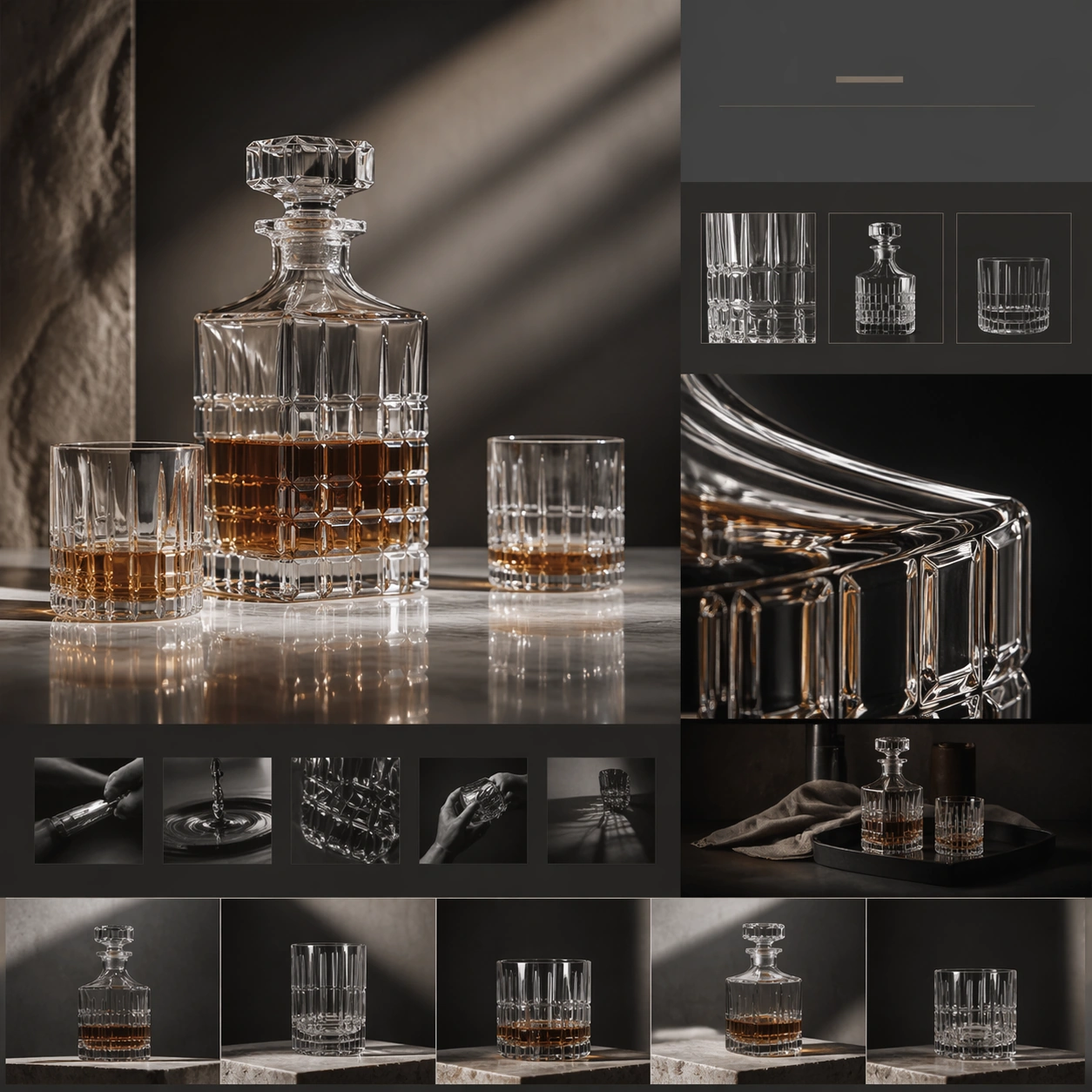
Original document
GPT Image 2 · en
Scene:
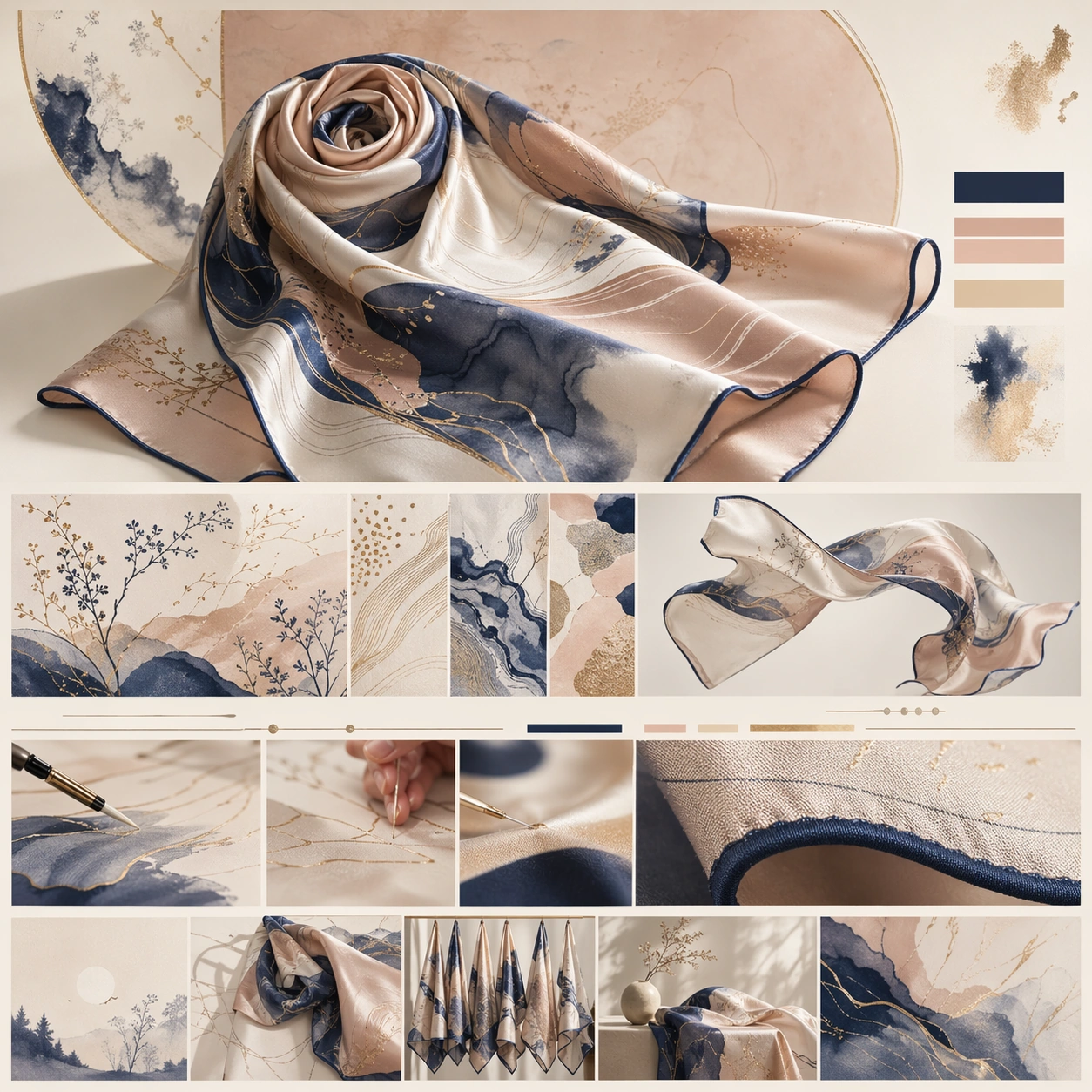
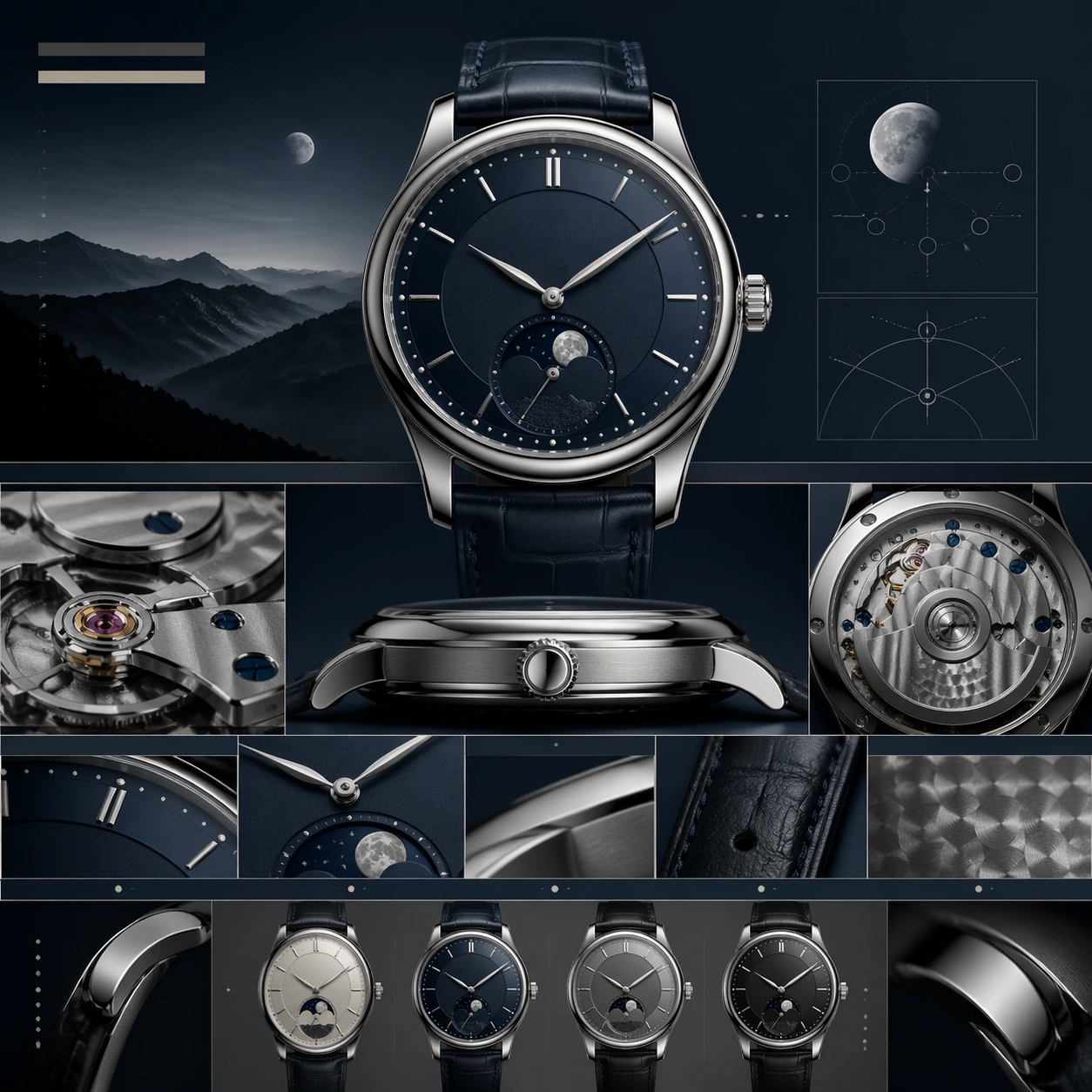
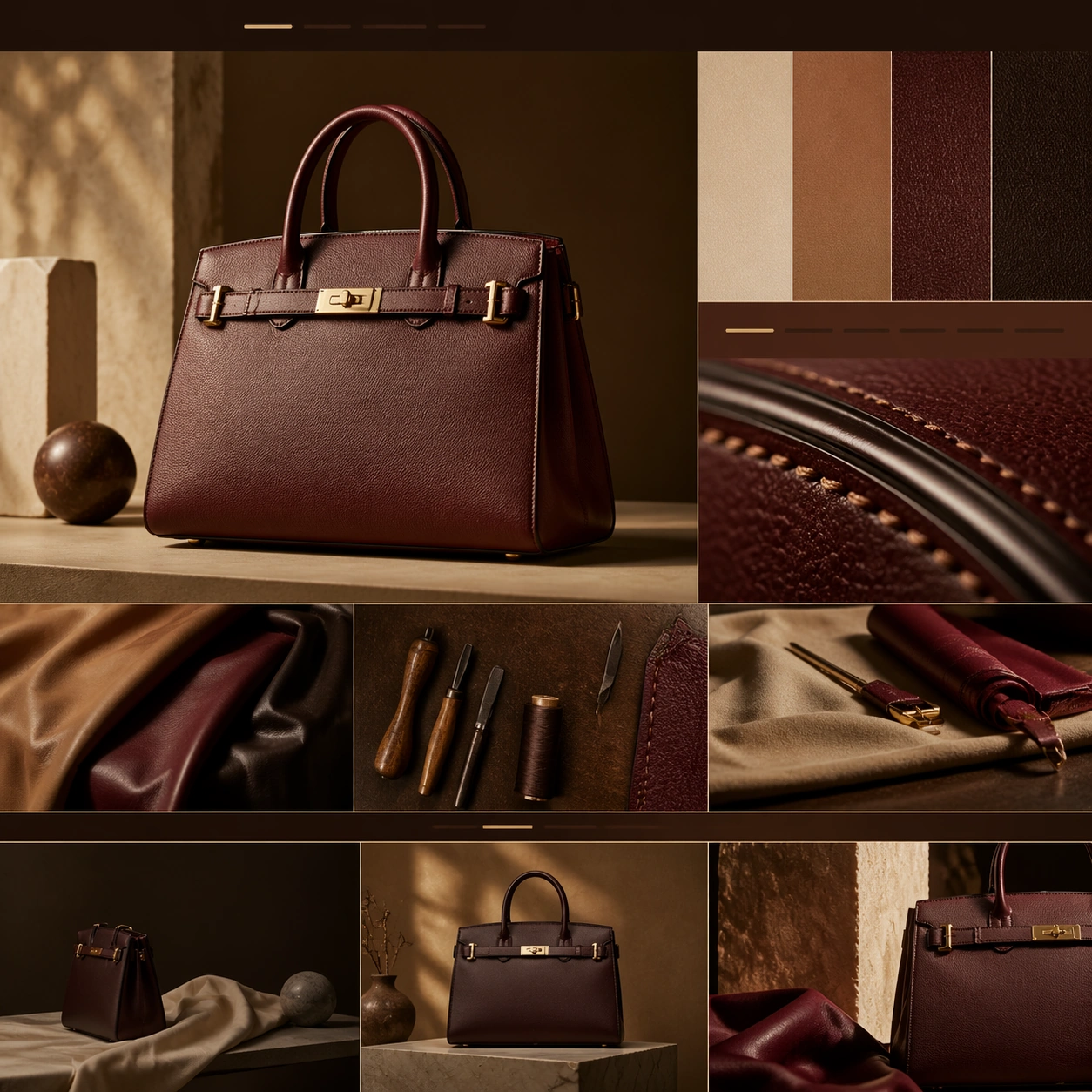
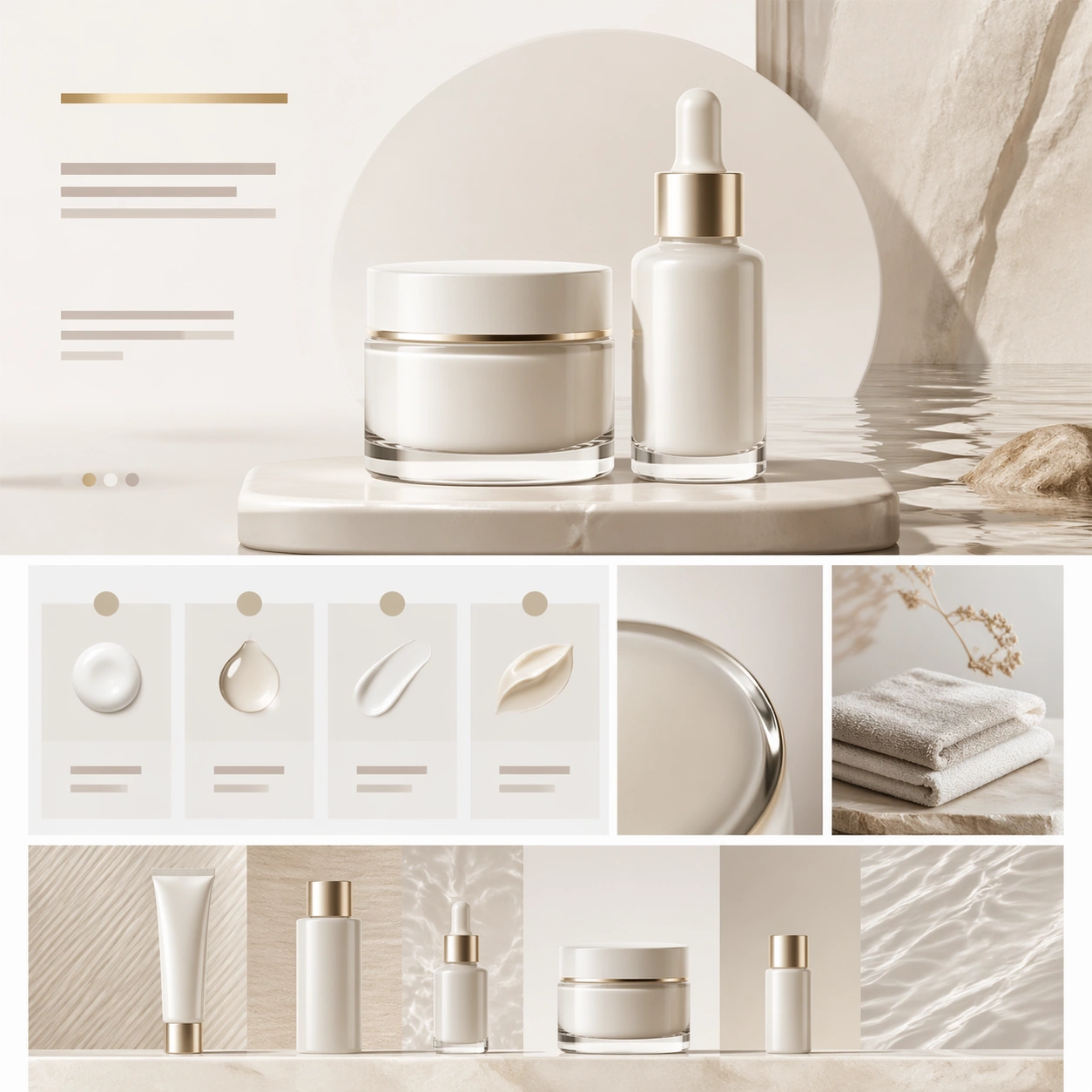
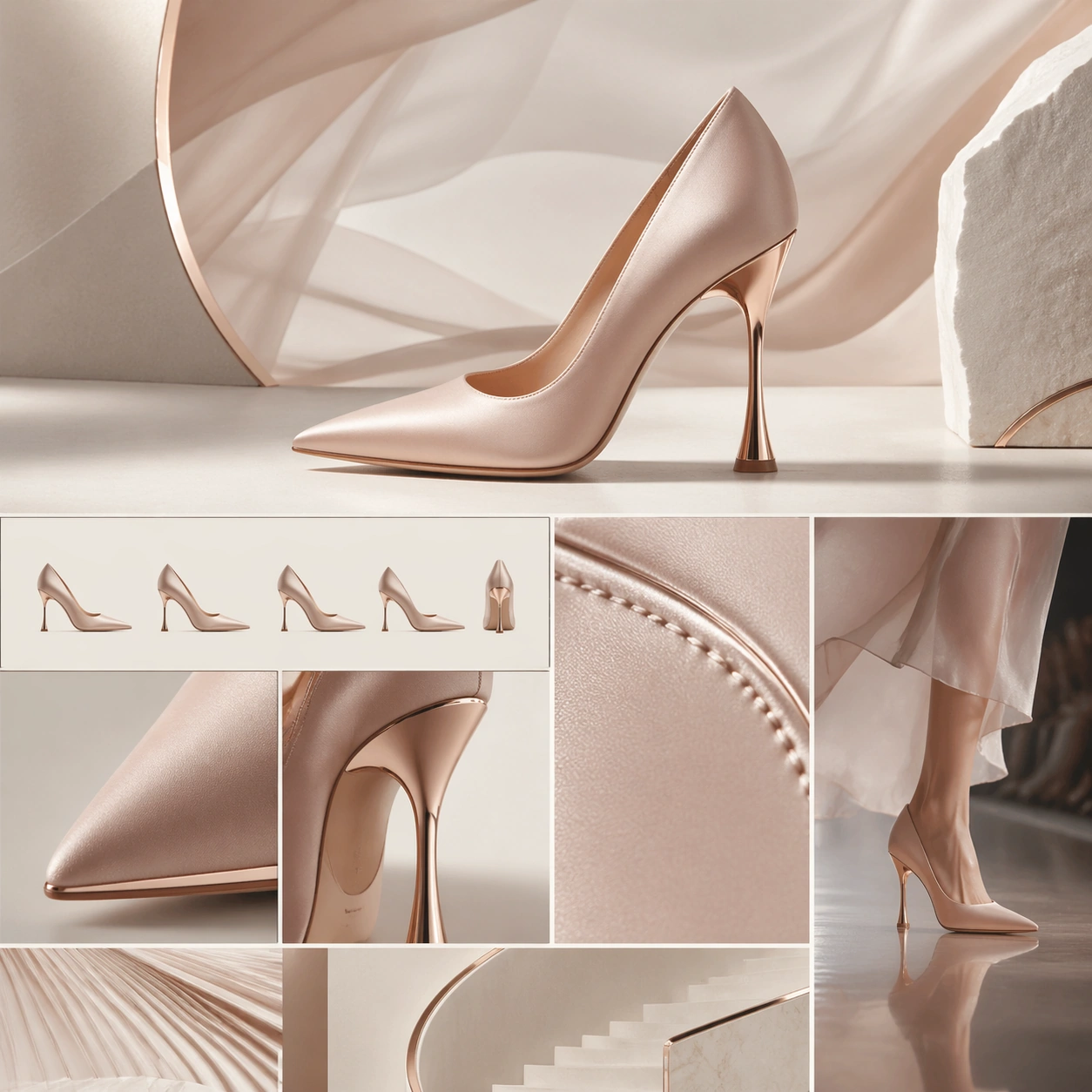
A square luxury brand-story page still for a couture heel launch, designed like a fashion maison website chapter. The composition mixes soft runway drama with disciplined web structure: a bone-white background, graphite shadows, blush highlights, and subtle metallic reflections. The top half should read as a statement hero section, while the bottom half breaks into craft, silhouette, and runway-context chapters aligned with clear editorial rhythm.

Subject:
Center a couture high heel with sculptural lines, immaculate leather or satin surface, elegant heel geometry, and a polished sole edge. Build the surrounding brand-story page with abstract title bars, silhouette comparison panels, heel-detail close-ups, and one narrow runway-context module showing the shoe in motion without a visible model face. Add a macro crop of stitching, edge finishing, or heel attachment so the sense of craftsmanship is tangible. The shoe remains the star, while the surrounding modules imply couture heritage and collection narrative.

Important details:
This should feel like an expensive fashion-house chapter, not a shoe-store catalog. The shoe's last, toe shape, heel angle, and material finish must look physically credible and refined. The layout should move from spectacle hero to technical beauty to runway story to collection framing. Preserve luxury restraint, elegant whitespace, and precise alignment so the page feels composed, fashion-literate, and art directed.

Use case:
Luxury Brand Story Page single study 6/9, testing couture footwear storytelling with silhouette precision, craft detail, and runway-inspired chapter layout.

Constraints:
No readable text, no watermark, no logos, preserve exact 1:1 aspect ratio, no browser chrome, no busy model montage, no cheap ecommerce grid, no cartoon fashion graphics, no glitter overload, no distorted heel proportions.
How to use
- Copy the complete original prompt, including any parameters.
- Replace the subject, text and composition with your own requirements.
- Use a compatible external tool; check its current access conditions and review the result.
Before you start
- Check whether a reference image is required. A compatible model label does not mean this example was generated with that model.
- Keep names, figures and visible text accurate; results can vary between model versions.