Original document
GPT Image 2 · en
Scene:
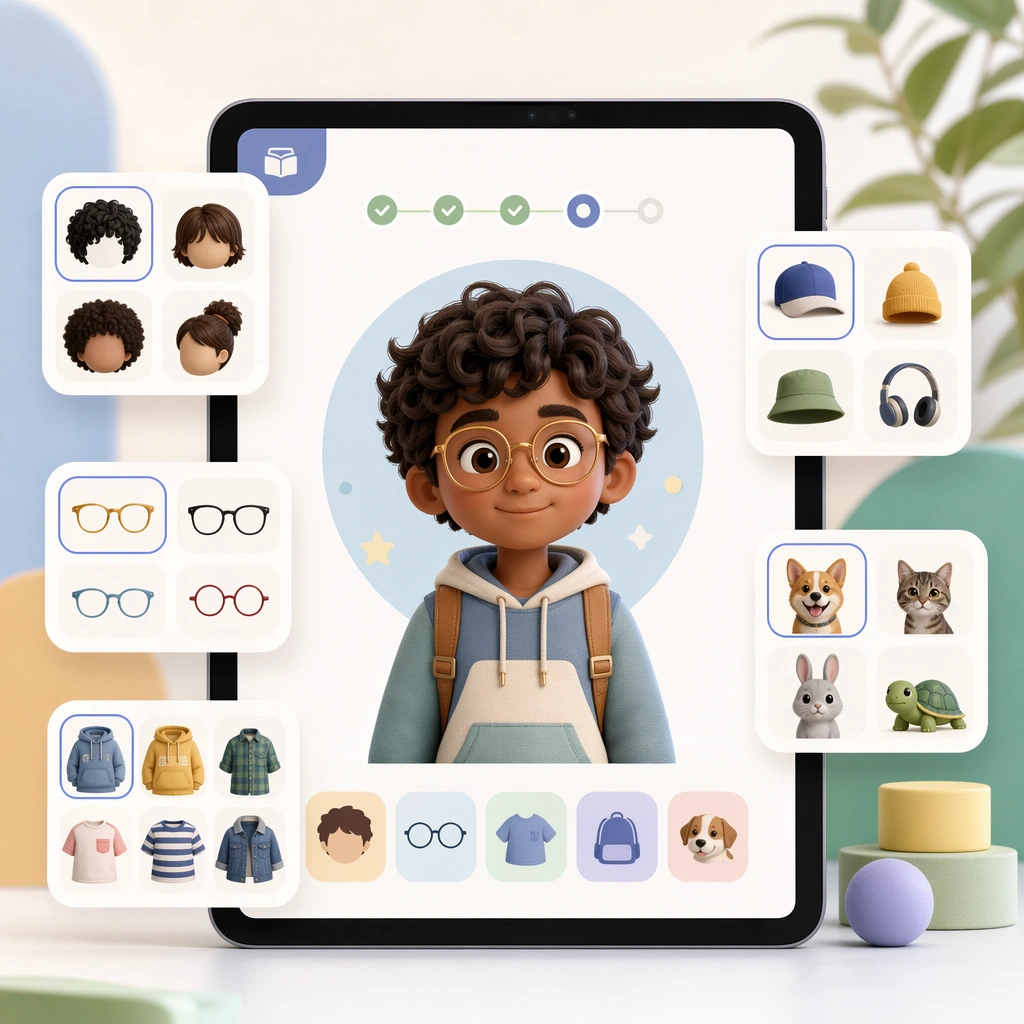
Render a square device-screen hero shot with a central character preview and side option cards floating on a soft studio background. The composition should look like a polished feature announcement tile for a new profile-customization capability. Keep the square frame balanced, calm, and production-ready so the asset can serve gallery review, research comparison, and real educational delivery at the same time.

Subject:
Show a friendly child avatar with selectable hair, glasses, outfits, and companion accessories indicated through pictorial swatches and taps. The interface must stay simple and emotionally safe, avoiding clutter while still feeling expressive and delightful. The subject arrangement should feel complete and self-contained, able to stand alone as a real supporting deliverable inside the same education business line.

Important details:
Use the same clean geometry and product polish expected of a real app. The image should communicate ownership and personalization without drifting into generic game UI excess. Keep the visual hierarchy modular, commercially believable, and clearly tied to a real educational use case rather than a generic mood board.

Use case:
Learning App Onboarding and Lesson UI single study 3/5, avatar customizer panel.

Constraints:
No readable text, no watermark, no logos, preserve exact 1:1 aspect ratio, no readable UI copy, no logos, no generic game loot clutter, no brand watermarks, no impossible screen perspective, no app-store badges.
How to use
- Copy the complete original prompt, including any parameters.
- Replace the subject, text and composition with your own requirements.
- Use a compatible external tool; check its current access conditions and review the result.
Before you start
- Check whether a reference image is required. A compatible model label does not mean this example was generated with that model.
- Keep names, figures and visible text accurate; results can vary between model versions.