Original document
GPT Image 2 · en
Scene:
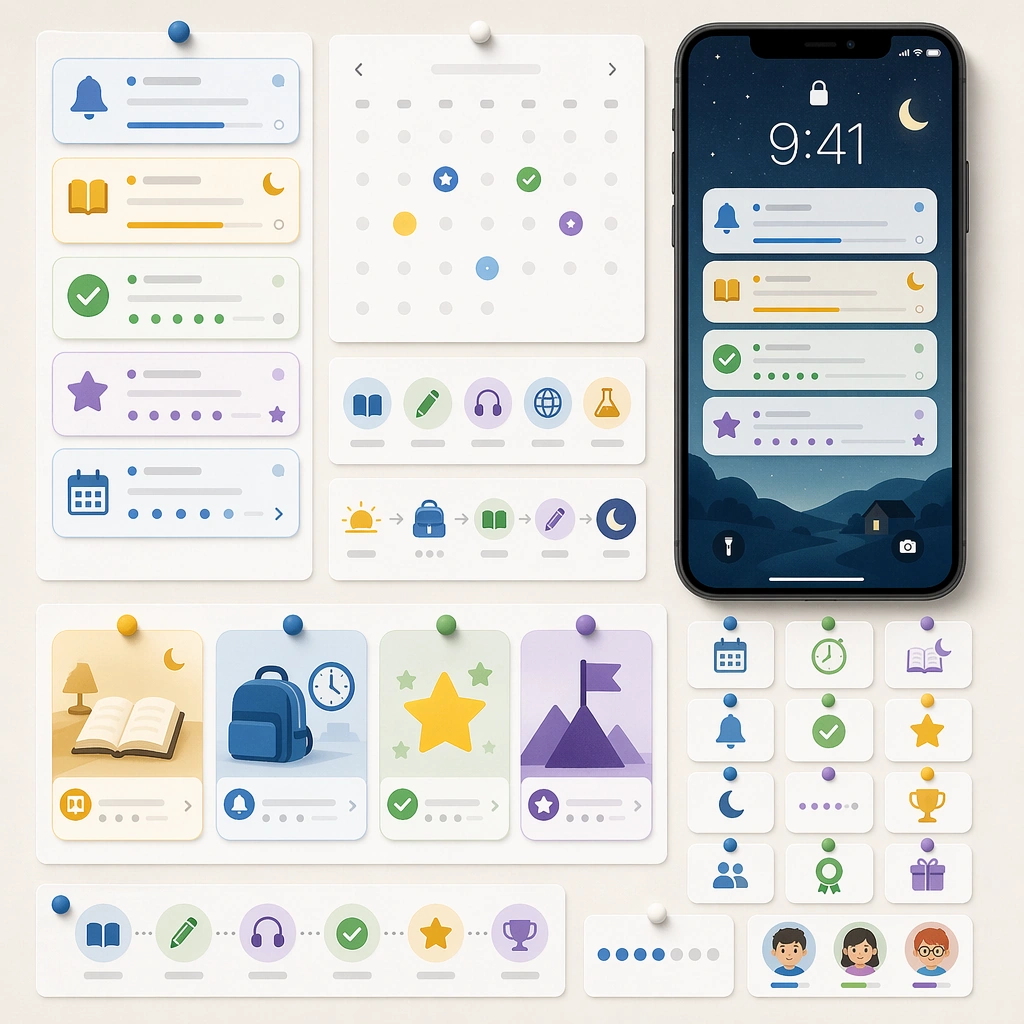
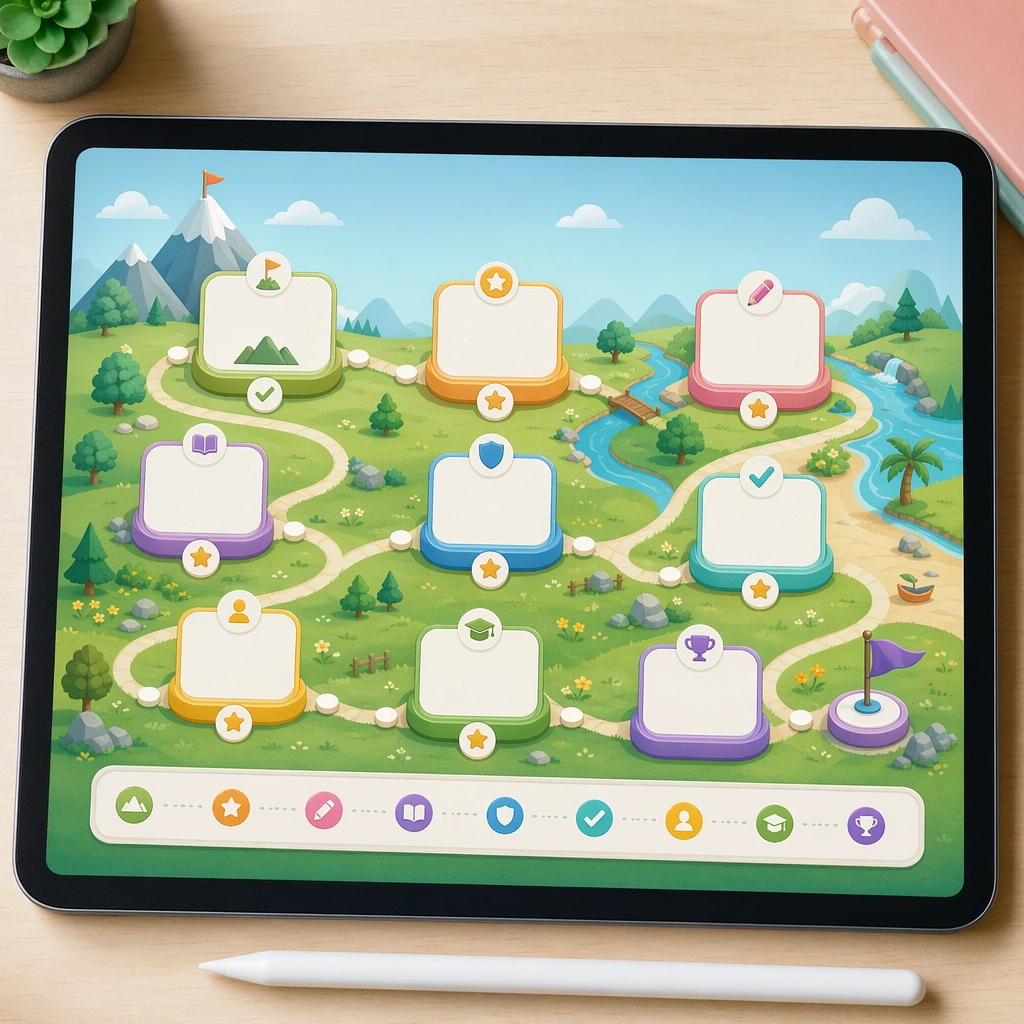
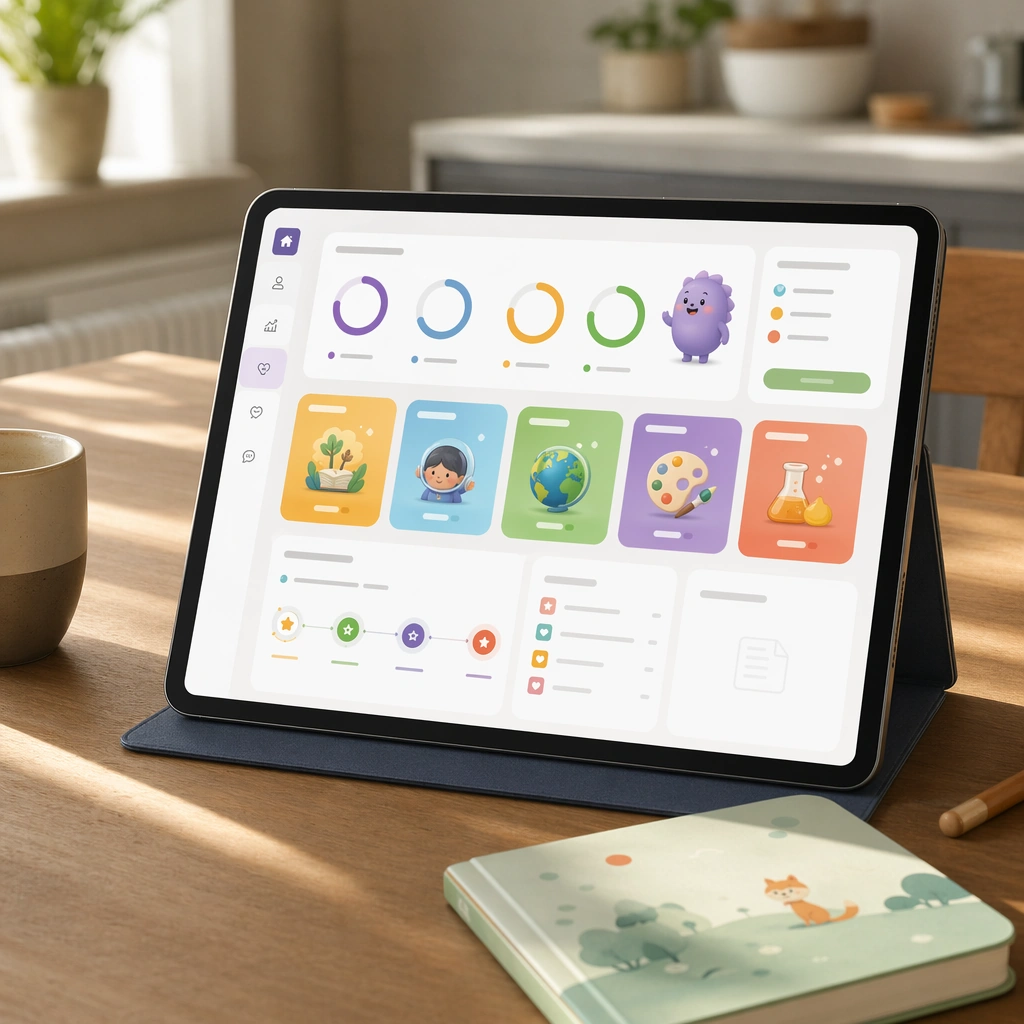
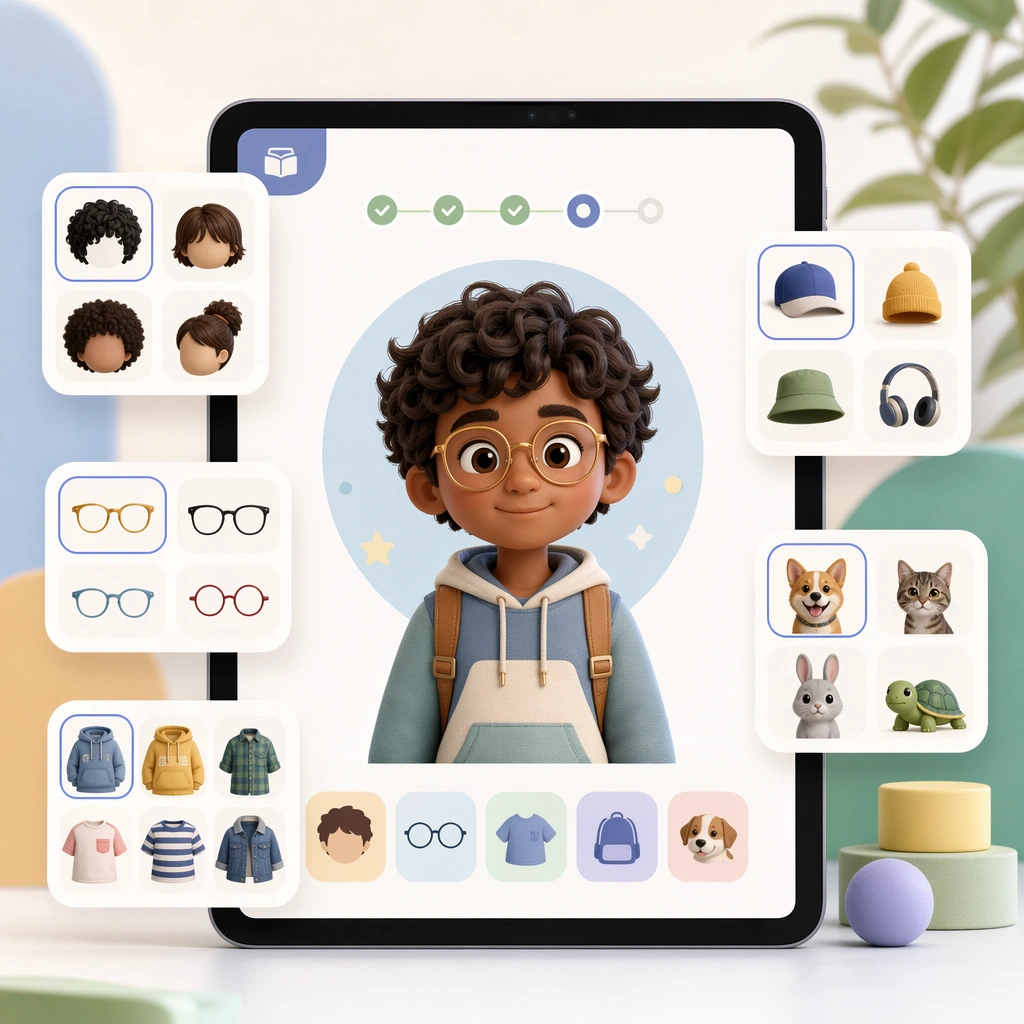
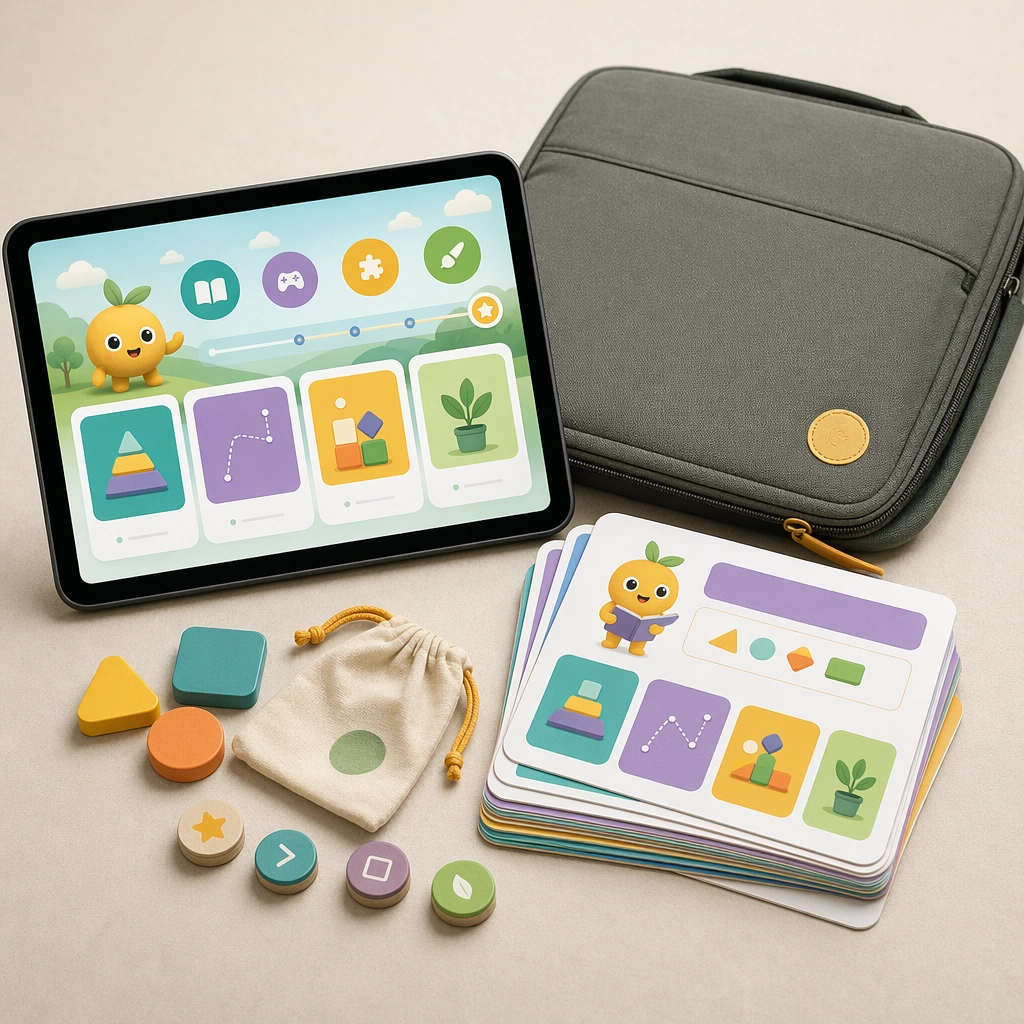
Show a square hybrid product mockup with a tablet, a stack of lesson cards, a carrying sleeve, and a few tactile tokens on a soft studio surface. The lighting should be bright, premium, and believable for an education startup or publisher launch visual. Keep the square frame balanced, calm, and production-ready so the asset can serve gallery review, research comparison, and real educational delivery at the same time.

Subject:
The tablet displays one clean lesson screen while the printed materials echo the same colors, mascot language, and module logic. Together they should suggest a blended learning kit that works across school, home, and travel contexts. The subject arrangement should feel complete and self-contained, able to stand alone as a real supporting deliverable inside the same education business line.

Important details:
Favor commercial clarity and product plausibility. The bundle should feel like a deliberate business offer, not a random prop collage, proving the interface system can expand into physical learning surfaces. Keep the visual hierarchy modular, commercially believable, and clearly tied to a real educational use case rather than a generic mood board.

Use case:
Learning App Onboarding and Lesson UI single study 5/5, tablet and card pack.

Constraints:
No readable text, no watermark, no logos, preserve exact 1:1 aspect ratio, no readable UI copy, no logos, no generic game loot clutter, no brand watermarks, no impossible screen perspective, no app-store badges.
How to use
- Copy the complete original prompt, including any parameters.
- Replace the subject, text and composition with your own requirements.
- Use a compatible external tool; check its current access conditions and review the result.
Before you start
- Check whether a reference image is required. A compatible model label does not mean this example was generated with that model.
- Keep names, figures and visible text accurate; results can vary between model versions.