Old Photo Restoration Prompt

Old Photo Restoration Prompt

Original document

GPT Image 2 · en

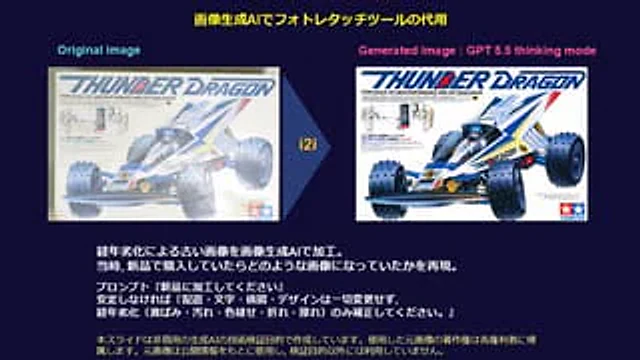
Without altering the layout, text, composition, or design, please only repair deterioration caused by the passage of time (such as yellowing, stains, fading, creases, and scratches).

How to use

  1. Copy the complete original prompt, including any parameters.
  2. Replace the subject, text and composition with your own requirements.
  3. Use a compatible external tool; check its current access conditions and review the result.

Before you start

  • Check whether a reference image is required. A compatible model label does not mean this example was generated with that model.
  • Keep names, figures and visible text accurate; results can vary between model versions.
More like this

Restore a Faded Old Photo (reference photo required)
Nano Banana 2.1en

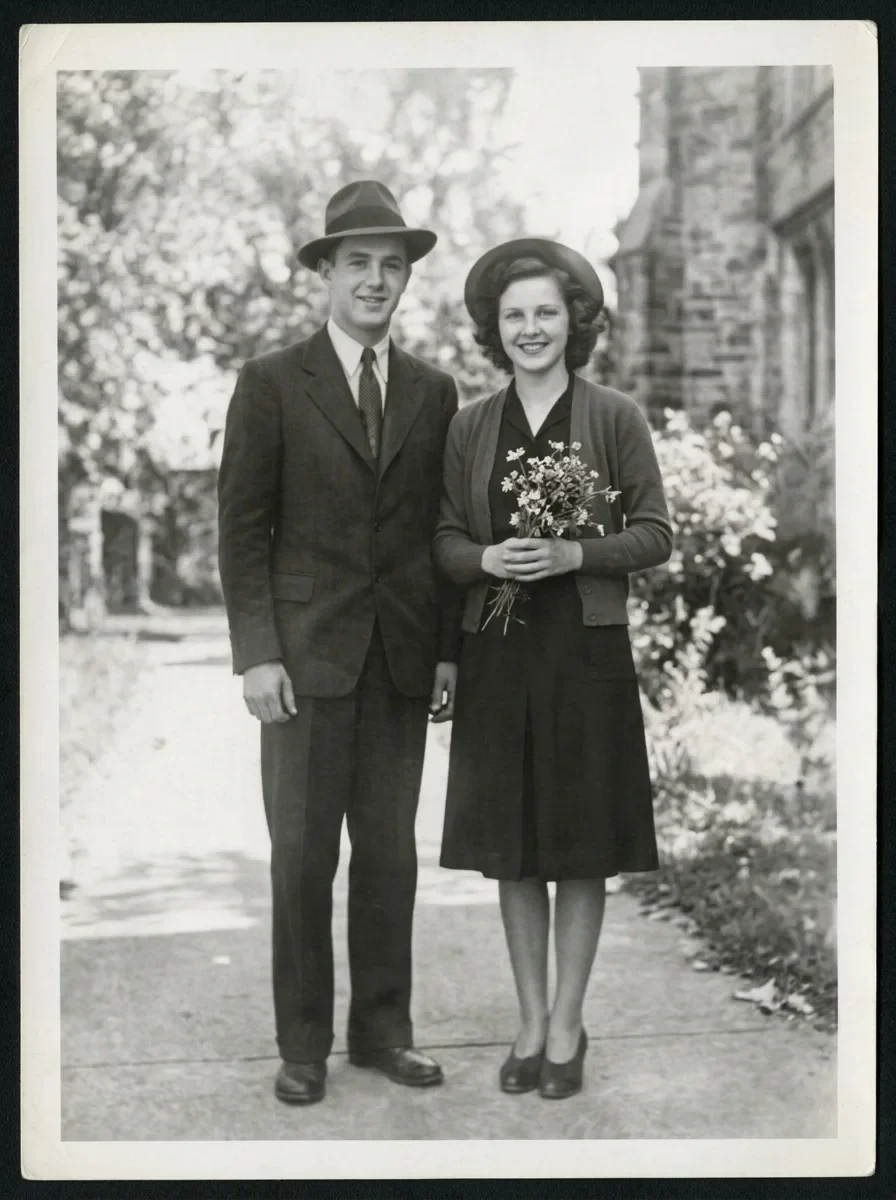
Restore this old photograph: remove the yellow age cast, dust spots, scratches and fold creases, and bring back clear, natural detail in the faces and eyes. Keep the people's features, expressions, clothing and the original composition unchanged. Clean archival quality with natur

Old Photo Restoration to DSLR Portrait
GPT Image 2en

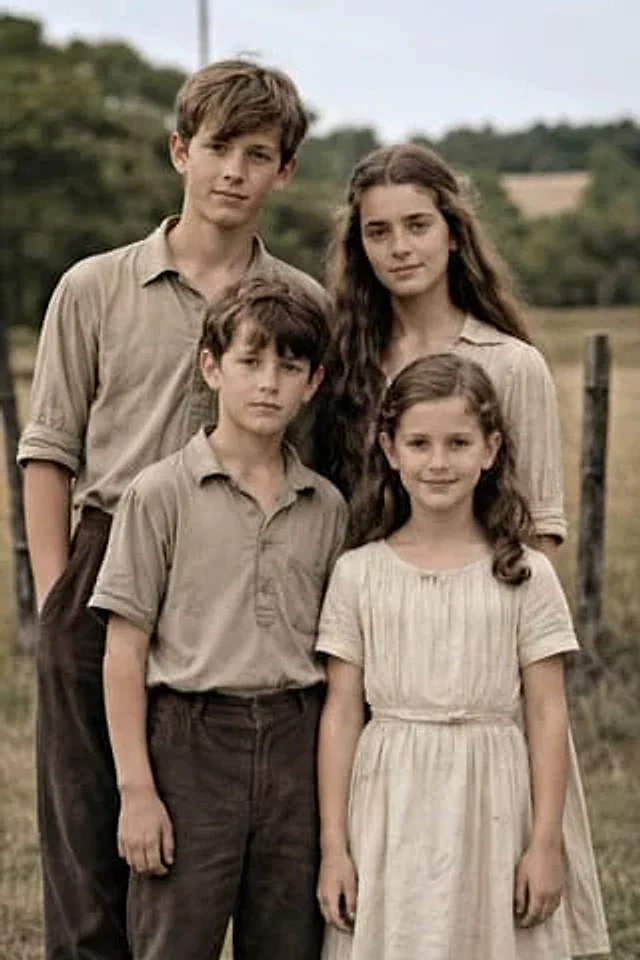
Using the provided reference image, restore the damaged old family photo into a natural-looking modern high-resolution portrait while keeping the same 4 people, pose, framing, clothing, and outdoor rural setting unchanged. Remove all visible age damage including tears, cracks, cr

5-Year-Old Crayon Drawing Style
GPT Image 2en

Redraw the attached image as if a 5-year-old drew it with crayons during math class while not paying attention. White background. Proportions should be hilariously wrong, colors outside the lines, faces that look more like potatoes than humans. The kind of drawing a proud parent