Original document
GPT Image 2 · en
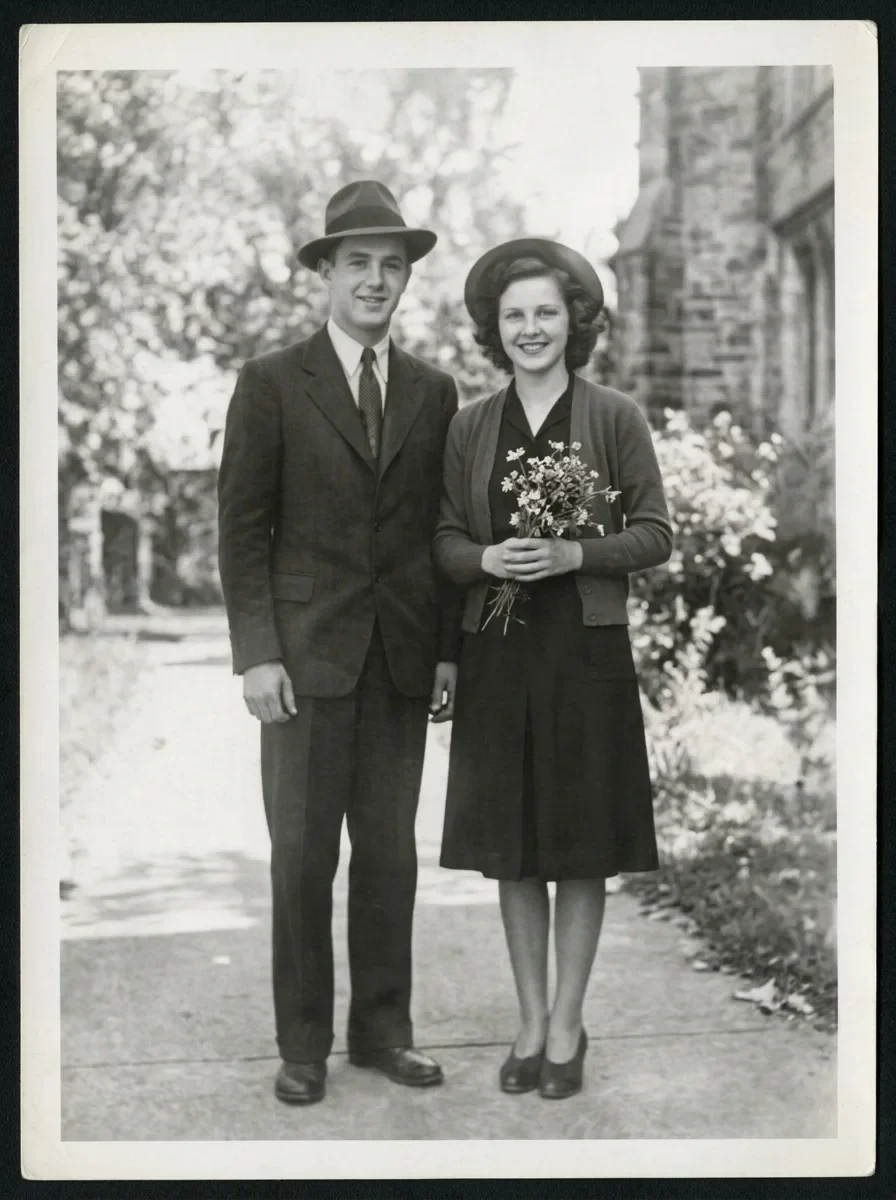
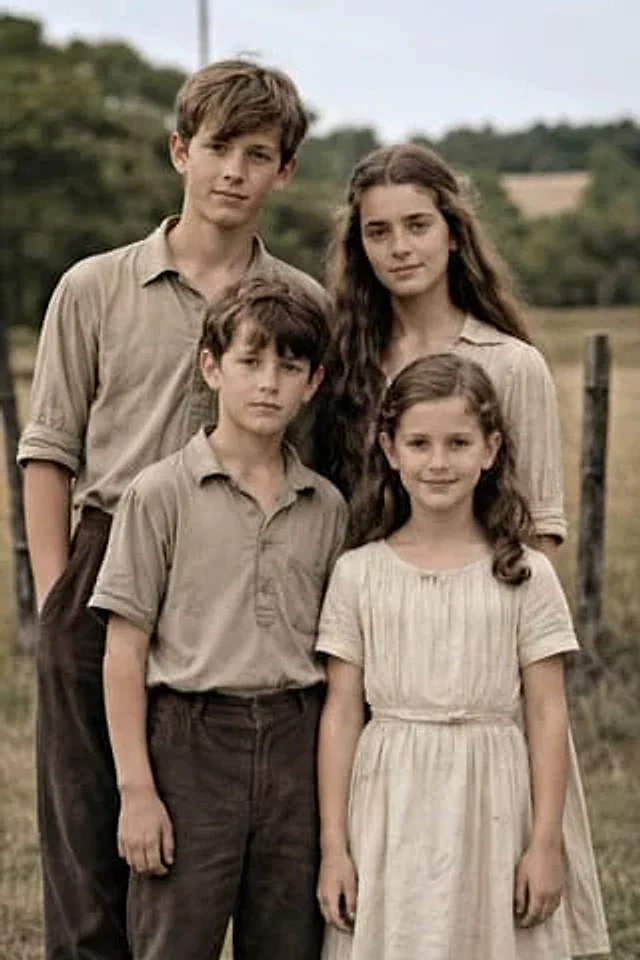
Using the provided reference image, restore the damaged old family photo into a natural-looking modern high-resolution portrait while keeping the same 4 people, pose, framing, clothing, and outdoor rural setting unchanged. Remove all visible age damage including tears, cracks, creases, stains, worn paper edges, scratches, and fading. Convert the black-and-white sepia image into realistic soft color, preserving accurate skin tones and neutral earth-toned clothing. Enhance fine detail, sharpen fabric and hair texture, improve contrast and dynamic range, and upscale it to professional DSLR-quality realism with clean focus and a subtle shallow depth of field, as if photographed on a {argument name="camera model" default="Canon EOS R6 II"}. Keep the result highly realistic, natural, and faithful to the original faces and proportions.How to use
- Copy the complete original prompt, including any parameters.
- Replace the subject, text and composition with your own requirements.
- Use a compatible external tool; check its current access conditions and review the result.
Before you start
- Check whether a reference image is required. A compatible model label does not mean this example was generated with that model.
- Keep names, figures and visible text accurate; results can vary between model versions.