Original document
GPT Image 2 · en
Scene:
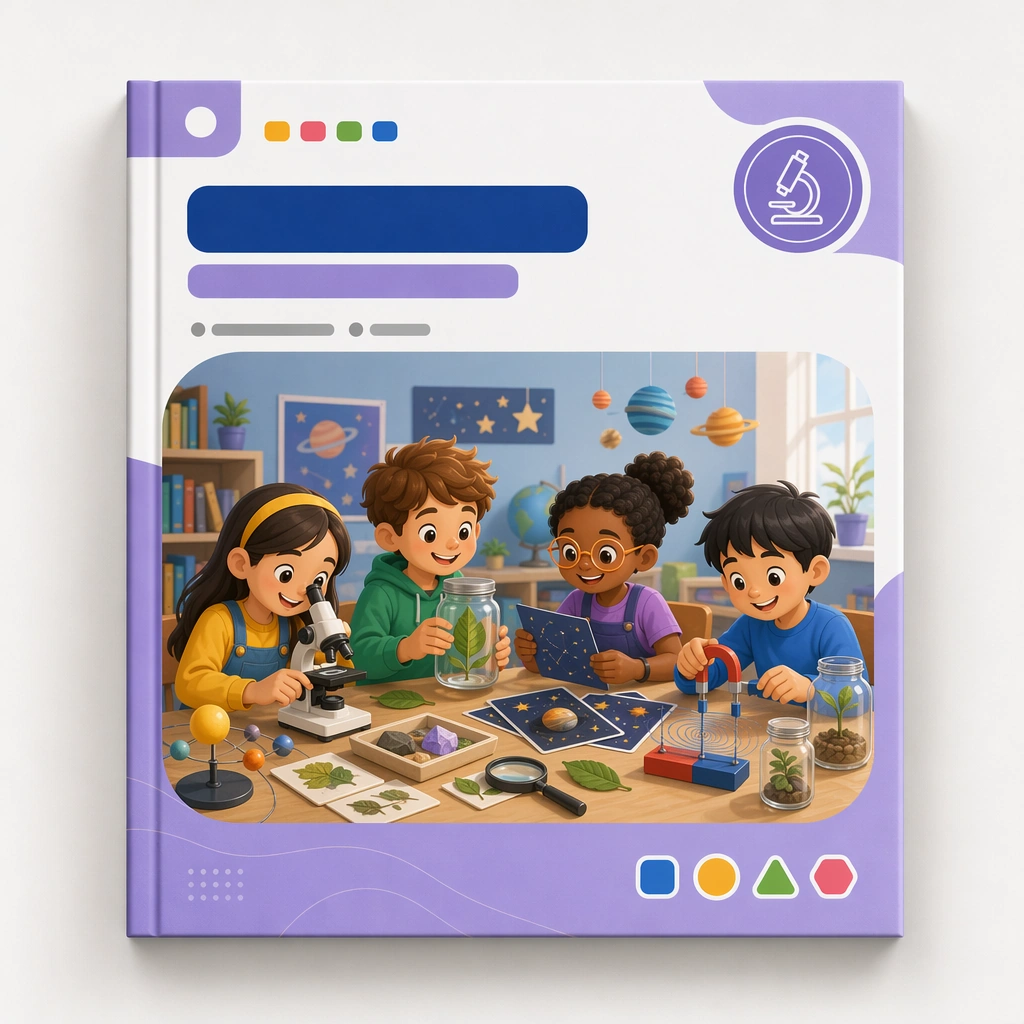
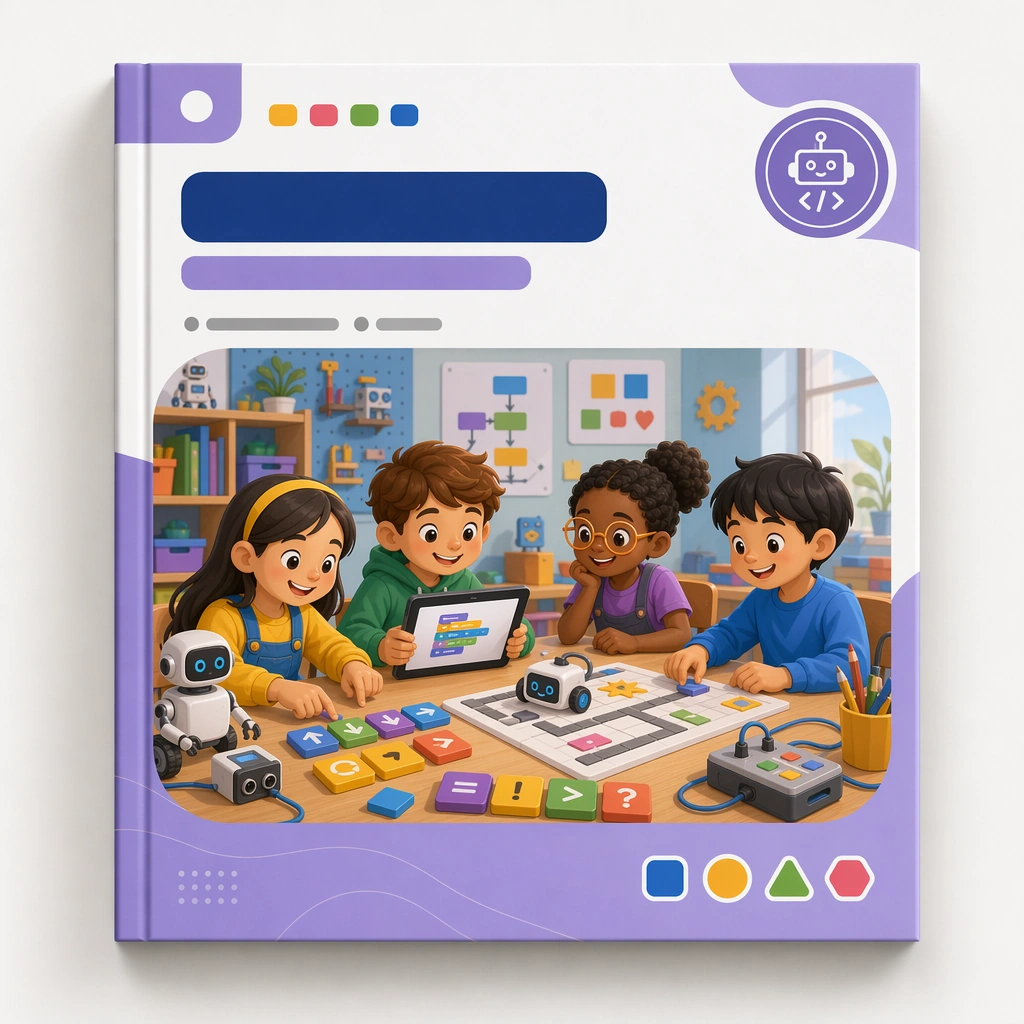
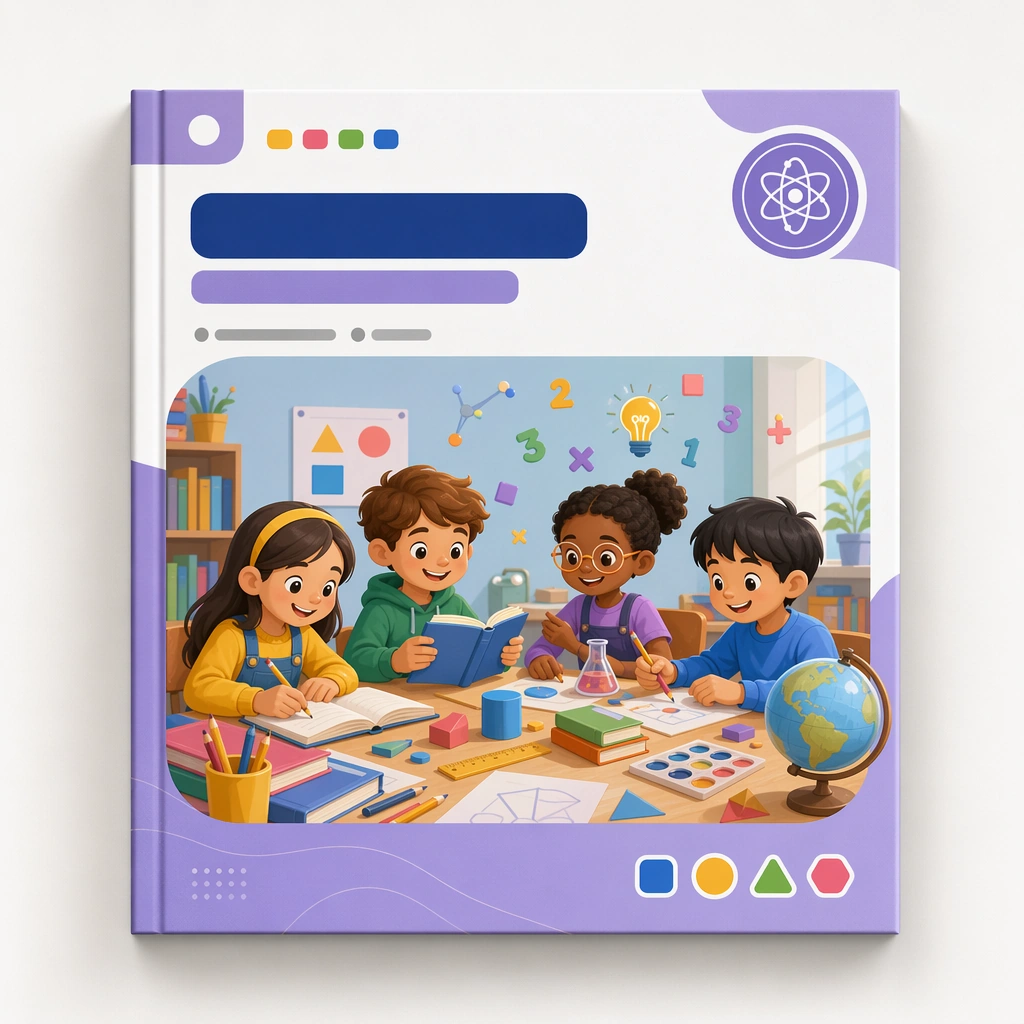
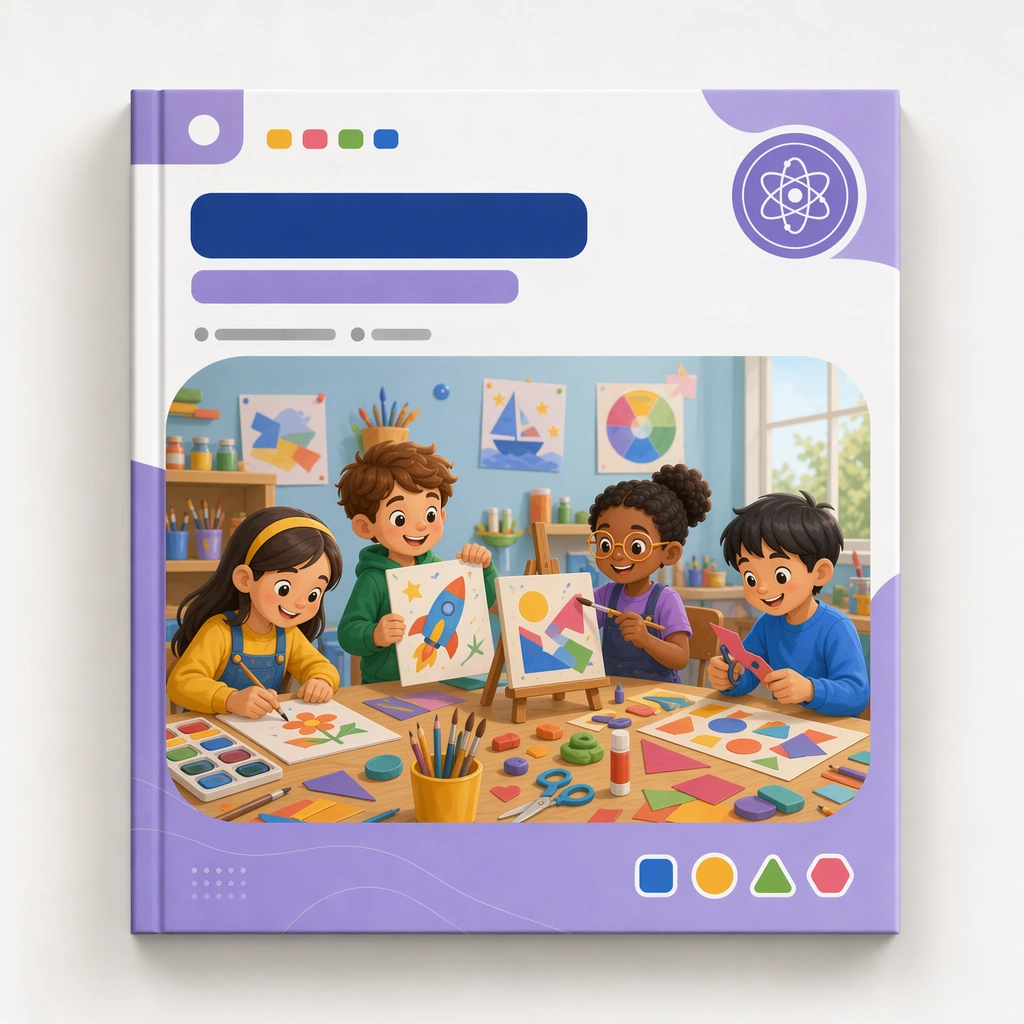
Keep the same square cover presentation, studio backdrop, and print realism established by the reference cover. The asset should look like the second module in the same educational series, maintaining identical proportions, framing, and packaging discipline. Keep the square frame balanced, calm, and production-ready so the asset can serve gallery review, research comparison, and real educational delivery at the same time.

Subject:
Shift the illustration content toward painting tools, collage shapes, clay, easels, and joyful making gestures, all staged inside the same cover architecture and blank labeling zones. The cover should feel energetic but still tightly controlled. The subject matter should feel intentionally selected for a coherent curriculum family rather than like a random decorative assortment.

Important details:
Preserve the full reference system, including frame, badge placement, illustration ratio, and palette hierarchy. Let the subject matter provide the variation while the product identity remains unmistakably stable. Preserve the same cover frame, subject badge placement, illustration ratio, color hierarchy, and blank title-zone architecture from the reference cover. Use variation only in the teaching content, supporting props, and scene-specific mood while preserving the core visual system exactly.

Use case:
Kids Course Cover and Module Family series study 2/4, art adventure cover.

Constraints:
No readable text, no watermark, no logos, preserve exact 1:1 aspect ratio, no readable course titles, no logos, no brand mascots from existing IP, no cluttered marketplace graphics, no fake awards, no generic stock-book covers.
How to use
- Copy the complete original prompt, including any parameters.
- Replace the subject, text and composition with your own requirements.
- Use a compatible external tool; check its current access conditions and review the result.
Before you start
- Check whether a reference image is required. A compatible model label does not mean this example was generated with that model.
- Keep names, figures and visible text accurate; results can vary between model versions.