Original document
GPT Image 2 · en
Scene:
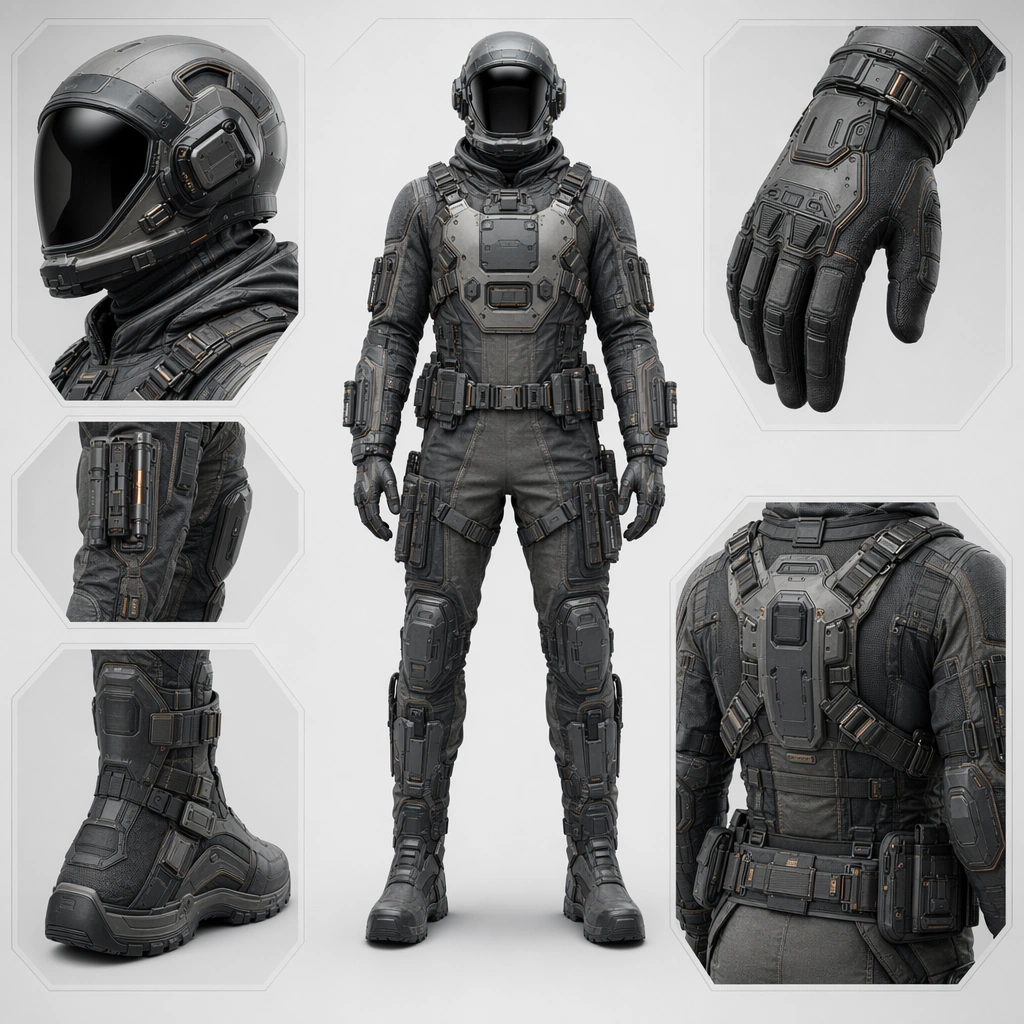
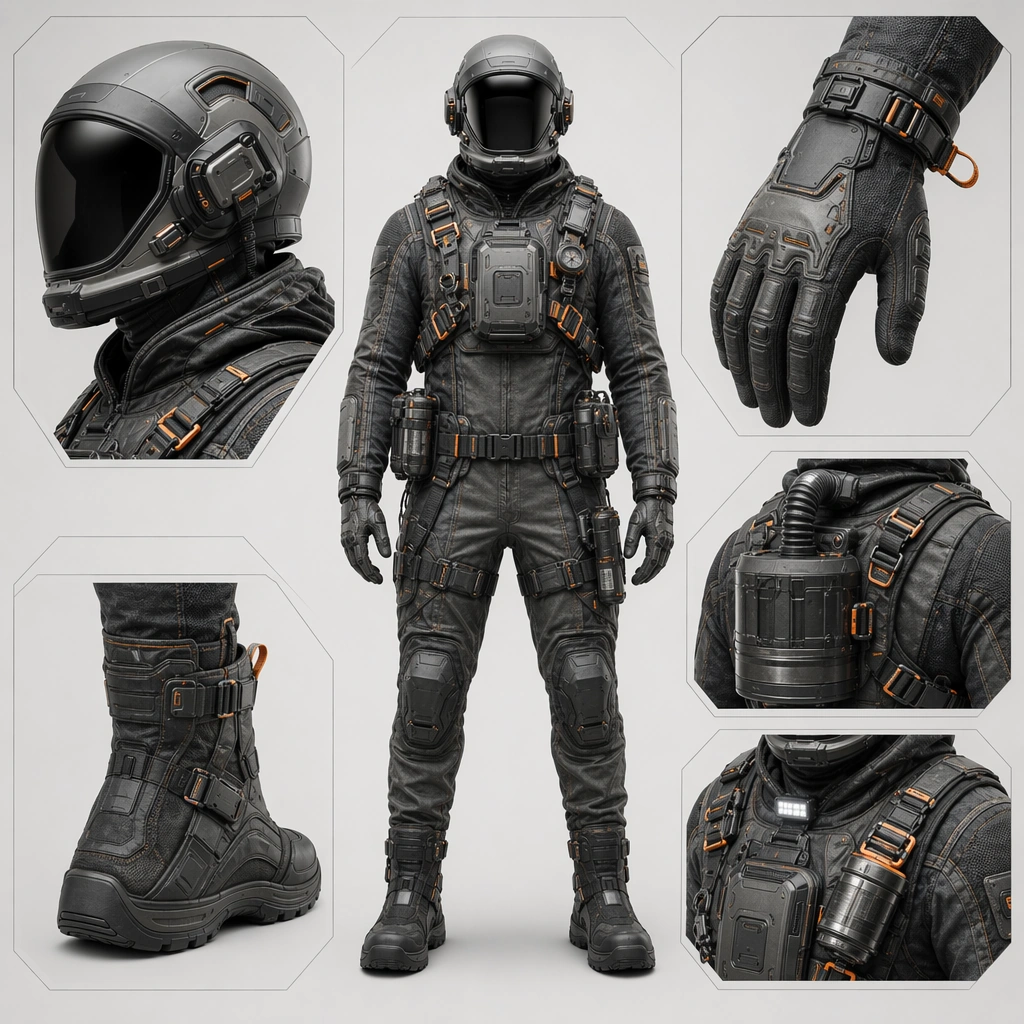
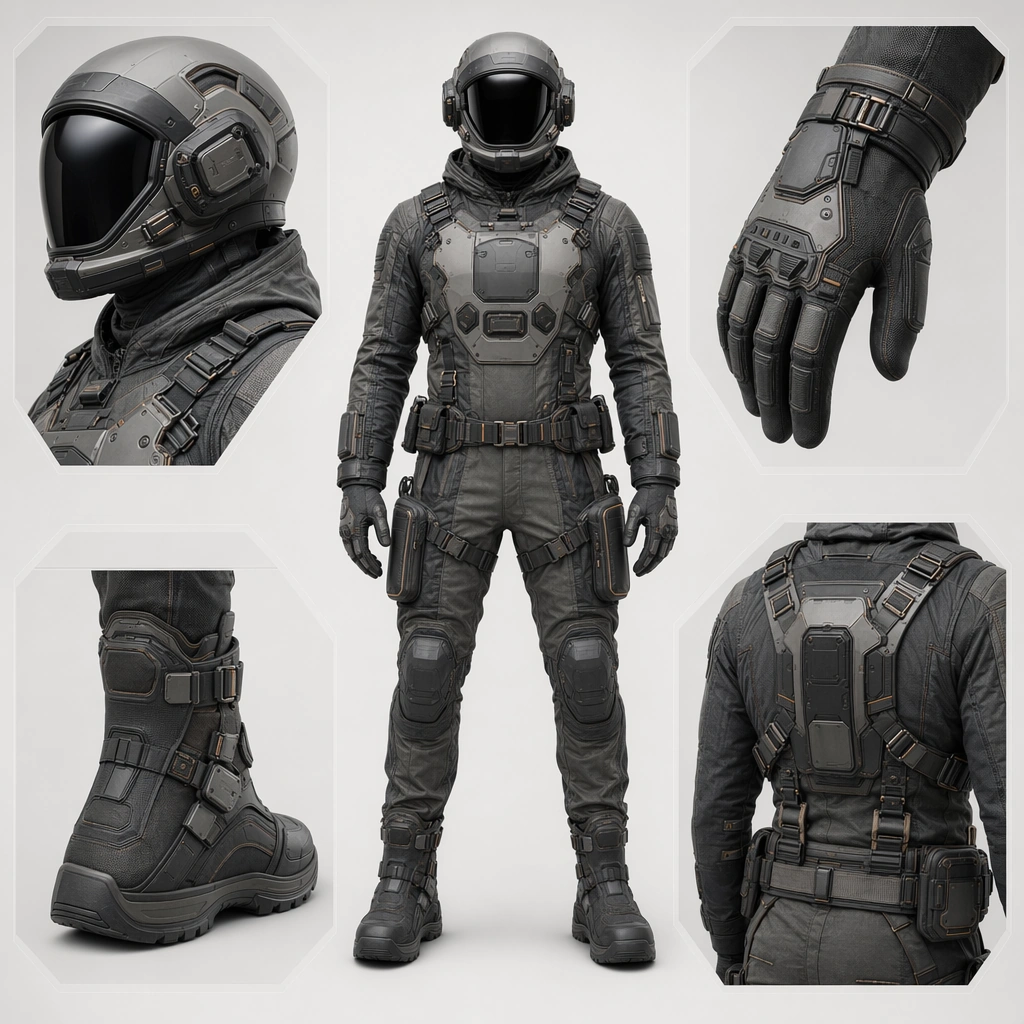
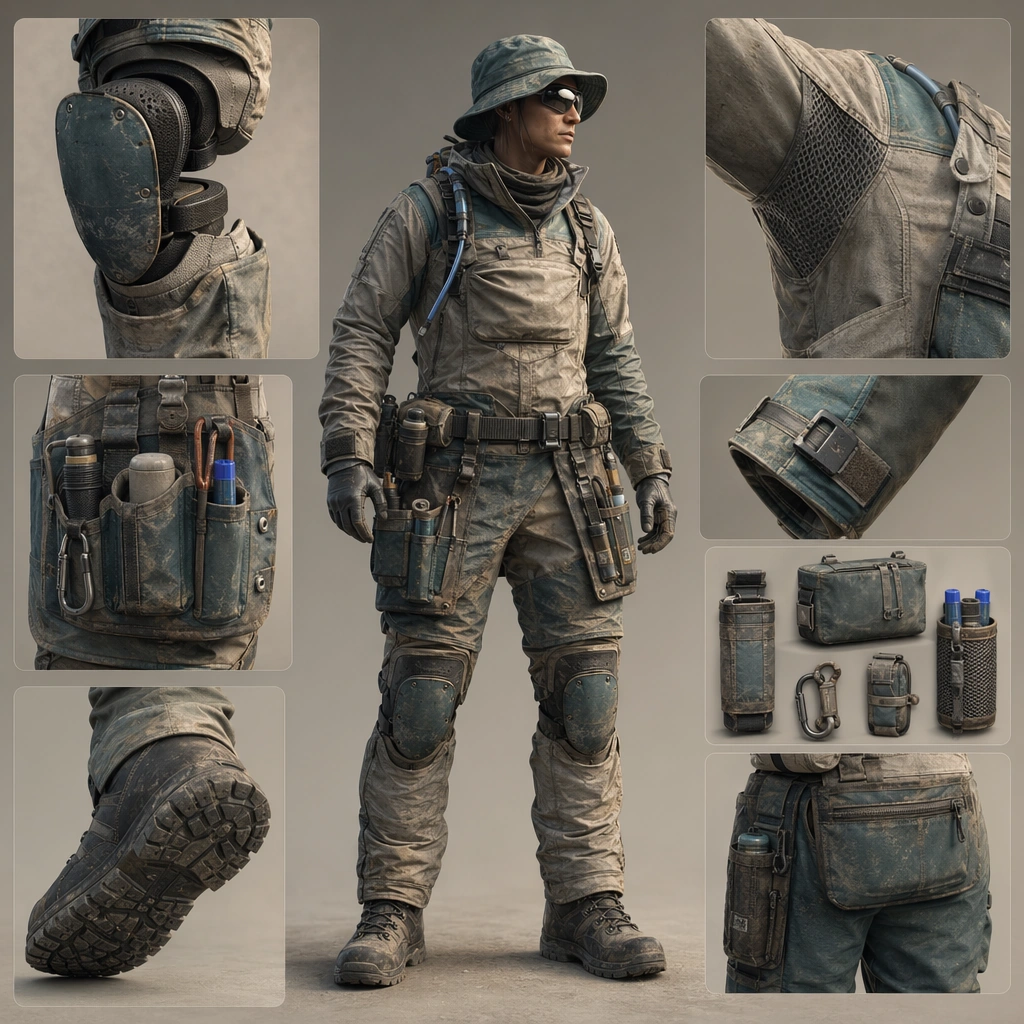
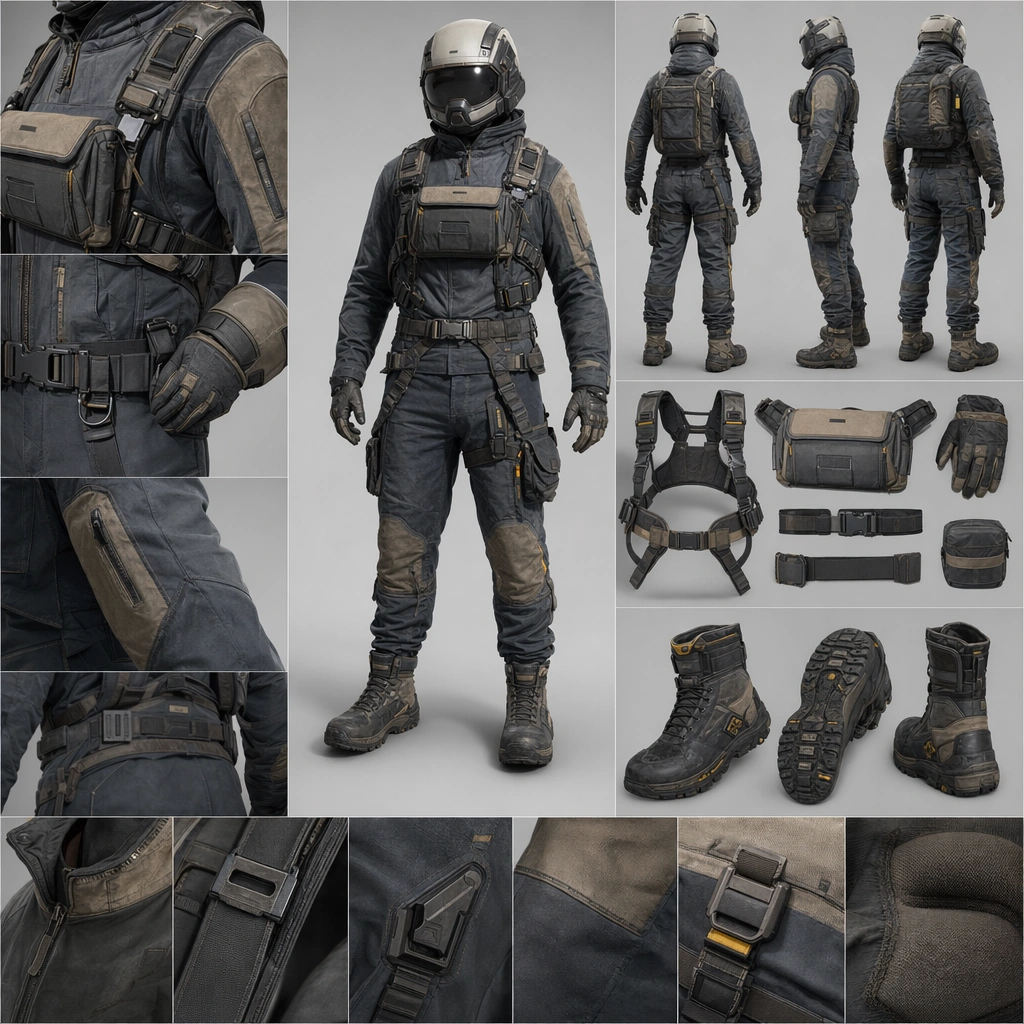
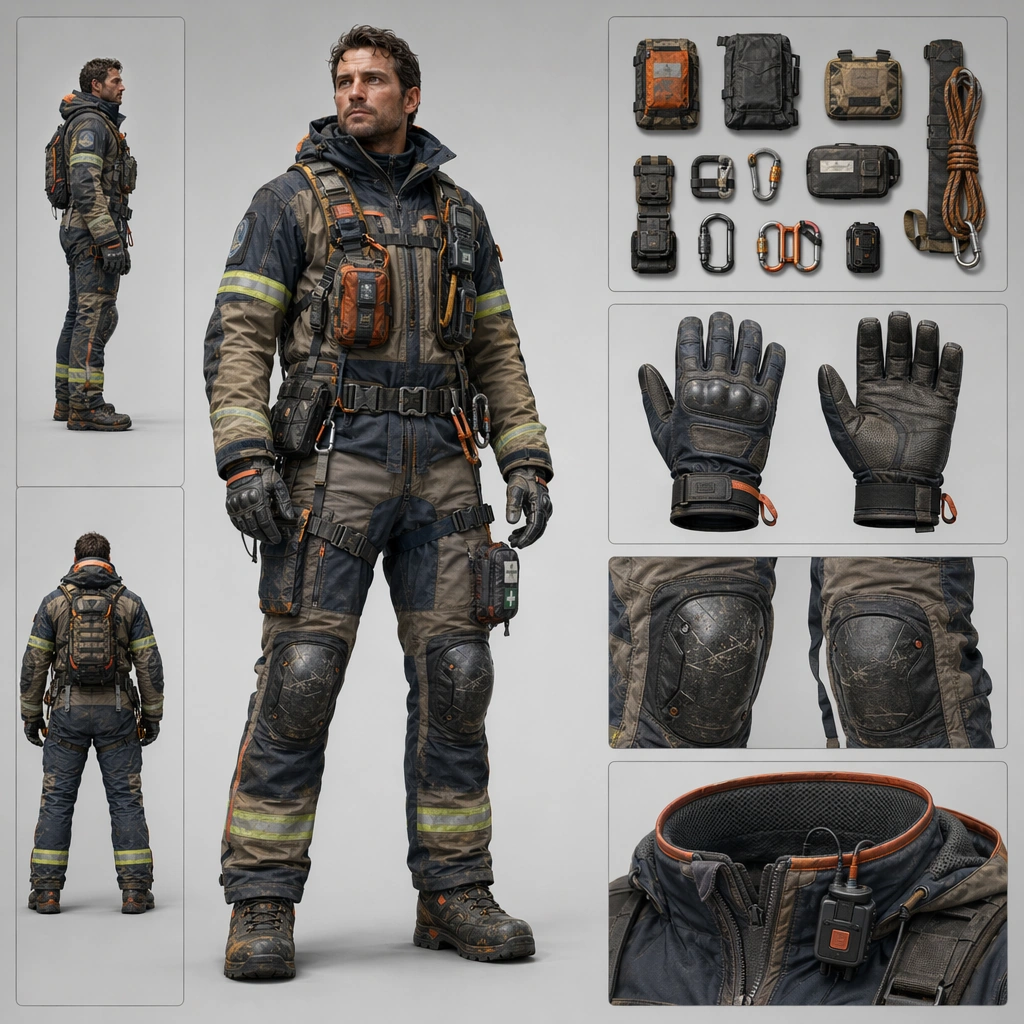
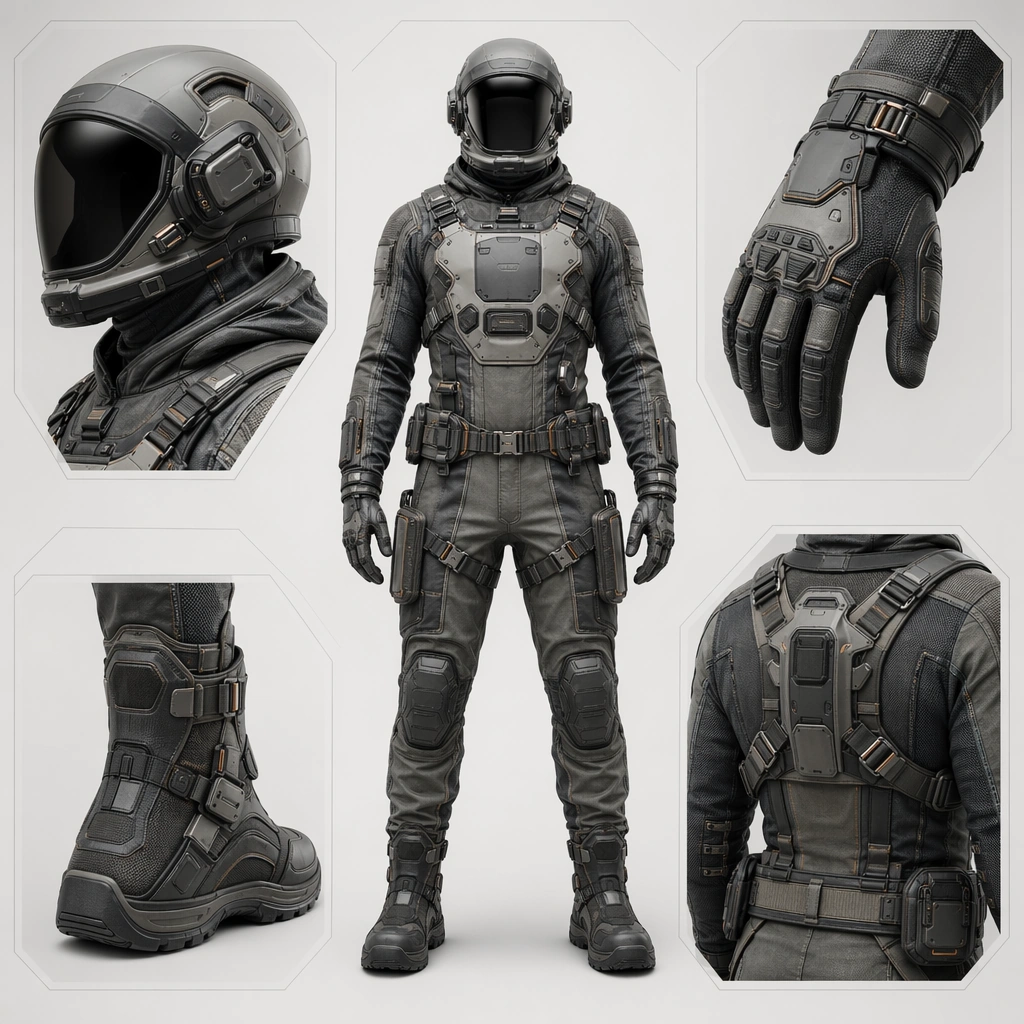
Create a square product-board image for a future wearable system, balancing full-body presentation, material close-ups, and family-level design coherence. The lighting should feel commercial and physical, revealing fabric, shell, seals, and hardware clearly without flattening the subject. Use a controlled studio or minimal contextual environment that supports readability. Present a neutral full-body wearer centered in the square with detail windows for helmet, glove, boot, and utility harness against a clean product-board background.

Subject:
Center the image on one coherent suitline: helmet, torso shell, seam system, gloves, boots, harness points, and modular attachments should all read as parts of one product family. The wearer can appear neutral and upright, but the real protagonist is the design system and its task identity. Establish the reference family through one core suit, one compact accessory rail, one chest interface zone, and clearly matched fasteners across all components.

Important details:
Treat the board as a commercial concept surface. Materials, fastening logic, body protection, comfort cues, and accessory placement must all feel intentional. The suite should look ready for campaign imagery, product family boards, or advanced apparel concept work rather than as a costume illustration. The first image should lock silhouette, material palette, seam rhythm, and attachment strategy so later variants preserve the same family identity. Resolve the anchor rules that later reference-dependent variants must inherit, especially the helmet profile, seam architecture, fastening language, and modular accessory family.

Use case:
Suitline System series study 1/4, designed as a reusable core-system image for this topic.

Constraints:
No readable text, no watermark, no logos, preserve exact 1:1 aspect ratio, no superhero spandex cues, no military insignia, no readable labels, no impossible body proportions, no dramatic action pose.
How to use
- Copy the complete original prompt, including any parameters.
- Replace the subject, text and composition with your own requirements.
- Use a compatible external tool; check its current access conditions and review the result.
Before you start
- Check whether a reference image is required. A compatible model label does not mean this example was generated with that model.
- Keep names, figures and visible text accurate; results can vary between model versions.