Original document
GPT Image 2 · en
Scene:
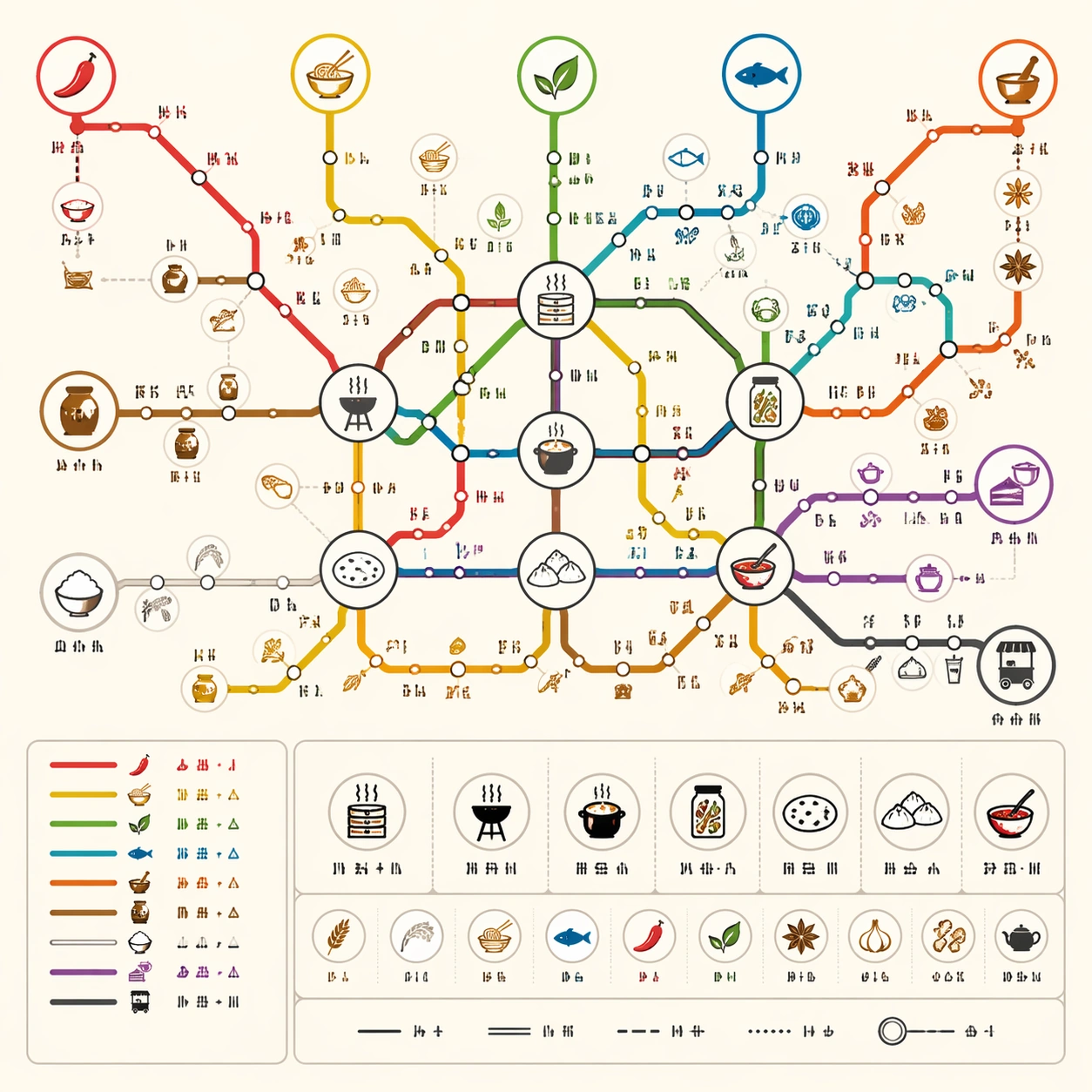
A square commercial food-culture poster designed as a clean subway map on warm white paper. The style is bright, friendly, and precise, with flat vector lines, circular station dots, and a compact icon legend. Use appetite-friendly but restrained colors: chili red, noodle yellow, herb green, ocean blue, spice orange, rice white, and charcoal. The poster should feel like something sold in a culinary museum shop or used in a food festival exhibit.

Subject:
A thematic subway map of world cuisine relationships. Route lines represent staple grains, spice routes, fermentation, street food, noodle families, seafood traditions, baking, and tea-and-dessert culture. Transfer hubs show shared techniques such as steaming, grilling, pickling, broth-making, flatbread, dumplings, and chili oil. Station clusters imply regional families without drawing a real geography map. Small icons show bowls, chopsticks, bread, fish, jars, steam, leaves, and clay pots.

Important details:
The map must show relationship logic without readable cuisine names. Use line colors and transfer hubs to suggest shared ingredients and cooking methods. Keep the station intervals regular, the legend orderly, and the route intersections easy to follow. Avoid food photography; this is a technical-diagram poster with playful culinary icons. All label positions should use short non-readable glyph marks only. The composition should be dense enough to reward inspection but not so crowded that it loses transit-map clarity.

Use case:
Thematic Subway Map single study 7/8, testing culinary knowledge abstraction, commercial poster appeal, and structured route readability.

Constraints:
No readable text, no watermark, no logos, preserve exact 1:1 aspect ratio, no real restaurant brands, no national flags, no food photos, no tourist map base, no messy ingredient pile, no fake menu text, no random icon clutter.
How to use
- Copy the complete original prompt, including any parameters.
- Replace the subject, text and composition with your own requirements.
- Use a compatible external tool; check its current access conditions and review the result.
Before you start
- Check whether a reference image is required. A compatible model label does not mean this example was generated with that model.
- Keep names, figures and visible text accurate; results can vary between model versions.