Original document
GPT Image 2 · en
Scene:
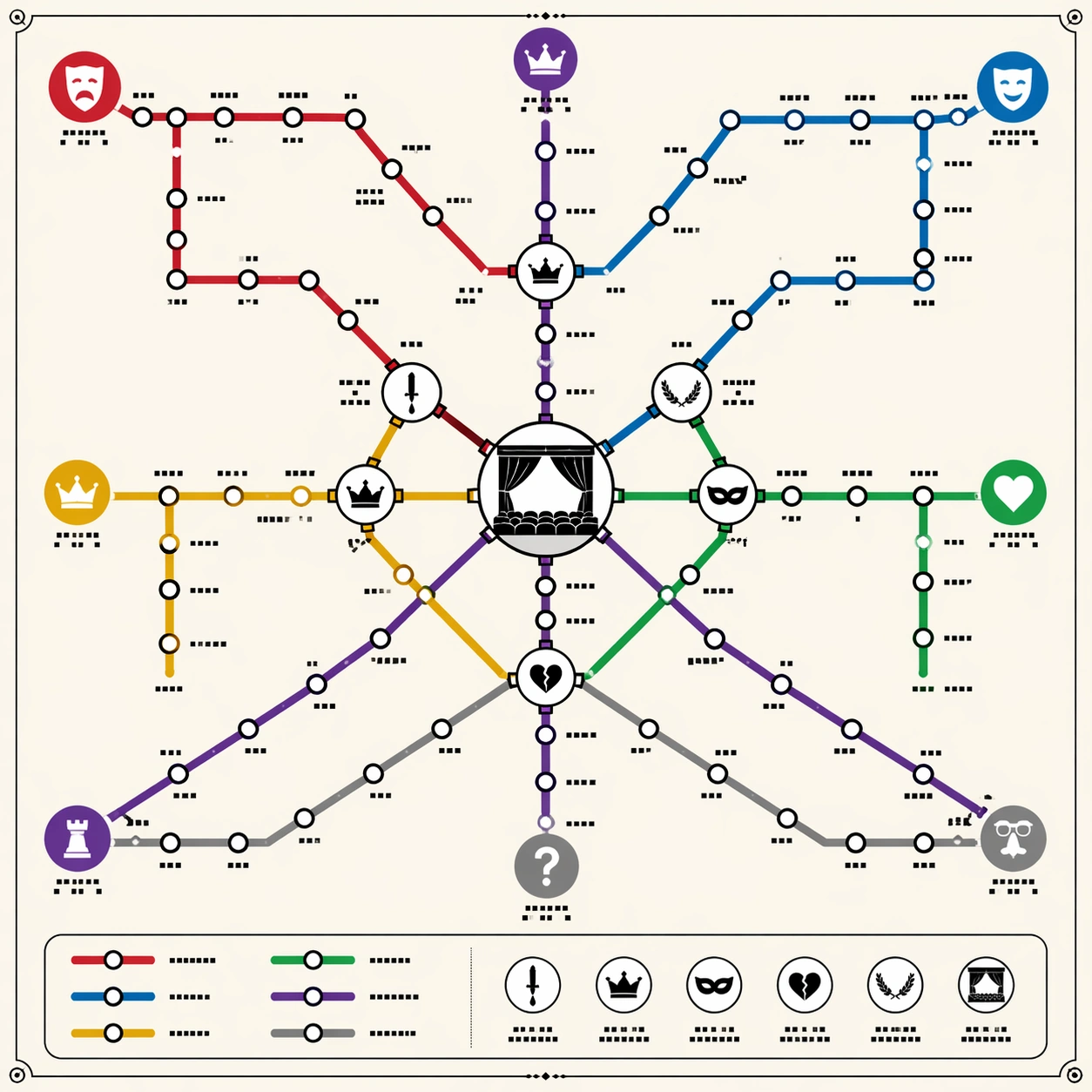
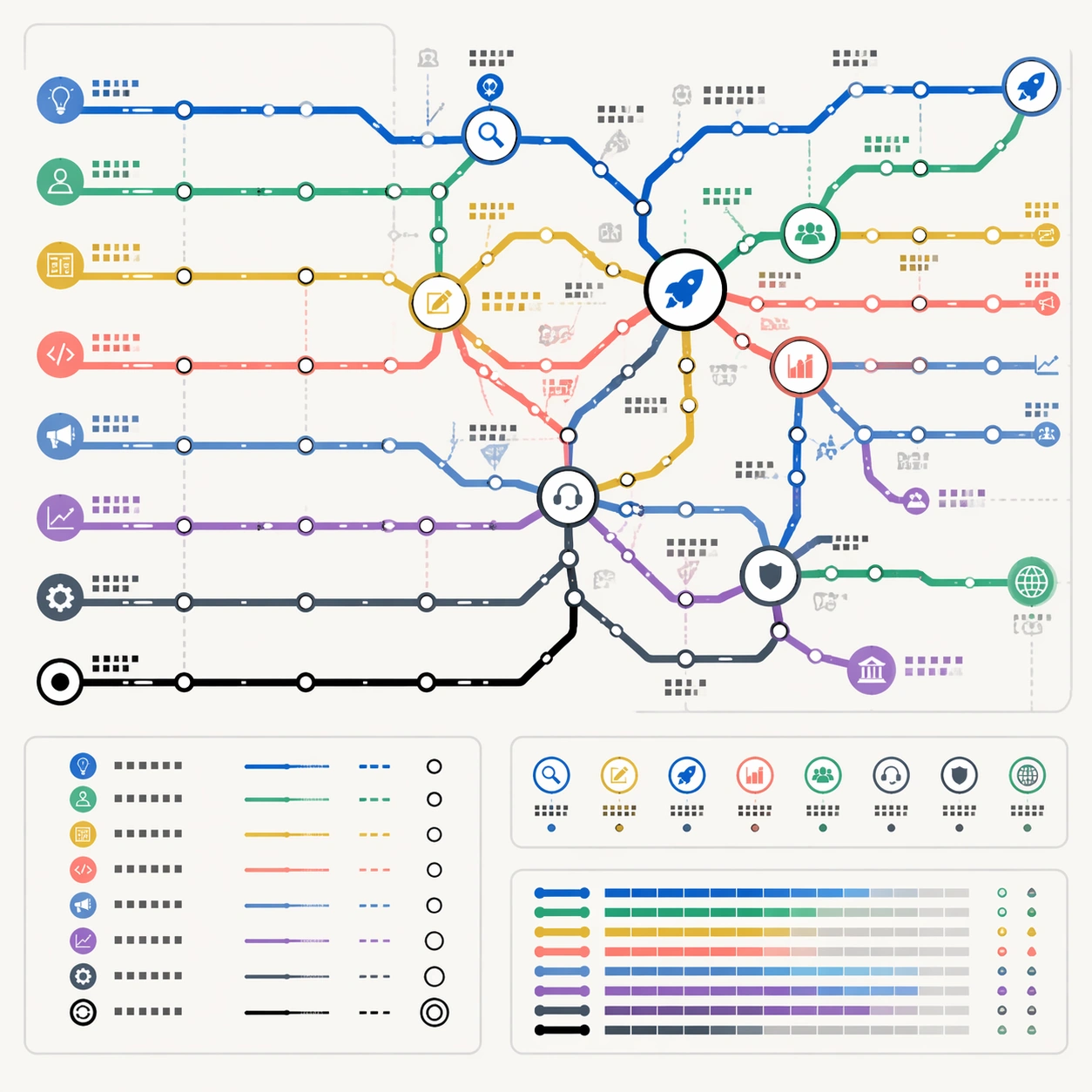
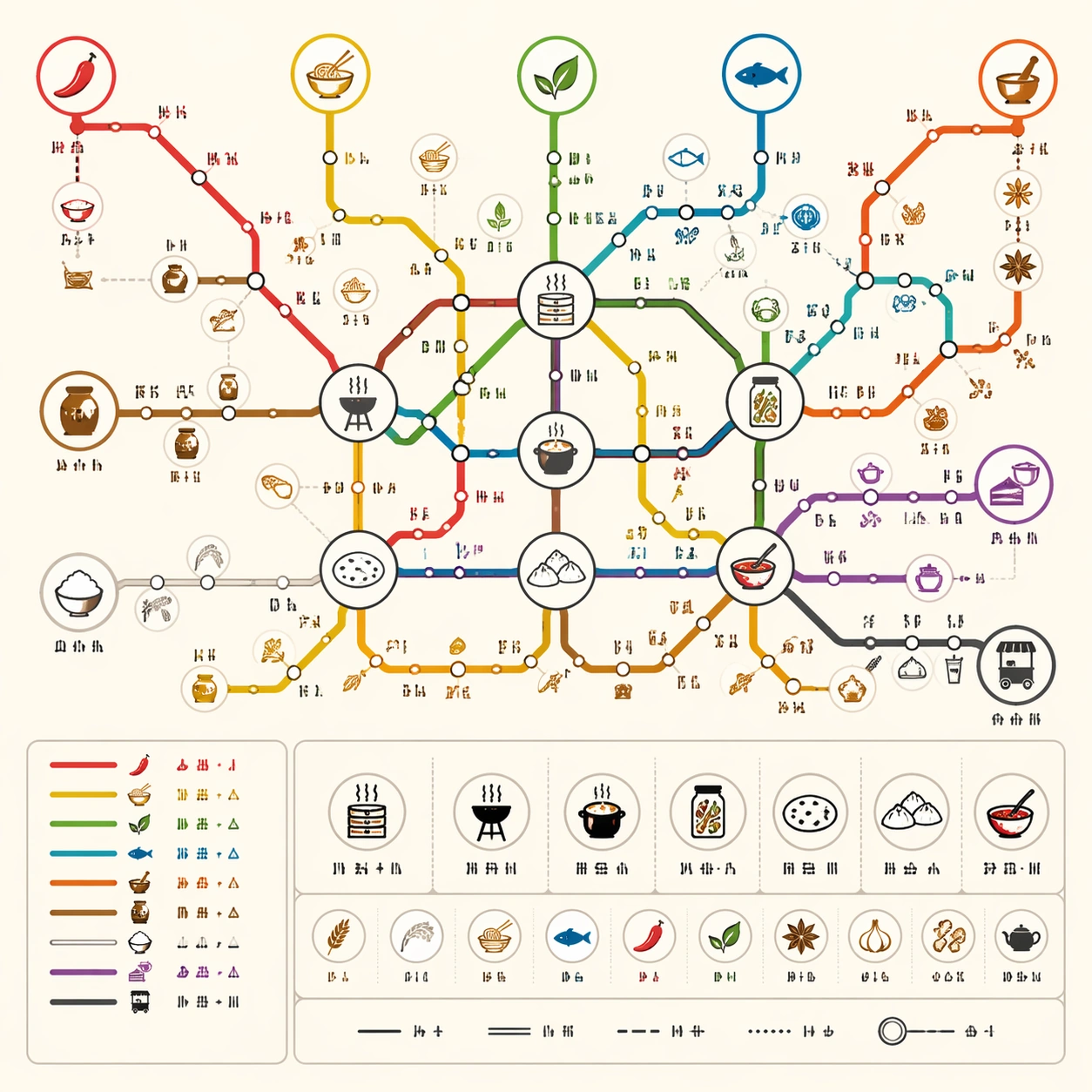
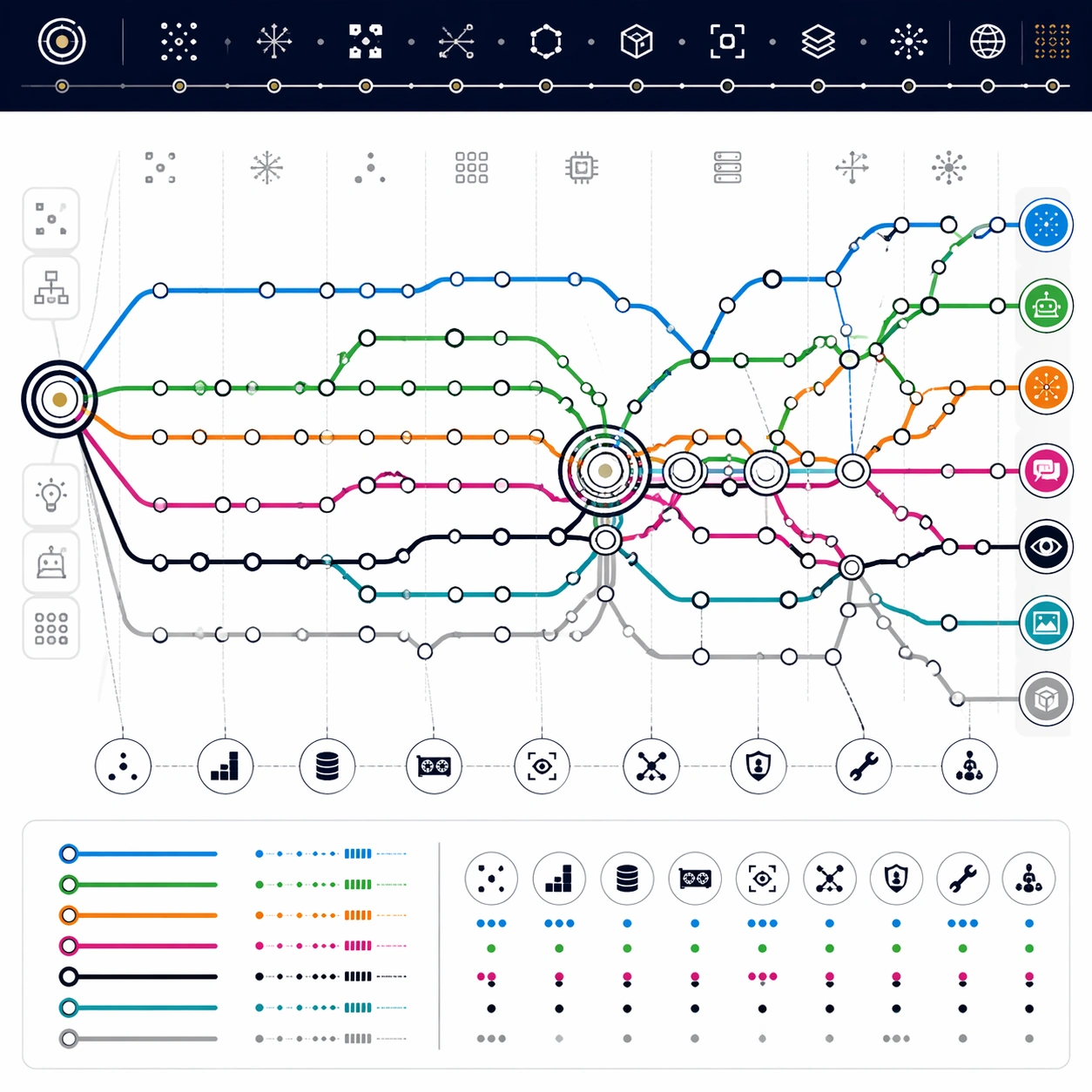
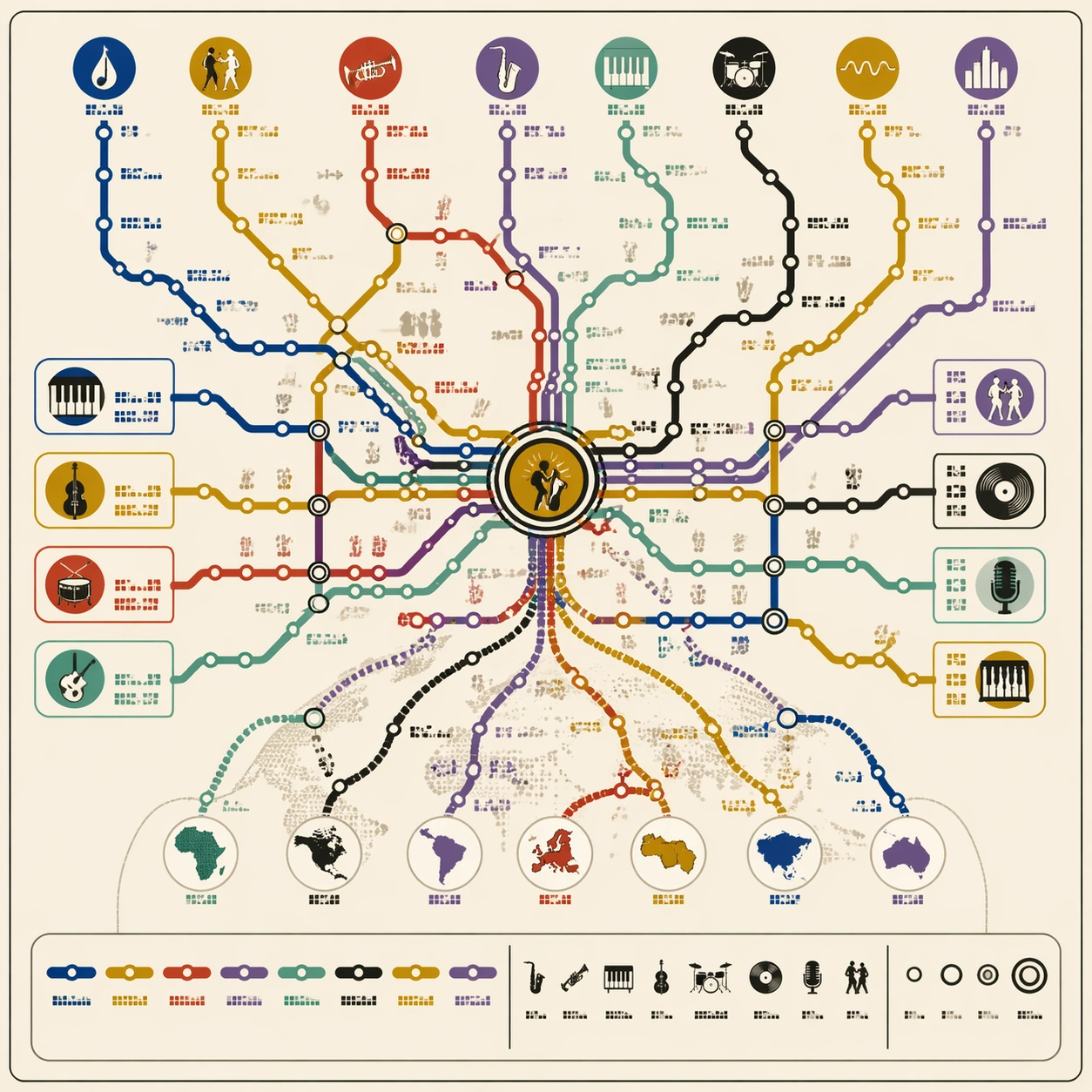
A square music-culture poster designed as a metropolitan subway map on matte cream paper. The map is crisp and front-facing, with a subtle record-sleeve sensibility but no album art or artist portraits. Use a lively yet controlled palette: brass gold, deep blue, smoky black, warm red, mint green, and muted violet. The lines should feel rhythmic while still obeying strict transit-diagram geometry.

Subject:
A thematic subway map of jazz evolution. Route lines represent blues roots, swing, bebop, cool jazz, hard bop, modal, fusion, free jazz, and contemporary scenes. A central improvisation interchange connects many routes, while side branches show rhythm sections, horn language, club culture, recording technology, and global influence. Station dots form syncopated clusters, with larger transfer circles where styles merge. Small non-readable icon marks suggest saxophones, drums, piano keys, vinyl records, microphones, and dancing silhouettes.

Important details:
The composition must balance musical energy with map clarity. Lines may curve gently like phrasing, but they should still use consistent stroke widths, clear bends, regular station intervals, and readable transfer hubs. Avoid making it look like abstract album-cover scribbles. All label zones should be tiny non-readable glyph blocks; no actual performer names or song titles. Include a clean legend strip with colored route samples, icons, and station symbols, but no legible text.

Use case:
Thematic Subway Map single study 5/8, testing cultural evolution mapping, rhythmic route composition, and polished music-poster diagram design.

Constraints:
No readable text, no watermark, no logos, preserve exact 1:1 aspect ratio, no real musician likenesses, no record label marks, no sheet music notation, no nightclub photo background, no chaotic swirls, no fake readable album titles.
How to use
- Copy the complete original prompt, including any parameters.
- Replace the subject, text and composition with your own requirements.
- Use a compatible external tool; check its current access conditions and review the result.
Before you start
- Check whether a reference image is required. A compatible model label does not mean this example was generated with that model.
- Keep names, figures and visible text accurate; results can vary between model versions.