Original document
GPT Image 2 · en
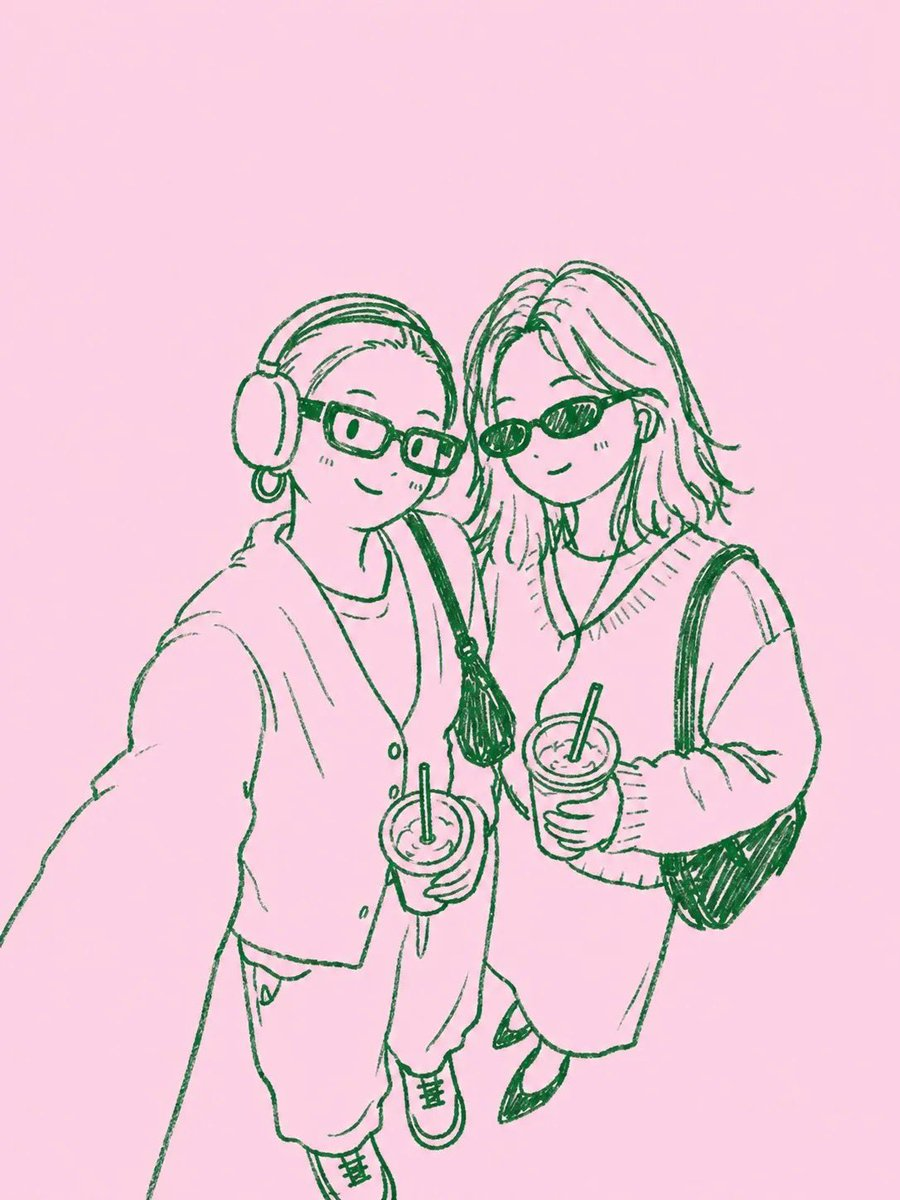
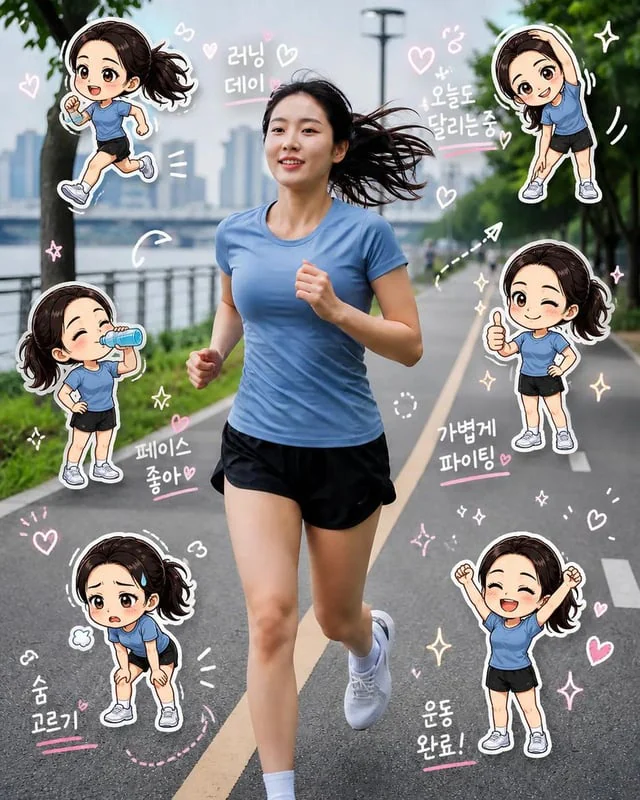
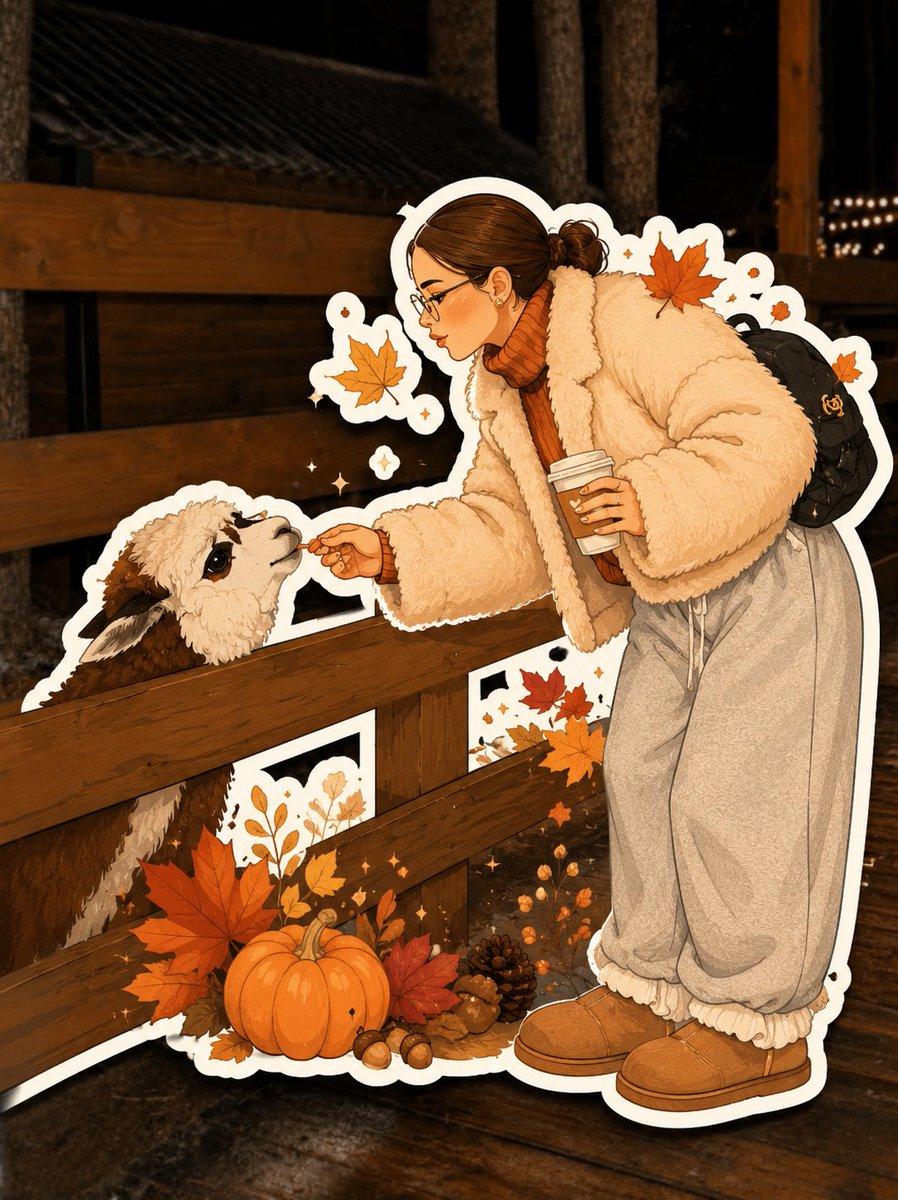
Transform the uploaded photo into a charming, hand-drawn AUTUMN ILLUSTRATED STICKER.

Preserve the original subject: Accurately recreate the person, pet, or group, maintaining recognizable facial features, hairstyle, clothing, colors, pose, expression, and distinctive details.

Illustration style: Completely redraw the subject as polished digital character art with soft hand-painted shading, clean organic outlines, expressive features, subtle textures, and warm autumn colors. Avoid photorealism and 3D rendering.

Sticker effect: Add a thick, smooth white die-cut border around the entire illustrated subject, with a subtle shadow for a realistic sticker effect.

Autumn aesthetic: Incorporate tasteful seasonal details such as orange leaves, tiny pumpkins, cozy clothing, berries, acorns, or warm sparkles. Use burnt orange, terracotta, caramel, cream, and warm brown.

Background: Keep the original photographic background visible behind the sticker, gently softened if necessary.

Final result: A cozy, personalized, collectible autumn sticker with a clear contrast between the fully illustrated subject and the real photographic background. Do not simply apply a filter or outline to the original photo.
How to use
- Copy the complete original prompt, including any parameters.
- Replace the subject, text and composition with your own requirements.
- Use a compatible external tool; check its current access conditions and review the result.
Before you start
- Check whether a reference image is required. A compatible model label does not mean this example was generated with that model.
- Keep names, figures and visible text accurate; results can vary between model versions.