Overview
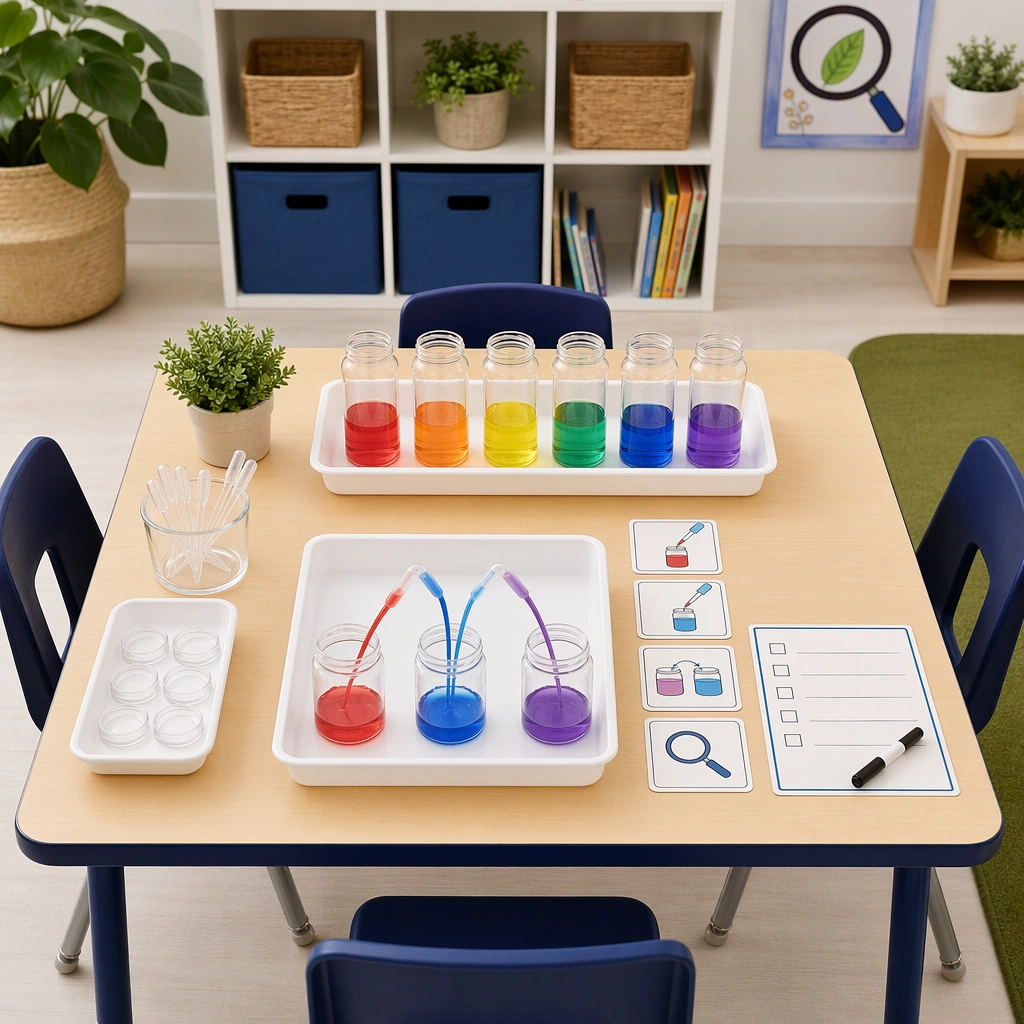
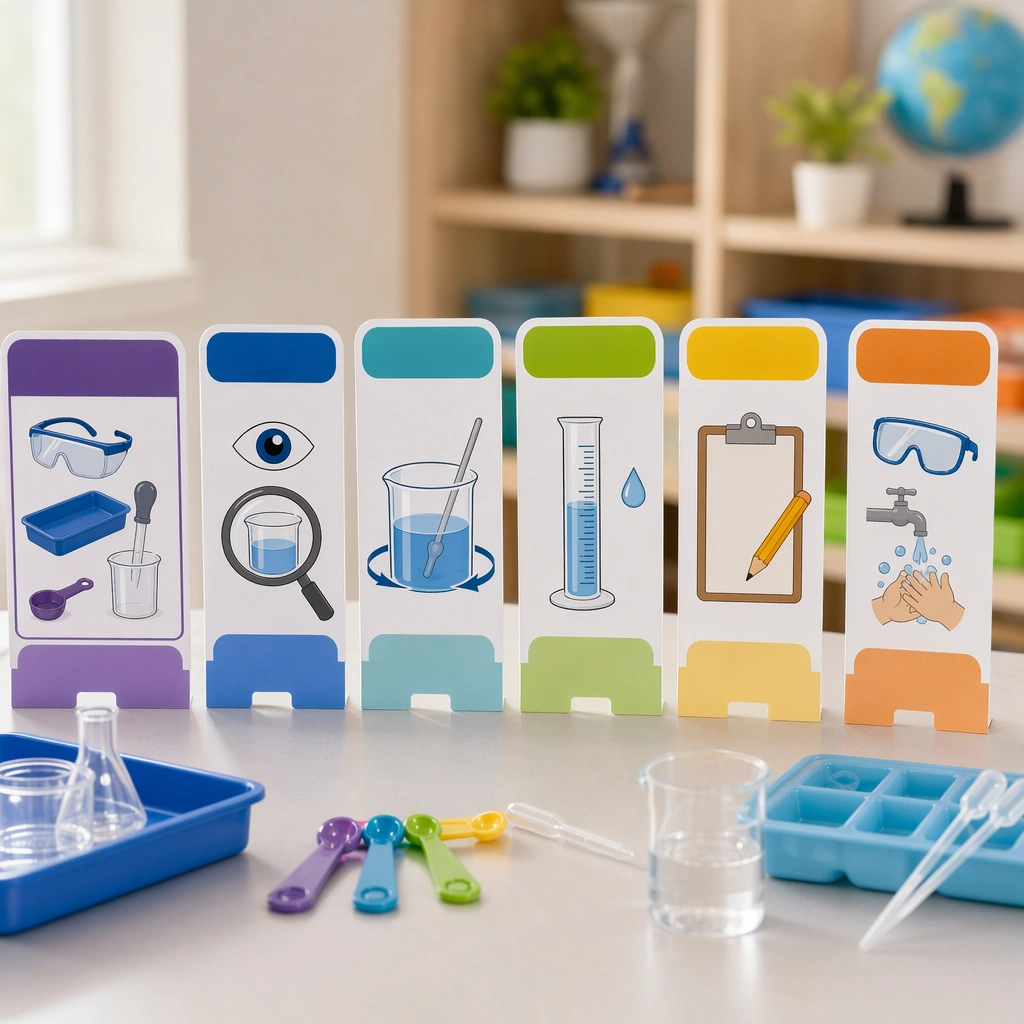
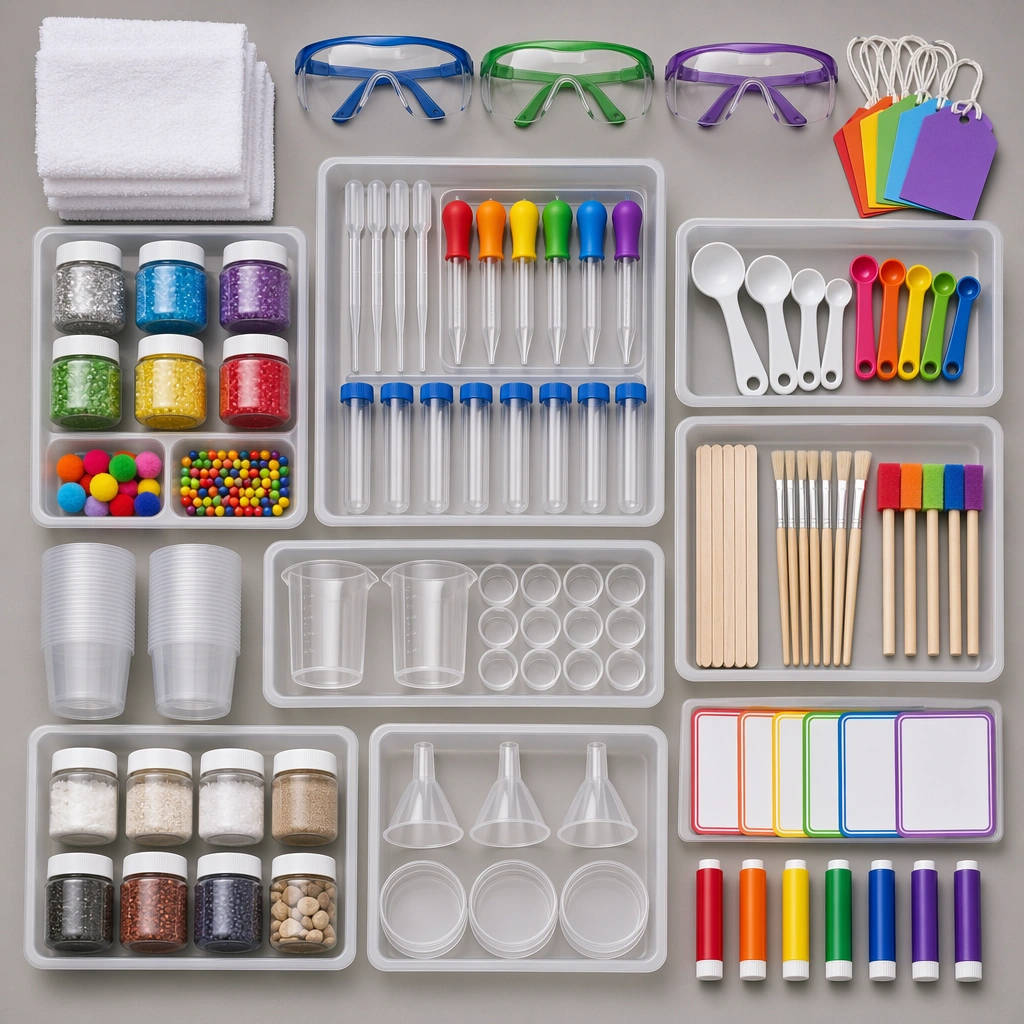
This prompt turns a collection of classroom supplies into an orderly overhead image. It specifies a square frame, separate groups of trays, goggles, droppers, jars, spoons and towels, and clean studio lighting that makes materials easy to distinguish. The intended result resembles a supply catalog image rather than a photograph of an experiment in progress. It can support an educational-material introduction, a kit concept or a related image in an education-themed collection. Clear groups and breathing room matter more than fitting in the largest possible number of props.
The published preview uses trays to separate droppers, measuring spoons, cups and other supplies, with colors recurring across goggles, dropper bulbs and blank cards. To adapt the concept, decide on the actual object list, groups and color rules before changing the Scene and Subject sections together. Retain the square frame and the instruction against readable text. The series title and study number describe its source context; this record declares no required reference images from the rest of the series. The preview is a generated design concept, not evidence of physical package contents, product certification or an experiment procedure.
What to prepare
- The complete original prompt and a deliberate list of supplies and groups to show.
- Consistent colors, background and material requirements, plus separately checked wording if you later add labels.
- An external image tool that accepts the text and a square output setting; this record declares no mandatory reference image.
What you get
- A square overhead image concept with visually separated groups of supplies.
- A supporting supply image with blank color markers or cards, rather than a finished text-bearing poster file.
- An image candidate for a person to check against the intended objects, wording and eventual use.
Suggested workflow
- Decide whether the image will introduce a supply bundle or support an educational theme. List the essential objects and tray groups without turning it into a crowded experiment scene.
- Edit the Scene and Subject lists together, keeping the overhead viewpoint, clean studio light and exact 1:1 frame.
- Keep the no-readable-text, no-watermark and no-brand-logo constraints. Add checked titles or labels to the blank areas during later layout work if needed.
- Inspect object counts, tray boundaries, transparent containers, spoon shapes and goggles group by group. Check spacing and recurring colors before choosing a candidate.
Limits and checks
- The stated visual direction does not establish identical results on each attempt. The displayed example is author-published, without an independent reproduction claim.
- Look for merged or distorted droppers, cup rims and spoon handles, and unwanted letters or marks on cards intended to stay blank.
- Verify real supply lists, teaching material and conditions separately. Depicted goggles and orderly placement do not establish certification or an actual classroom experiment.
Common questions
Is this a complete experiment lesson?
No. The source specifies objects, light, grouping and image constraints, rather than a recipe, procedure or validated learning outcome. It is a visual concept; actual teaching material needs separate preparation.
Do I need to upload the other images in the series?
This record declares no required reference renditions or generation dependencies. The series name and single study 2/5 identify the supporting image's place in the collection, without establishing those other images as inputs.
Can I use it as a finished poster with instructions?
The original explicitly excludes readable text and uses blank color markers instead. Check the image first, then add verified titles and explanations in a layout tool. An image candidate does not constitute an editable poster document.
Original document
GPT Image 2 · en
Scene:
Create a square overhead flatlay on a neutral lab-classroom surface with trays, goggles, droppers, jars, spoons, towels, and colorful experiment tools carefully spaced under clean studio light. The image should feel like a trustworthy school-supply bundle, not a messy science-table snapshot. Keep the square frame balanced, calm, and production-ready so the asset can serve gallery review, research comparison, and real educational delivery at the same time.

Subject:
Make each tool child-safe and easy to understand visually, with grouped components suggesting different experiment types and blank color-coded markers standing in for labels. The arrangement should imply readiness, organization, and repeat classroom use. The subject arrangement should feel complete and self-contained, able to stand alone as a real supporting deliverable inside the same education business line.

Important details:
Keep the hierarchy clear and catalog-ready. Surfaces should be clean, materials tactile, and the entire kit should feel more like an education product than a generic craft assortment. Keep the visual hierarchy modular, commercially believable, and clearly tied to a real educational use case rather than a generic mood board.

Use case:
Science Kids Experiment Poster System single study 2/5, safety supply flatlay.

Constraints:
No readable text, no watermark, no logos, preserve exact 1:1 aspect ratio, no readable text, no brand logos, no unsafe flames, no dangerous chemicals, no crowded lab realism, no cluttered props.