Original document
GPT Image 2 · en
Scene:
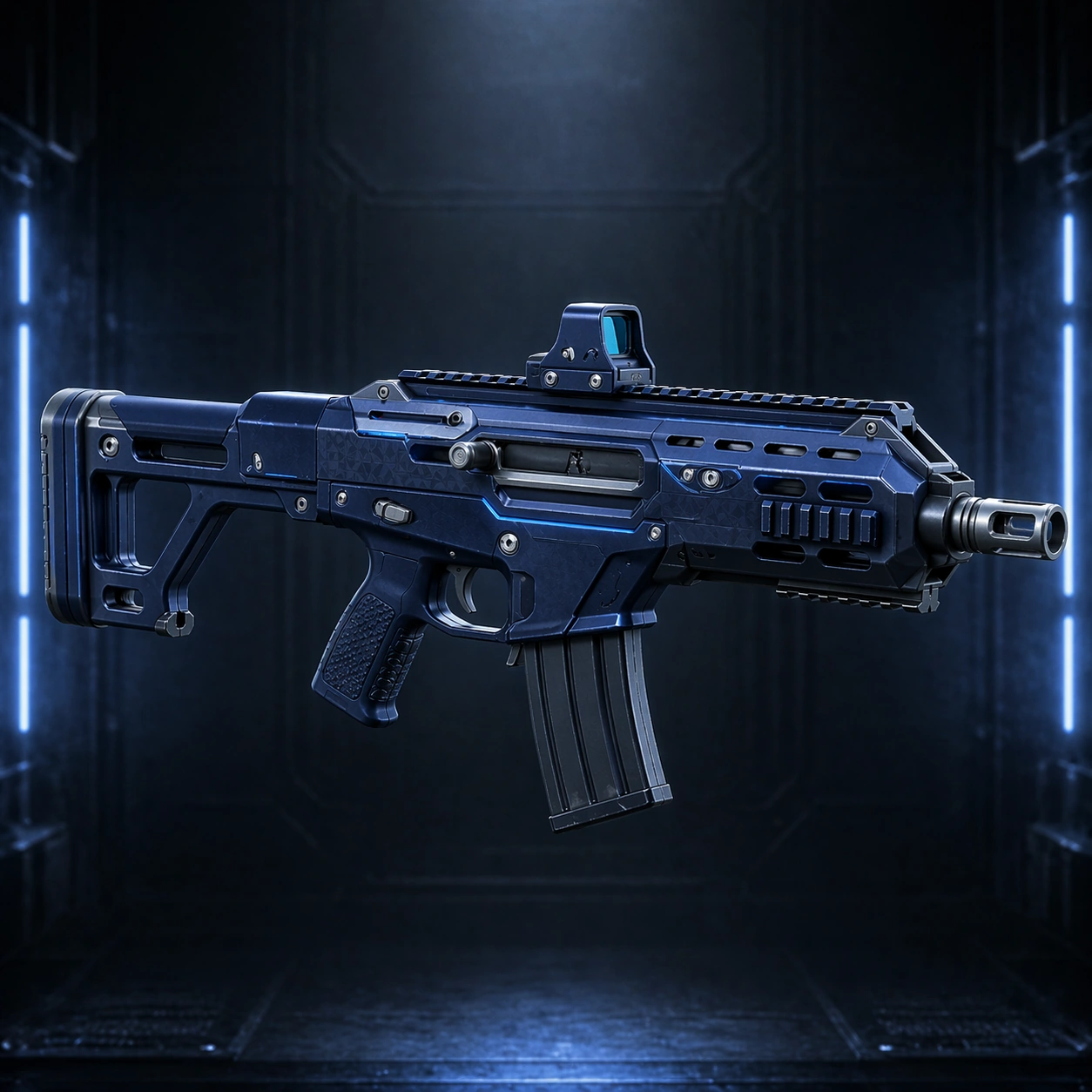
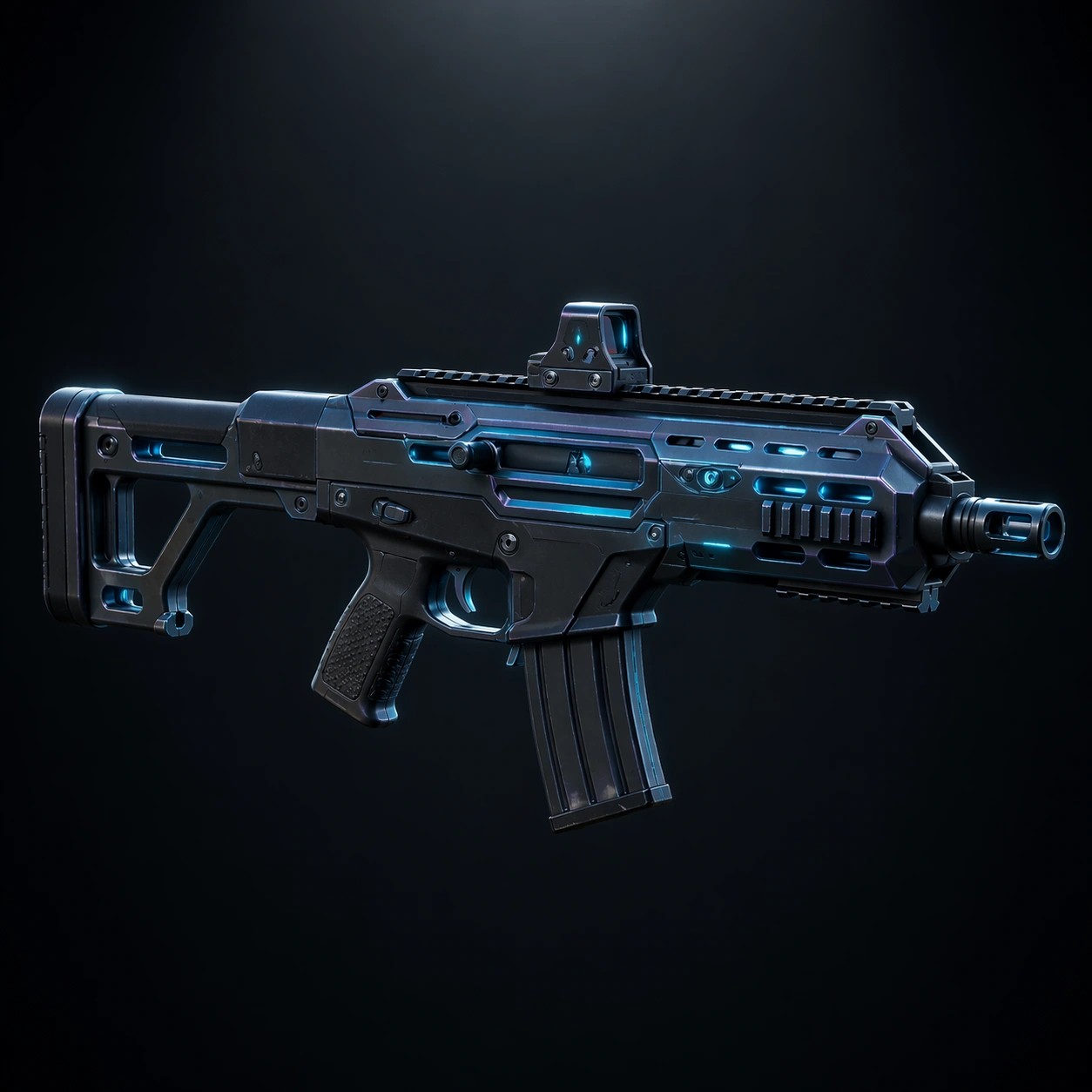
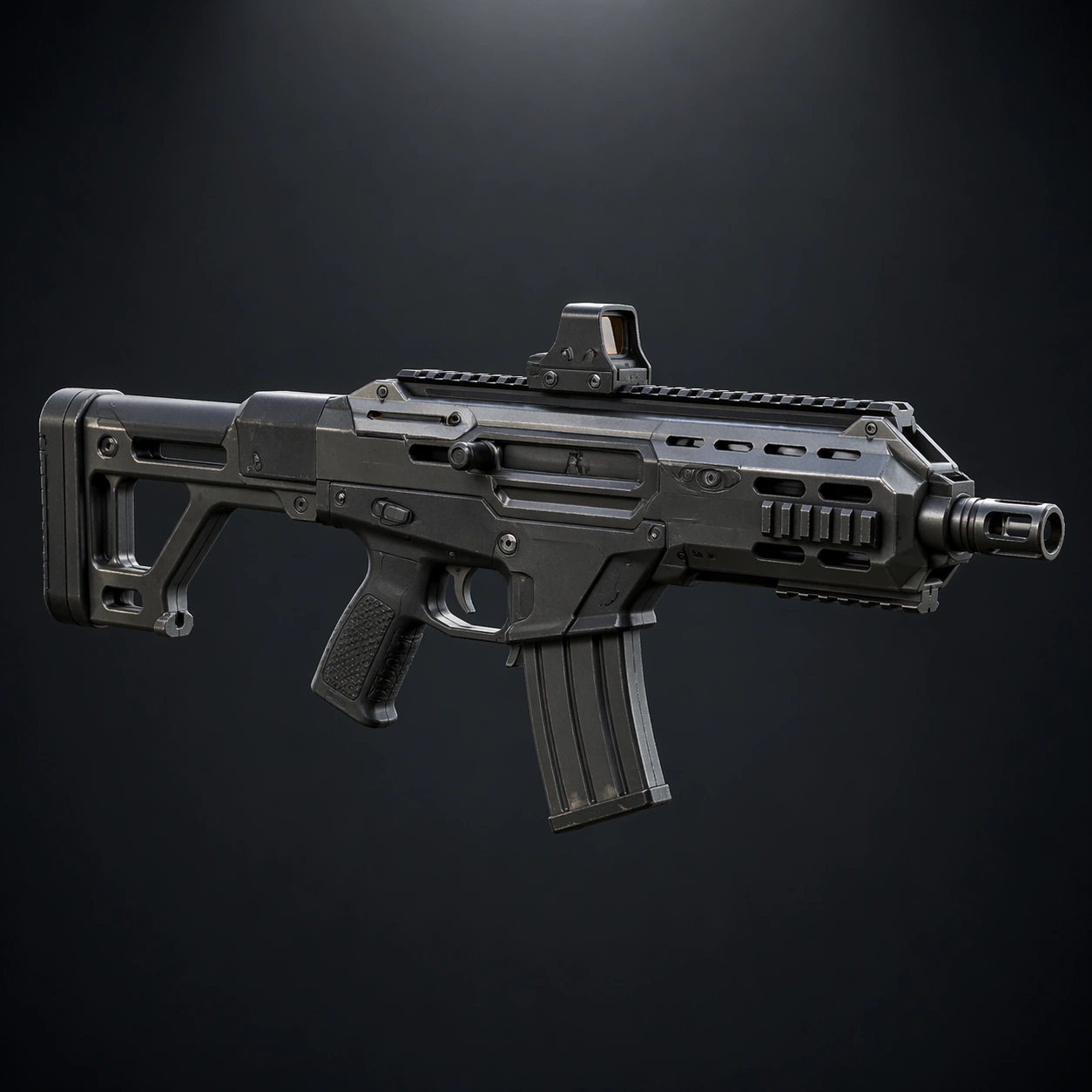
A square armory showcase rendered like a premium game weapon inspect screen, with the rifle floating in a neutral graphite bay under cool rim lights and one clean overhead key light. The camera is a crisp three-quarter hero angle that shows stock, receiver, barrel shroud, magazine well, and optic mount without perspective exaggeration. The palette is muted steel, charcoal polymer, soft tungsten reflections, and tiny amber diagnostic glints, with enough negative space around the weapon to feel ready for UI framing.

Subject:
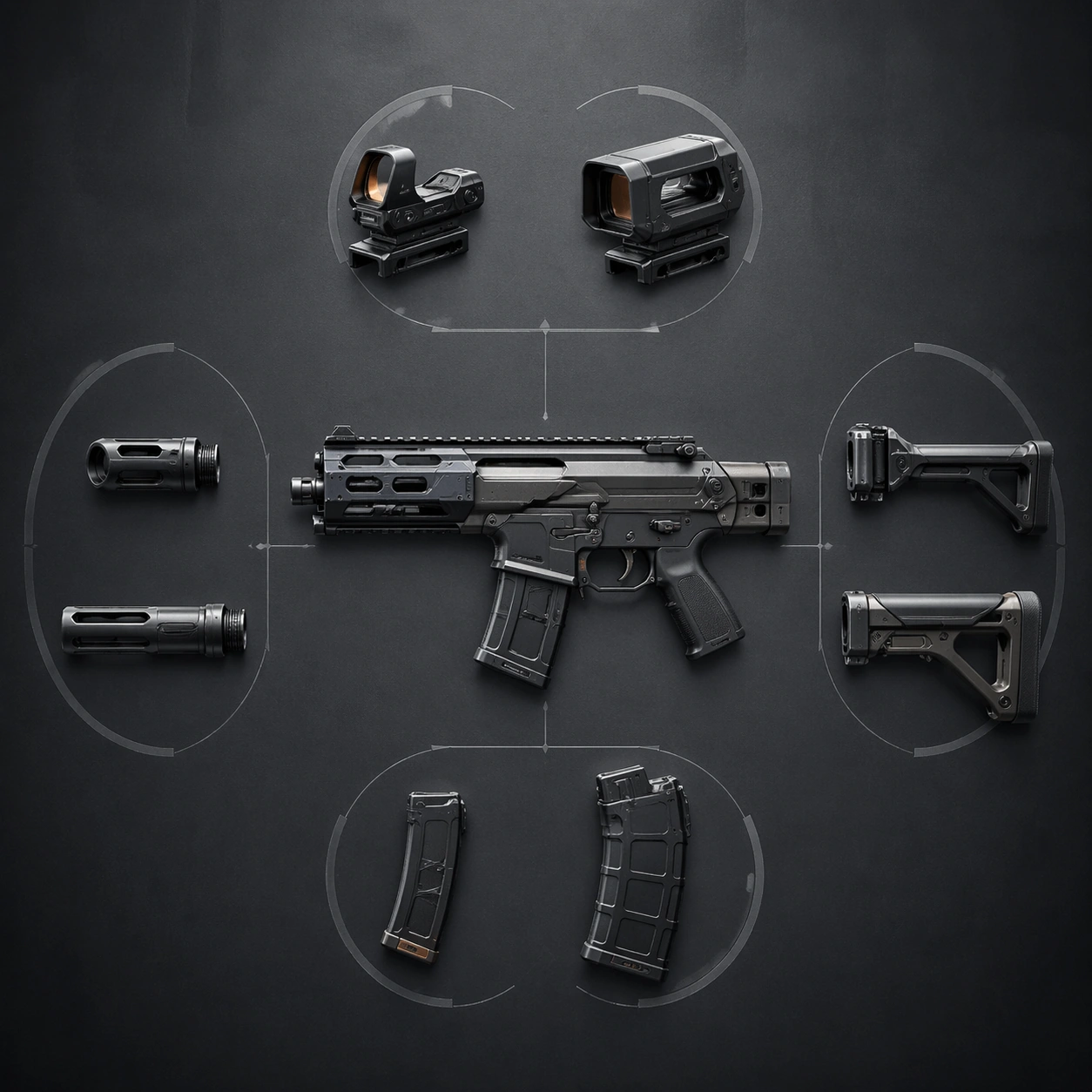
A fictional compact modular assault rifle designed for a fast extraction-shooter world. It has a bullpup-informed silhouette, a vented barrel jacket, a skeletal stock, a low-profile reflex optic, and a restrained industrial finish that feels mass-produced yet high quality. The proportions must feel believable for a handheld weapon: grip, trigger guard, magazine well, charging handle, and rail segments should all align as if they could function mechanically. Show only the weapon, centered and fully visible.

Important details:
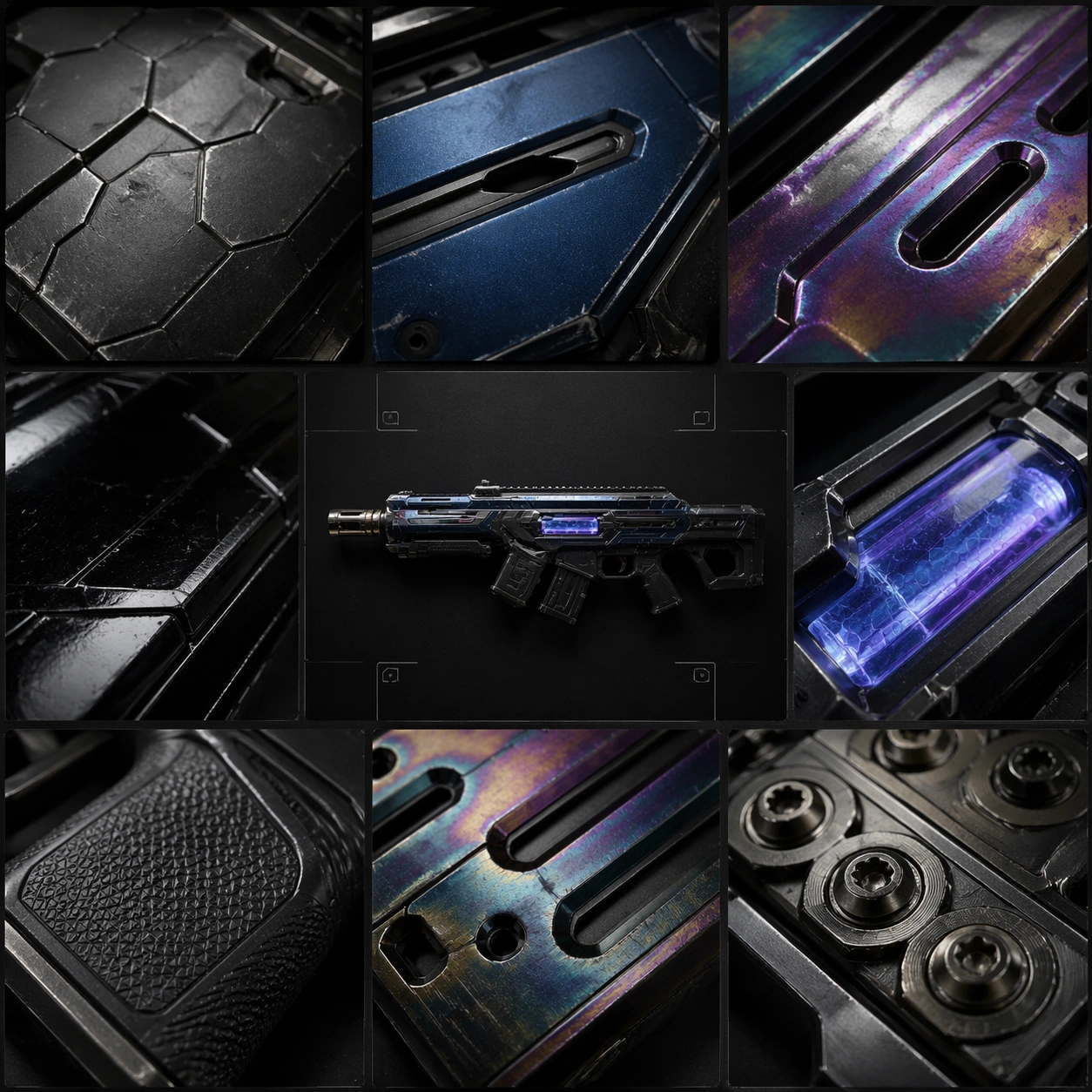
This image is the canonical reference for later rarity variants. Lock the exact outline of the receiver, stock geometry, grip angle, barrel length, optic footprint, muzzle profile, and rail placement. Surface treatment should emphasize honest hard-surface materials: bead-blasted steel, matte polymer, rubberized grip inserts, faint machining marks, small fasteners, and subtle wear on edges. No dramatic fantasy effects yet; desirability must come from precision, believable construction, and a readable base silhouette.

Use case:
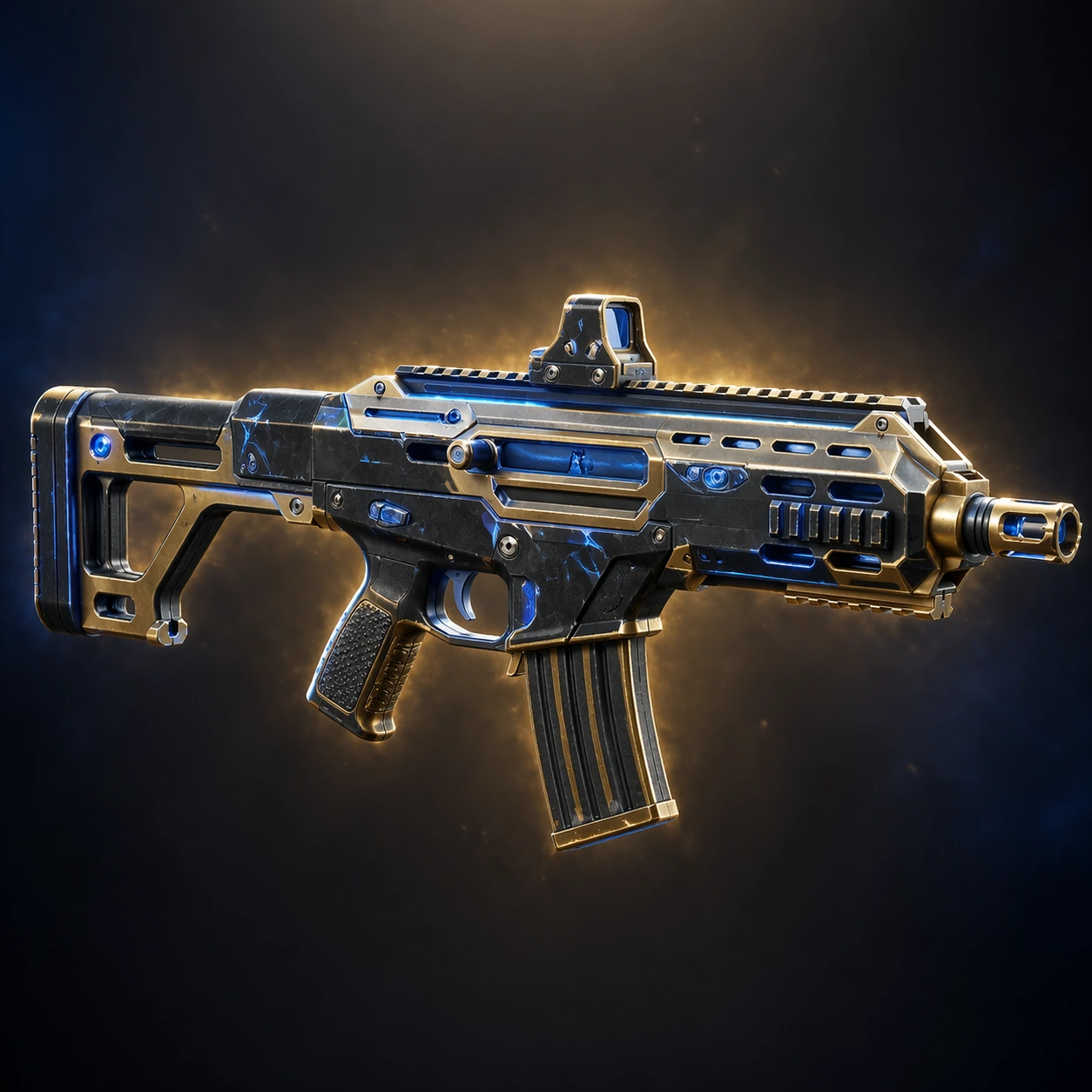
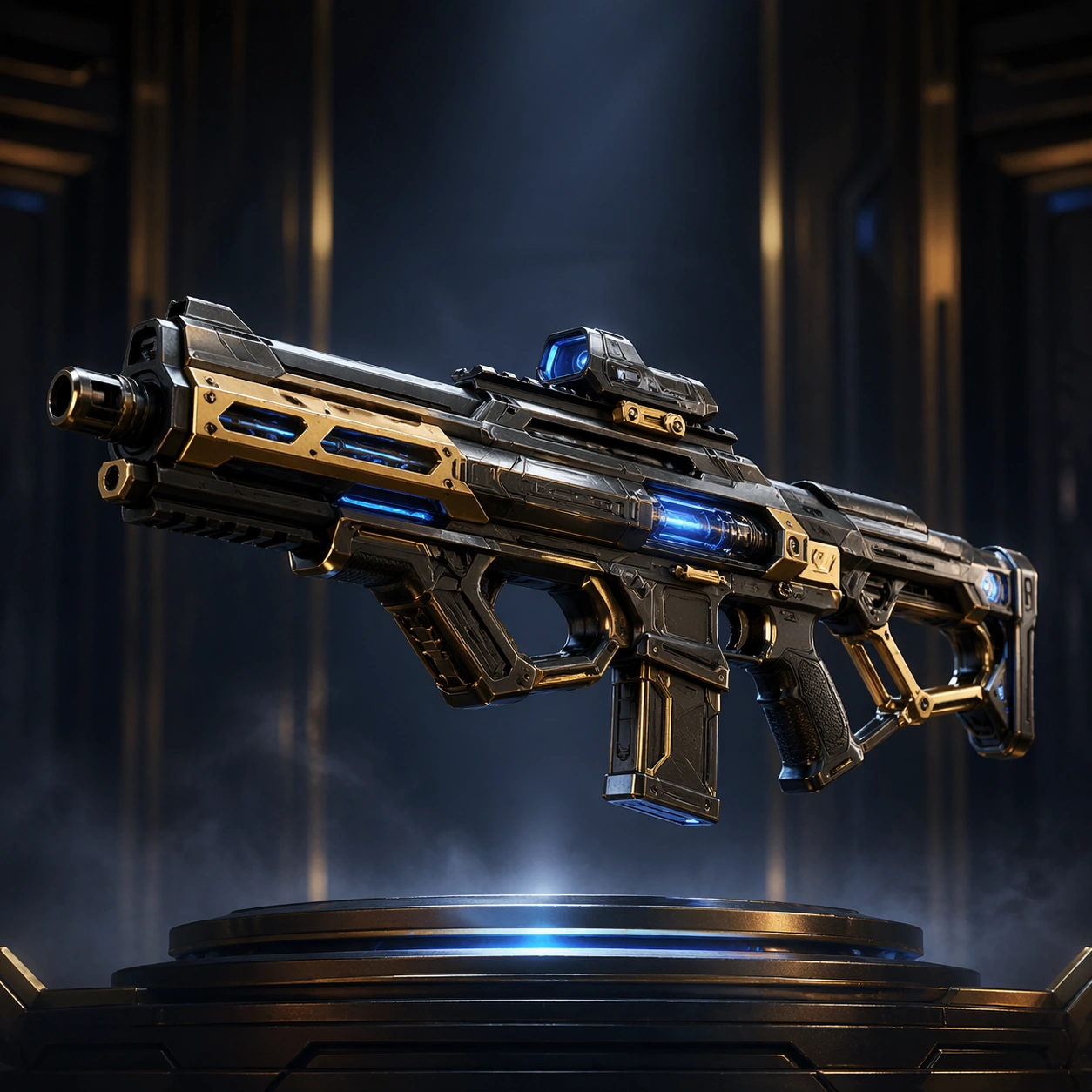
Weapon Blueprint Rarity Ladder series study 1/9, establishing the reference weapon for later rarity escalation.

Constraints:
No readable text, no watermark, no logos, preserve exact 1:1 aspect ratio, no hands, no character, no firing effects, no exploded parts, no cross-section, no unreadable clutter, no oversized decorative ornaments
How to use
- Copy the complete original prompt, including any parameters.
- Replace the subject, text and composition with your own requirements.
- Use a compatible external tool; check its current access conditions and review the result.
Before you start
- Check whether a reference image is required. A compatible model label does not mean this example was generated with that model.
- Keep names, figures and visible text accurate; results can vary between model versions.