Oryginalny dokument
GPT Image 2 · en
{
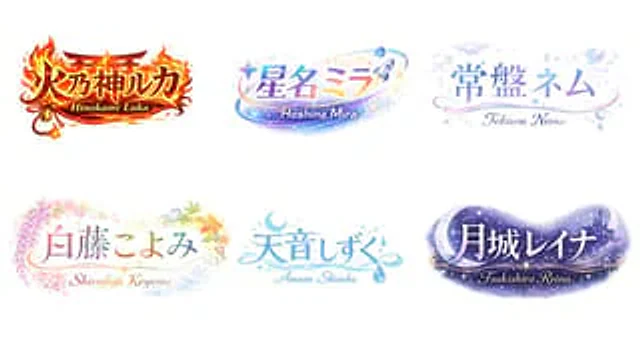
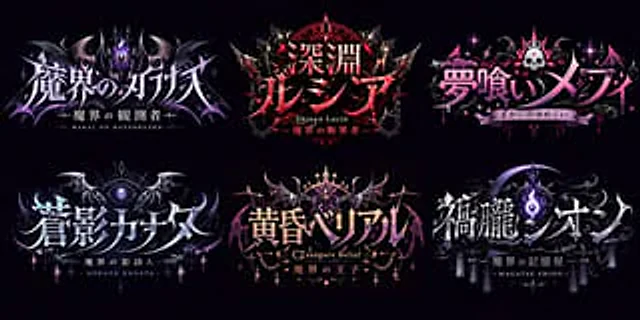
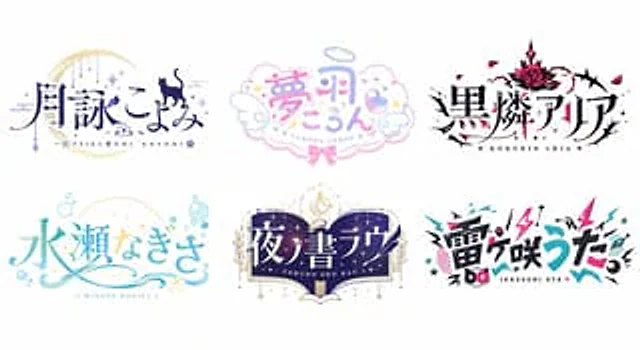
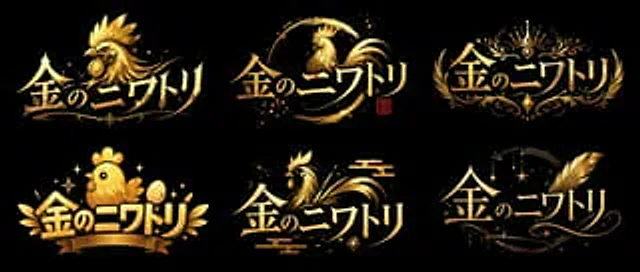
  "type": "Logo concept art",
  "layout": "2x3 grid",
  "global_attributes": {
    "text": "{argument name=\"logo text\" default=\"Golden Chicken\"}",
    "color_palette": [
      "{argument name=\"primary color\" default=\"gold\"}",
      "{argument name=\"background color\" default=\"black\"}"
    ],
    "style": "VTuber-style logo design, with a metallic texture, glossy finish, and high contrast."
  },
  "variants": [
    {
      "position": "Top left",
      "style": "Sharp and fierce",
      "icon": "Rich in detail{argument name=\"main subject\" default=\"Golden Rooster\"} Head, facing to the left",
      "typography": "Sharp, dynamic"
    },
    {
      "position": "Upper-middle",
      "style": "Brushstrokes / Roundness",
      "icon": "An elegant chicken silhouette in rounded brushstrokes, with a small red stamp.",
      "typography": "Elegant, fluid"
    },
    {
      "position": "Top right",
      "style": "Royal coat of arms",
      "icon": "Crown, symmetrical floral pattern",
      "typography": "Elegant, serif font"
    },
    {
      "position": "Bottom left",
      "style": "Cute/Q version",
      "icon": "Plump and cute chicks, golden eggs, ribbon banners",
      "typography": "Lively, bold"
    },
    {
      "position": "Middle to lower",
      "style": "Traditional Japanese",
      "icon": "Stylized chicken with traditional cloud patterns",
      "typography": "Smooth and dynamic"
    },
    {
      "position": "Bottom right",
      "style": "Magic/Elegance",
      "icon": "Huge golden feathers, twinkling stars, crescent moon pattern",
      "typography": "Elegant, cursive style"
    }
  ]
}
Jak używać
- Skopiuj cały oryginalny prompt wraz z parametrami.
- Dostosuj temat, tekst i kompozycję do swoich potrzeb.
- Użyj zgodnego narzędzia zewnętrznego; sprawdź warunki dostępu i wynik.
Przed rozpoczęciem
- Sprawdź, czy potrzebny jest obraz referencyjny. Zgodność nie potwierdza modelu użytego do przykładu.
- Sprawdź nazwy, liczby i napisy; wyniki zależą od wersji modelu.