App Launch Marketing Page Kit — Creator Tool Launch Board

App Launch Marketing Page Kit — Creator Tool Launch Board

原始文档

GPT Image 2 · en

Scene:
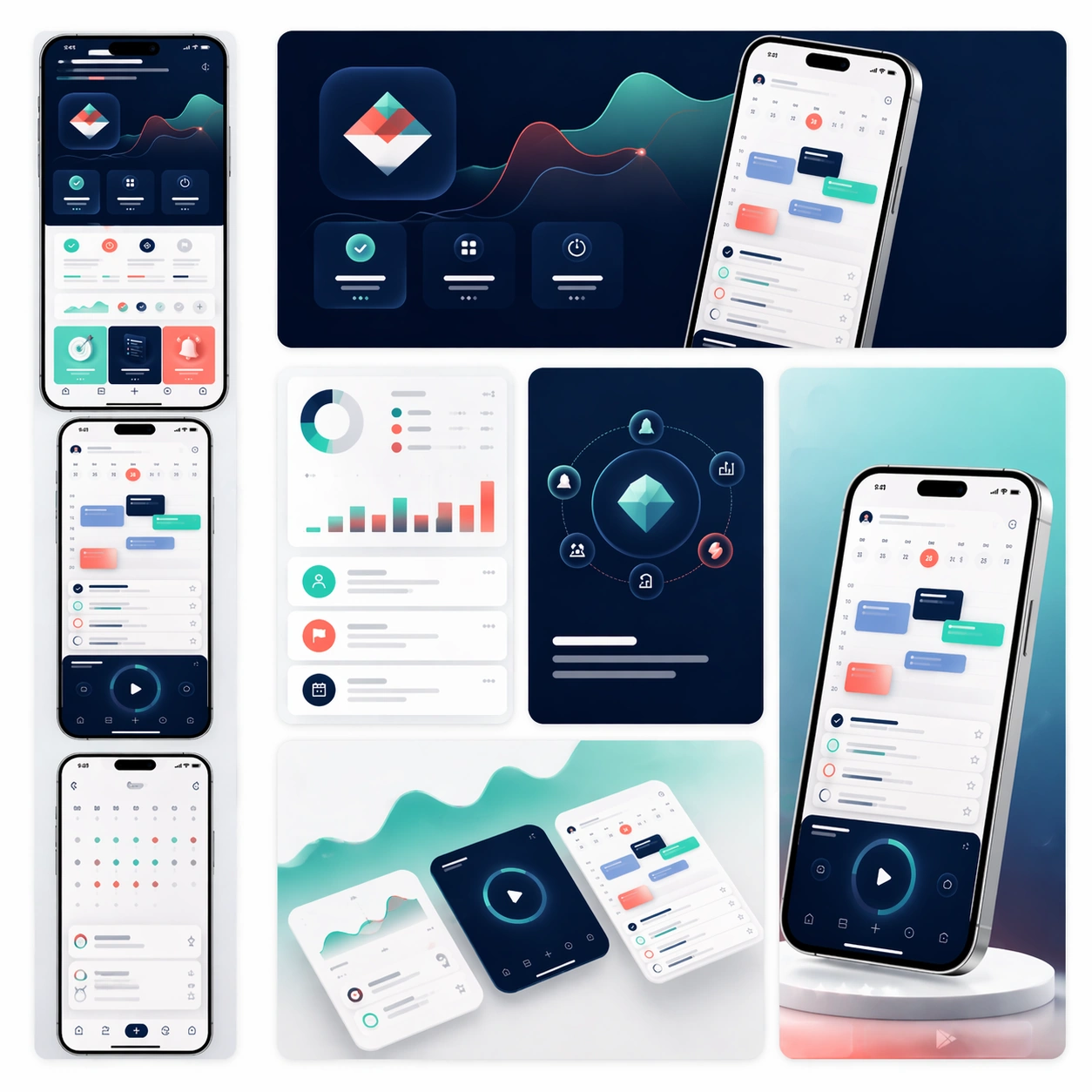
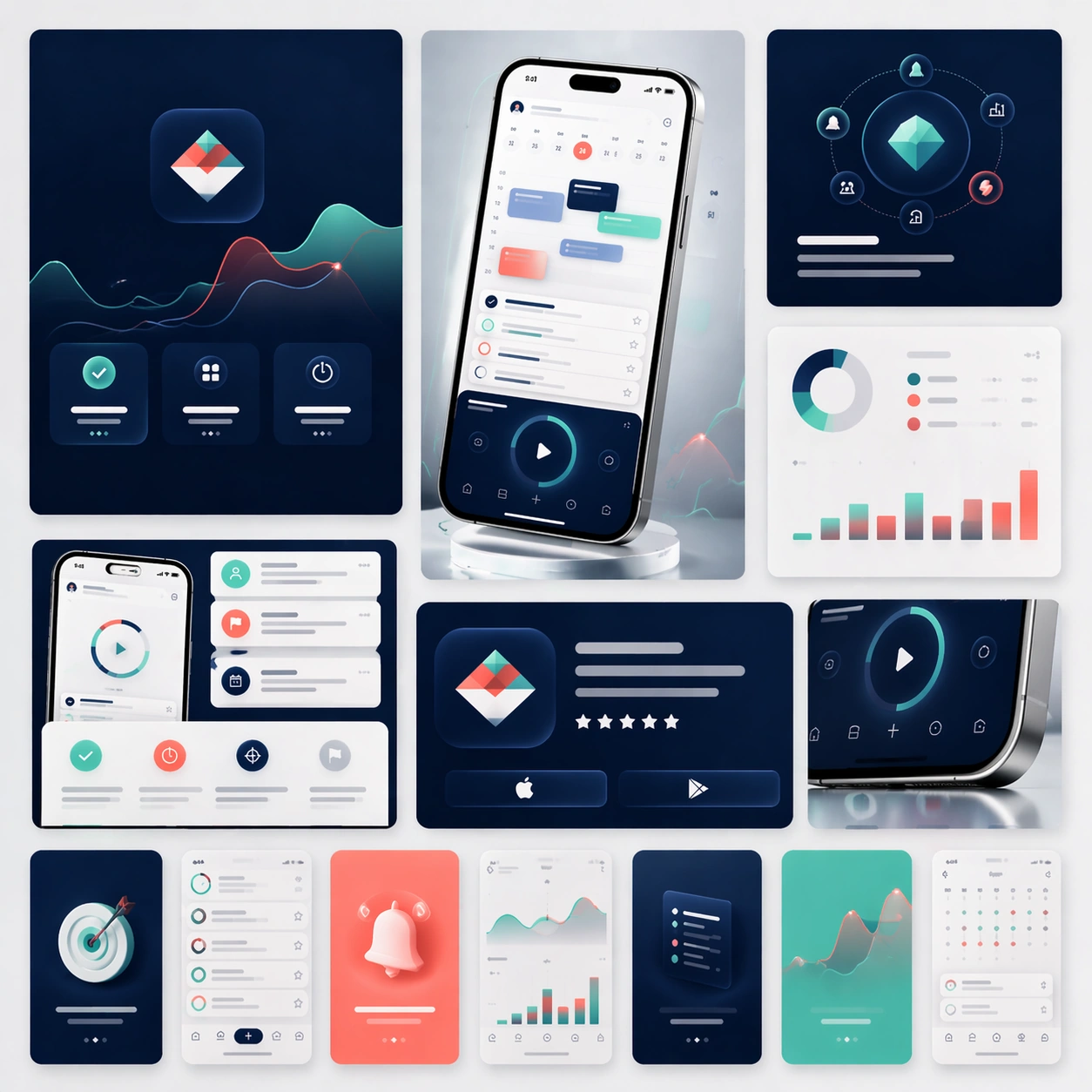
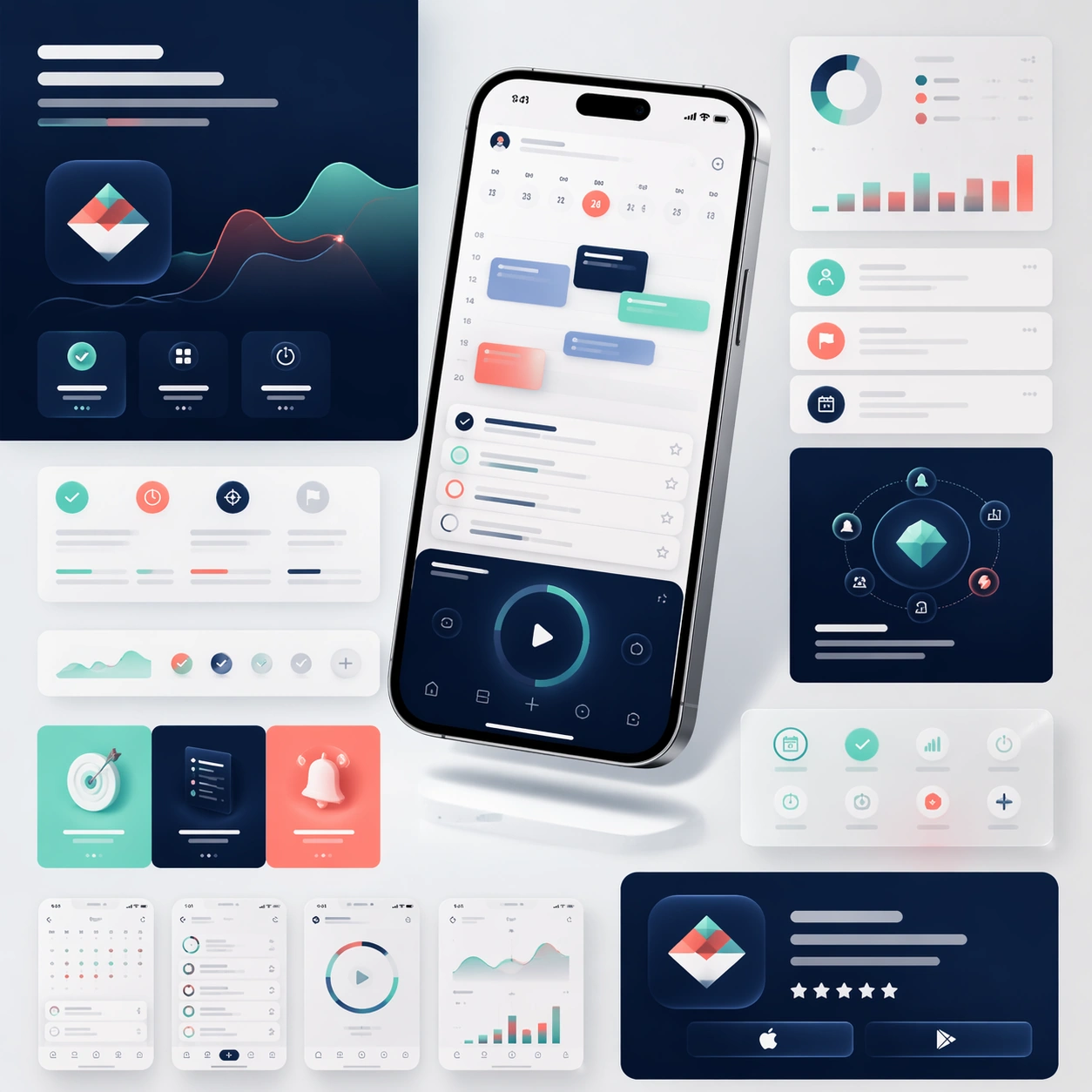
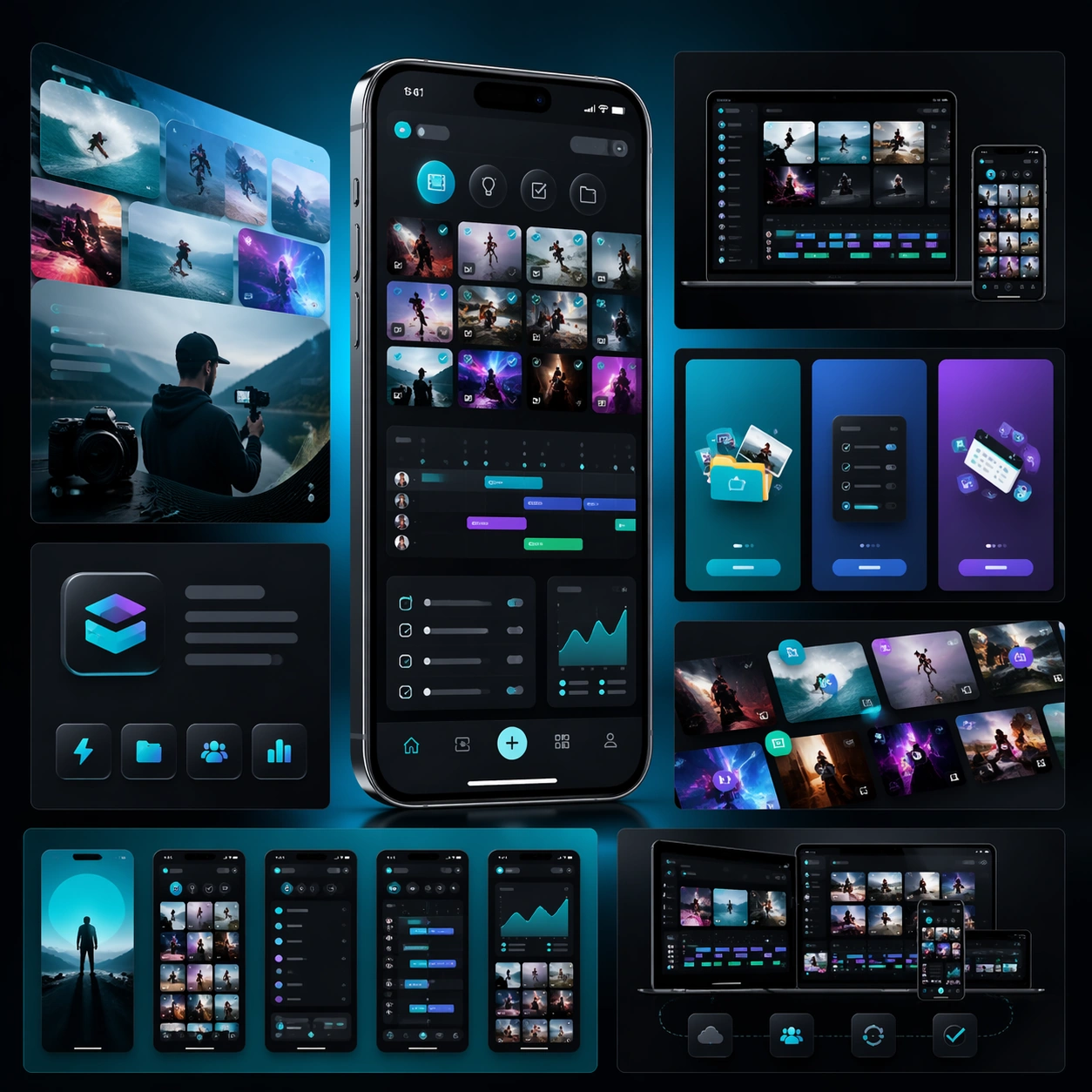
A square campaign board for a mobile creator workflow app, with a more energetic but still disciplined launch aesthetic. Present one hero phone, several cropped interface panels, and layered media-like shapes on a dark charcoal-to-electric-teal gradient field. The lighting should feel glossy and commercial, with crisp reflections on glass and metal but no excessive glow.

Subject:
Build a launch-page kit for an app that helps creators organize clips, ideas, publishing steps, and asset libraries. The hero phone should display a visually rich interface with thumbnail grids, scheduling lanes, checklist modules, and compact analytics cards. Surround it with landing-page fragments that suggest onboarding, cross-device workflow, and store-promo assets. The structure should feel like a complete app marketing system prepared for launch week, not just a single hero shot. Use strong composition, believable device rendering, and abstract copy zones that imply promotional messaging without any readable typography.

Important details:
Keep the interface coherent and attractive, but prioritize scanability over noise. Show visual energy through image framing, rhythm, and contrast rather than through random effects. The board should feel like a real product campaign for creators: polished, modern, ambitious, and clear enough to extend into store screenshots, social crops, and a landing page. Maintain structured modules, consistent spacing, and premium material rendering throughout.

Use case:
App Launch Marketing Page Kit single study 2/5, testing an energetic creator-tool launch direction.

Constraints:
No readable text, no watermark, no logos, preserve exact 1:1 aspect ratio, no chaotic collage clutter, no fake brand marks, no distorted screen perspective, no excessive lens flares, no messy color overload.

使用方法

  1. 复制完整原始提示词,并保留其中的参数。
  2. 按需求替换主体、文字和构图要求。
  3. 在兼容的外部工具中使用,核对当前使用条件并检查结果。

开始前需了解

  • 先确认是否需要参考图。标注兼容模型,不代表该示例由这个模型生成。
  • 核对名称、数字与画面文字;不同模型版本的结果可能不同。

相似案例

App Launch Marketing Page Kit — App Store Promo Matrix
GPT Image 2en

Scene: A square commerce-style presentation board that feels like an App Store asset family arranged on one clean tabletop. Compose the image as a grid of screenshot cards, promotional tiles, cropped hero devices, and a few soft background gradients that give the board a premium

App Launch Marketing Page Kit — Social Launch Adaptations
GPT Image 2en

Scene: A square campaign board composed of several social-ready launch crops arranged within one master presentation. Instead of a single landing-page layout, show a family of polished ad-like frames, vertical teaser cards, square promo panels, and one compact hero device crop, a

App Launch Marketing Page Kit — Travel Planner Launch Board
GPT Image 2en

Scene: A square launch campaign board for a travel-planning app, balancing premium editorial atmosphere with clear commerce structure. Use a bright but refined palette of cloud white, ocean teal, sunset coral, and soft navy. Present one elegant hero phone, a few itinerary screen

App Launch Marketing Page Kit — Reference Launch Hero
GPT Image 2en

Scene: A square product-marketing board for a newly launched mobile productivity app, composed like a polished campaign key visual rather than a simple mockup sheet. Show one hero smartphone floating slightly above a bright studio surface, surrounded by cropped landing-page modul

App Launch Marketing Page Kit — Wellness Habit Launch Board
GPT Image 2en

Scene: A square product-launch board for a wellness and habit-building app, with a serene but still commercial visual language. Use a palette of warm cream, eucalyptus green, dusty peach, and muted graphite. Compose one central smartphone render, a few softly layered dashboard cr

App Launch Marketing Page Kit — Budget Planner Launch Board
GPT Image 2en

Scene: A square marketing presentation for a personal budgeting and planning app, set on a clean stone-like surface with restrained studio lighting. Use a palette of midnight blue, pale sage, warm gray, and subtle brass highlights. Compose one central device render, a few floatin