Social App Match Success UI

Social App Match Success UI

Originaldokument

GPT Image 2 · en

{argument name="application scenario" default="Social app matching success screen"}, {argument name="interactive element" default="Two user profile cards collide with a heart-shaped effect."}。

Verwendung

  1. Den vollständigen Original-Prompt einschließlich Parametern kopieren.
  2. Motiv, Text und Komposition an die eigenen Anforderungen anpassen.
  3. Ein kompatibles externes Werkzeug nutzen; Zugangsbedingungen und Ergebnis prüfen.

Vor dem Start

  • Prüfen, ob ein Referenzbild nötig ist. Kompatibilität belegt nicht das tatsächlich verwendete Modell.
  • Namen, Zahlen und Bildtexte prüfen; Modellversionen können andere Ergebnisse liefern.
Ähnliche Beispiele

Tweet Screenshot With Handwriting Match
GPT Image 2en

A screenshot of a realistic dark-mode social media post, featuring a black interface similar in style to X/Twitter. The top left corner displays a blurry small circular profile picture, next to which is the user's name.{argument name="profile name" default="Pratham"} And a blue v

Tweet Screenshot With Handwriting Match
GPT Image 2en

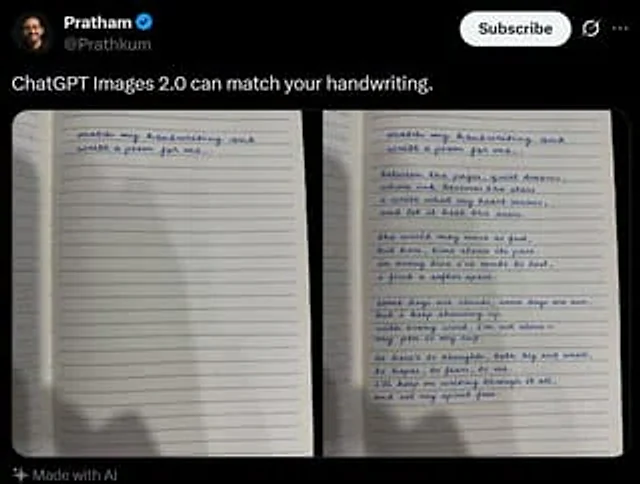
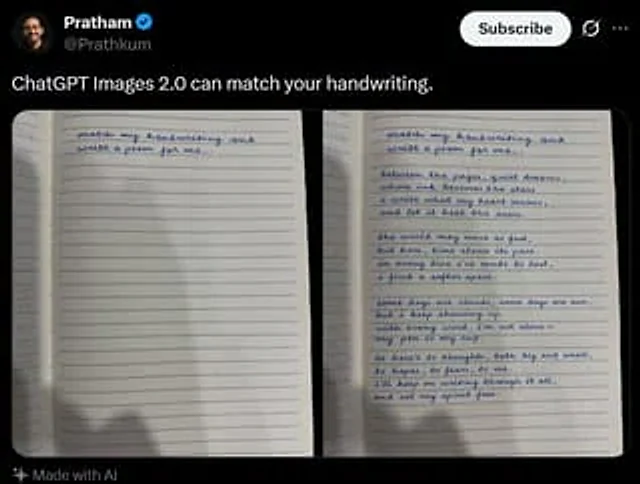
A realistic dark-mode social media post screenshot styled like X/Twitter on a black interface. At the top left is a small blurred circular profile photo beside the display name {argument name="profile name" default="Pratham"} with a blue verification badge, and the handle {argume