

Social App Match Success UI

Social App Match Success UI

Document original

GPT Image 2 · en

{argument name="application scenario" default="Social app matching success screen"}, {argument name="interactive element" default="Two user profile cards collide with a heart-shaped effect."}。

Mode d’emploi

  1. Copiez le prompt original complet, paramètres compris.
  2. Adaptez le sujet, le texte et la composition à vos besoins.
  3. Utilisez un outil externe compatible ; vérifiez l’accès et le résultat.

Avant de commencer

  • Vérifiez si une image de référence est nécessaire. La compatibilité ne prouve pas le modèle utilisé pour cet exemple.
  • Vérifiez noms, chiffres et textes ; les versions du modèle peuvent produire des résultats différents.
Exemples similaires

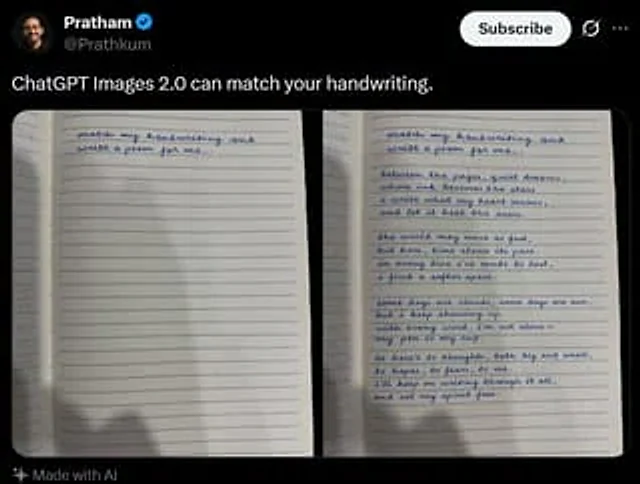
Tweet Screenshot With Handwriting Match
GPT Image 2en

A screenshot of a realistic dark-mode social media post, featuring a black interface similar in style to X/Twitter. The top left corner displays a blurry small circular profile picture, next to which is the user's name.{argument name="profile name" default="Pratham"} And a blue v

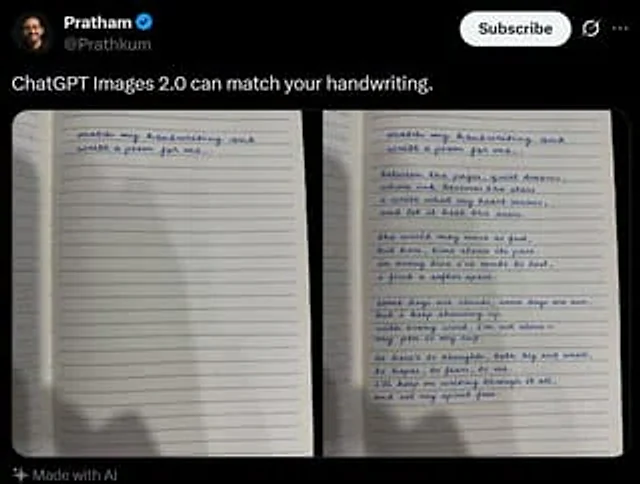
Tweet Screenshot With Handwriting Match
GPT Image 2en

A realistic dark-mode social media post screenshot styled like X/Twitter on a black interface. At the top left is a small blurred circular profile photo beside the display name {argument name="profile name" default="Pratham"} with a blue verification badge, and the handle {argume