Social App Match Success UI

Social App Match Success UI

Original document

GPT Image 2 · en

{argument name="application scenario" default="Social app matching success screen"}, {argument name="interactive element" default="Two user profile cards collide with a heart-shaped effect."}。

How to use

  1. Copy the complete original prompt, including any parameters.
  2. Replace the subject, text and composition with your own requirements.
  3. Use a compatible external tool; check its current access conditions and review the result.

Before you start

  • Check whether a reference image is required. A compatible model label does not mean this example was generated with that model.
  • Keep names, figures and visible text accurate; results can vary between model versions.
More like this

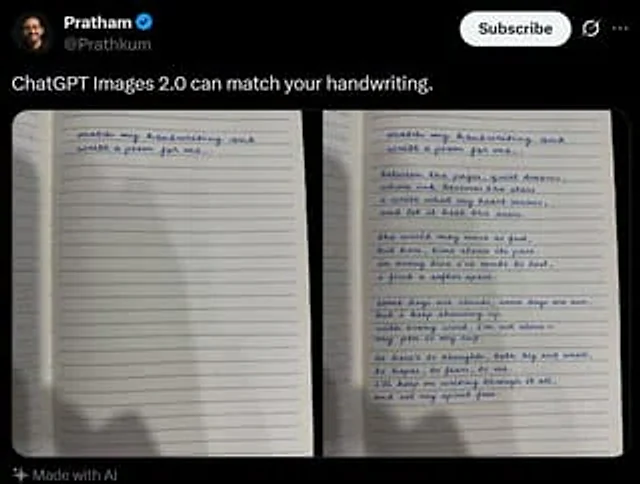
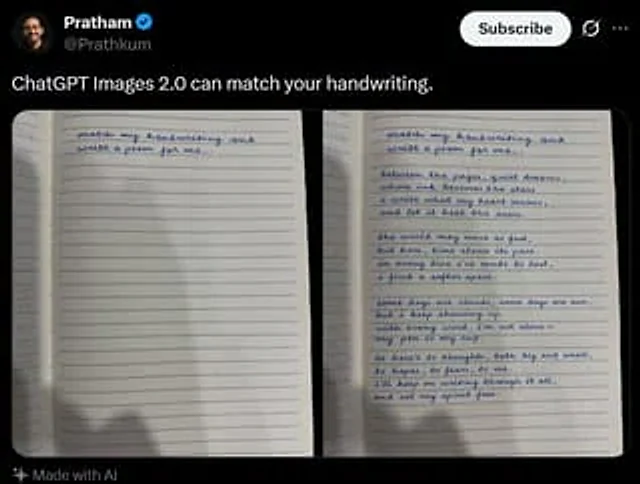
Tweet Screenshot With Handwriting Match
GPT Image 2en

A screenshot of a realistic dark-mode social media post, featuring a black interface similar in style to X/Twitter. The top left corner displays a blurry small circular profile picture, next to which is the user's name.{argument name="profile name" default="Pratham"} And a blue v

Tweet Screenshot With Handwriting Match
GPT Image 2en

A realistic dark-mode social media post screenshot styled like X/Twitter on a black interface. At the top left is a small blurred circular profile photo beside the display name {argument name="profile name" default="Pratham"} with a blue verification badge, and the handle {argume