Social App Match Success UI

Social App Match Success UI

Documento original

GPT Image 2 · en

{argument name="application scenario" default="Social app matching success screen"}, {argument name="interactive element" default="Two user profile cards collide with a heart-shaped effect."}。

Como usar

  1. Copie o prompt original completo, incluindo os parâmetros.
  2. Adapte o tema, o texto e a composição aos seus requisitos.
  3. Use uma ferramenta externa compatível; confira o acesso e o resultado.

Antes de começar

  • Verifique se é necessária uma imagem de referência. Compatibilidade não comprova qual modelo gerou o exemplo.
  • Confira nomes, números e textos; os resultados variam entre versões do modelo.
Exemplos semelhantes

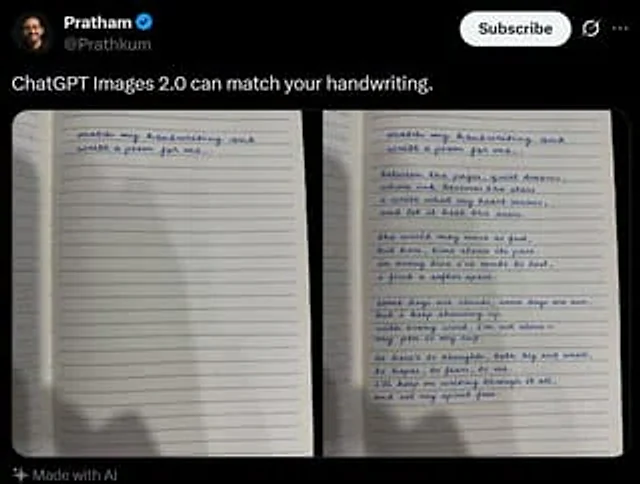
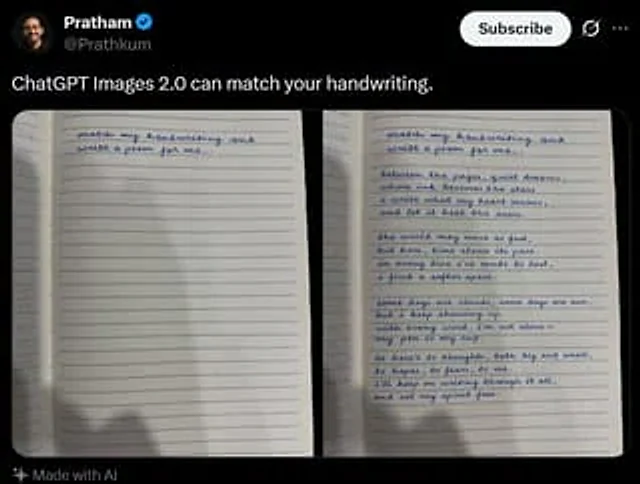
Tweet Screenshot With Handwriting Match
GPT Image 2en

A screenshot of a realistic dark-mode social media post, featuring a black interface similar in style to X/Twitter. The top left corner displays a blurry small circular profile picture, next to which is the user's name.{argument name="profile name" default="Pratham"} And a blue v

Tweet Screenshot With Handwriting Match
GPT Image 2en

A realistic dark-mode social media post screenshot styled like X/Twitter on a black interface. At the top left is a small blurred circular profile photo beside the display name {argument name="profile name" default="Pratham"} with a blue verification badge, and the handle {argume