Social App Match Success UI

Social App Match Success UI

原文

GPT Image 2 · en

{argument name="application scenario" default="Social app matching success screen"}, {argument name="interactive element" default="Two user profile cards collide with a heart-shaped effect."}。

使い方

  1. パラメータを含む元のプロンプト全体をコピーします。
  2. 被写体、文字、構図を自分の要件に置き換えます。
  3. 対応する外部ツールで使用し、利用条件と結果を確認します。

開始前の確認

  • 参考画像の要否を確認してください。互換モデルの表示は、そのモデルでの生成実績を意味しません。
  • 名前、数値、画像内の文字を確認します。モデルの版で結果は変わります。

似た事例

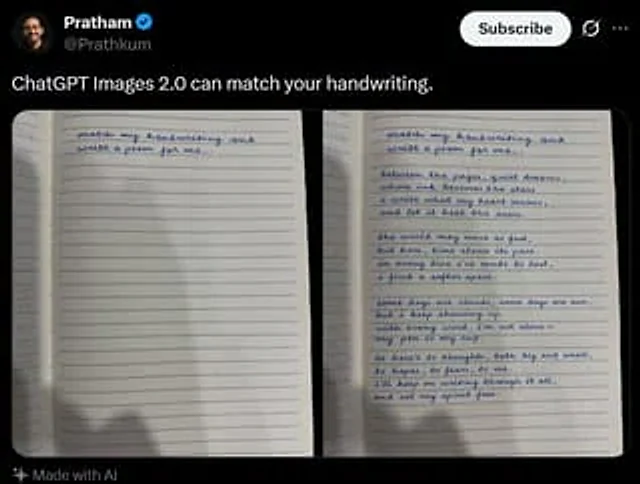
Tweet Screenshot With Handwriting Match
GPT Image 2en

A screenshot of a realistic dark-mode social media post, featuring a black interface similar in style to X/Twitter. The top left corner displays a blurry small circular profile picture, next to which is the user's name.{argument name="profile name" default="Pratham"} And a blue v

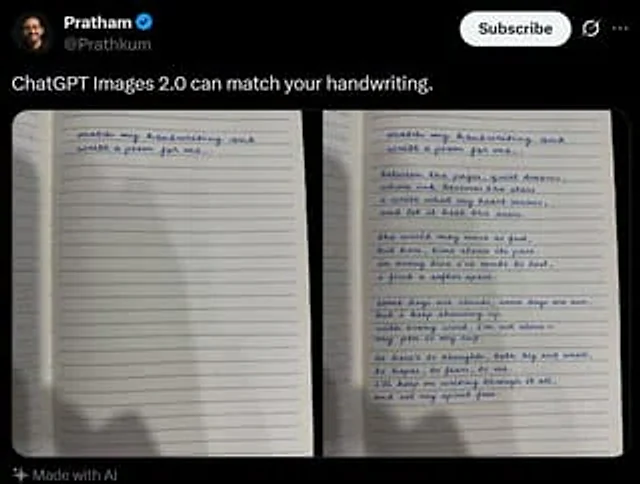
Tweet Screenshot With Handwriting Match
GPT Image 2en

A realistic dark-mode social media post screenshot styled like X/Twitter on a black interface. At the top left is a small blurred circular profile photo beside the display name {argument name="profile name" default="Pratham"} with a blue verification badge, and the handle {argume