
AI video generators create new footage from a text prompt or image. AI video editors work on footage you already have. The first invents shots. The second assembles, trims, and polishes them.
Many buyers lump the two together. They then pay for a generator when they needed an editor, or the reverse. The result is wasted credits and clips that never get published.
This guide explains the difference in plain terms. It gives you a decision framework by job and compares control, editability, and cost. It also shows how to combine both types and lists questions to ask before you pay.
What do AI video generators do, and where do they fall short?
AI video generators turn a prompt into a short clip, so you can make footage without a camera.
They suit concepts that are hard or costly to film. Examples include abstract visuals, imaginary scenes, and quick mood pieces. You can test an idea in minutes.
The limits show up when a clip must be precise. Generated footage can drift from your brand colors or product details. Text and fine details often come out wrong. Two attempts at the same prompt rarely match.
Fixing a flaw usually means writing a new prompt and generating again. Many generators also charge per attempt, so retries add cost.
Generated footage also raises disclosure questions. Viewers may take it for real filming. Label it when that could mislead.
What do AI video editors do, including agentic editing on a real timeline?
AI video editors take footage you already have and turn it into a finished video faster.
They handle the repetitive work. That includes trimming pauses, adding captions, balancing audio, and building versions for each platform. The footage stays yours, so your product and people stay accurate.
Agentic editing goes a step further. You describe a job in plain words, and an AI agent performs it on the timeline. The edits appear as normal, adjustable changes.
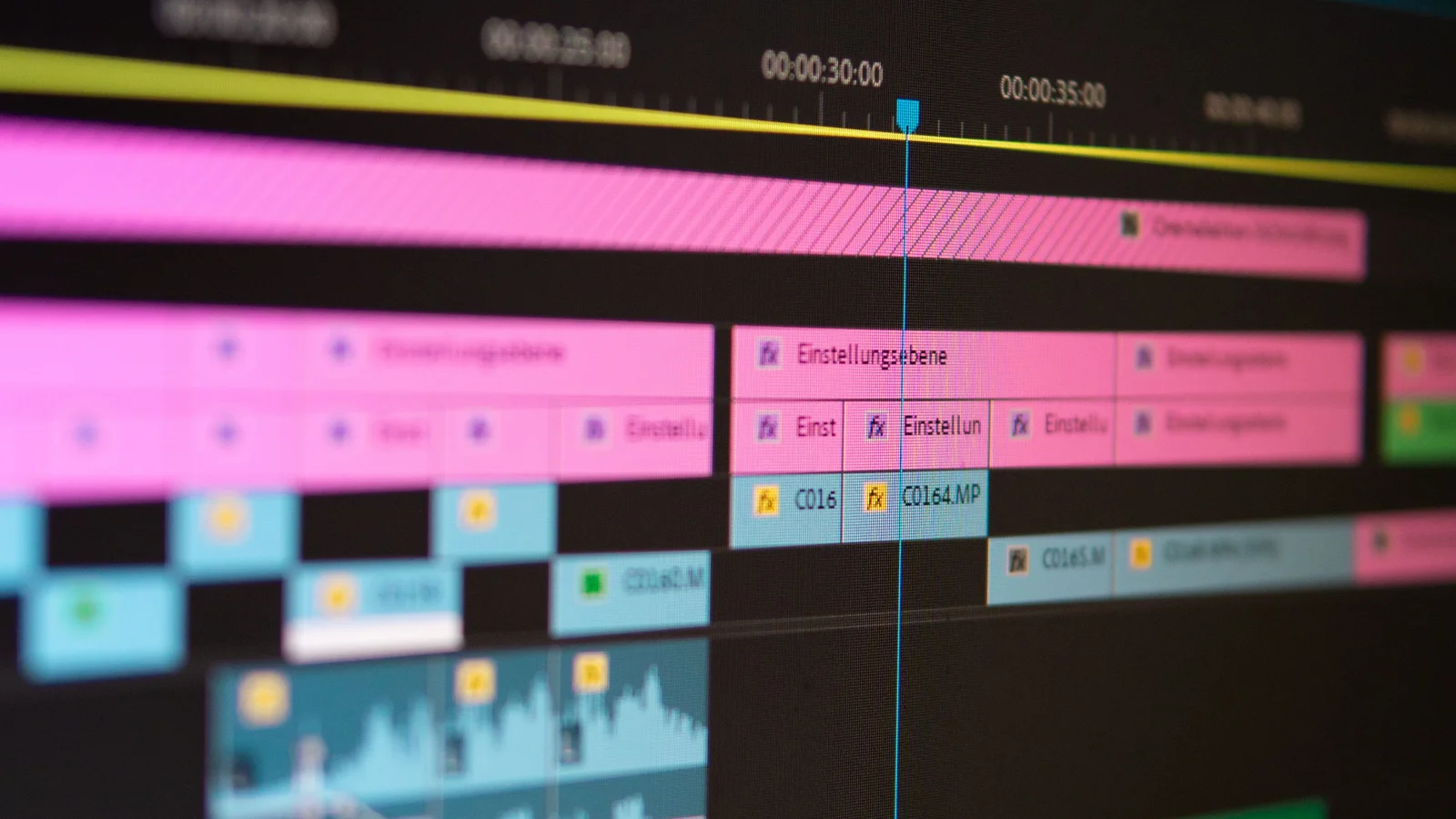
One example of an editing-first tool is invideo Editor, which runs in the browser. It combines a multitrack timeline with AI agents that can take on complete editing jobs. The timeline offers frame-accurate cutting, keyframes, color grading, and an audio workstation.
An editor can only improve what you give it. It cannot film your product for you. That is the main reason some projects need a generator as well.
Which type of tool fits each job?
The rule is simple. If the footage exists, edit it. If it does not, generate it, then edit it.
Here is how that plays out by job:
-
Ad creatives: Use an editor when you have product footage or a brand-accurate demo. Use a generator for concept visuals, then assemble them in an editor.
-
Tutorials: Use an editor. Screen recordings and voiceover need trimming, captions, and clear pacing.
-
Webinars: Use an editor. The raw recording is the asset, and the job is finding and cutting the best moments.
-
Product reviews: Use an editor. Viewers expect to see the real product, so real footage matters.
-
Social clips: Use an editor when you cut from longer footage. Use a generator when you have an idea but no footage.
Most real projects land in the editor column. Generators are the exception, mostly for concepts and cutaways.
How do control, editability, and cost compare?
Editors give frame-level control, while generators give prompt-level control.
-
Control: With a generator, you steer by rewording the prompt. With an editor, you choose every cut, caption, and color.
-
Editability: A generated clip is often one finished piece. Changing it can mean regenerating. An editor keeps every cut, title, and transition adjustable.
-
Accuracy: An editor preserves your real product and people. A generator may approximate them.
-
Speed: A generator is fastest for a new concept. An editor is fastest when footage already exists.
-
Cost: Many generators charge per generation, so retries add up. Editors usually charge per seat or plan.
The manual timeline in invideo Editor is free to use. That holds even if you never assign a task to an agent. Agent access needs a paid plan, starting at $20 per seat per month with Lite agents only. Plans scale up to the Max tier, which starts at $150 per seat per month. Prices vary by region, and discounts change, so check the current pricing page.
How do you mix both: generated b-roll inside an edited project?
You mix them by editing your real footage and generating only the gaps.
Start with your recording as the backbone. Cut it, caption it, and fix the audio. Then mark the spots that feel static or missing.
Fill those spots with cutaways. Invideo Editor includes a b-roll generator and 200+ video, image, and audio models inside the project. Generated clips land on the timeline as editable pieces beside your own shots. Its stock library offers another source of cutaways.
Keep one rule firm. Use real footage for proof, such as a product demo or result. Use generated shots only for atmosphere and transitions.
What questions should you ask before paying for a tool?
Ask these six questions, because the answers show which type you need.
-
Do I already have footage? If yes, start with an editor.
-
Can I change one detail without starting over? Check whether edits stay adjustable.
-
What does a failed attempt cost? Count credits for retries.
-
Can I export to my existing editor? Look for support for Premiere Pro, Final Cut Pro, or DaVinci Resolve.
-
What are the commercial-use terms? Read the license for generated and stock assets.
-
Can I review each change? Make sure you approve what the AI does before it goes live.
Frequently asked questions about AI video editors and generators
Can one tool do both editing and generating?
Yes. Some editors include generation models for b-roll, voiceover, and music. The difference is the starting point. An editor starts from your footage. A generator starts from a prompt.
Which type is better for beginners?
An editor is usually easier when you have footage, because you describe the result in plain words and review it. A generator is easier when you have no footage and only an idea.
Is AI-generated video safe to use commercially?
It depends on the tool's license terms. Read them before publishing. Label generated footage when viewers could mistake it for real filming.
Is invideo Editor free?
The manual timeline is free to use. Agent features need a paid plan. Check the pricing page for current plans and regional prices.
Which type of tool should you start with?
Start with an editor if you have footage, and add a generator only for gaps. Start with a generator if you have an idea and no footage, then finish the result in an editor.