Original document
GPT Image 2 · en
Scene:
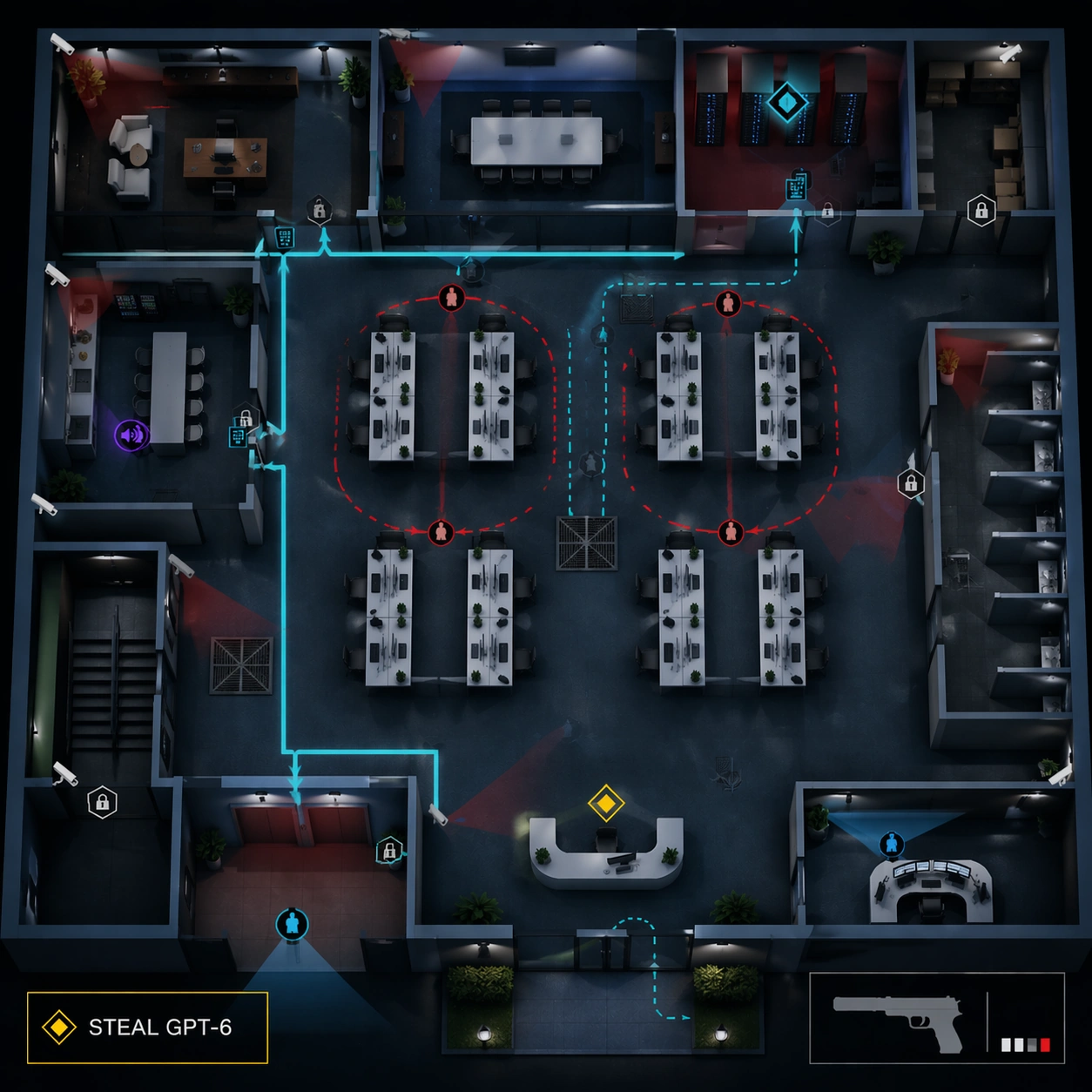
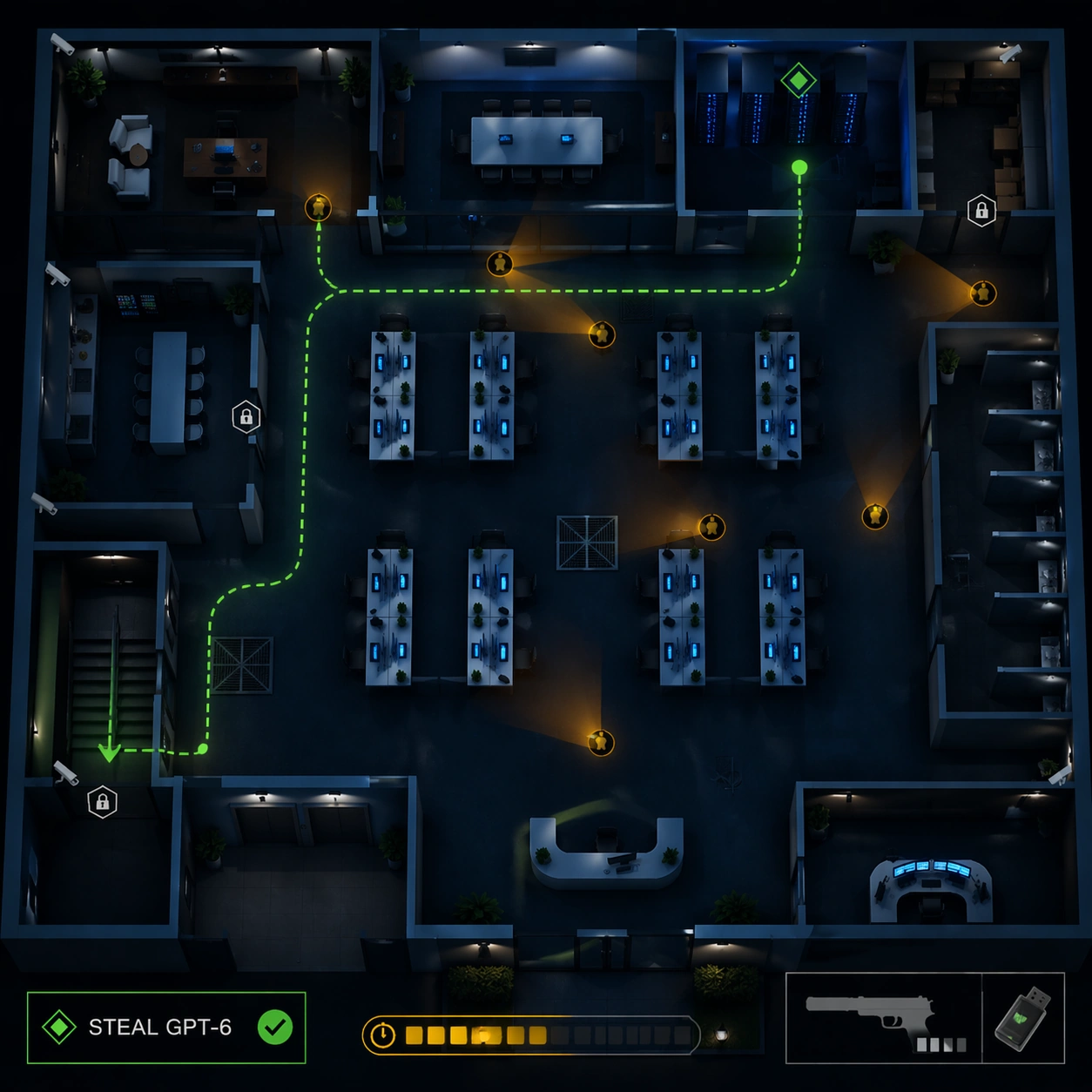
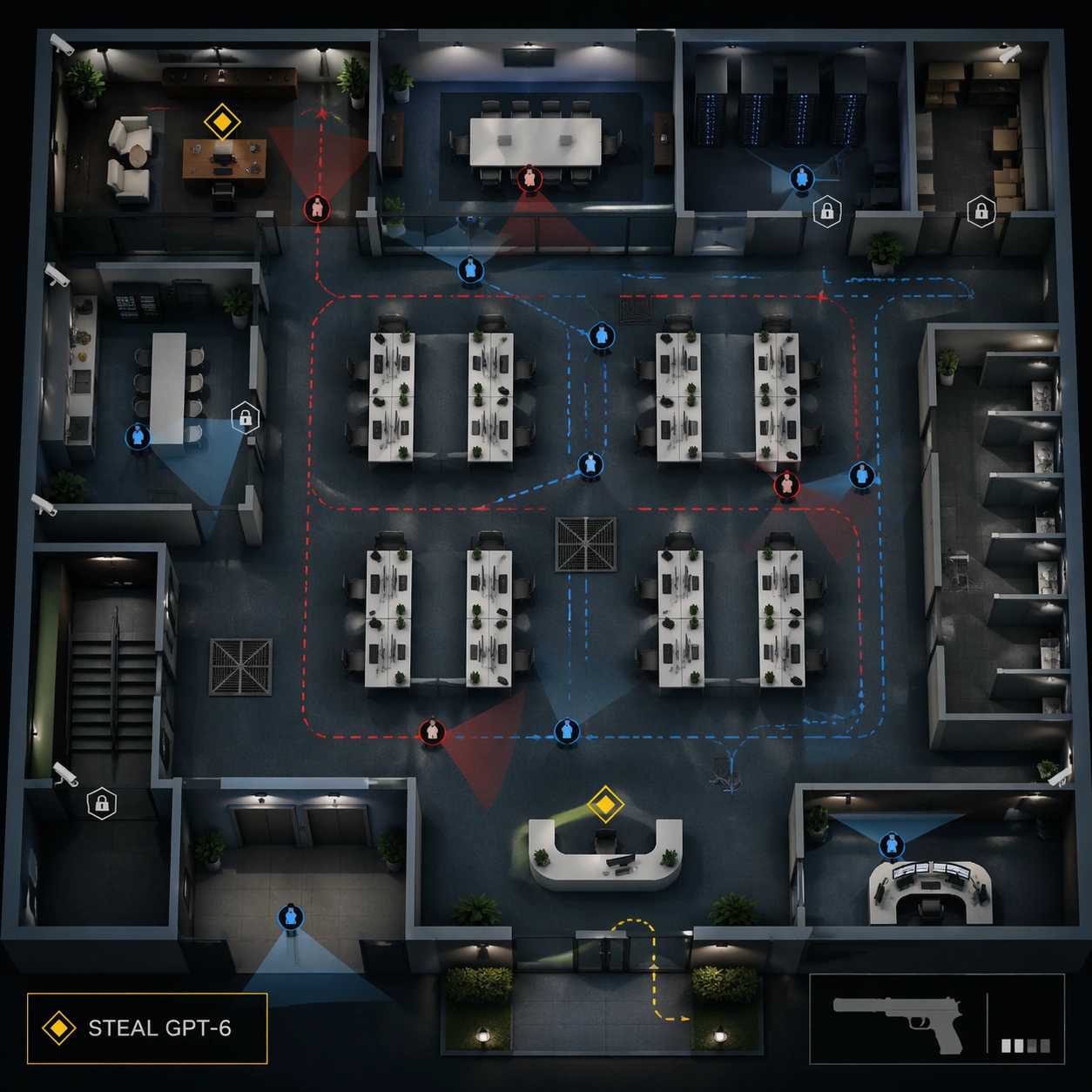
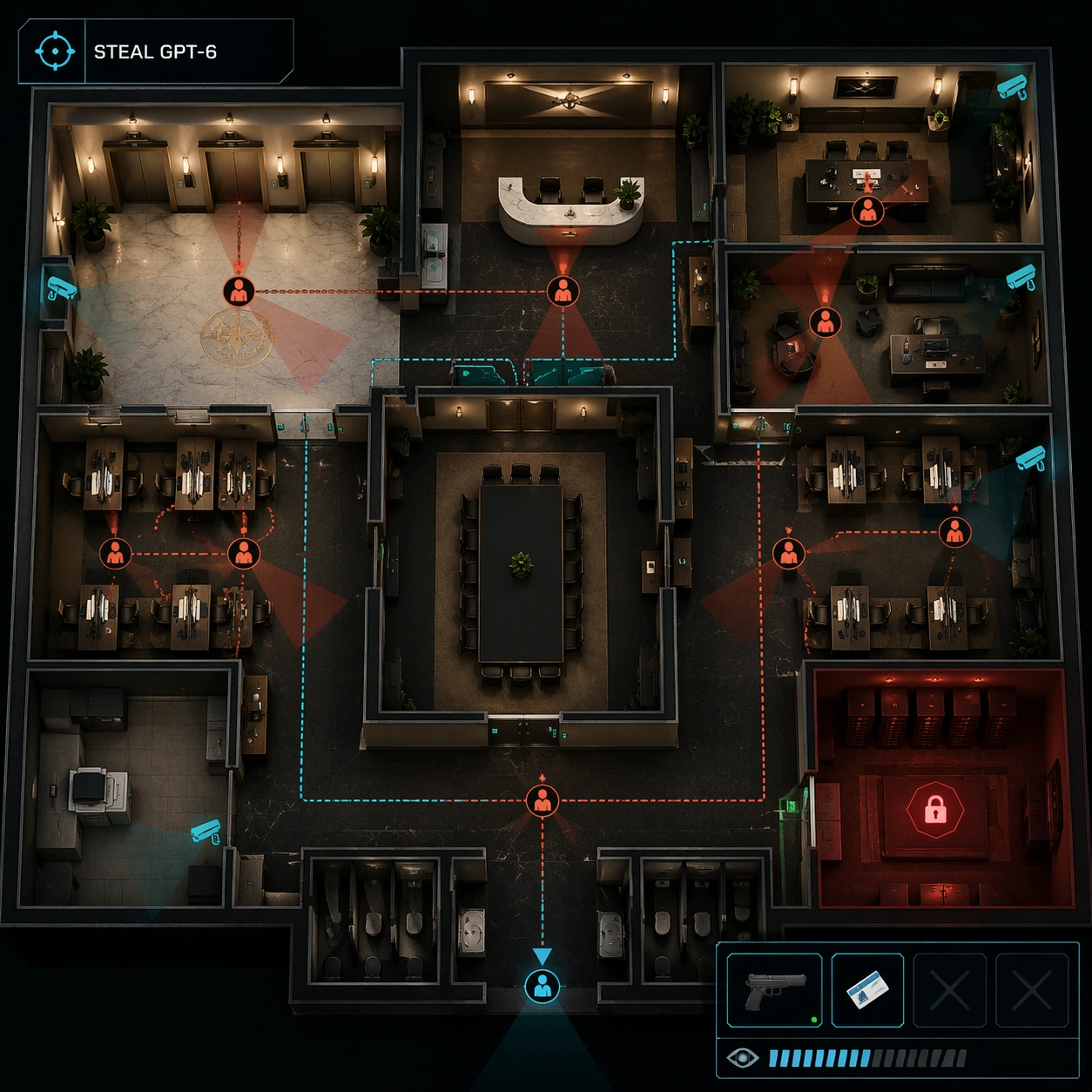
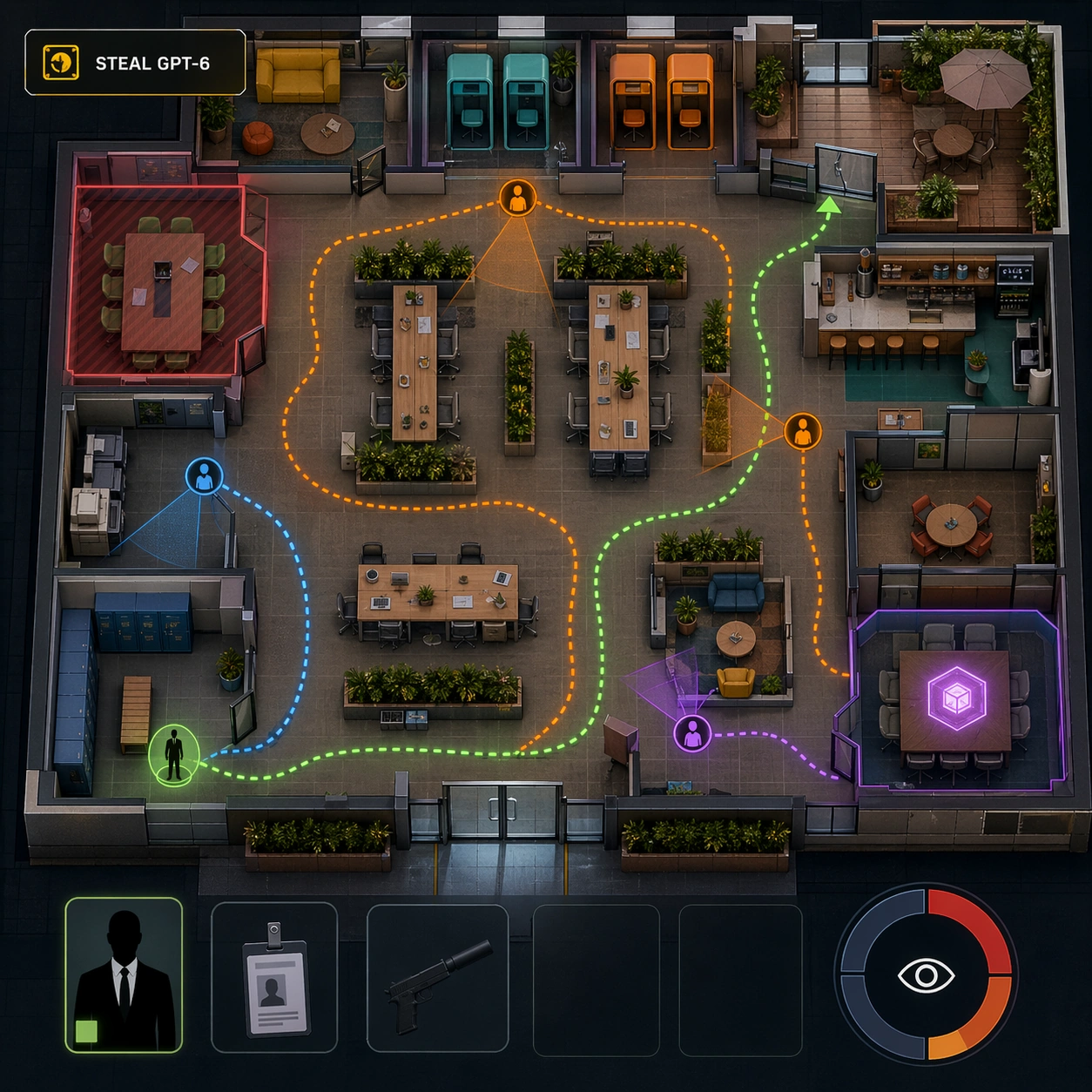
Use the reference office floor as the locked map layout. Keep the same square top-down isometric cutaway and preserve every major room location from the reference: reception, open desks, meeting rooms, executive office, server closet, pantry, storage, elevator lobby, stairwell, and security desk. This version feels like a social-stealth mission briefing during business hours, brighter and busier than the server route variant.

Subject:
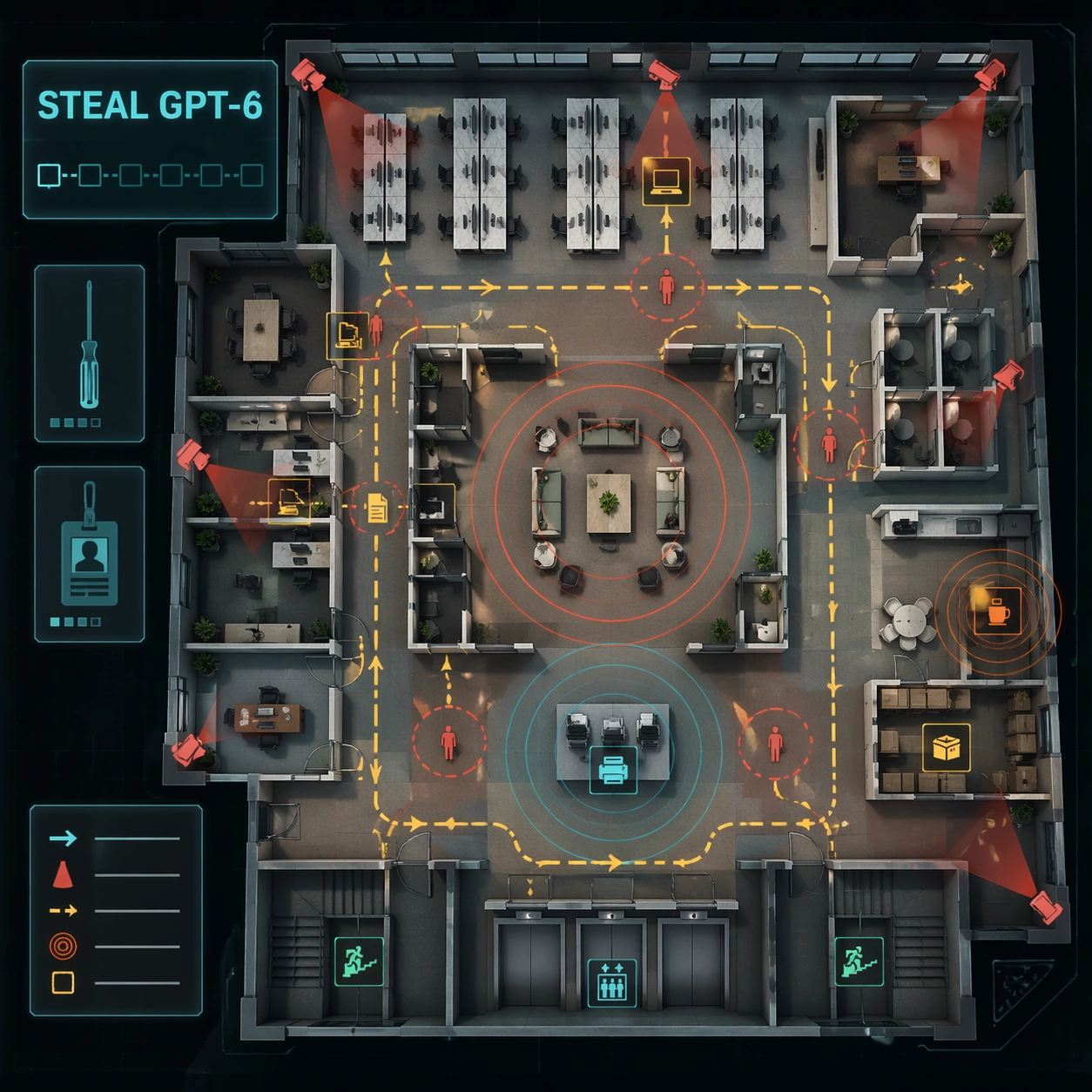
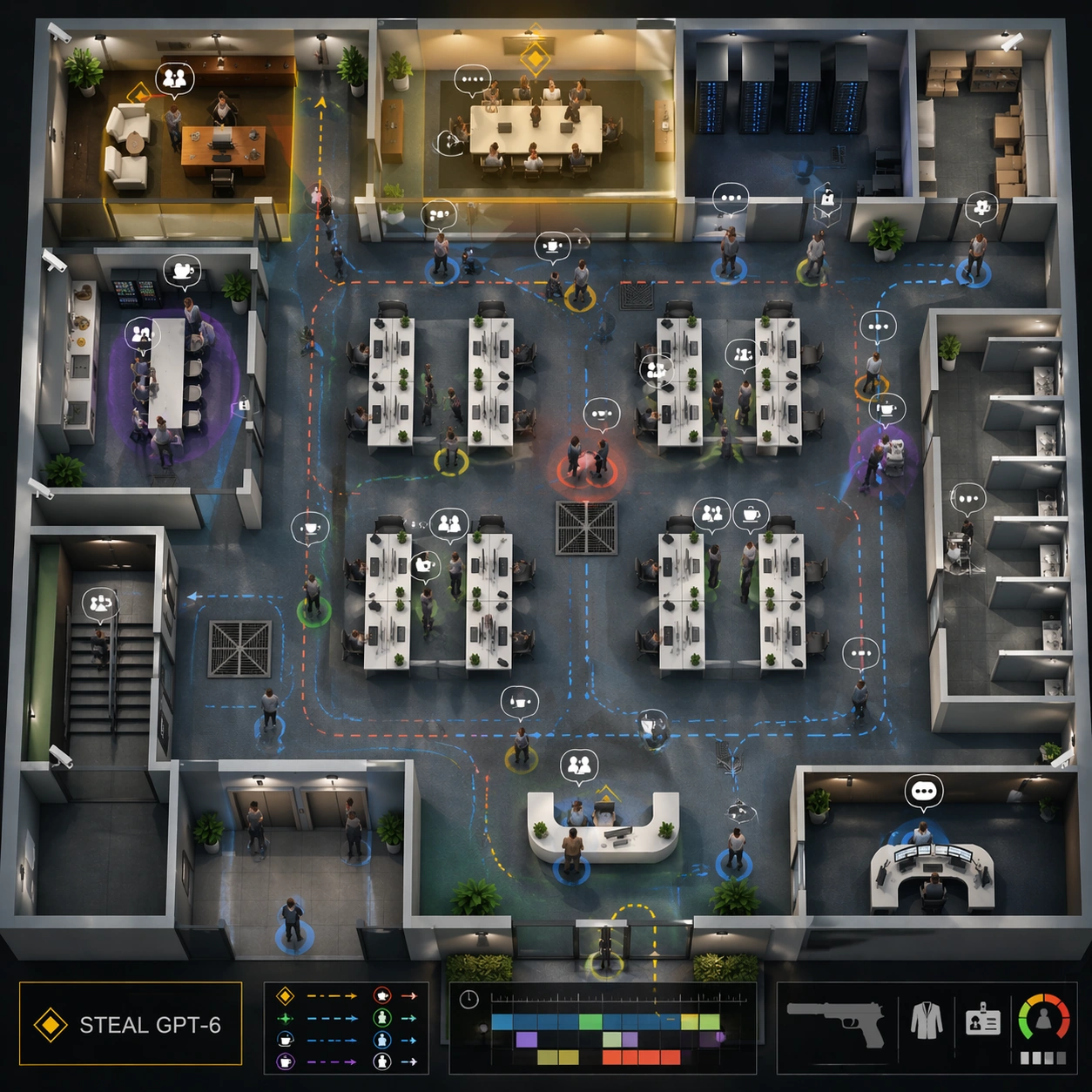
Show a boardroom infiltration state on the same floor. The exact readable objective text should be "STEAL GPT-6" in the mission panel. The boardroom and executive office are highlighted as objective zones; NPC dots cluster around conference tables, reception, coffee point, and printer station. Add colored social suspicion rings, calendar-event blocks as unreadable rectangles, safe conversation bubbles as icon-only markers, and patrol paths for office managers rather than guards. The lower-right HUD keeps the same non-firing suppressed pistol icon but emphasizes disguise, access card, and suspicion meter slots.

Important details:
Preserve the reference geometry while changing the design logic from restricted-route planning to social infiltration. The map should show how office routines create stealth opportunities: coffee breaks open paths, meeting crowds obscure sightlines, and reception checks control access. Keep UI layers clean and separated from furniture. No violence is happening; this is about readable game systems and office behavior.

Use case:
Hitman Office Level series study 3/8, testing preserved office layout with social-stealth UI and NPC routine overlays.

Constraints:
Use the reference image as layout source. No readable text except "STEAL GPT-6", no watermark, no logos, preserve exact 1:1 aspect ratio, no real game brand, no blood, no active shooting, no dead bodies, no moved room grid, no unreadable crowd clutter, no corporate logos.
How to use
- Copy the complete original prompt, including any parameters.
- Replace the subject, text and composition with your own requirements.
- Use a compatible external tool; check its current access conditions and review the result.
Before you start
- Check whether a reference image is required. A compatible model label does not mean this example was generated with that model.
- Keep names, figures and visible text accurate; results can vary between model versions.