Original document
GPT Image 2 · en
Scene:
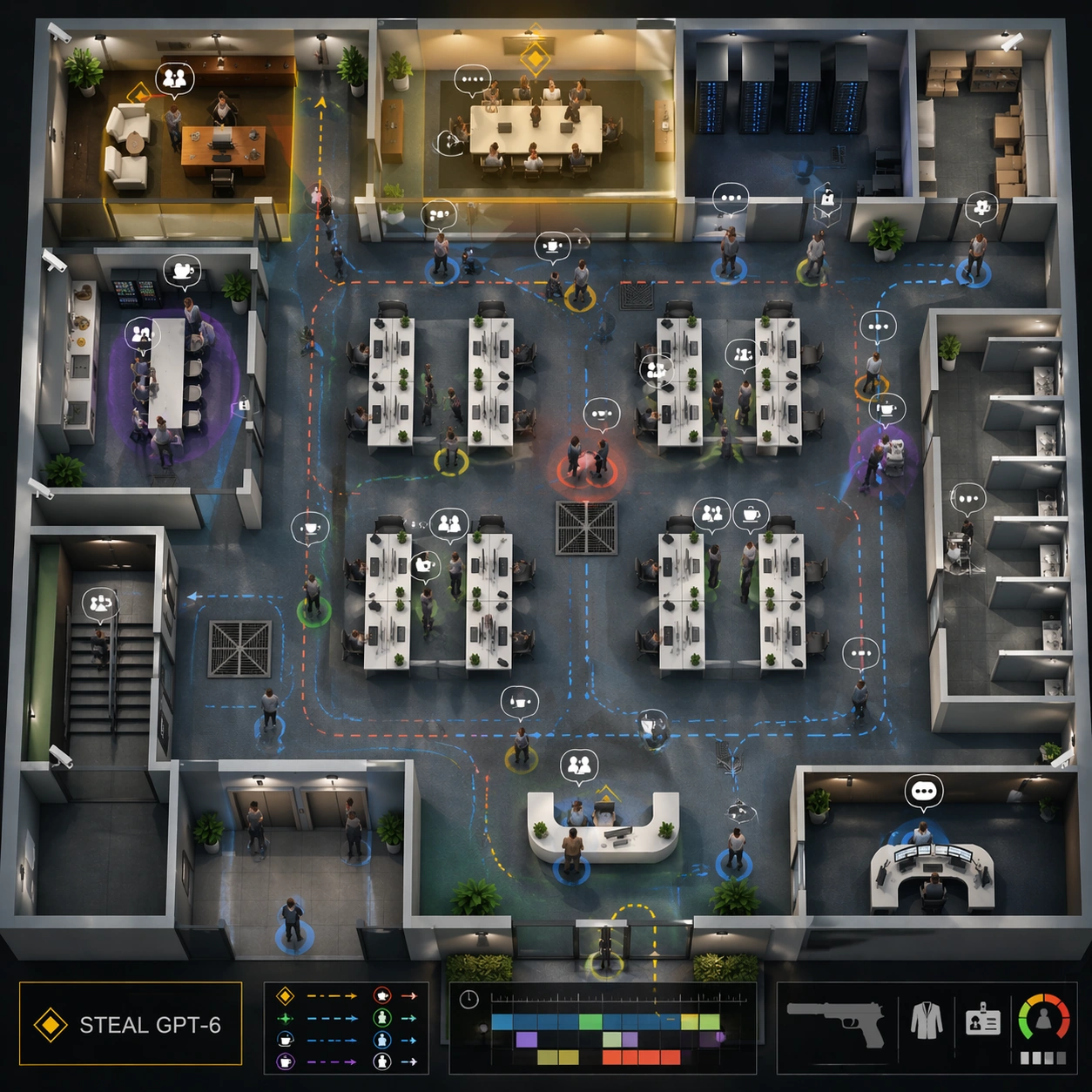
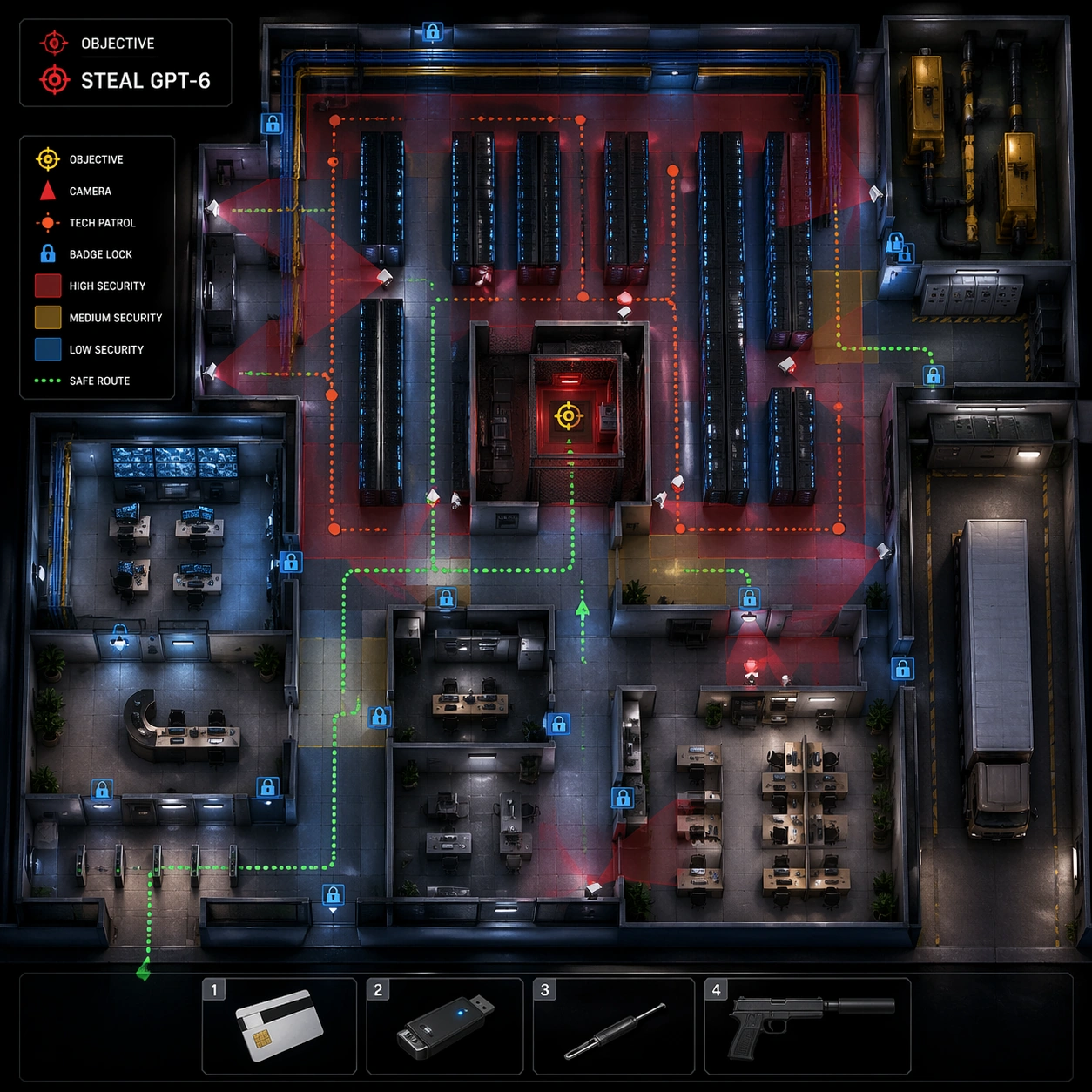
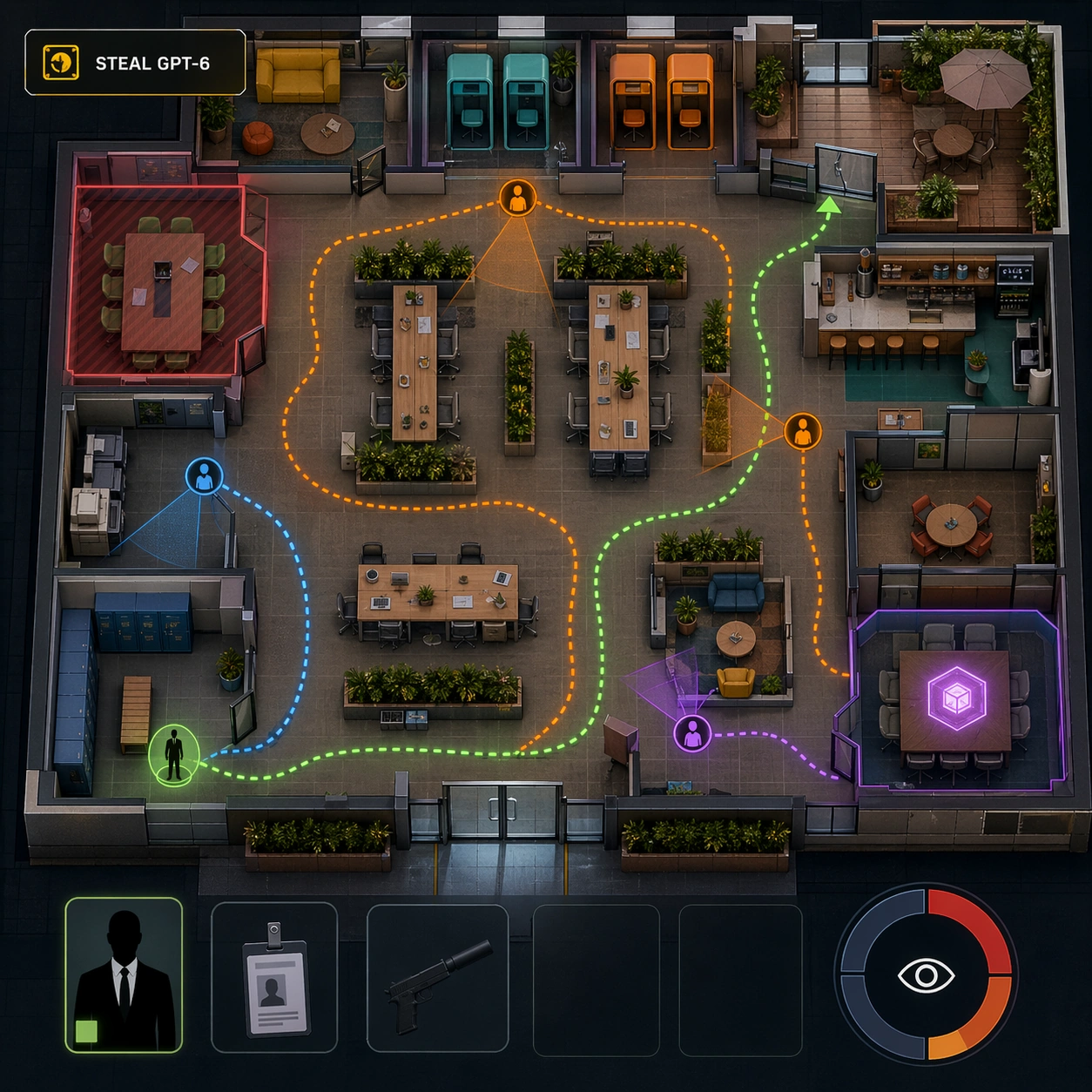
Use the reference office floor as the locked map layout. Keep the same square top-down isometric cutaway, same reception, open desk field, glass meeting rooms, executive office, server closet, pantry, storage room, elevator lobby, stairwell, and security desk positions. The lighting is slightly cooler and more tactical, as if the player has opened a route-planning overlay.

Subject:
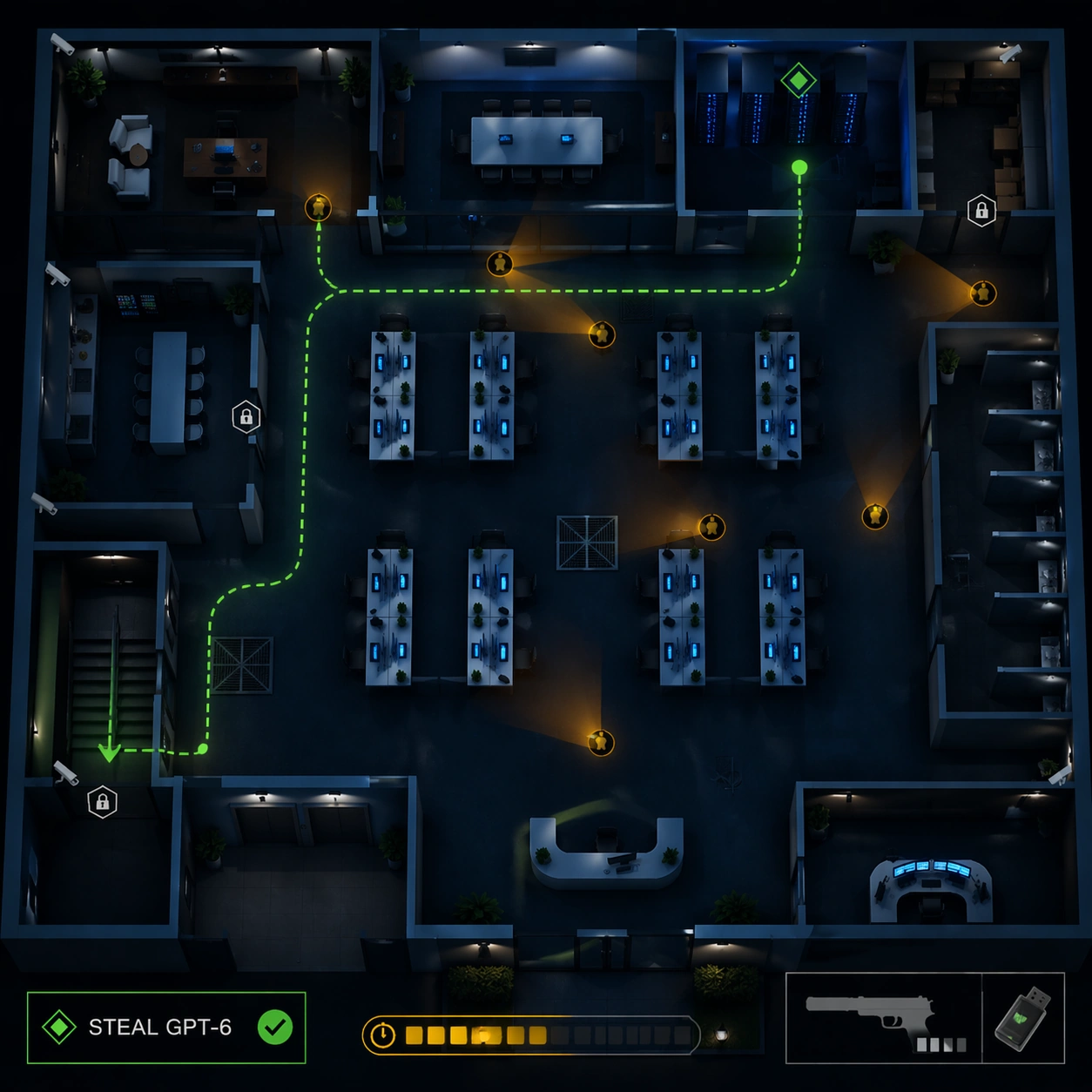
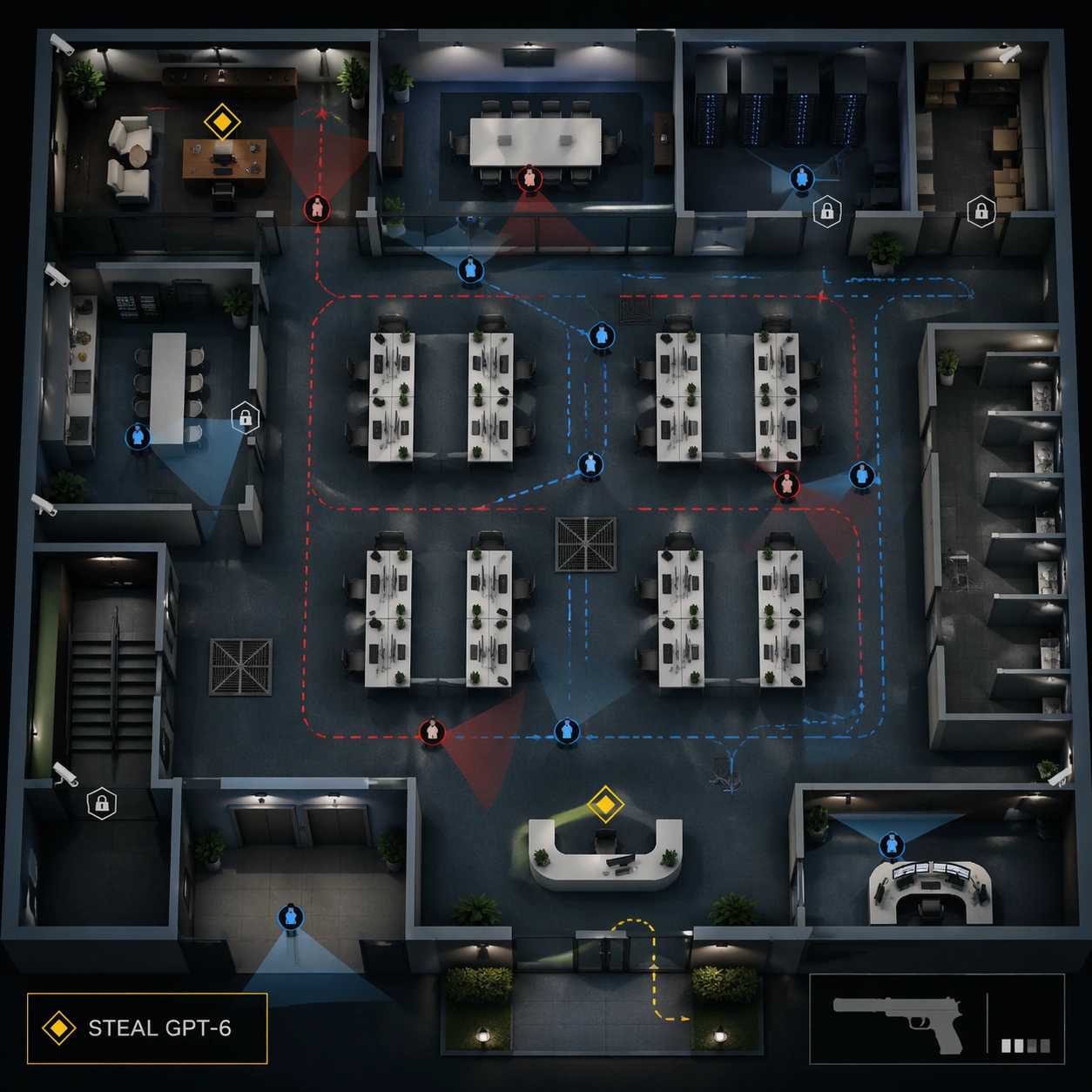
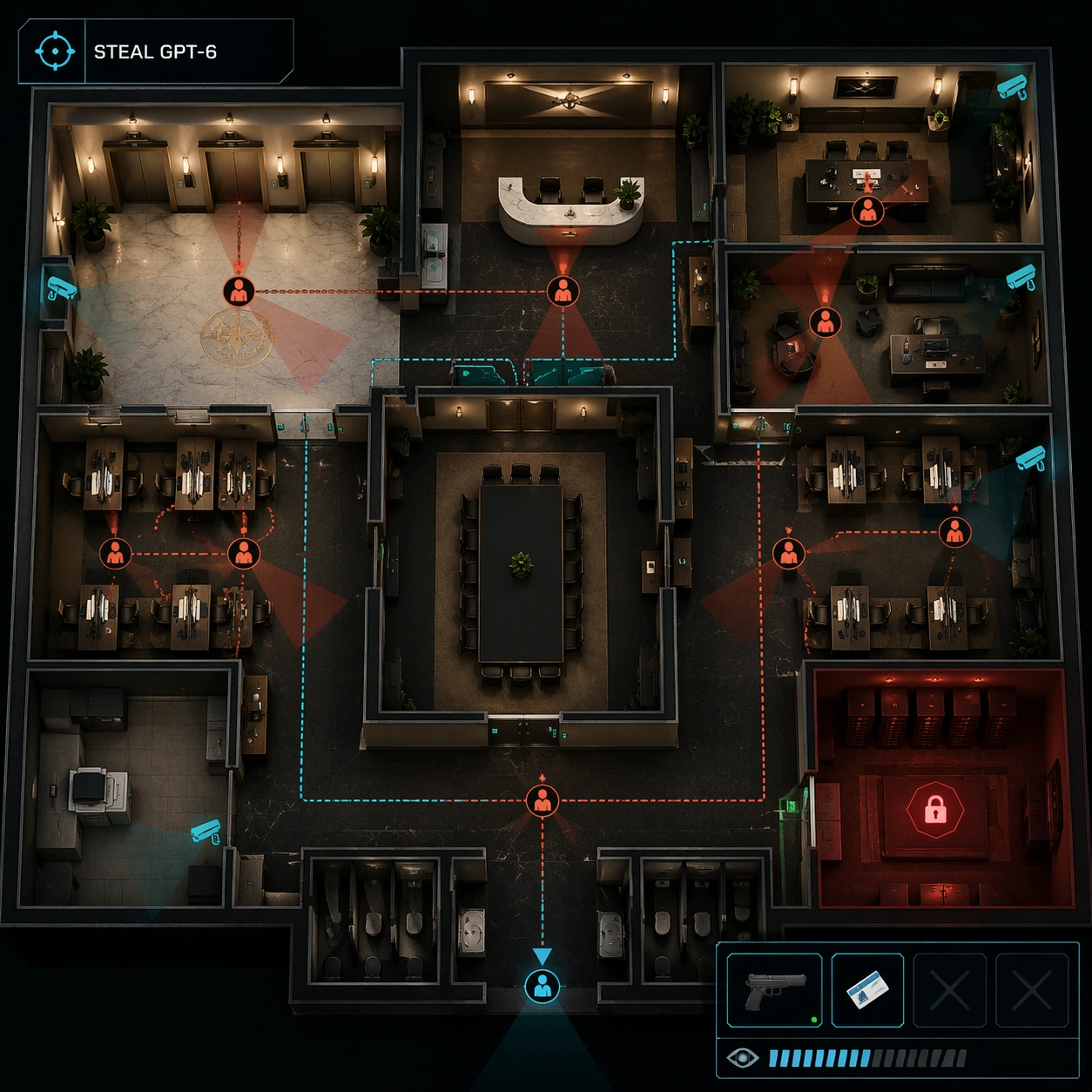
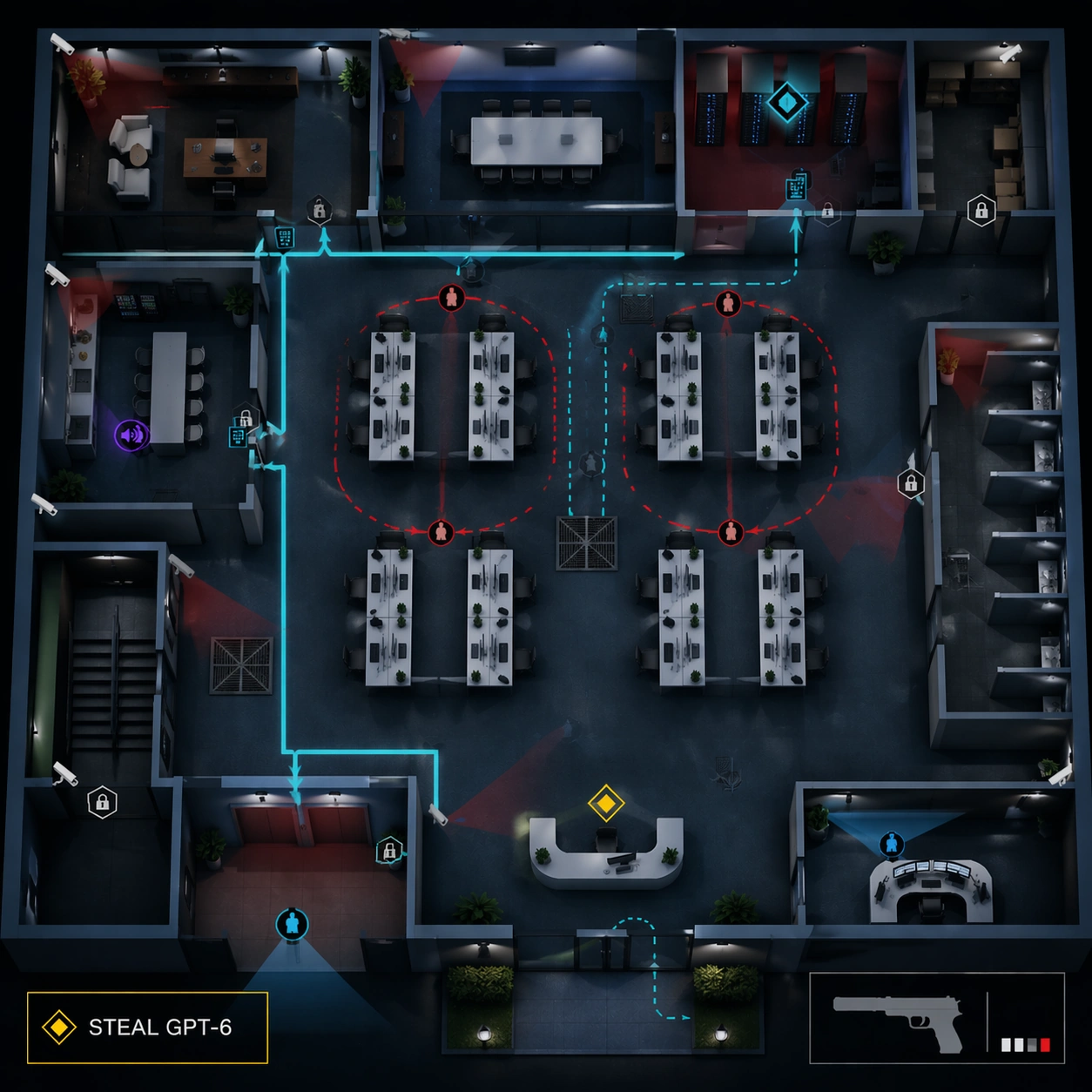
Show a server-vault route variant on the same floor. The exact readable objective text should be "STEAL GPT-6" in the mission box. Highlight the path from elevator lobby to server closet through a cyan route line, with alternate vent path shown as a dashed line. Add security camera arcs, locked door icons, keypad markers as unreadable symbols, two guard patrol loops, and one distraction marker in the pantry. Keep the compact lower-right HUD with the non-firing suppressed pistol icon, inventory slots, and alert meter.

Important details:
Preserve the reference map geometry and room positions. The change is the tactical overlay: server closet becomes the primary target, patrol routes shift around corridors, and restricted zones are tinted with transparent red. The scene must read as a playable stealth level with logic: cameras cover chokepoints, guards loop around valuable rooms, and alternate routes avoid vision cones. Avoid gore or action scenes; this is a clean strategic UI state.

Use case:
Hitman Office Level series study 2/8, using the reference office map to test preserved layout with a server-route mission overlay.

Constraints:
Use the reference image as layout source. No readable text except "STEAL GPT-6", no watermark, no logos, preserve exact 1:1 aspect ratio, no real game brand, no blood, no active shooting, no dead bodies, no moved rooms, no broken patrol paths, no UI clutter covering the floorplan.
How to use
- Copy the complete original prompt, including any parameters.
- Replace the subject, text and composition with your own requirements.
- Use a compatible external tool; check its current access conditions and review the result.
Before you start
- Check whether a reference image is required. A compatible model label does not mean this example was generated with that model.
- Keep names, figures and visible text accurate; results can vary between model versions.