Character Style Transfer

Character Style Transfer

Document original

GPT Image 2 · en

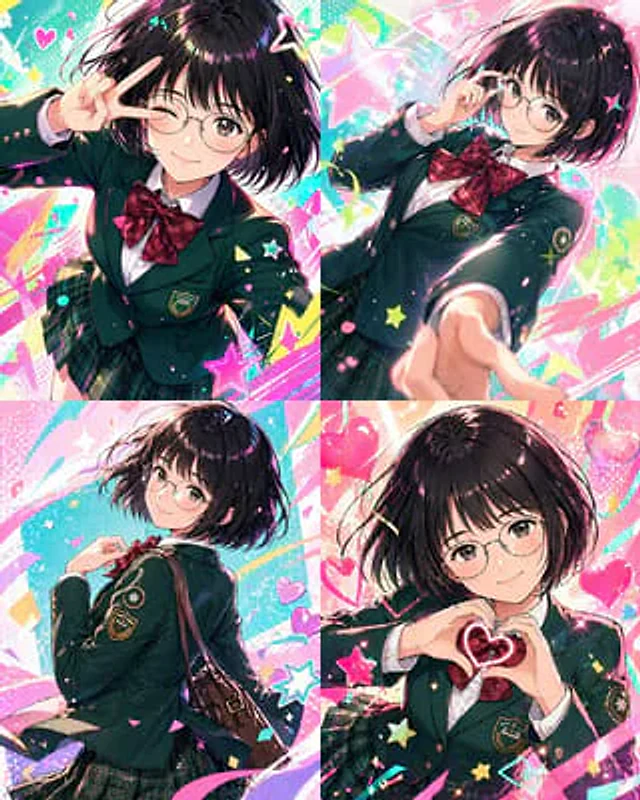
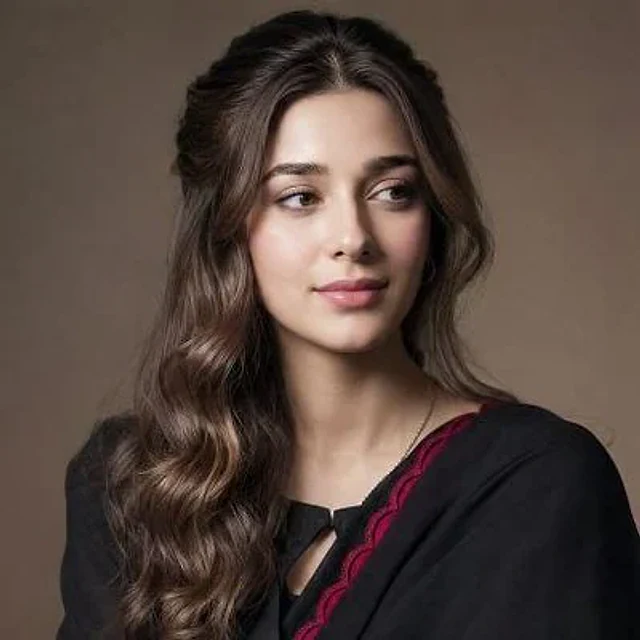
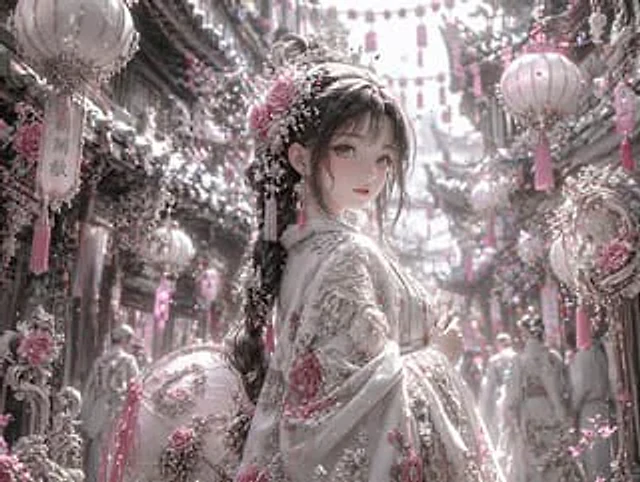
Please change it to{argument name="style" default="Blue Archive style"} At the same time, the original outline is maintained.

Mode d’emploi

  1. Copiez le prompt original complet, paramètres compris.
  2. Adaptez le sujet, le texte et la composition à vos besoins.
  3. Utilisez un outil externe compatible ; vérifiez l’accès et le résultat.

Avant de commencer

  • Vérifiez si une image de référence est nécessaire. La compatibilité ne prouve pas le modèle utilisé pour cet exemple.
  • Vérifiez noms, chiffres et textes ; les versions du modèle peuvent produire des résultats différents.
Exemples similaires

3D Portrait with Chibi Characters and Doodles
GPT Image 2en

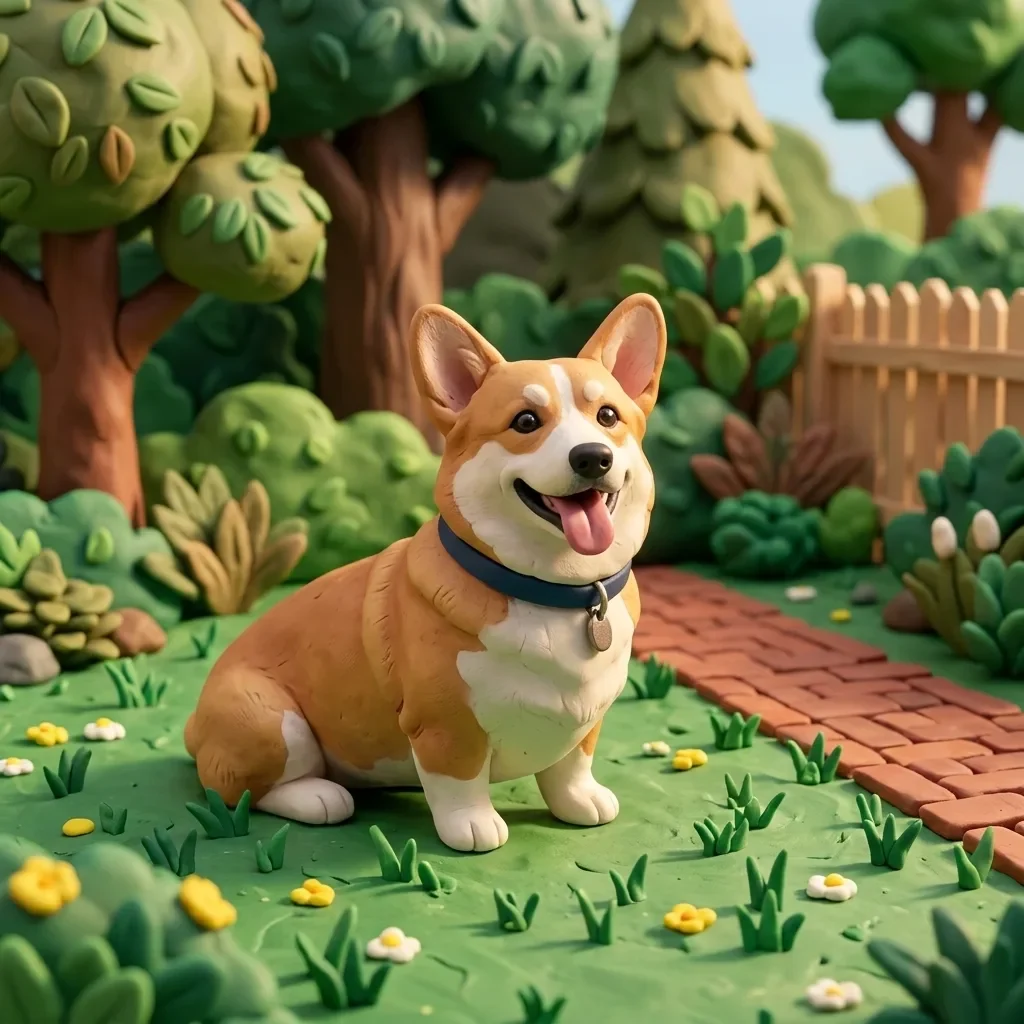
Create a cute 3D portrait in a {argument name="style" default="Cute Stylized 3D Semi-Realistic style"}. Rely completely on the attached reference image for the facial features, clothing, and identity. Do not change anything in the face, hair, or outfit. Main character: Standing f

Pastel Pink and Silver Ornate Style Transfer
GPT Image 2en

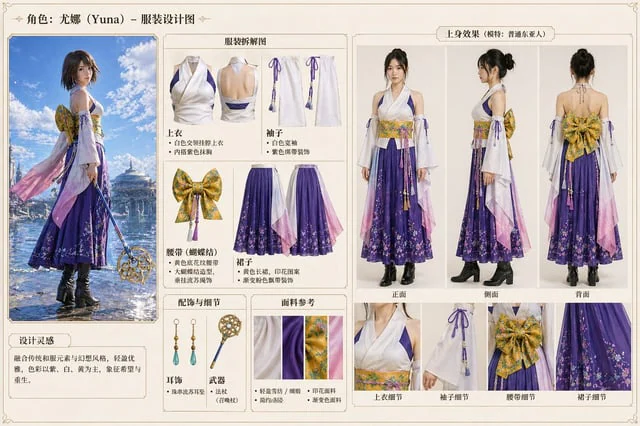
Using REFERENCE_0, the image's aesthetic style was transformed into a highly refined, gorgeous fantasy style. The overall tone was changed from warm reds and blacks to {argument name="color palette" default="Soft pink, white and silver"} Transform the character's dark clothing in

Character color and style adjustment
GPT Image 2en

Please adjust it to be more modern.{argument name="style" default="Vtuber-style"} The style incorporates vibrant colors and a fun, trendy feel. Please arrange all of them in order.{argument name="count" default="4 images"} Make the composition bolder.

Dark Silhouette & Fog Style Transfer
GPT Image 2en

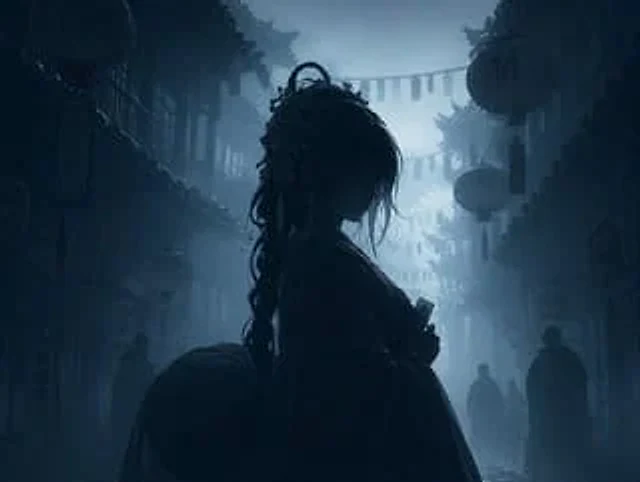
Use REFERENCE_0 to convert the image to{argument name="atmosphere" default="Deep, melancholic and misty"} Night view. Application{argument name="color palette" default="Monochromatic shades of dark blue and gray"} Color grading. Render the main subject, lantern, and foreground el