Character Style Transfer

Character Style Transfer

原始文档

GPT Image 2 · en

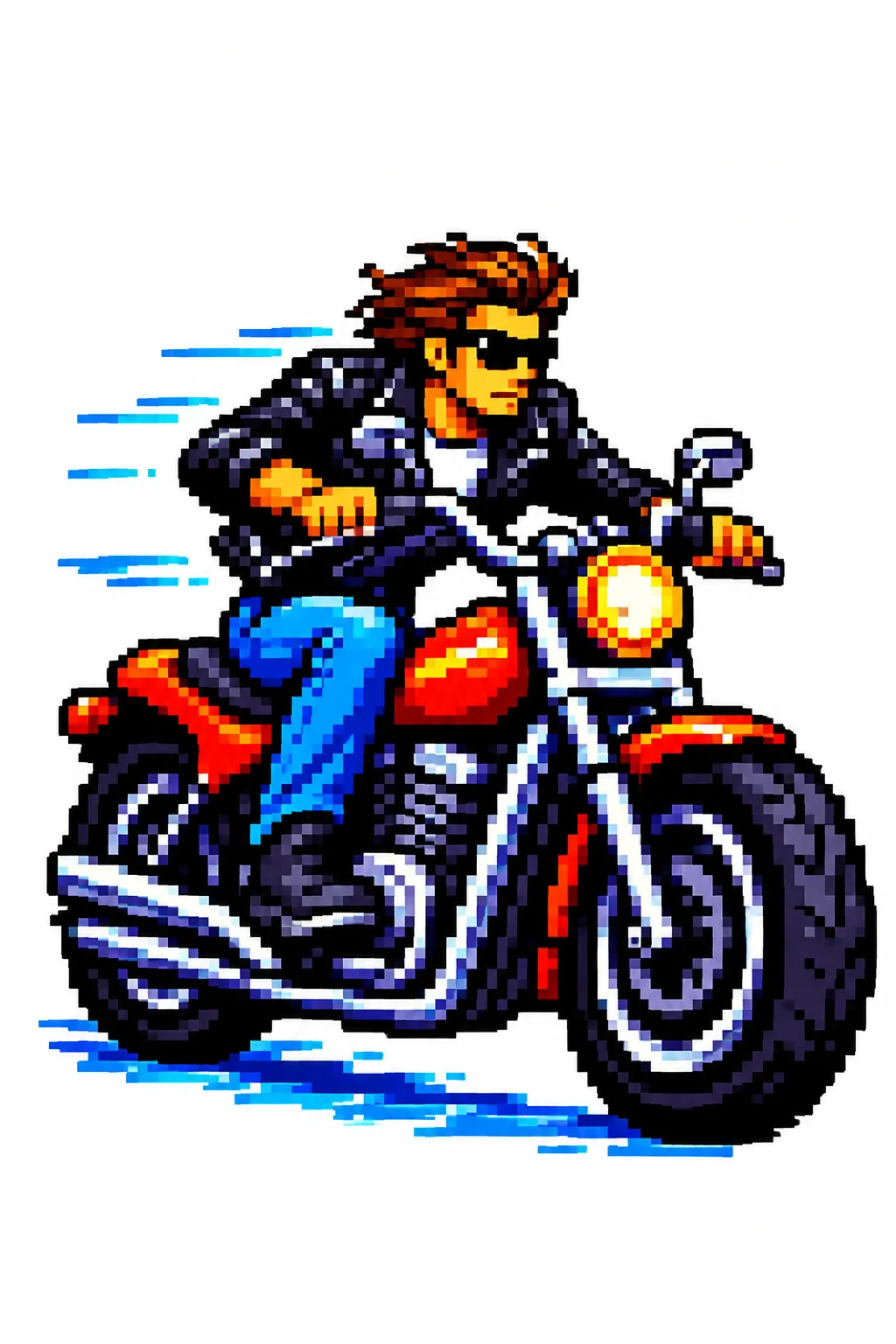
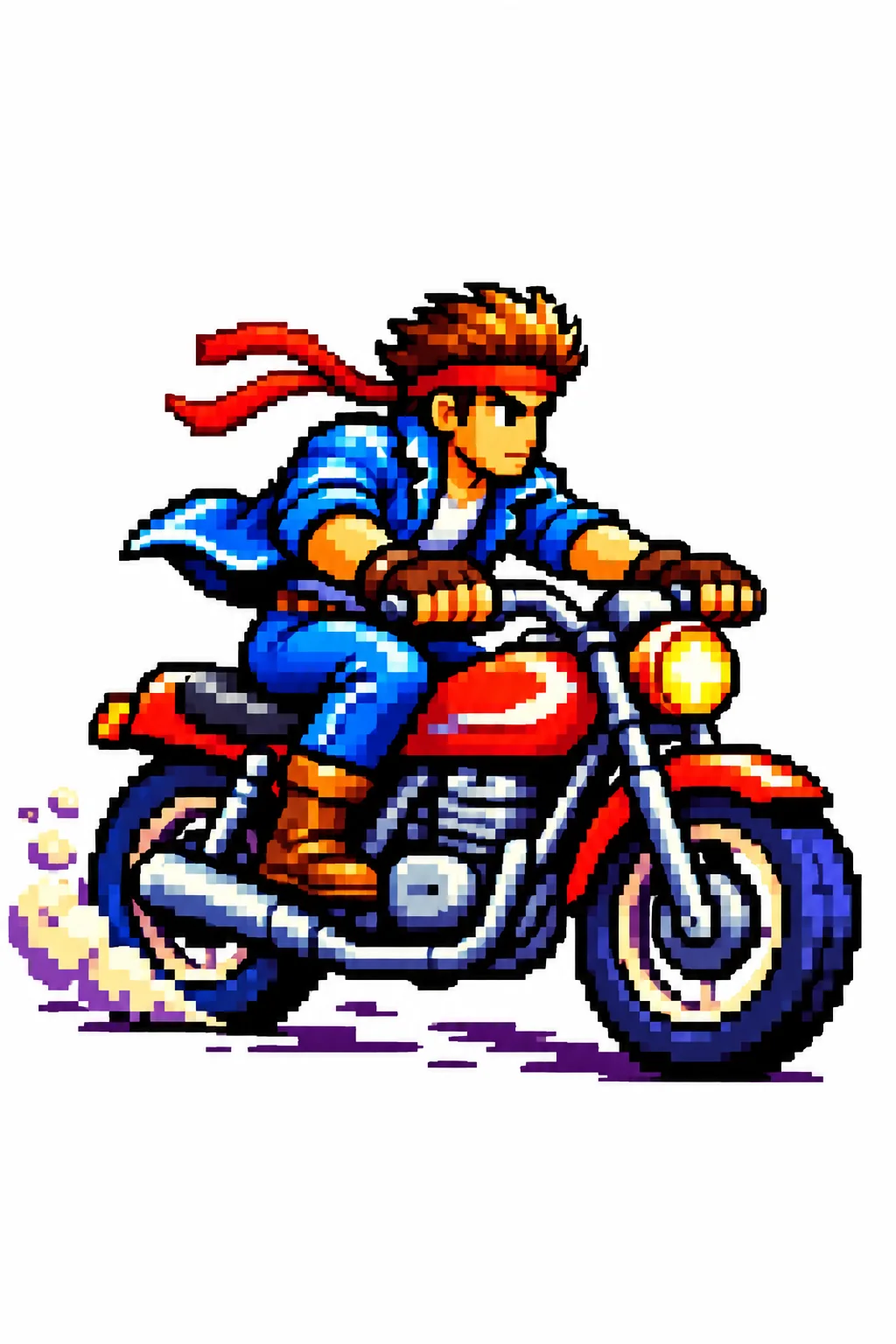
Please change it to{argument name="style" default="Blue Archive style"} At the same time, the original outline is maintained.

使用方法

  1. 复制完整原始提示词,并保留其中的参数。
  2. 按需求替换主体、文字和构图要求。
  3. 在兼容的外部工具中使用,核对当前使用条件并检查结果。

开始前需了解

  • 先确认是否需要参考图。标注兼容模型,不代表该示例由这个模型生成。
  • 核对名称、数字与画面文字;不同模型版本的结果可能不同。

相似案例

Pastel Pink and Silver Ornate Style Transfer
GPT Image 2en

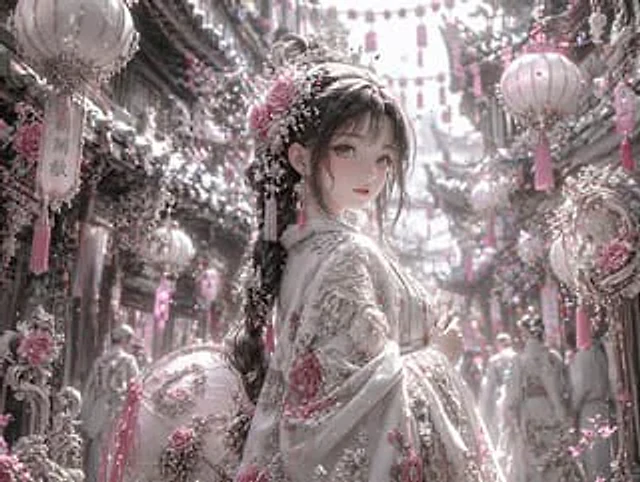
Using REFERENCE_0, the image's aesthetic style was transformed into a highly refined, gorgeous fantasy style. The overall tone was changed from warm reds and blacks to {argument name="color palette" default="Soft pink, white and silver"} Transform the character's dark clothing in

Dark Silhouette & Fog Style Transfer
GPT Image 2en

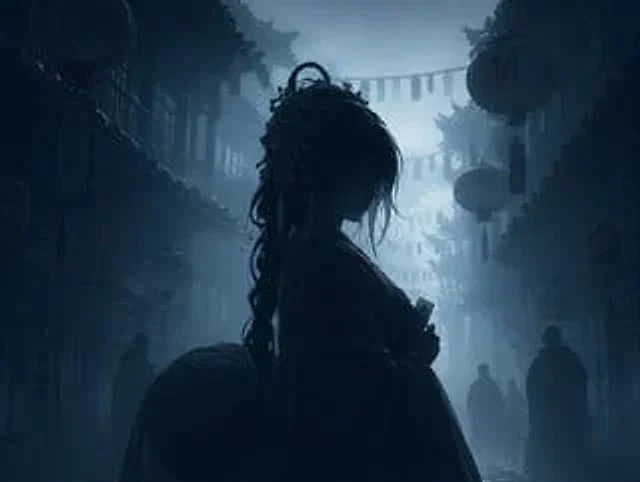
Use REFERENCE_0 to convert the image to{argument name="atmosphere" default="Deep, melancholic and misty"} Night view. Application{argument name="color palette" default="Monochromatic shades of dark blue and gray"} Color grading. Render the main subject, lantern, and foreground el