Character Style Transfer

Character Style Transfer

原文

GPT Image 2 · en

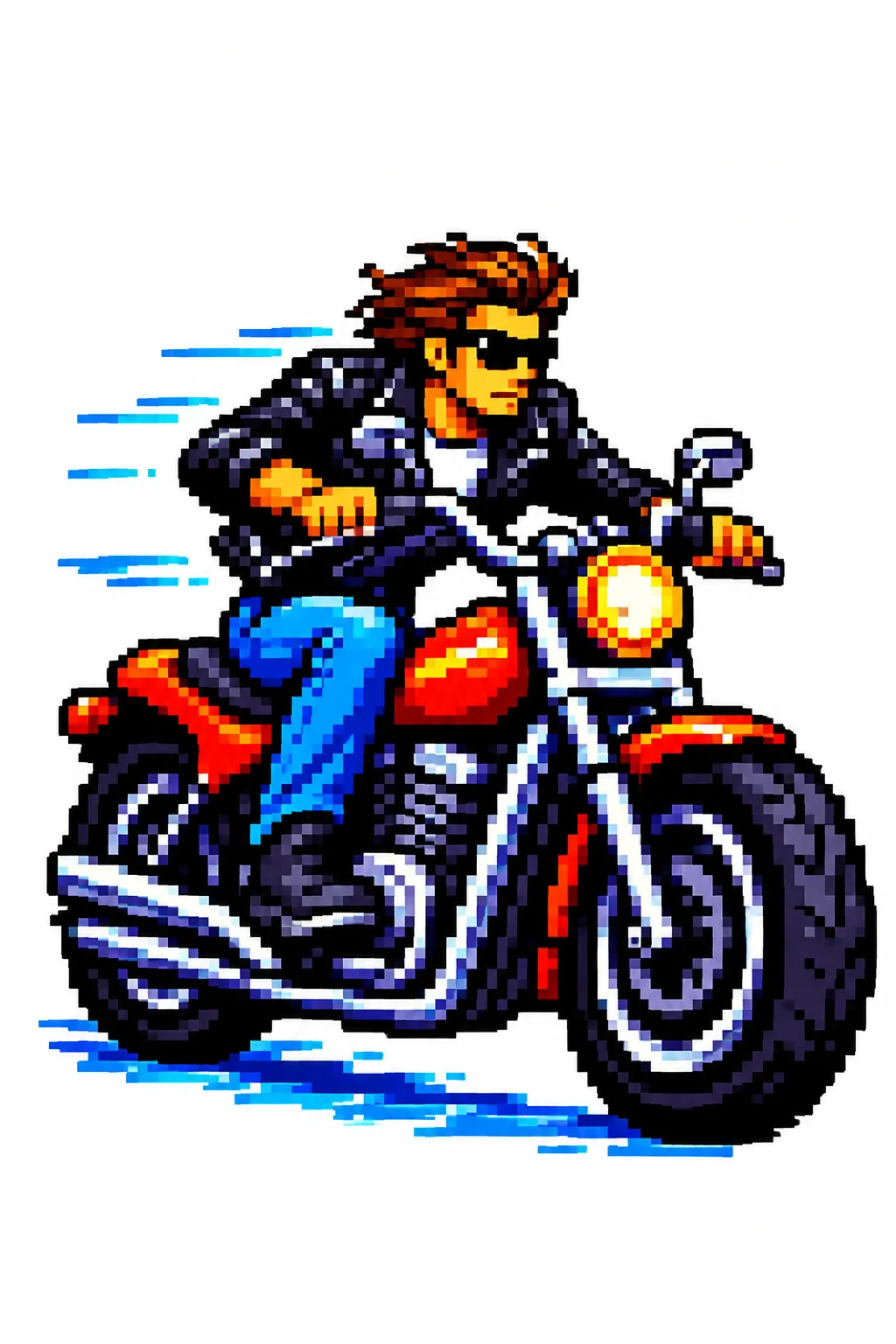
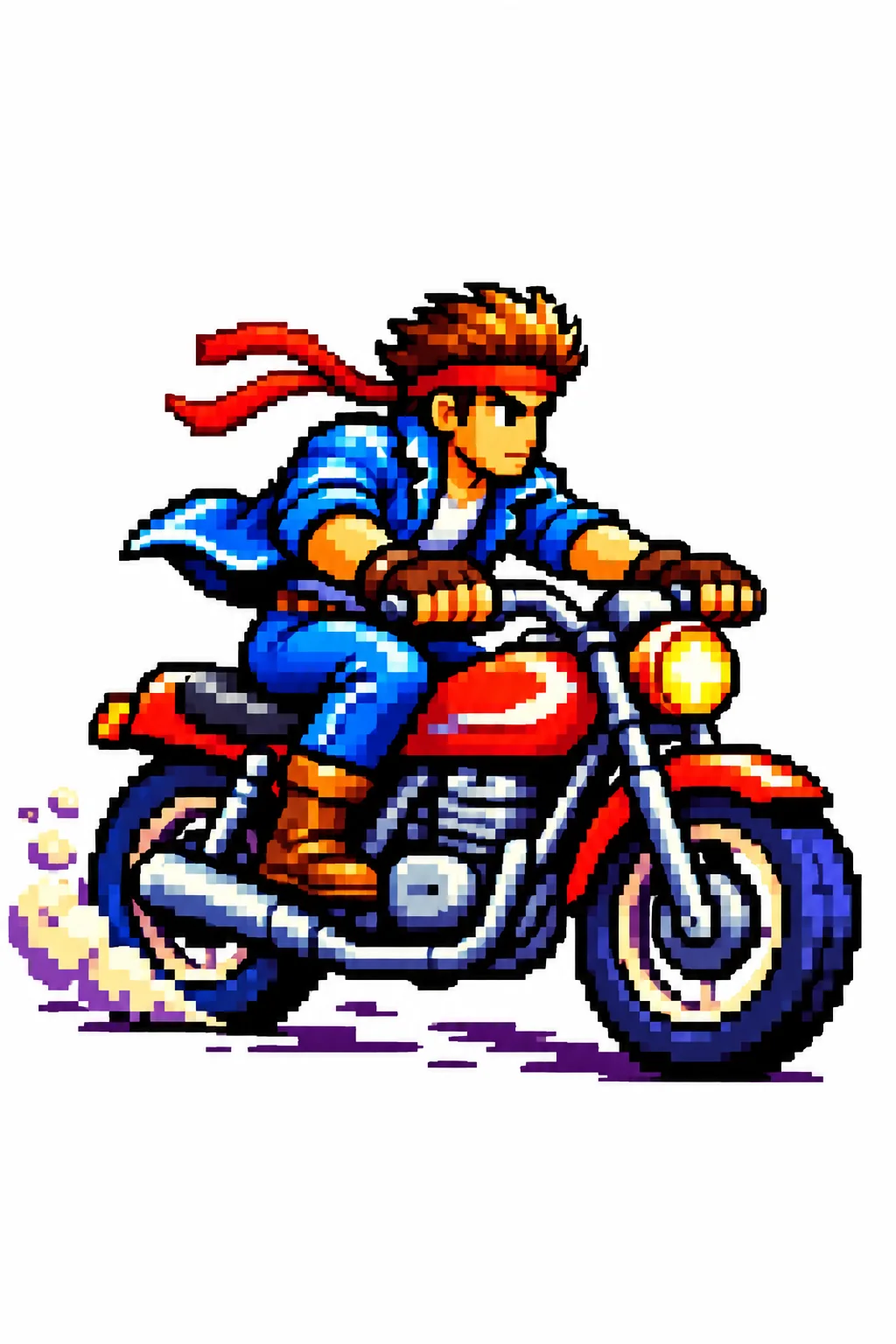
Please change it to{argument name="style" default="Blue Archive style"} At the same time, the original outline is maintained.

使い方

  1. パラメータを含む元のプロンプト全体をコピーします。
  2. 被写体、文字、構図を自分の要件に置き換えます。
  3. 対応する外部ツールで使用し、利用条件と結果を確認します。

開始前の確認

  • 参考画像の要否を確認してください。互換モデルの表示は、そのモデルでの生成実績を意味しません。
  • 名前、数値、画像内の文字を確認します。モデルの版で結果は変わります。

似た事例

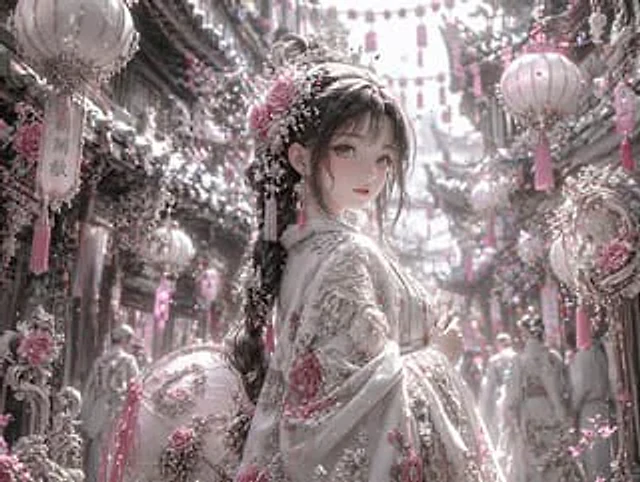
Pastel Pink and Silver Ornate Style Transfer
GPT Image 2en

Using REFERENCE_0, the image's aesthetic style was transformed into a highly refined, gorgeous fantasy style. The overall tone was changed from warm reds and blacks to {argument name="color palette" default="Soft pink, white and silver"} Transform the character's dark clothing in

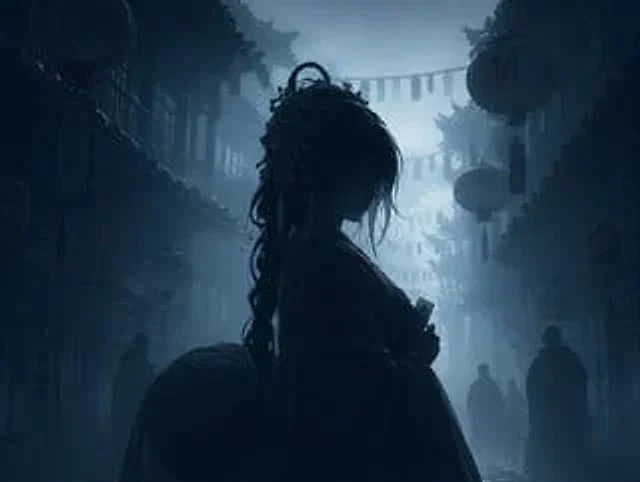
Dark Silhouette & Fog Style Transfer
GPT Image 2en

Use REFERENCE_0 to convert the image to{argument name="atmosphere" default="Deep, melancholic and misty"} Night view. Application{argument name="color palette" default="Monochromatic shades of dark blue and gray"} Color grading. Render the main subject, lantern, and foreground el