Character Style Transfer

Character Style Transfer

Original document

GPT Image 2 · en

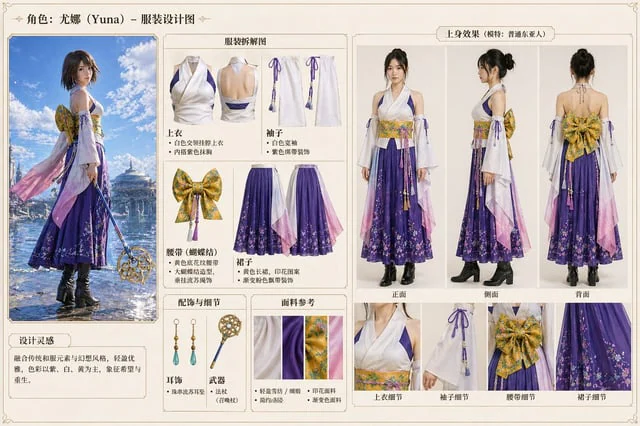
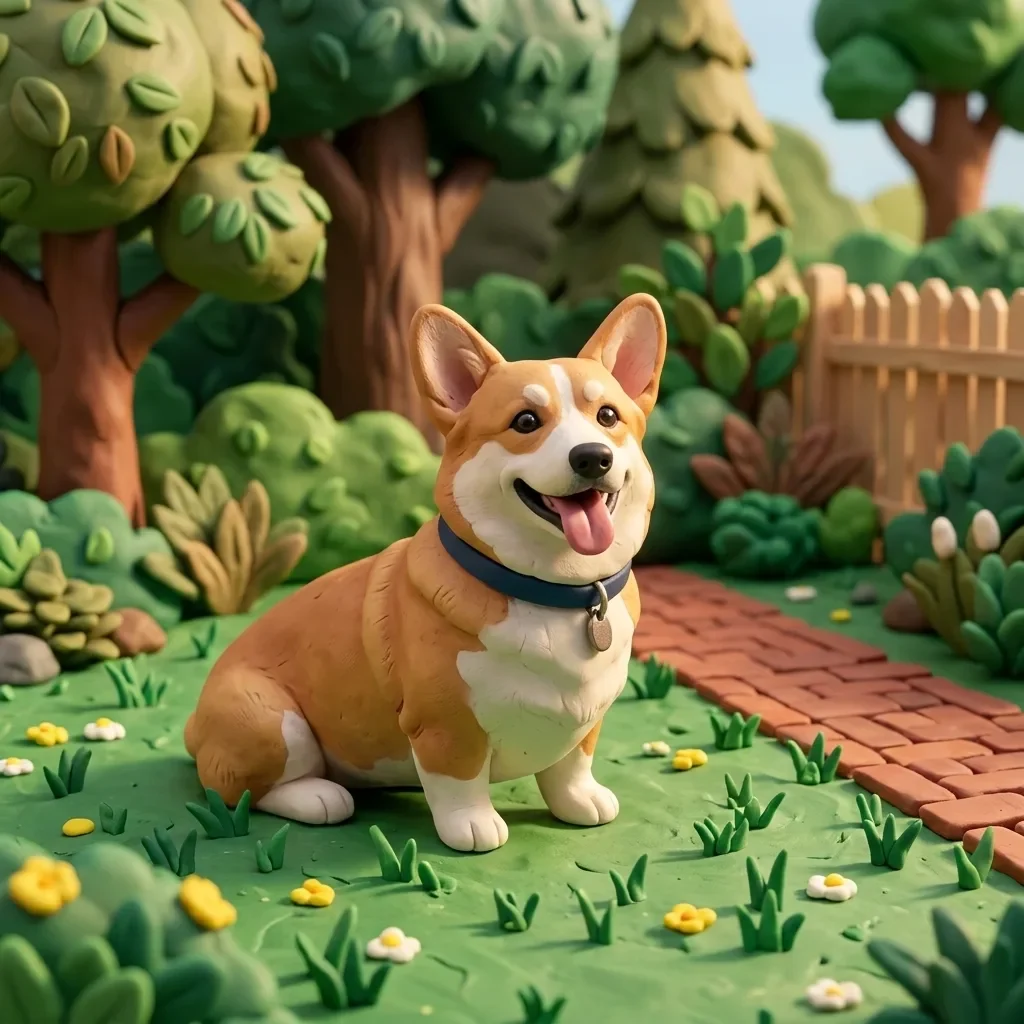
Please change it to{argument name="style" default="Blue Archive style"} At the same time, the original outline is maintained.

How to use

  1. Copy the complete original prompt, including any parameters.
  2. Replace the subject, text and composition with your own requirements.
  3. Use a compatible external tool; check its current access conditions and review the result.

Before you start

  • Check whether a reference image is required. A compatible model label does not mean this example was generated with that model.
  • Keep names, figures and visible text accurate; results can vary between model versions.
More like this

3D Portrait with Chibi Characters and Doodles
GPT Image 2en

Create a cute 3D portrait in a {argument name="style" default="Cute Stylized 3D Semi-Realistic style"}. Rely completely on the attached reference image for the facial features, clothing, and identity. Do not change anything in the face, hair, or outfit. Main character: Standing f

Pastel Pink and Silver Ornate Style Transfer
GPT Image 2en

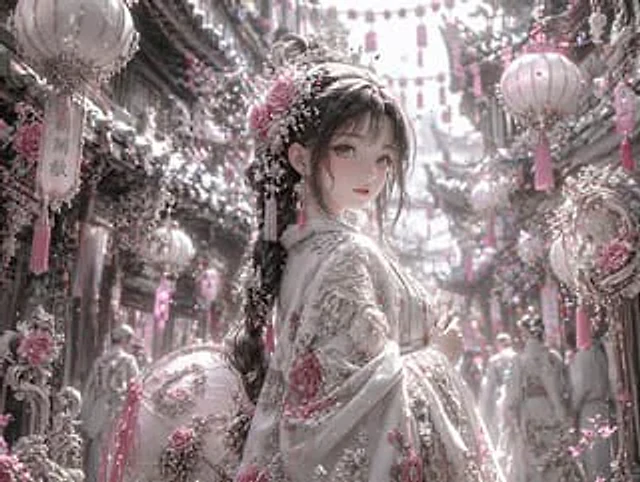
Using REFERENCE_0, the image's aesthetic style was transformed into a highly refined, gorgeous fantasy style. The overall tone was changed from warm reds and blacks to {argument name="color palette" default="Soft pink, white and silver"} Transform the character's dark clothing in

Character color and style adjustment
GPT Image 2en

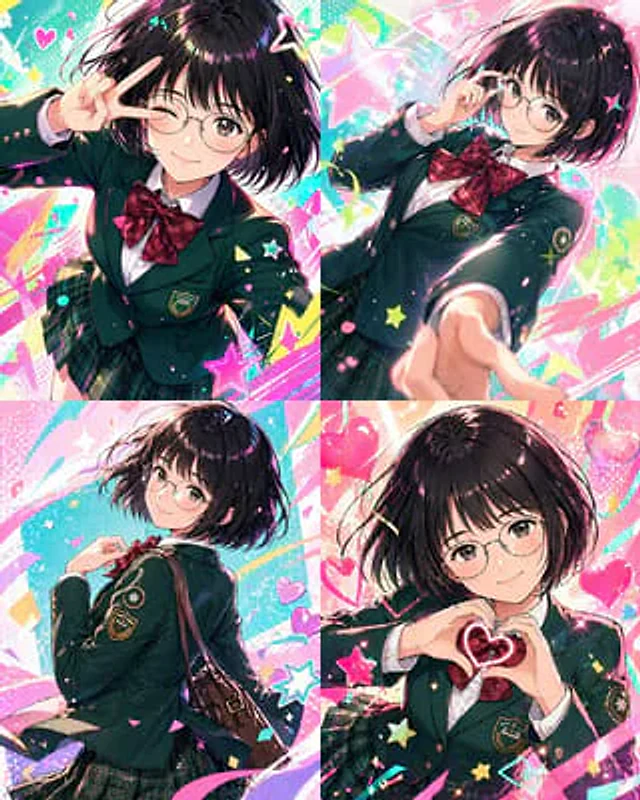
Please adjust it to be more modern.{argument name="style" default="Vtuber-style"} The style incorporates vibrant colors and a fun, trendy feel. Please arrange all of them in order.{argument name="count" default="4 images"} Make the composition bolder.

Dark Silhouette & Fog Style Transfer
GPT Image 2en

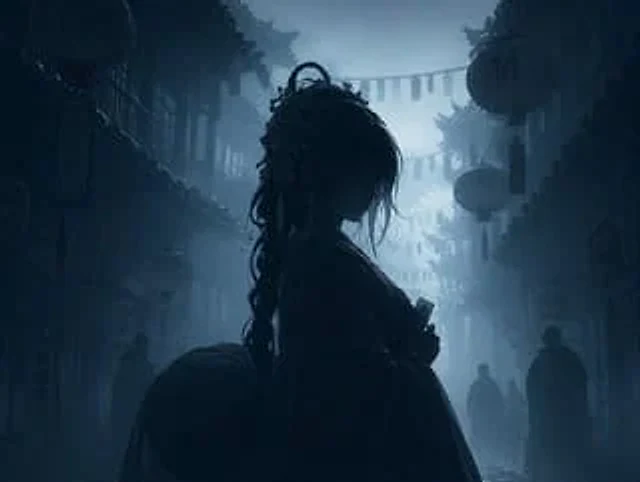
Use REFERENCE_0 to convert the image to{argument name="atmosphere" default="Deep, melancholic and misty"} Night view. Application{argument name="color palette" default="Monochromatic shades of dark blue and gray"} Color grading. Render the main subject, lantern, and foreground el

Photo to 3D Clay Character (reference photo required)
Nano Banana 2.1en

Transform this photo into a handmade 3D clay animation style, with soft rounded shapes, visible fingerprint texture in the clay and a miniature set. Keep the subject's pose, colors and key features recognizable. Warm soft lighting, playful stop-motion look.