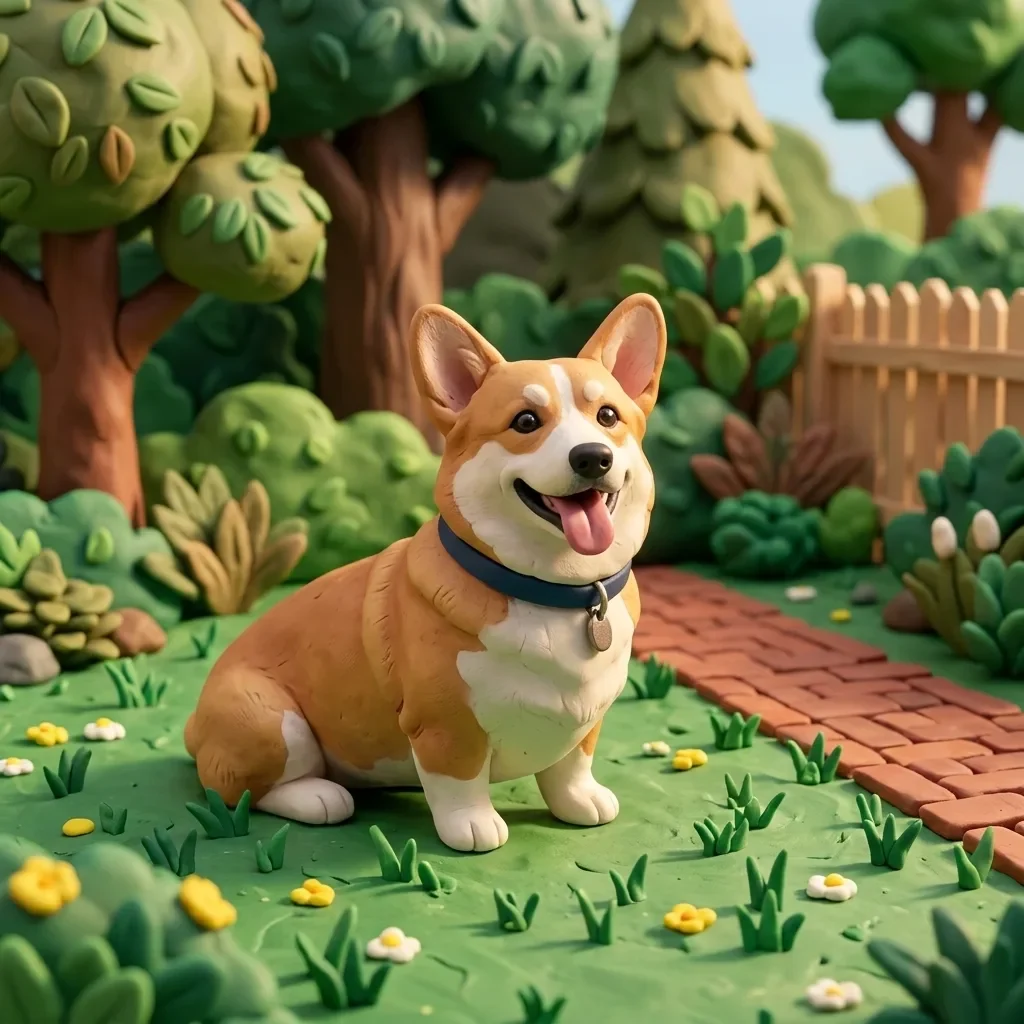
Character Style Transfer

Character Style Transfer

원본 문서

GPT Image 2 · en

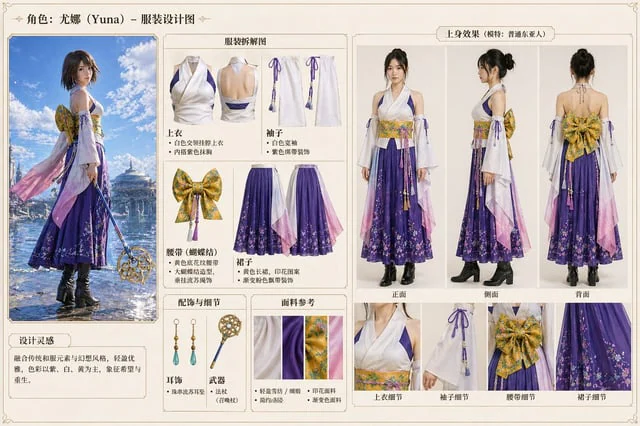
Please change it to{argument name="style" default="Blue Archive style"} At the same time, the original outline is maintained.

사용 방법

  1. 매개변수를 포함한 전체 원본 프롬프트를 복사하세요.
  2. 주제, 문구, 구도를 자신의 요구에 맞게 바꾸세요.
  3. 호환되는 외부 도구에서 사용하고 이용 조건과 결과를 확인하세요.

시작 전 확인

  • 참조 이미지가 필요한지 확인하세요. 호환 표시는 해당 모델로 이 예시를 생성했다는 뜻이 아닙니다.
  • 이름, 수치, 이미지 속 문구를 확인하세요. 모델 버전에 따라 결과가 다를 수 있습니다.
비슷한 예시

3D Portrait with Chibi Characters and Doodles
GPT Image 2en

Create a cute 3D portrait in a {argument name="style" default="Cute Stylized 3D Semi-Realistic style"}. Rely completely on the attached reference image for the facial features, clothing, and identity. Do not change anything in the face, hair, or outfit. Main character: Standing f

Pastel Pink and Silver Ornate Style Transfer
GPT Image 2en

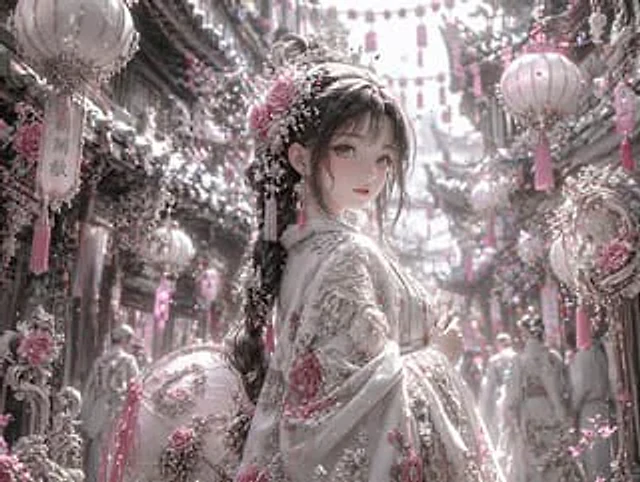
Using REFERENCE_0, the image's aesthetic style was transformed into a highly refined, gorgeous fantasy style. The overall tone was changed from warm reds and blacks to {argument name="color palette" default="Soft pink, white and silver"} Transform the character's dark clothing in

Character color and style adjustment
GPT Image 2en

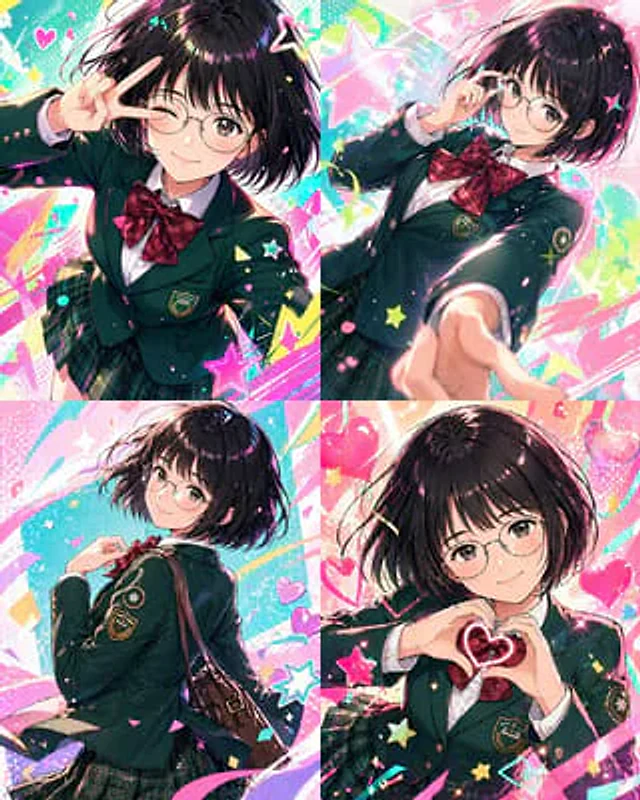
Please adjust it to be more modern.{argument name="style" default="Vtuber-style"} The style incorporates vibrant colors and a fun, trendy feel. Please arrange all of them in order.{argument name="count" default="4 images"} Make the composition bolder.

Dark Silhouette & Fog Style Transfer
GPT Image 2en

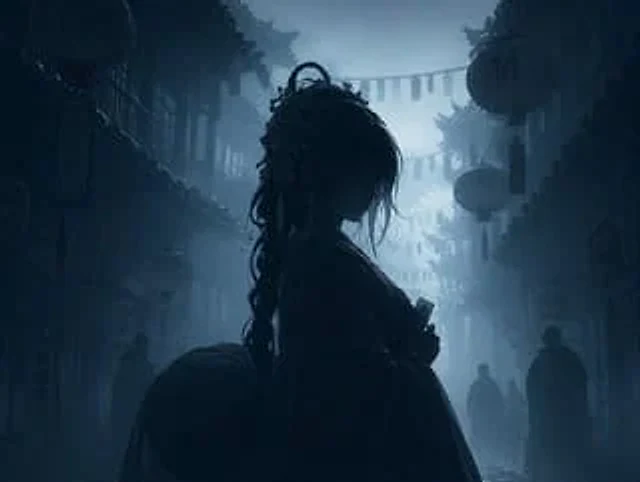
Use REFERENCE_0 to convert the image to{argument name="atmosphere" default="Deep, melancholic and misty"} Night view. Application{argument name="color palette" default="Monochromatic shades of dark blue and gray"} Color grading. Render the main subject, lantern, and foreground el